Live Testing
Live Testing contains interactive MobileHub sessions and their retained history. Use it when a person needs to operate a device directly; use Automated Testing for Appium-driven execution.
Active session
After allocation, the workspace connects the remote device stream and session panels.
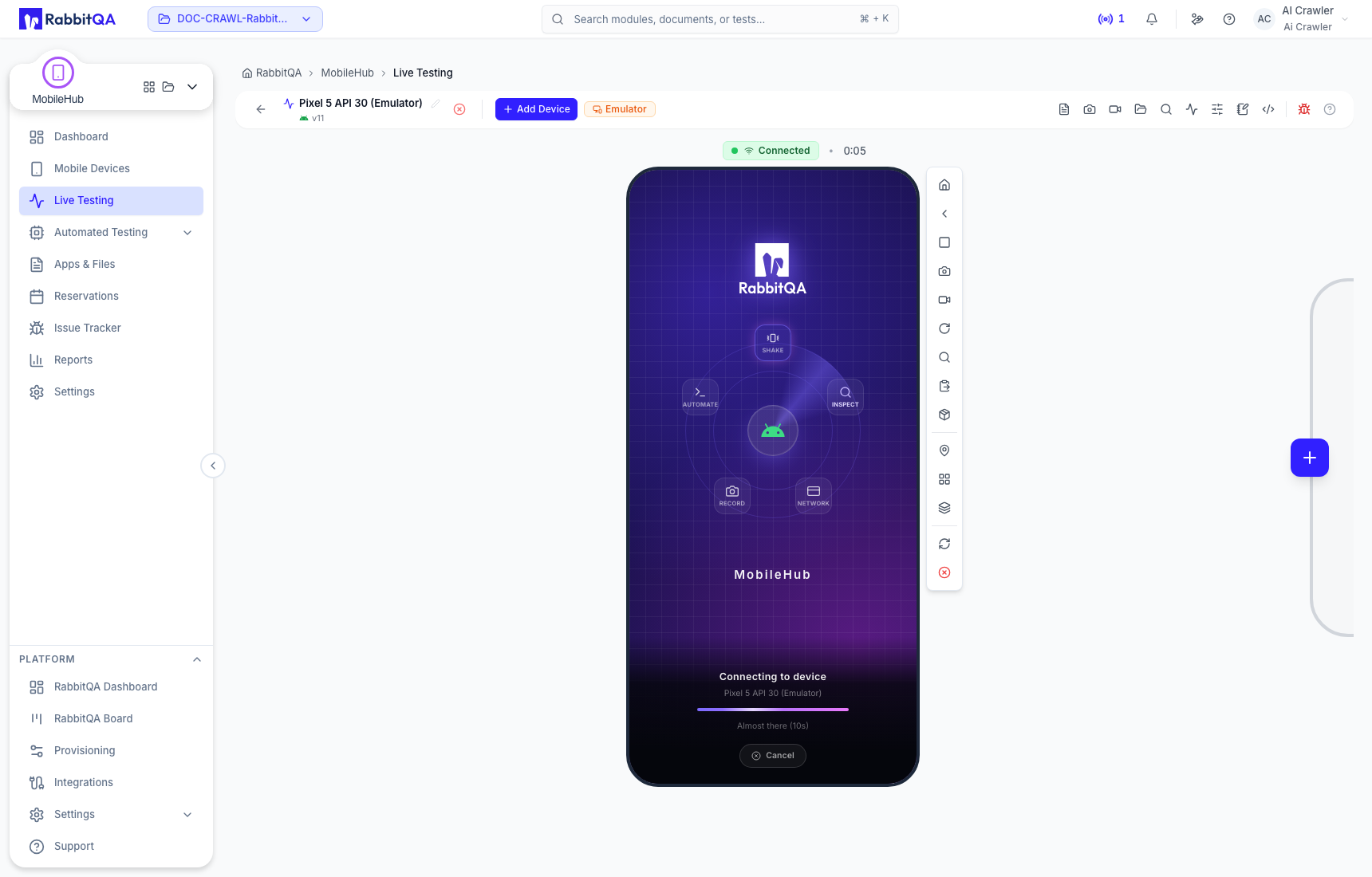
Give the session a meaningful name so it can be found later.
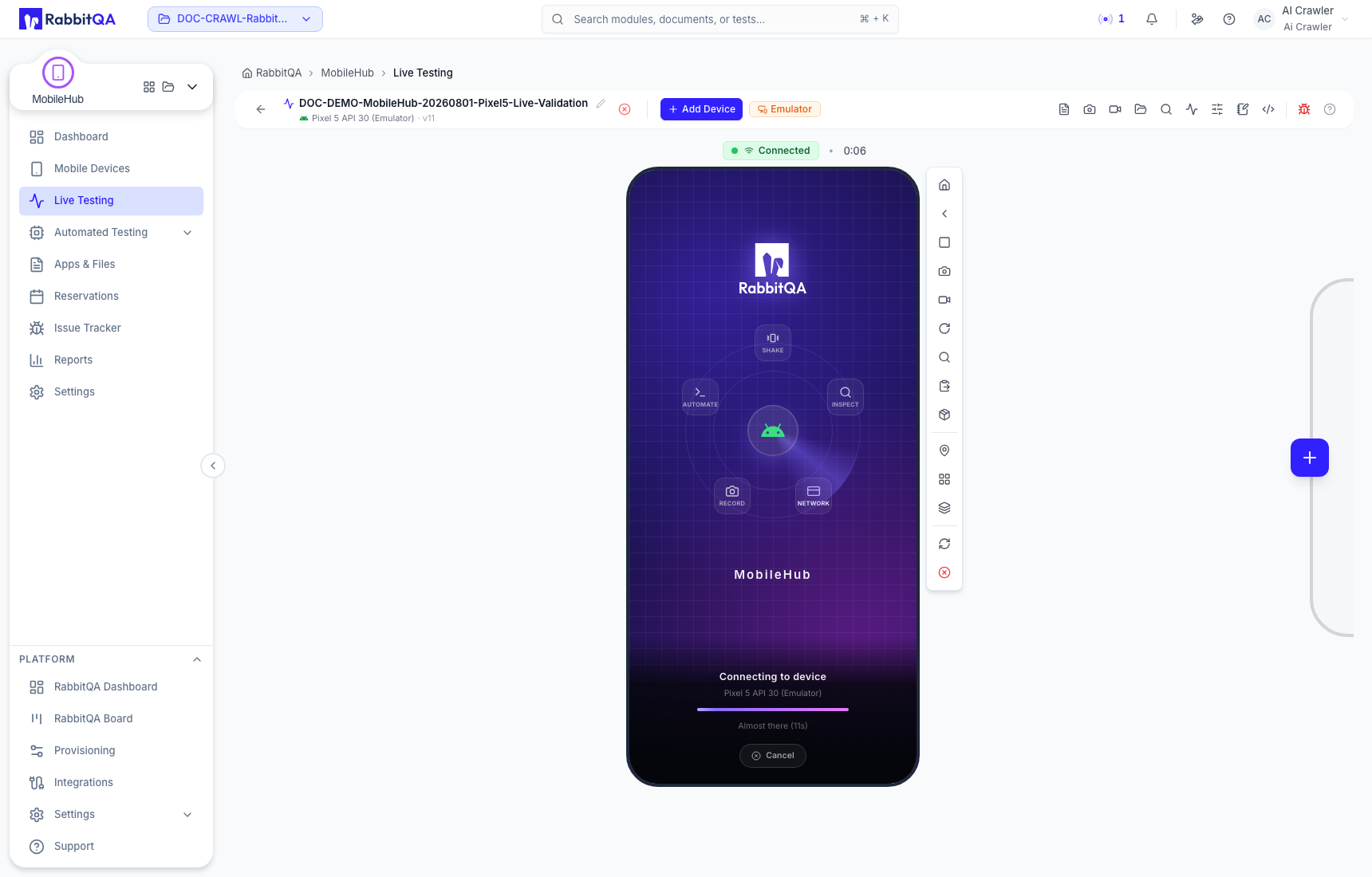
During the session you can:
- interact with the streamed device;
- capture screenshots and recordings;
- inspect logs, metrics, files, and notes;
- use App Toolkit, developer tools, UI Inspector, Quick Paste, and simulated location where supported;
- add another compatible device for parallel testing;
- create or link an issue with retained evidence.
The available tools depend on the selected platform, device type, application instrumentation, and your permissions. See Device Control and Session Workspace.
Complete the test
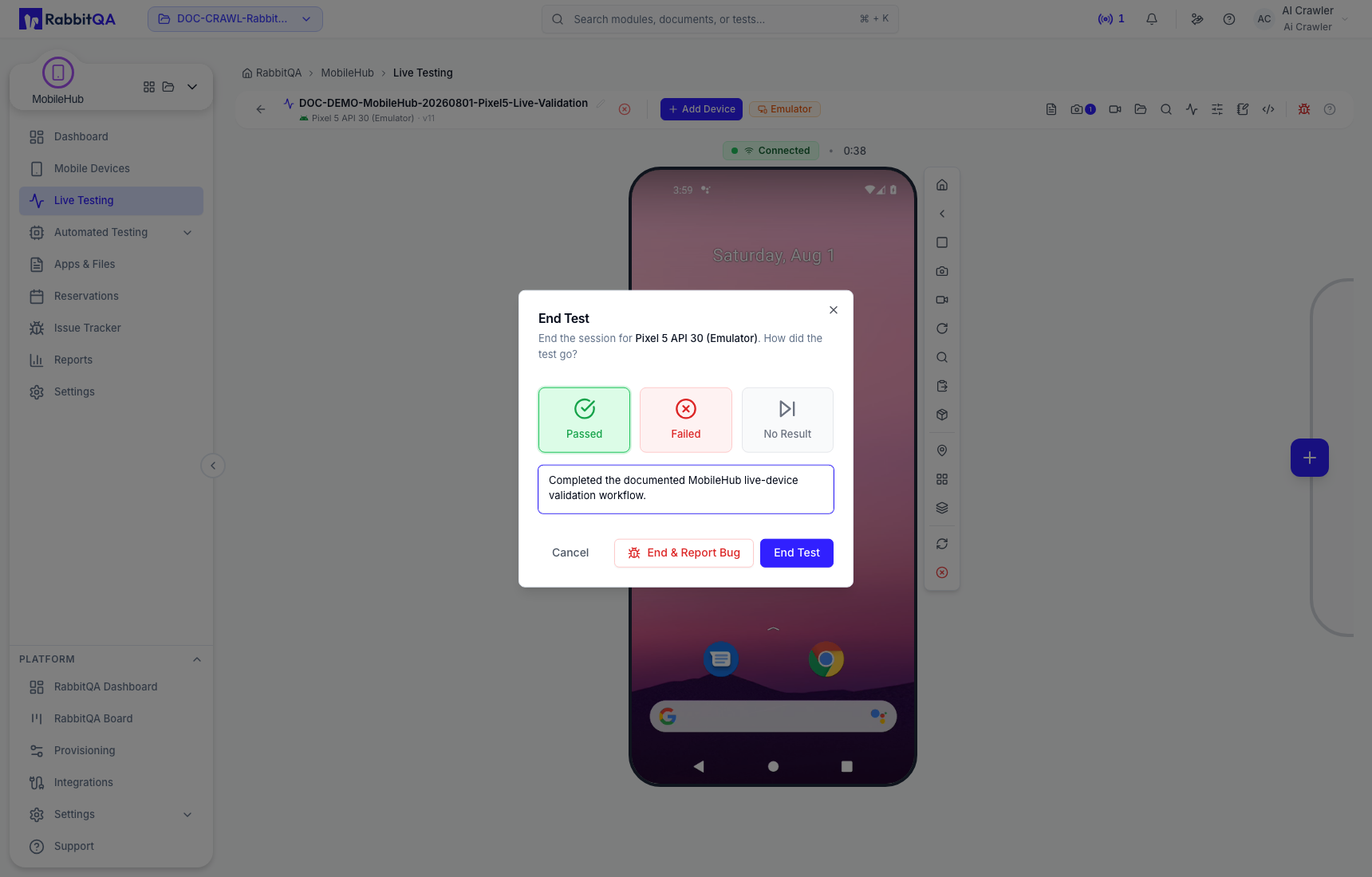
- Select End Test.
- Choose Passed, Failed, or No Result.
- Add a reason when it will help future reviewers.
- Confirm the action.
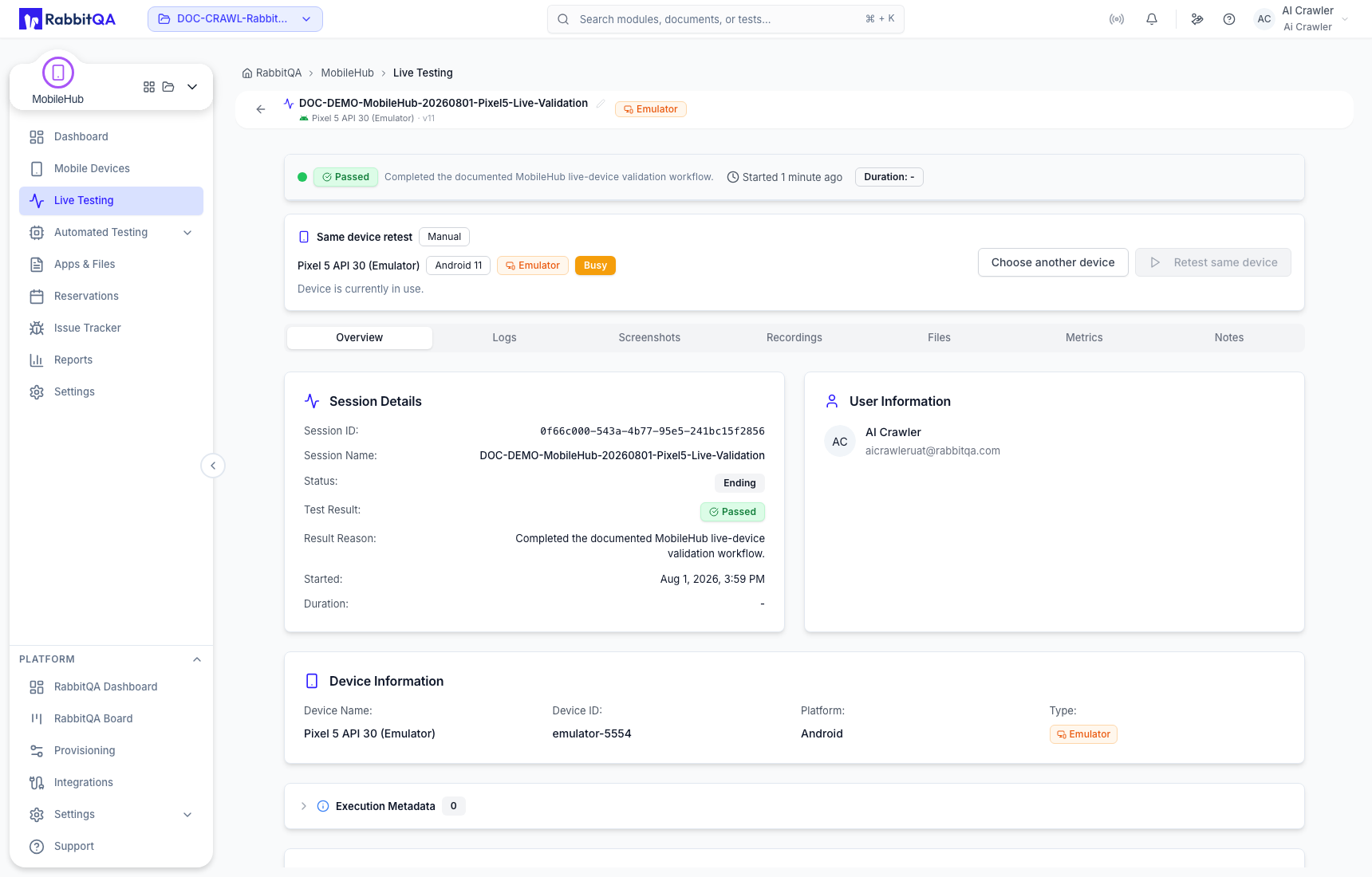
The completed session remains in Live Testing history, subject to the environment's retention policy.
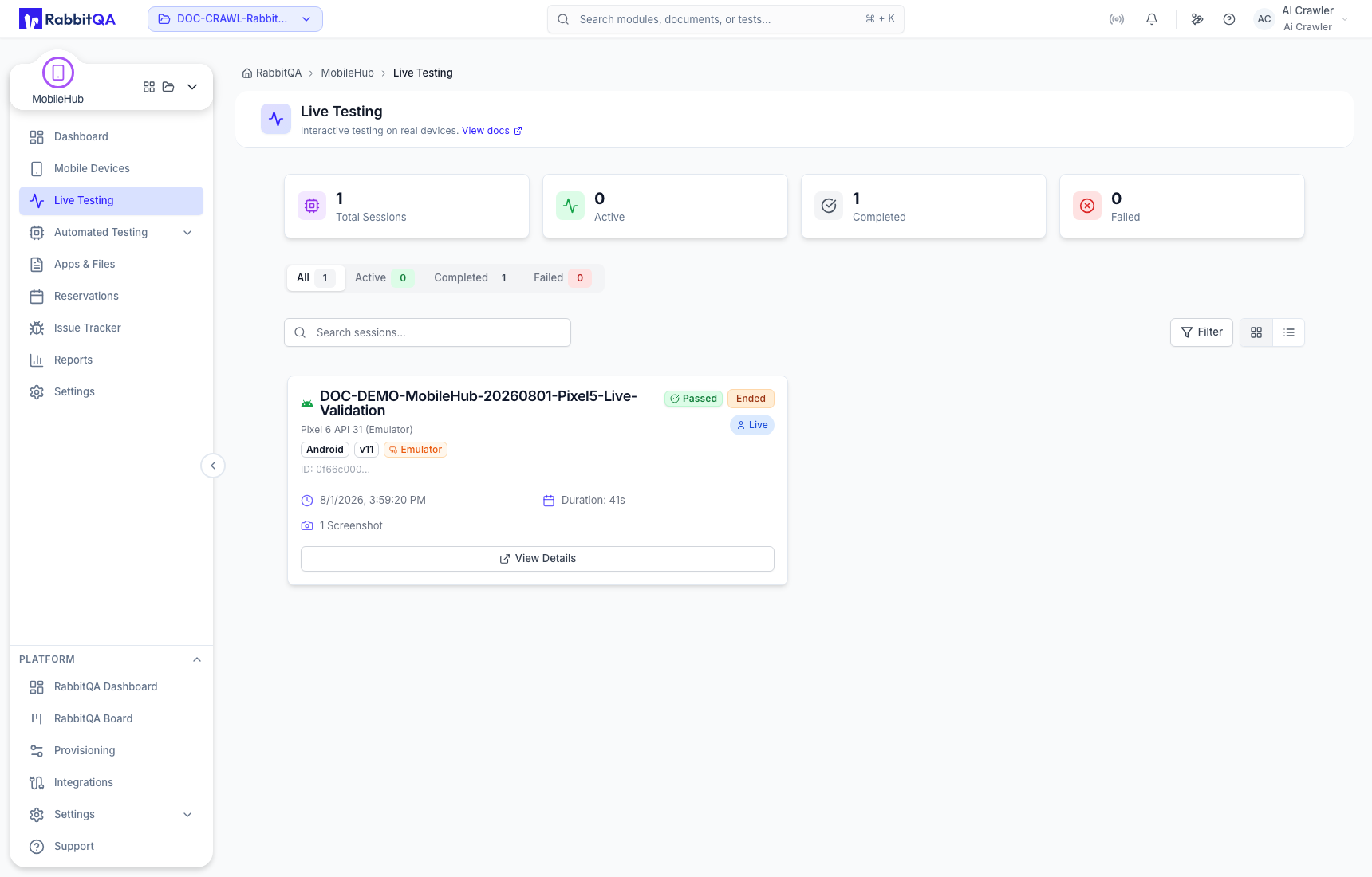
Find a session
Use the status tabs, search, and sort controls on Live Testing. Open a completed session to review its overview and retained artifacts, or use Retest to begin a new session with compatible settings.
Ending a test is a session action, not just navigation. Save the evidence you need and choose the result before releasing the shared device.
