Settings, Defaults, and Limits
MobileHub Settings centralizes live-session defaults, API access, application-protection rules, storage usage, and plan capacity. Visible sections depend on your role.
Live-session defaults
Configure the behavior that should apply when a new interactive session starts. A user can still change supported options in an individual session.
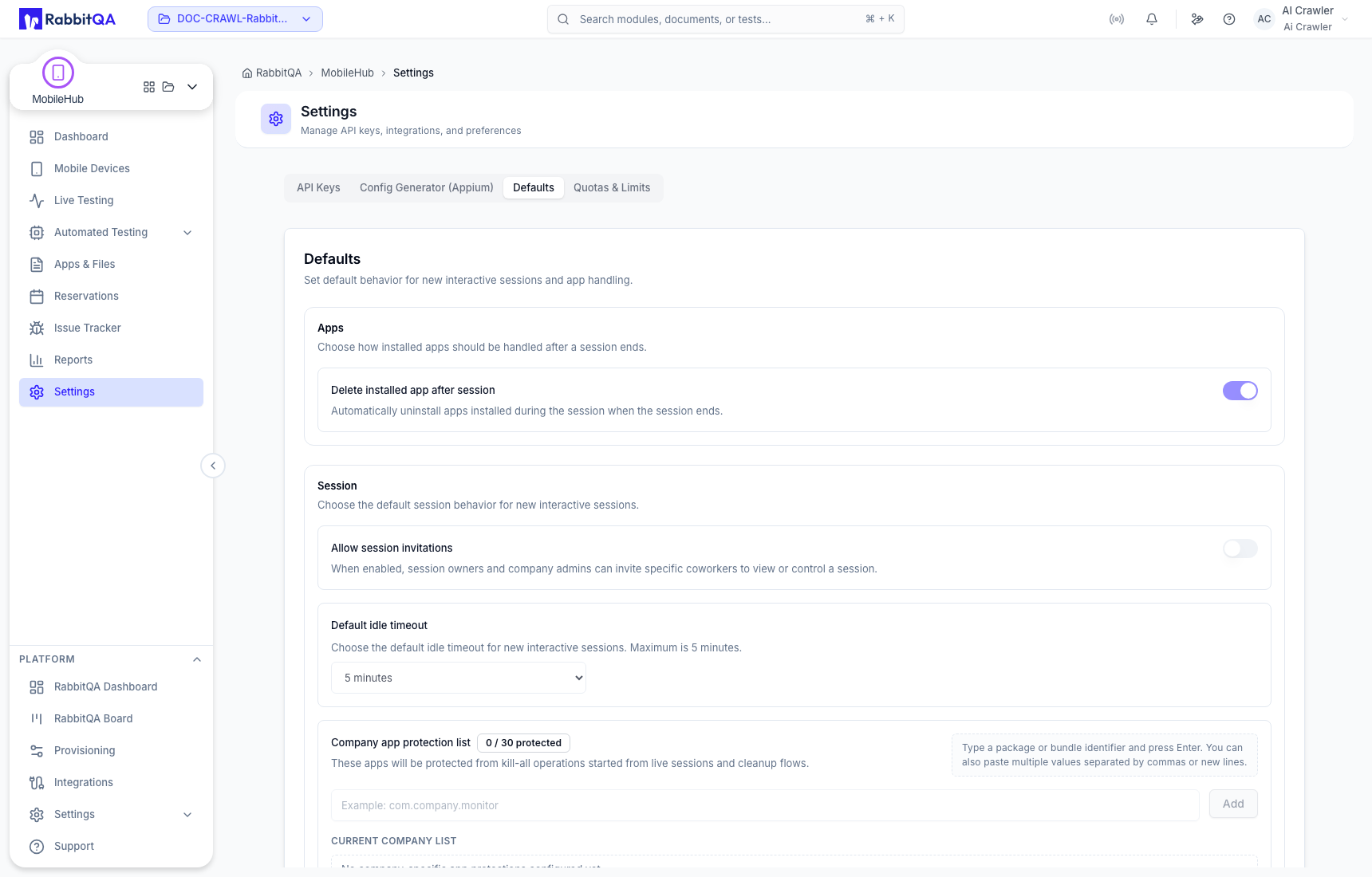
Application protection and scope
Administrators can configure how company applications are protected and who can use them. Review the current scope before changing a rule because it can affect multiple projects or users.
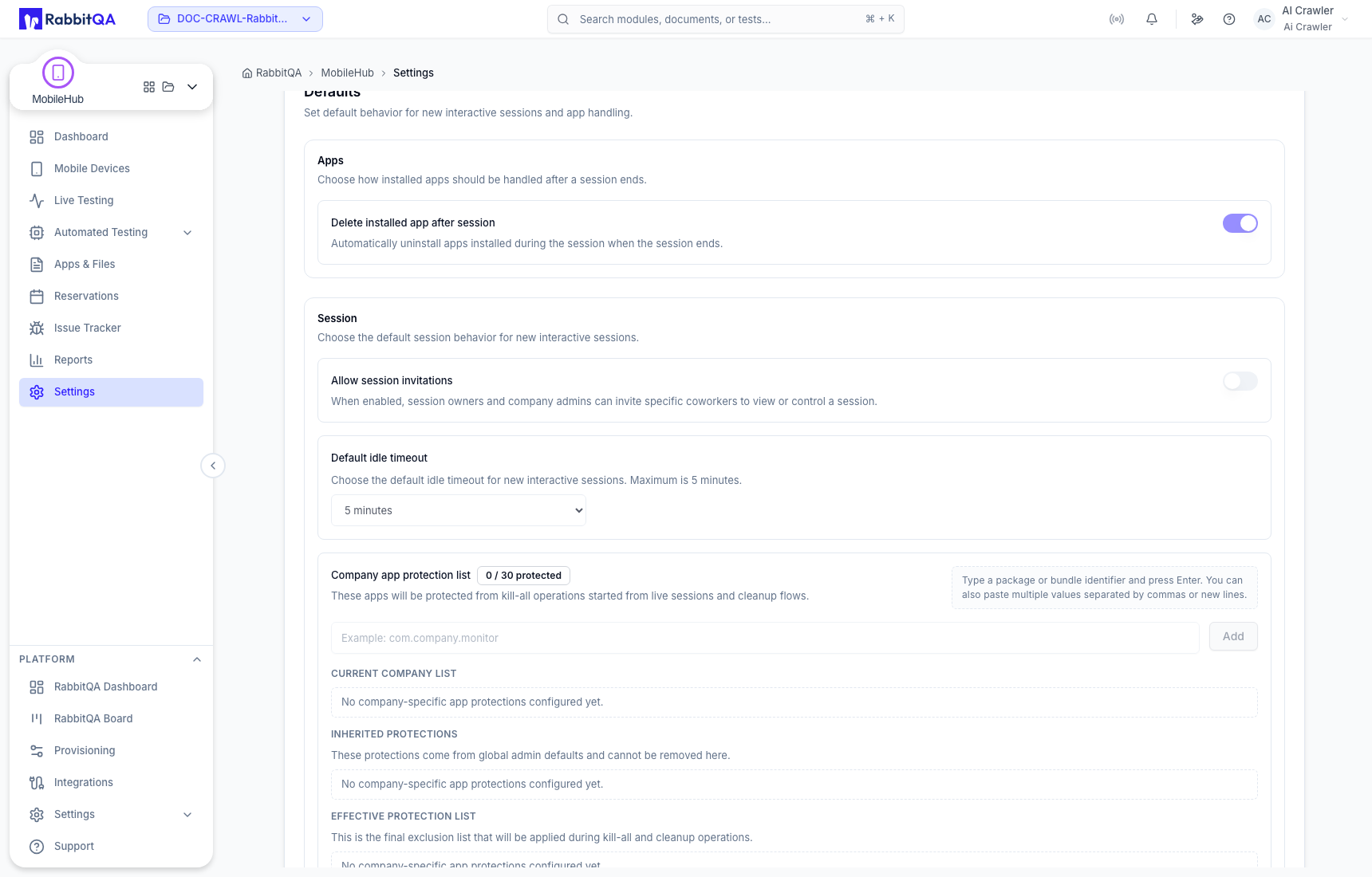
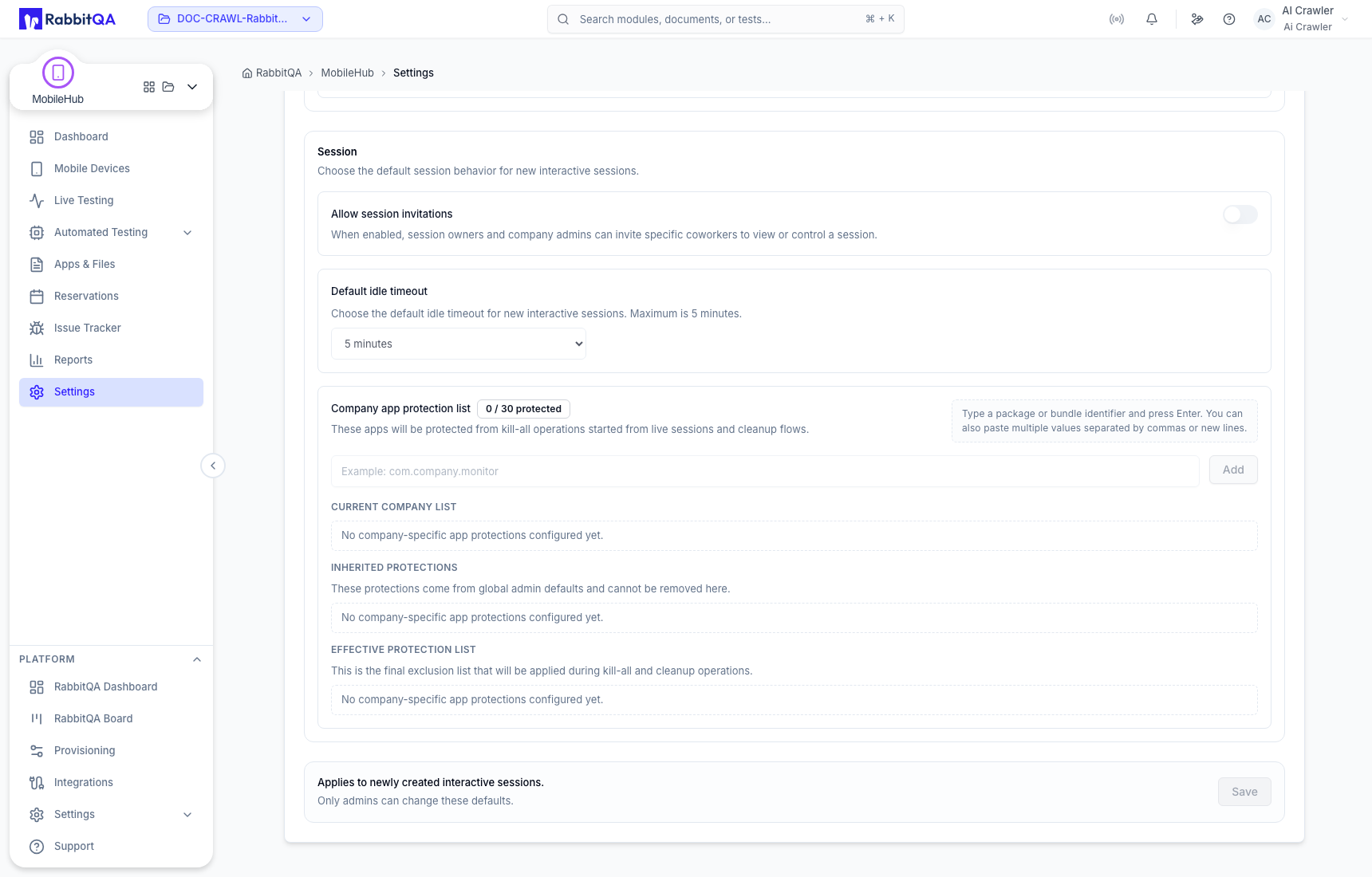
Quotas and plan limits
Use the live values in Settings for storage, active tests, concurrent sessions, and other plan limits. These values are environment-specific and can change with the subscription.
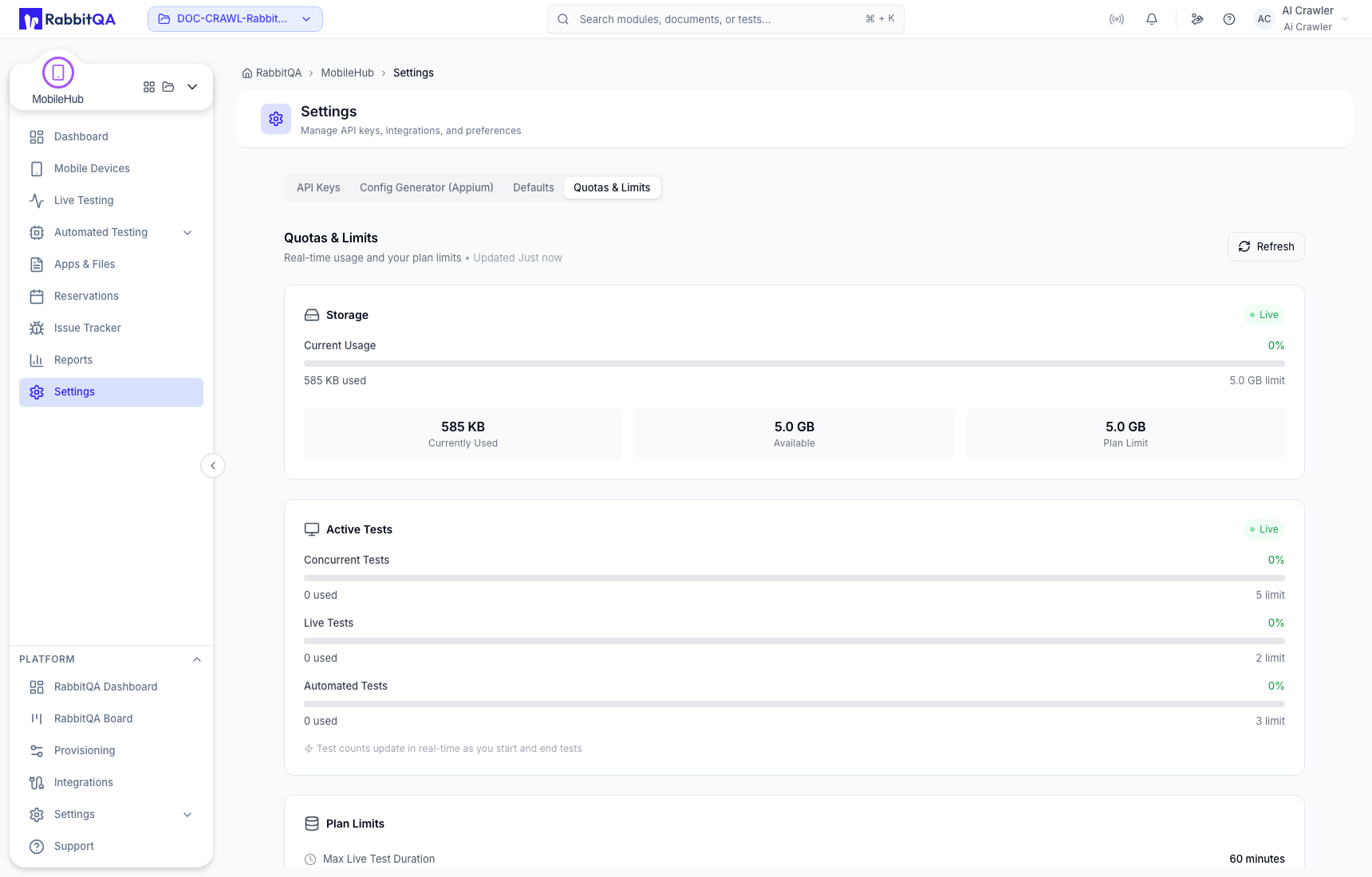
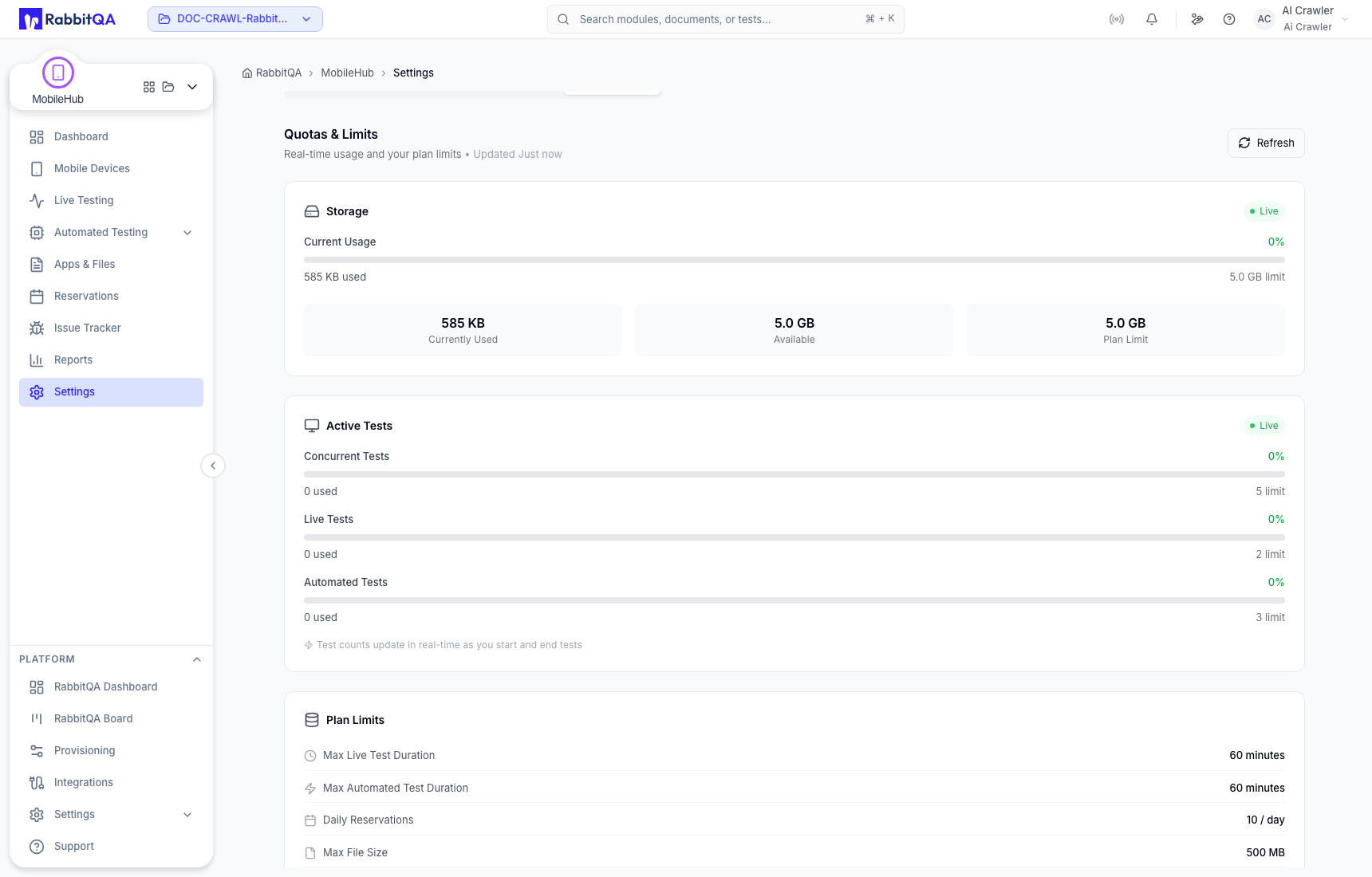
If allocation or upload fails, compare current usage with the displayed limit, release idle sessions, remove unneeded assets, or contact the RabbitQA administrator.
For authentication management, see API Keys and CLI.
