CaseWriter
CaseWriter turns requirements and supporting evidence into structured test cases, then gives your team a formal review gate before approved cases enter the repository. You can also create cases manually, organize them in hierarchical test sets, and exchange repository content through Excel or TestRail CSV.
CaseWriter generates test cases, not product backlog items. Use Analyzer to measure source quality and generate PBIs, or continue an analyzed document into CaseWriter when you are ready to design tests.
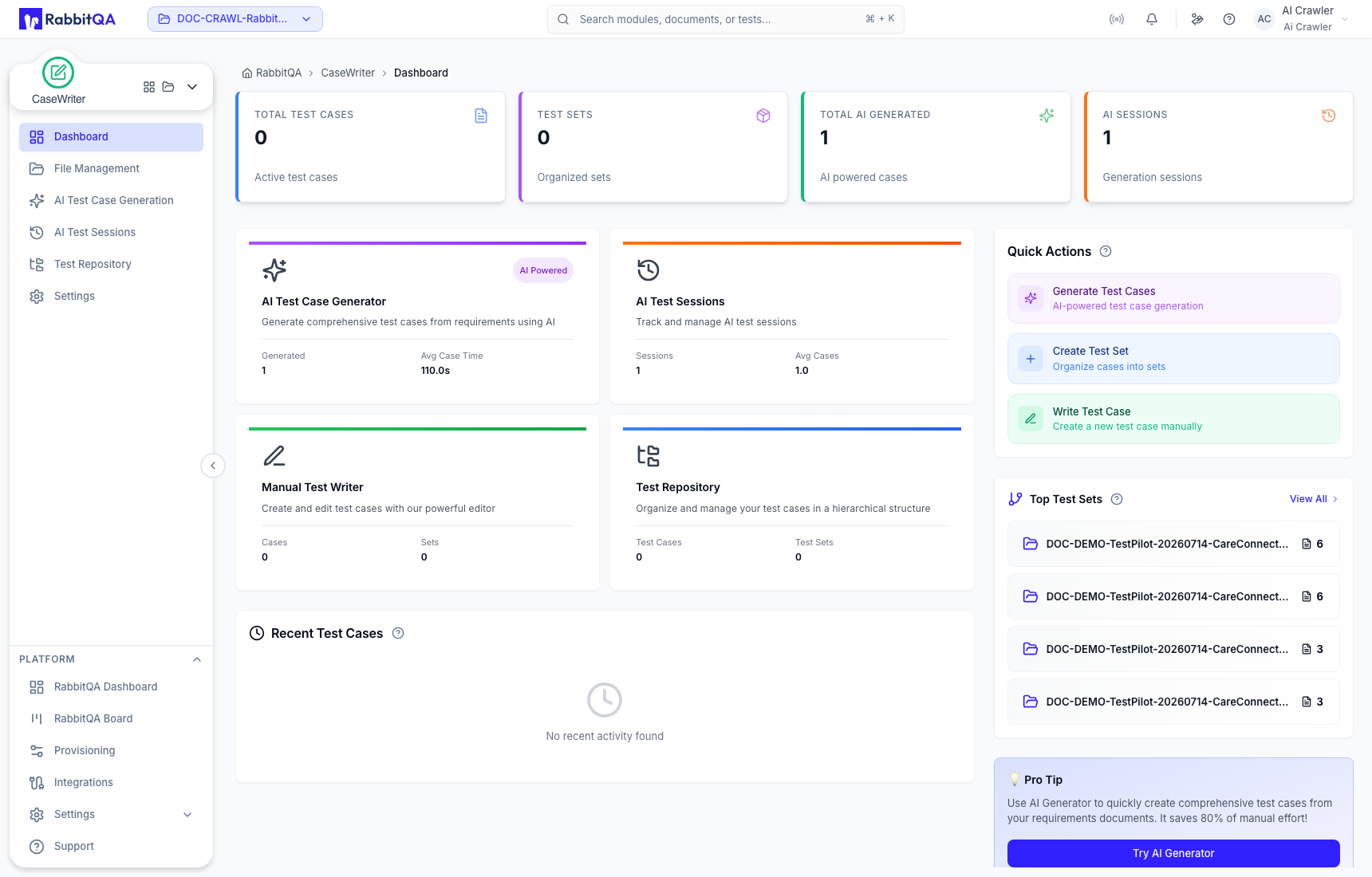
CaseWriter areas
| Area | Use it to |
|---|---|
| Dashboard | Review repository and AI-generation totals, recent work, and quick actions for the active project. |
| File Management | Maintain source documents and their versions, inspect analysis state, and continue a version into test generation. |
| AI Test Case Generation | Combine documents, requirements, images, URLs, or integrated RabbitQA sources and configure AI generation. |
| AI Test Sessions | Find generation runs, inspect generated cases, regenerate, review, and save approved cases to the repository. |
| Test Repository | Search and organize test sets and saved cases, create manual cases, and run import or export operations. |
| Settings | Configure project defaults for language, case count, testing profile, platforms, and distribution weights. |
End-to-end workflow
- Select or upload a source, or continue from a completed Analyzer version.
- Choose language, platforms, execution type, testing focus, test level, test types, and target case count.
- Optionally run AI-Analyze and review the proposed mind map.
- Select Generate Now to create an AI Test Session.
- Review each generated case. New, duplicated, edited, and regenerated cases require review.
- Approve suitable cases; reject or reopen cases that need revision.
- Save only approved cases to the Test Repository and place them in the correct test set.
- Maintain the repository manually or exchange cases through the supported import/export formats.
AI-generated cases start in Pending Review. Editing a case does not approve it. Only cases in Approved status are eligible for Save to Repository.
Source and project scope
CaseWriter work is scoped to the active RabbitQA project. Confirm the project selector before uploading a document, opening a session, or editing repository content. Available actions also depend on your role and configured integrations.
For the fastest first workflow, continue with CaseWriter Quick Start.
