Automated Testing
The Automated Testing area separates uploaded Builds from Appium Sessions created against the Device Farm service.
Builds
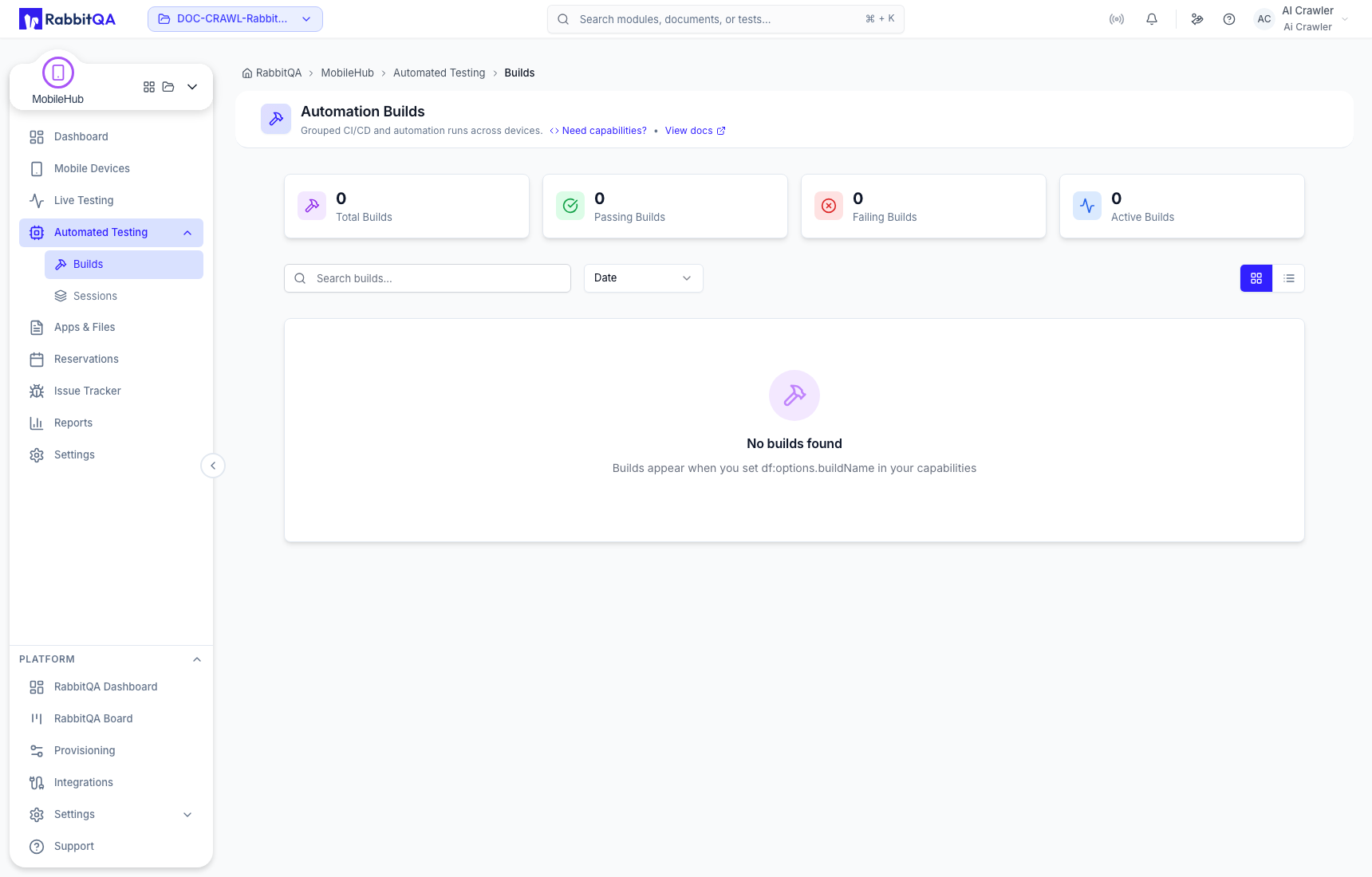
Builds are applications or automation assets prepared for a run. Use search and status filters to find the required upload and inspect its processing state before starting automation.
Sessions
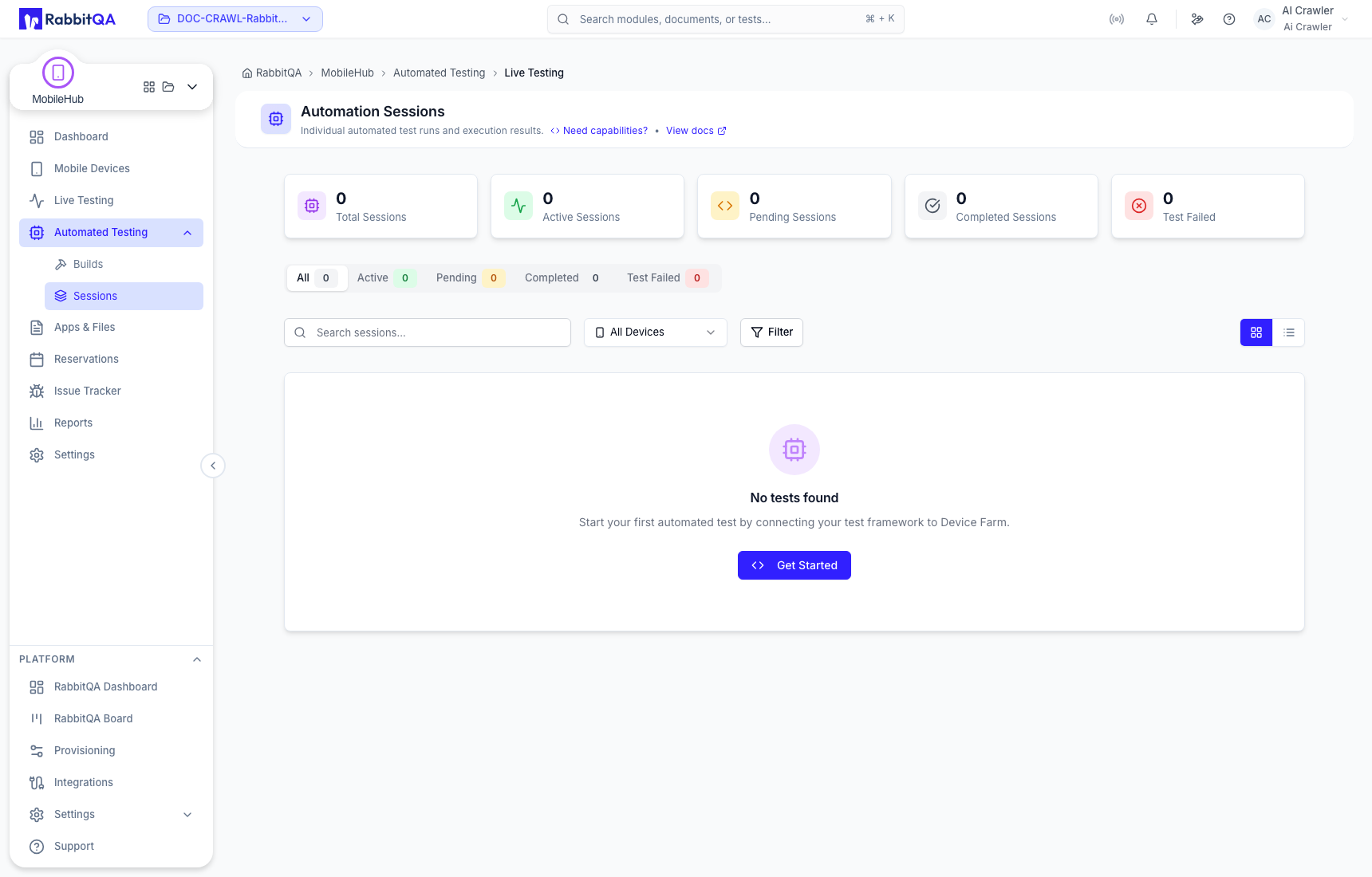
Sessions show the automation jobs allocated to devices. Filter by status or search for a specific job, then open a session to review its result and retained evidence.
Connect a client
- Create a scoped key under API Keys.
- Upload or select the application build.
- Open Appium Config.
- Choose platform, automation engine, application, device criteria, and optional Device Farm features.
- Copy the generated example for Java, Python, Node.js, or cURL.
- Store the real key in your CI secret manager and run the client.
Use exact device matching only when a particular resource is required. Broader criteria allow the Device Farm service to select compatible available capacity.
Build and session troubleshooting
- Confirm that the application package matches the target platform and device type.
- Check that the API key is active and has the required permissions.
- Review the generated server URL and capabilities instead of copying old values from another environment.
- Check plan concurrency and the live fleet if a session remains queued.
- Open the completed session for logs, recordings, screenshots, and test results supplied by the run.
