Session Workspace and Evidence
The live-session workspace keeps device interaction and evidence in one place. Open or dock panels without leaving the stream.
Evidence during a session
| Panel or tool | Purpose |
|---|---|
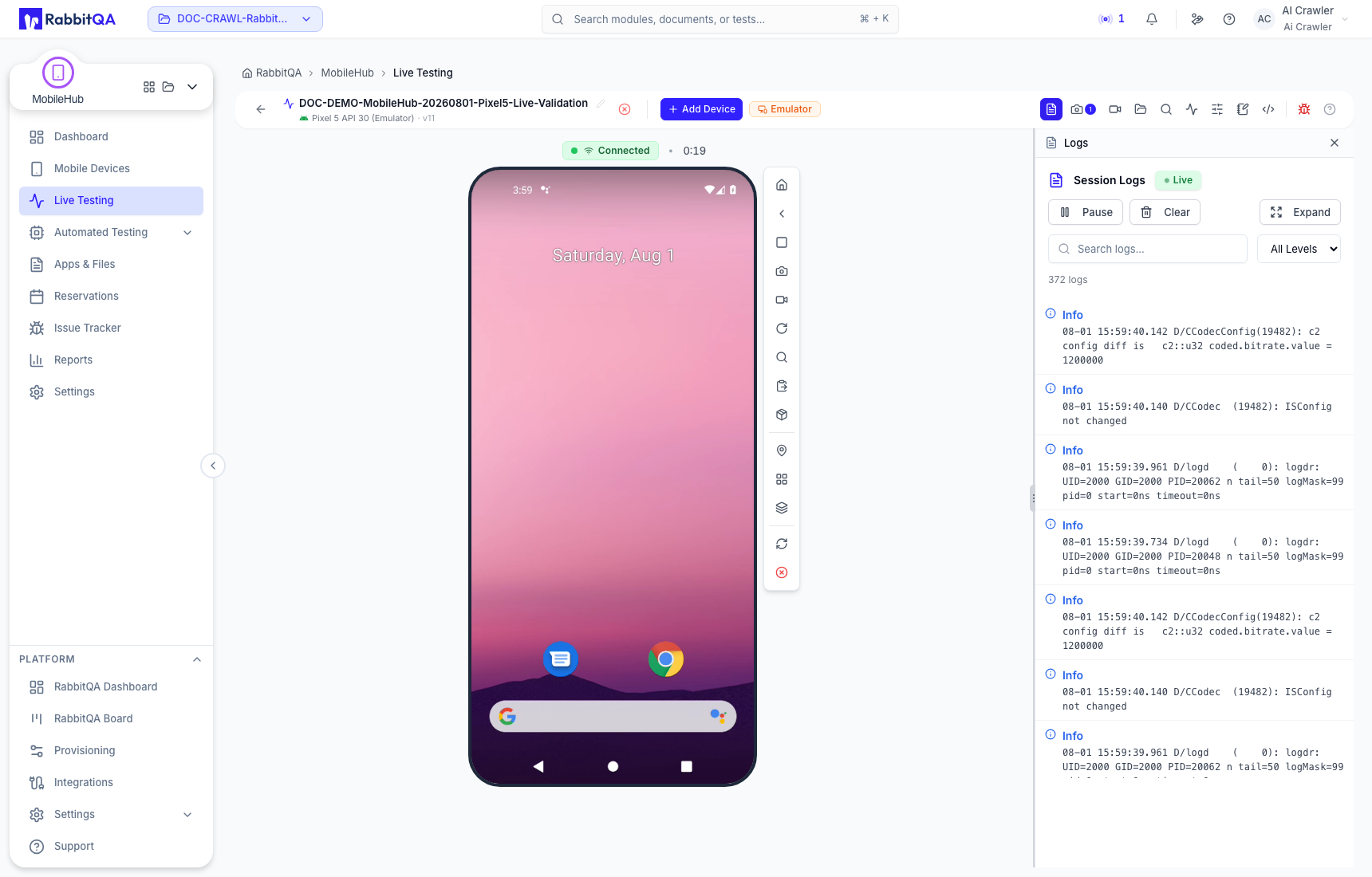
| Logs | Read live device and application output |
| Screenshots | Capture and retain visual evidence |
| Recordings | Record and review the device stream |
| Files | Push, pull, and review session transfers |
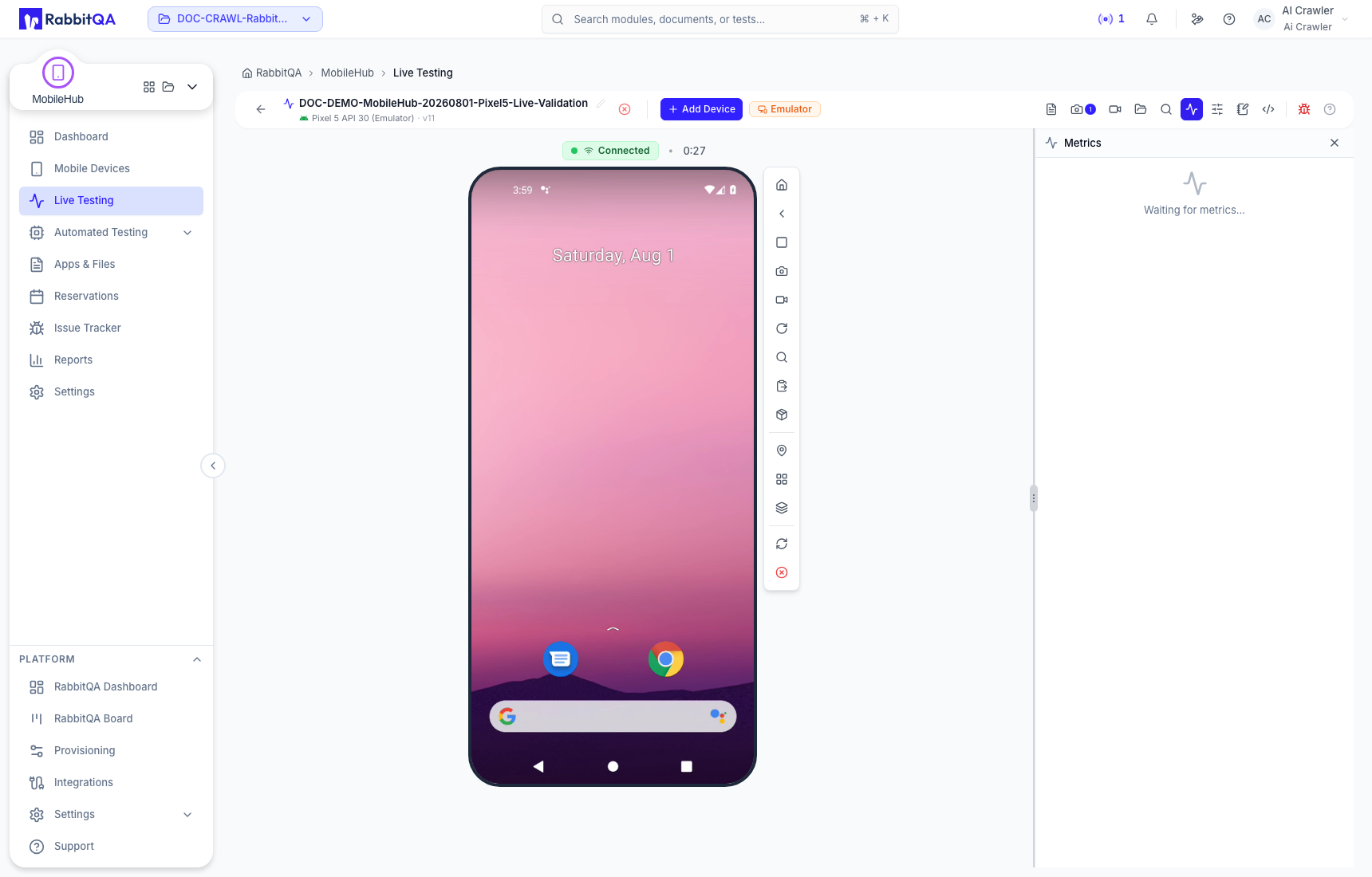
| Metrics | Observe available device measurements |
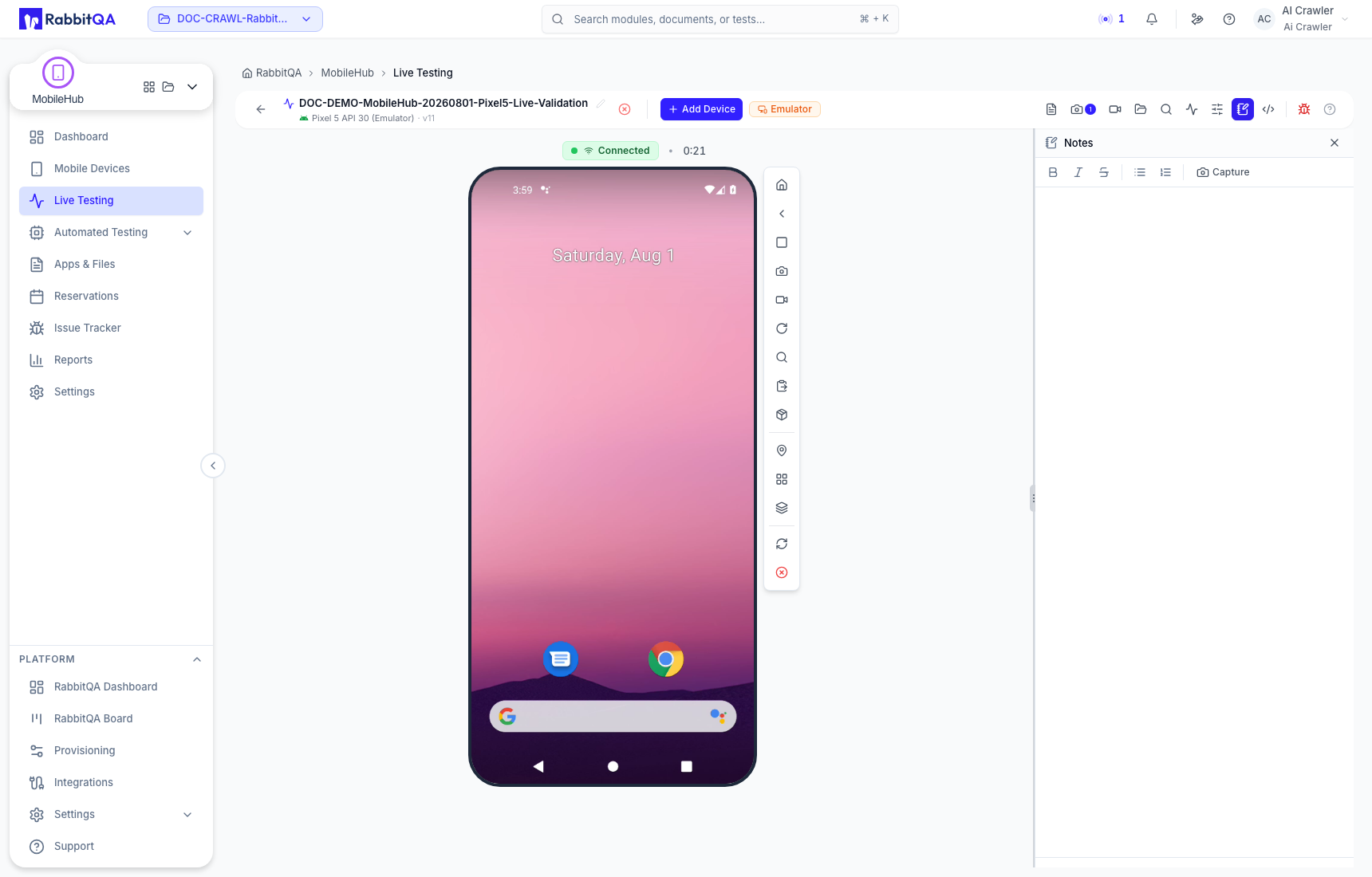
| Notes | Preserve human observations with the session |
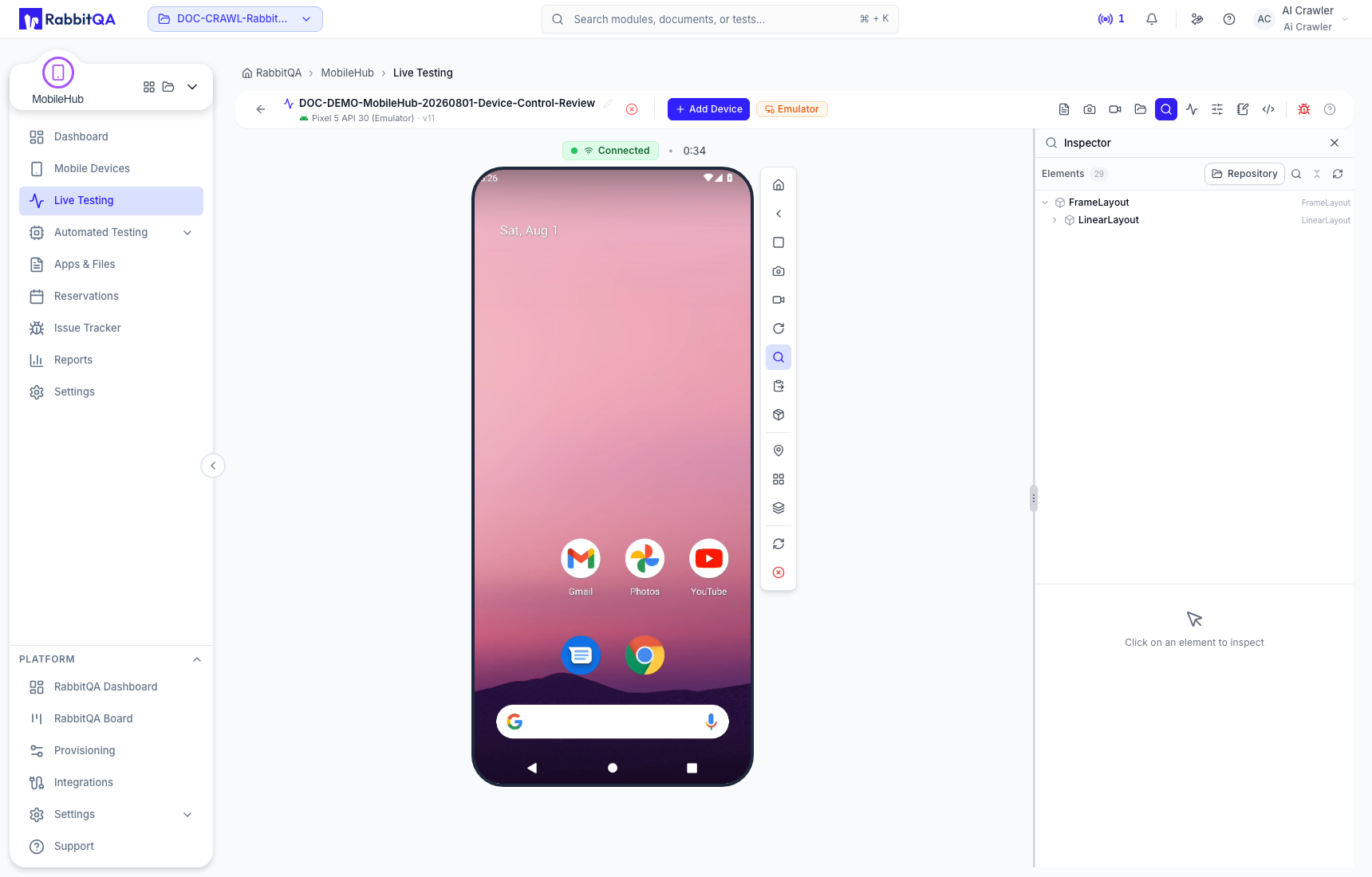
| Inspector | Explore the mobile UI hierarchy for automation |
UI Inspector must be enabled and supported for the current device/application combination.
Parallel devices
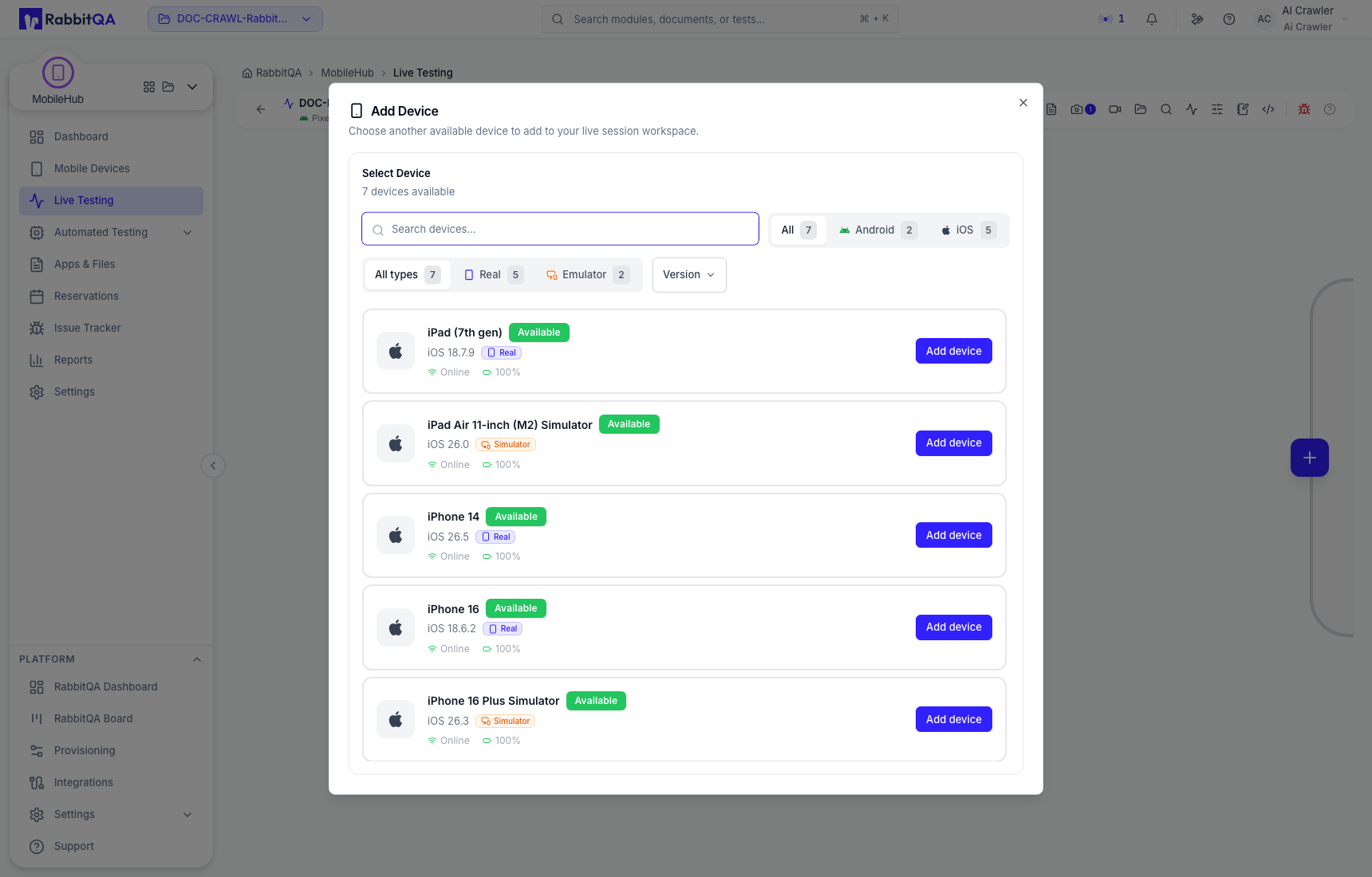
Use Add Device to select another compatible resource when you need to compare platforms or models in the same testing activity. Parallel allocation consumes concurrent-session capacity for every active device.
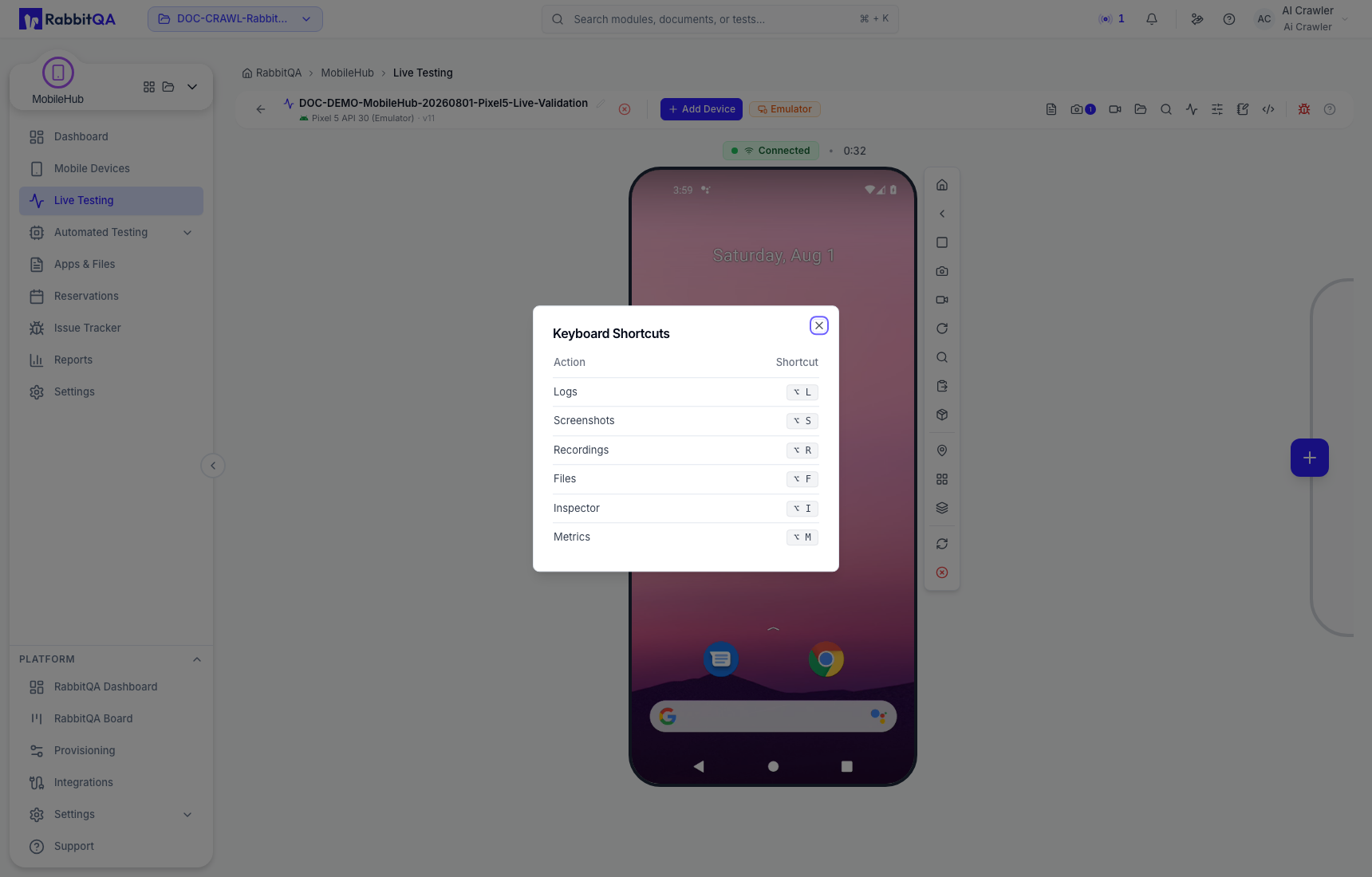
Keyboard shortcuts are available from the session help control.
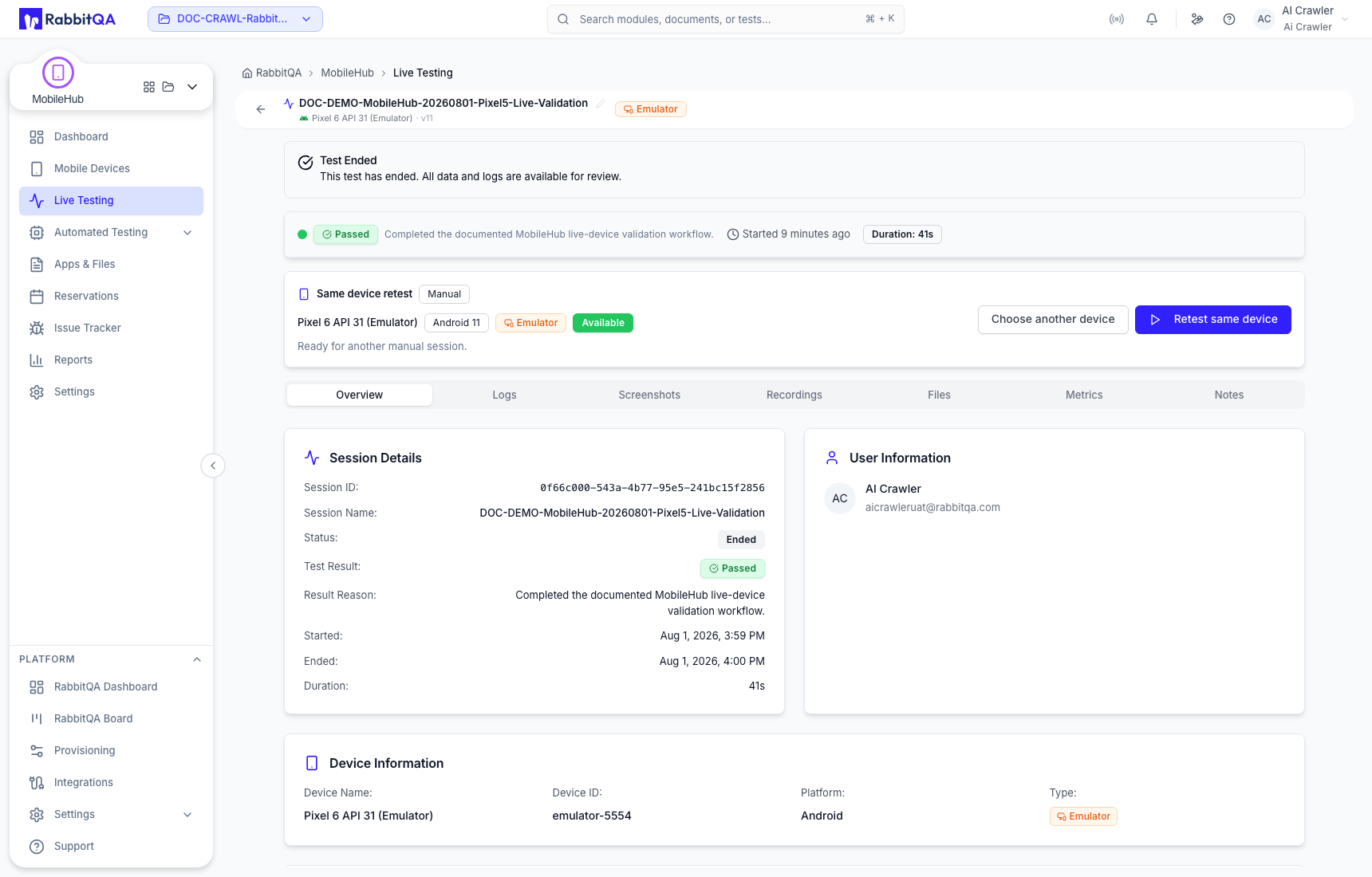
Review a completed session
Completed sessions preserve an overview and any retained activity, logs, screenshots, recordings, transfers, metrics, and notes allowed by the environment.
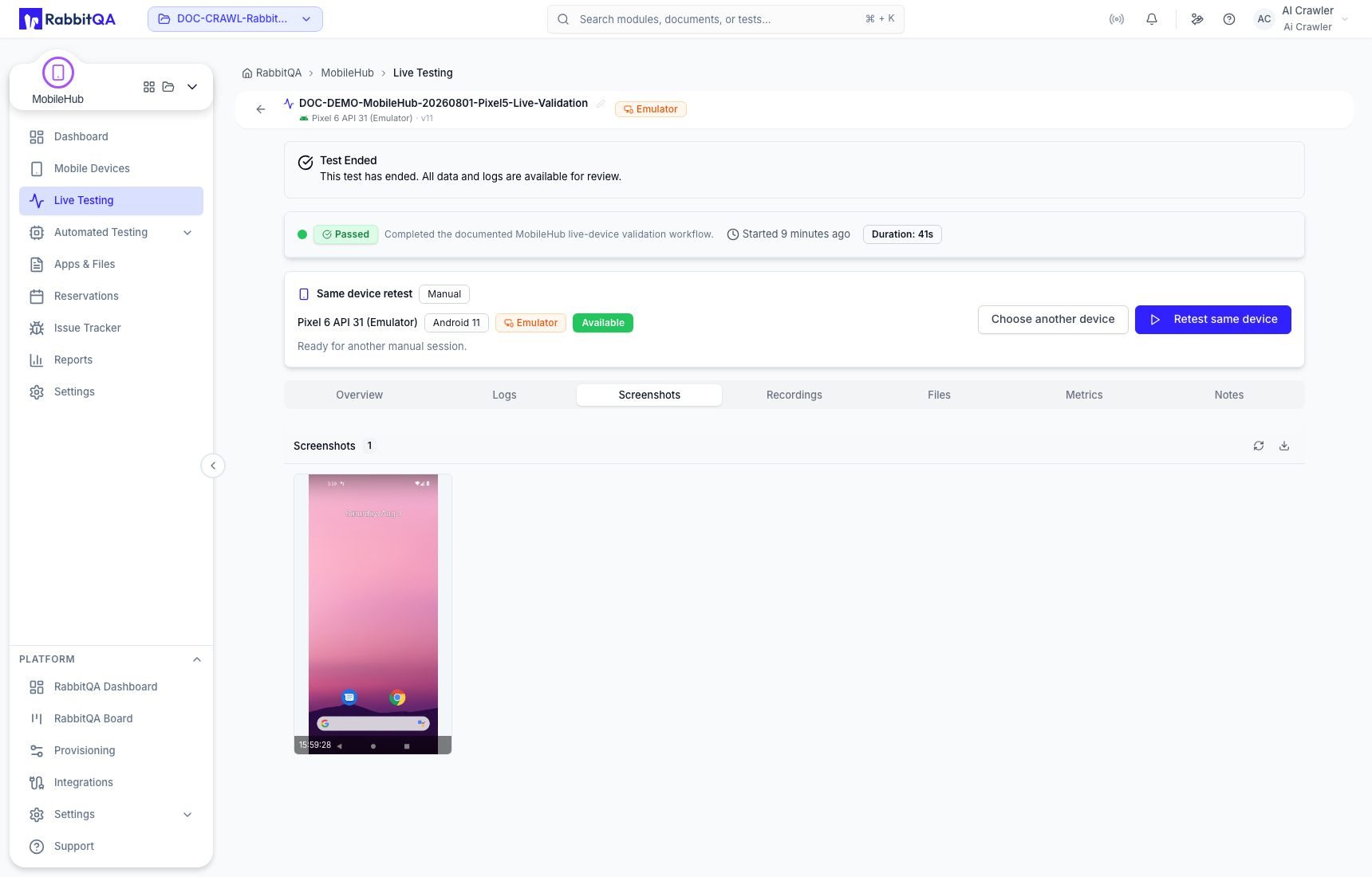
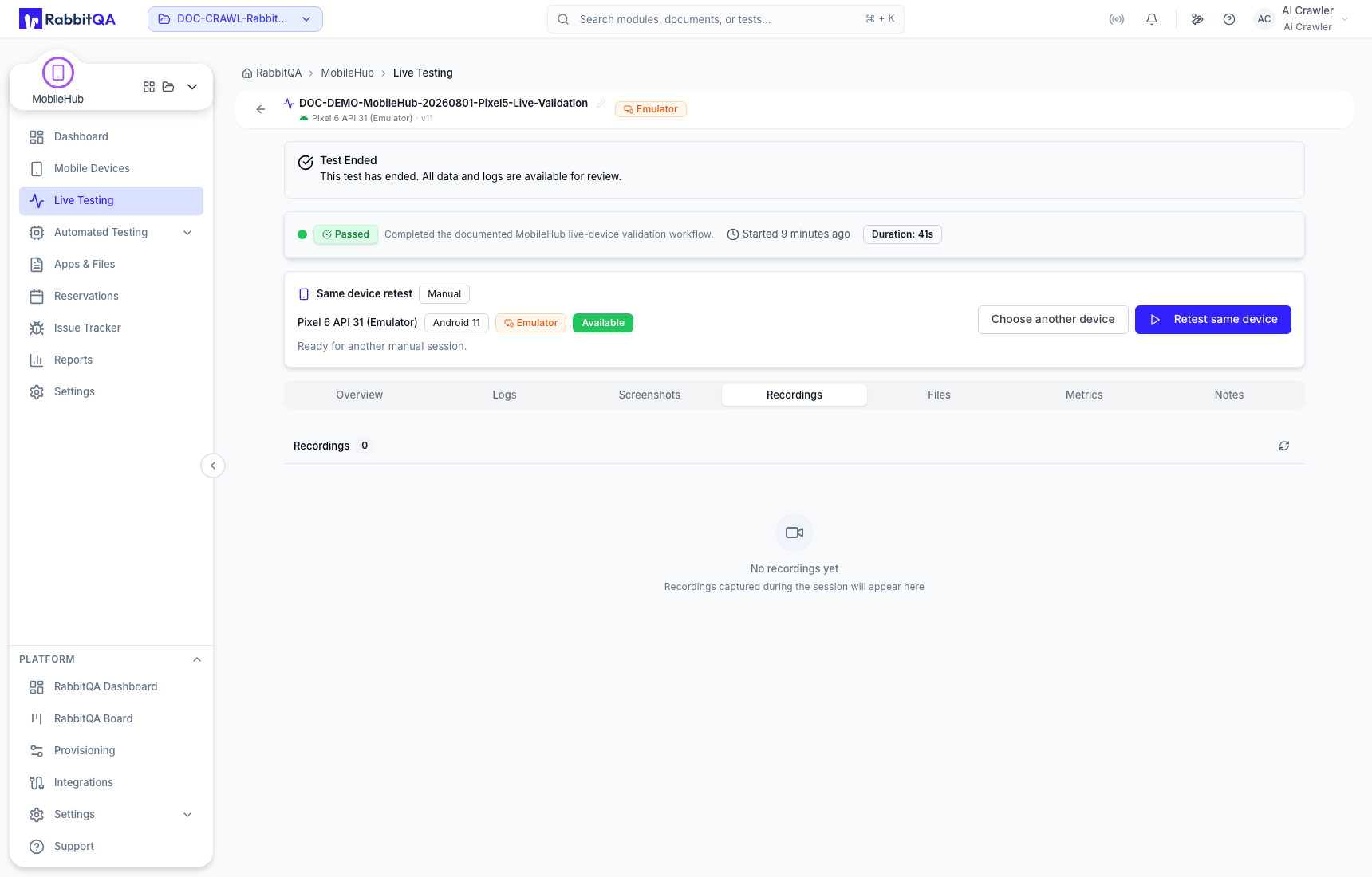
Use the screenshot preview actions to download evidence or begin the issue workflow.
