Accessibility Module
Accessibility helps teams organize URL-based test plans, run automated Lighthouse-backed analyses, review versioned results, and turn findings into work items.
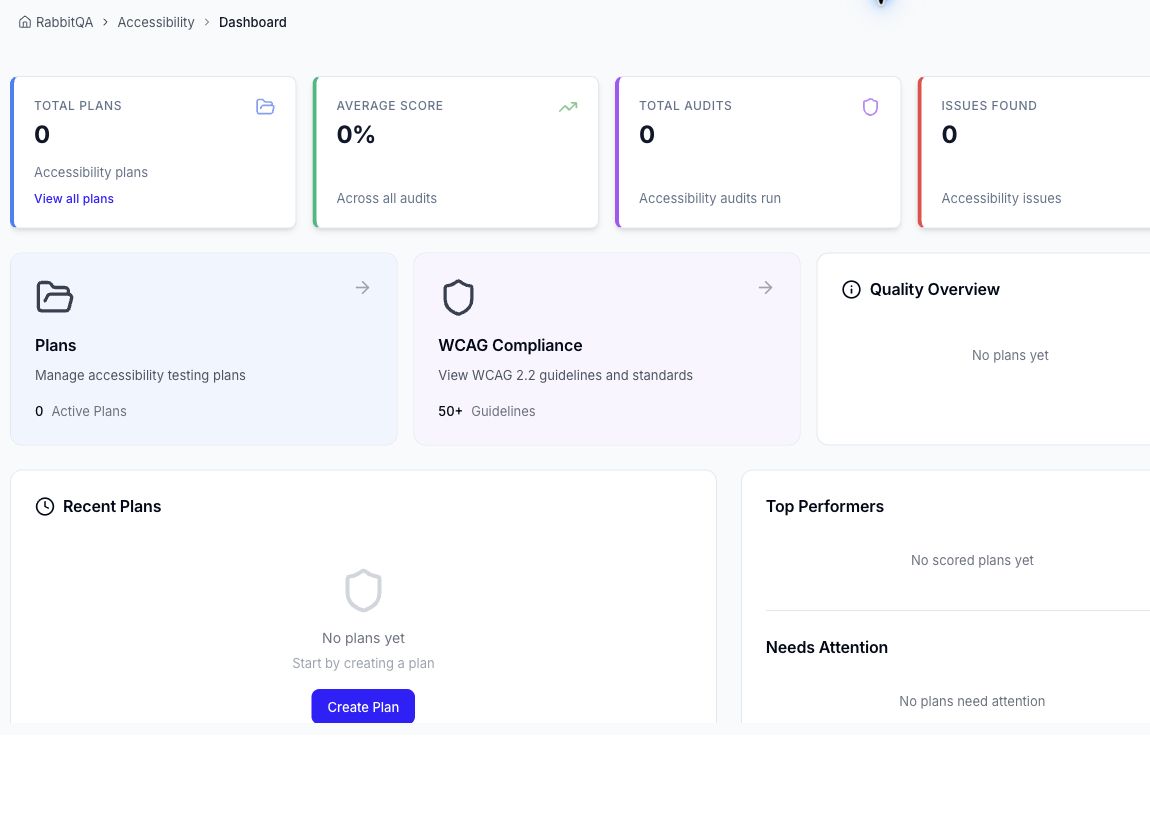
What you can do
| Area | Purpose |
|---|---|
| Dashboard | Monitor plan, audit, score, and issue summaries. |
| Plans | Define an application base URL and optional sign-in flow. |
| Audits | Group one or more paths and analyze them as Web, Mobile, or Desktop targets. |
| Run history | Reopen the exact result produced by an earlier run. |
| Audit report | Review accessibility, performance, best-practice, and SEO scores plus detailed findings. |
| AI refinement | Request a problem explanation, suggested fix, and verification guidance for a failed finding. |
| Issue Tracker | Create or link work items through RabbitQA's shared issue workflow. |
| WCAG Compliance | Browse the built-in WCAG 2.2 standards reference. |
Recommended workflow
- Review the Dashboard.
- Create a Plan for the site or application.
- Add public or authenticated URLs to an audit group.
- Run the Audits and monitor their status.
- Open a completed result and use the run history when comparing changes.
- Create an issue for an actionable finding and rerun the audit after remediation.
Important boundaries
Accessibility is an automated testing aid, not a legal conformance decision. Its score is produced by the Lighthouse analysis; it is not a percentage calculated directly from passed and failed finding counts. Automated results do not cover every WCAG success criterion and do not replace keyboard, screen-reader, usability, or other manual testing.
The WCAG Compliance page is a standards reference. It does not calculate or certify an organization's legal compliance. Likewise, an AI-refined fix is a recommendation that should be validated in the application and tested again.
Start with a small set of high-value user journeys. Add more URLs after the authentication flow and first reports have been validated.
