Apps and Files
MobileHub separates versioned mobile applications from supporting files used by testing and automation.
Upload a supporting file
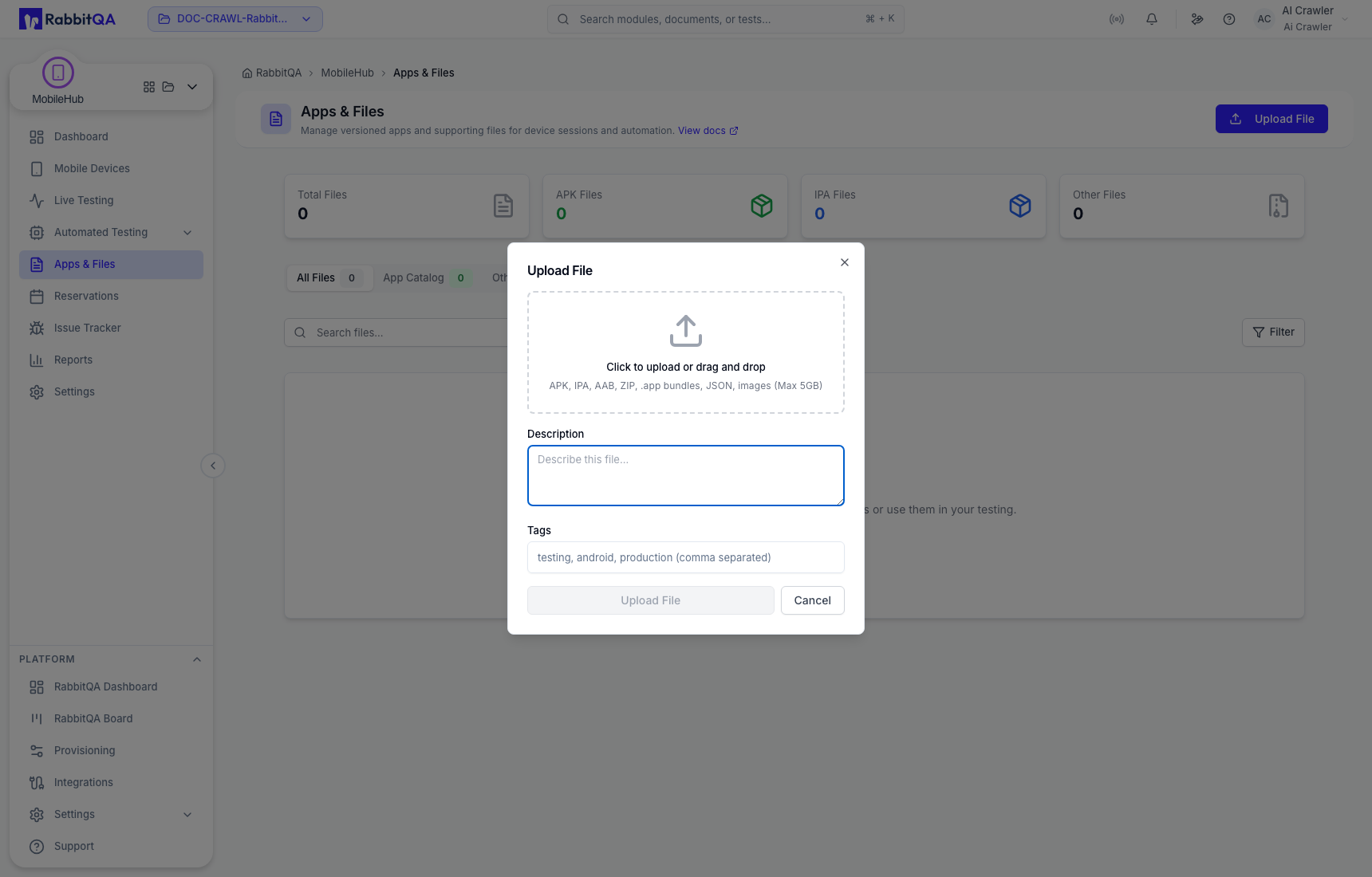
- Open Apps & Files and choose the file area.
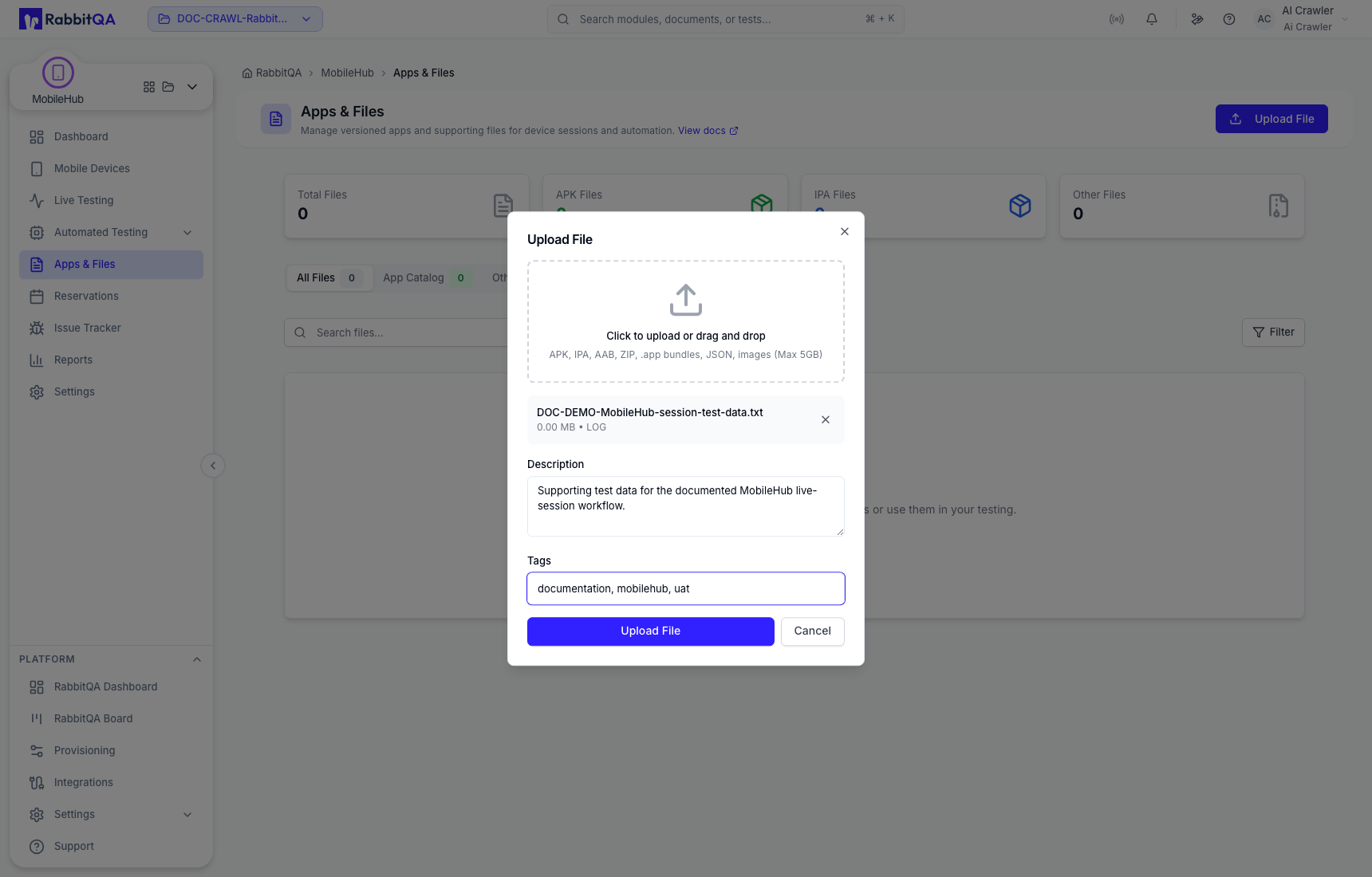
- Select Upload, choose the file, and review its metadata.
- Add the description or tags needed by your team.
- Start the upload and wait for the file to appear in the repository.
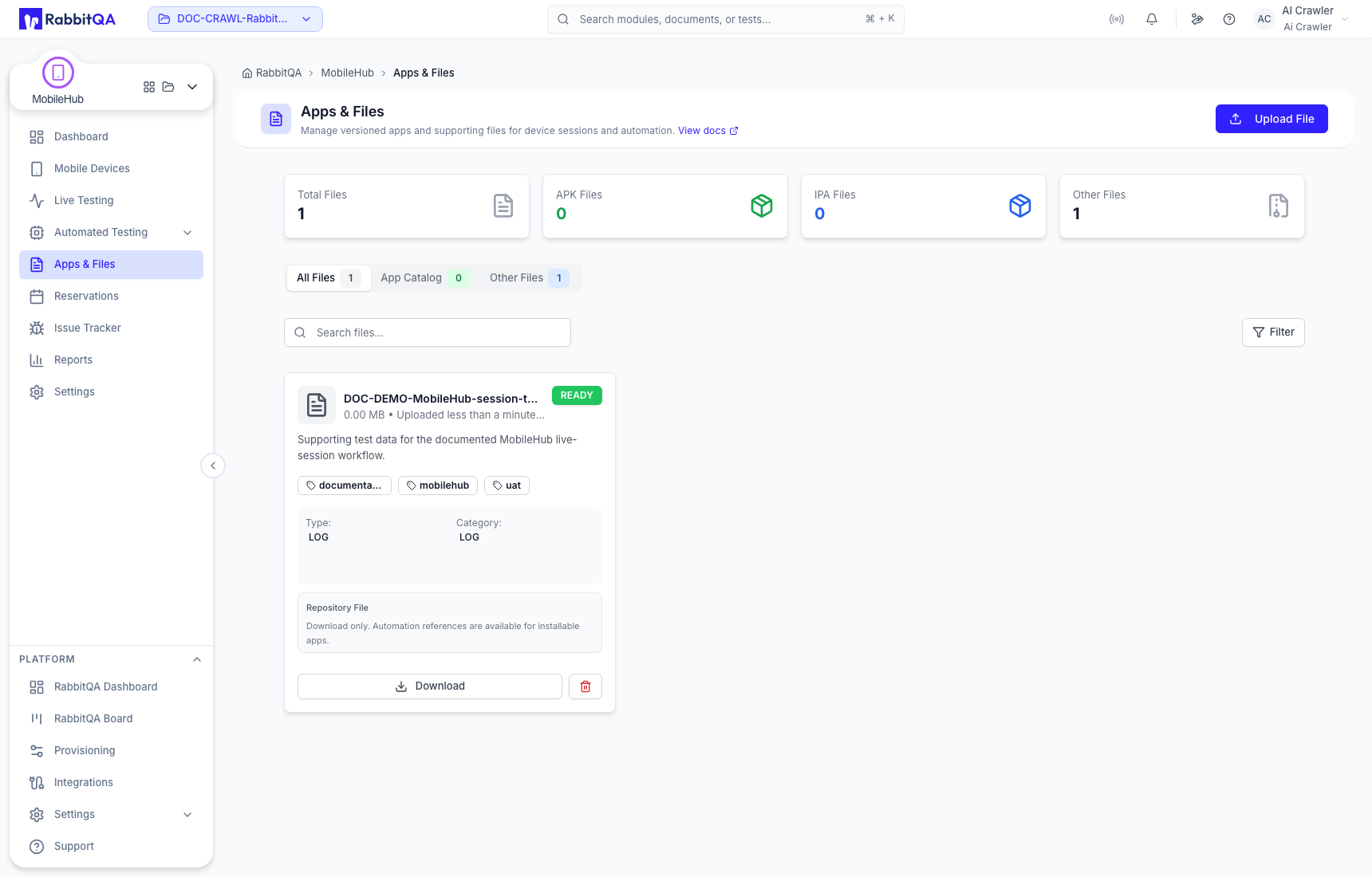
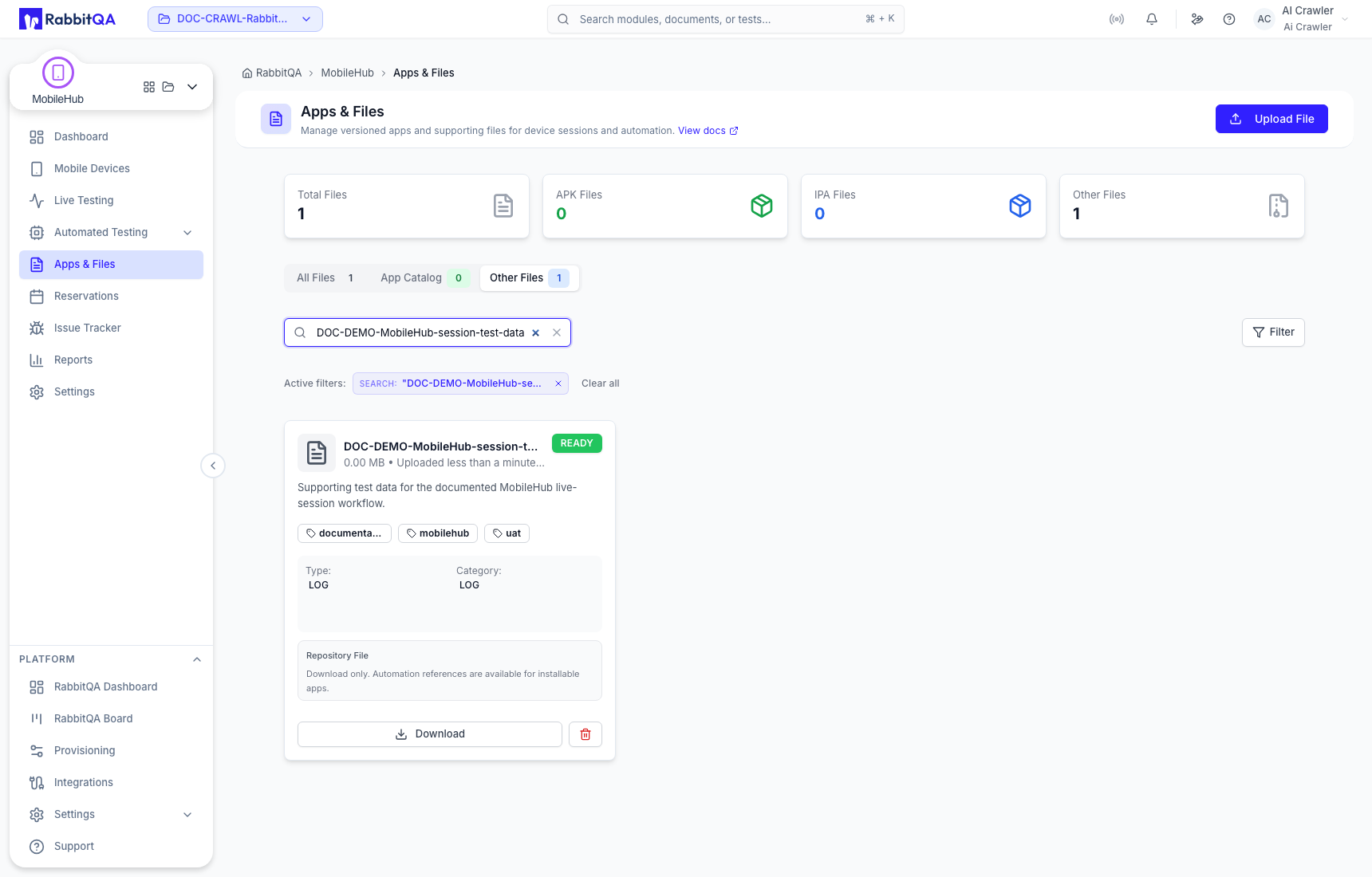
Search and filters help find reusable assets. Deleting a repository file is permanent and can break automation that still refers to it, so confirm dependencies first.
Versioned app catalog
Use the application catalog for installable Android or iOS builds that should remain grouped by app and version.
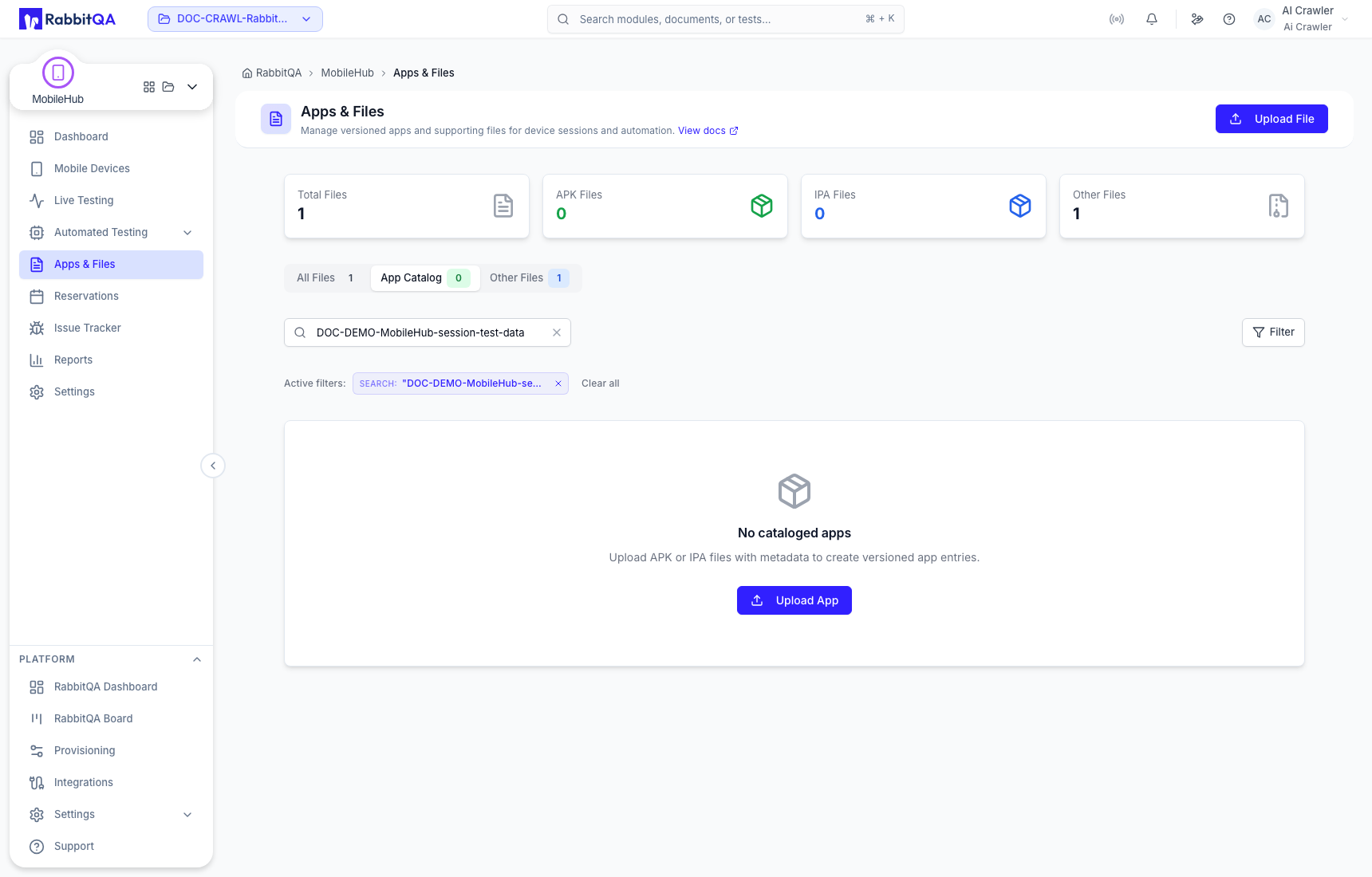
MobileHub and AutoRunner can upload Android APK/AAB packages and iOS packages appropriate to the destination. Real iOS devices use IPA packages; simulator builds can use supported .app or .zip bundles. The UI validates the selected workflow and environment.
Large uploads
The Device Farm upload client uses multipart transfer for files over 100 MB, in 50 MB parts. Plan storage, maximum file size, and retention still depend on your environment; check Quotas & Limits.
Uploaded applications and files are shared assets within the configured RabbitQA scope. Remove secrets and personal or production data before upload, and grant only the permissions your team requires.
