Test Runs
A Test Run is the execution record created from a Test Plan. It captures the selected plan, profile, environment, runner, trigger, statuses, results, and available evidence.
Start a run
Start from a Test Plan using its default profile or Run with profile. Before confirming, verify:
- the plan and ordered scenarios;
- Run Profile and environment selection;
- runner or engine selection;
- runtime overrides; and
- that the target environment is safe for the planned actions.
Find runs
The Test Runs page supports search plus filters for plan, date, status, result, runner, environment, trigger, and group.
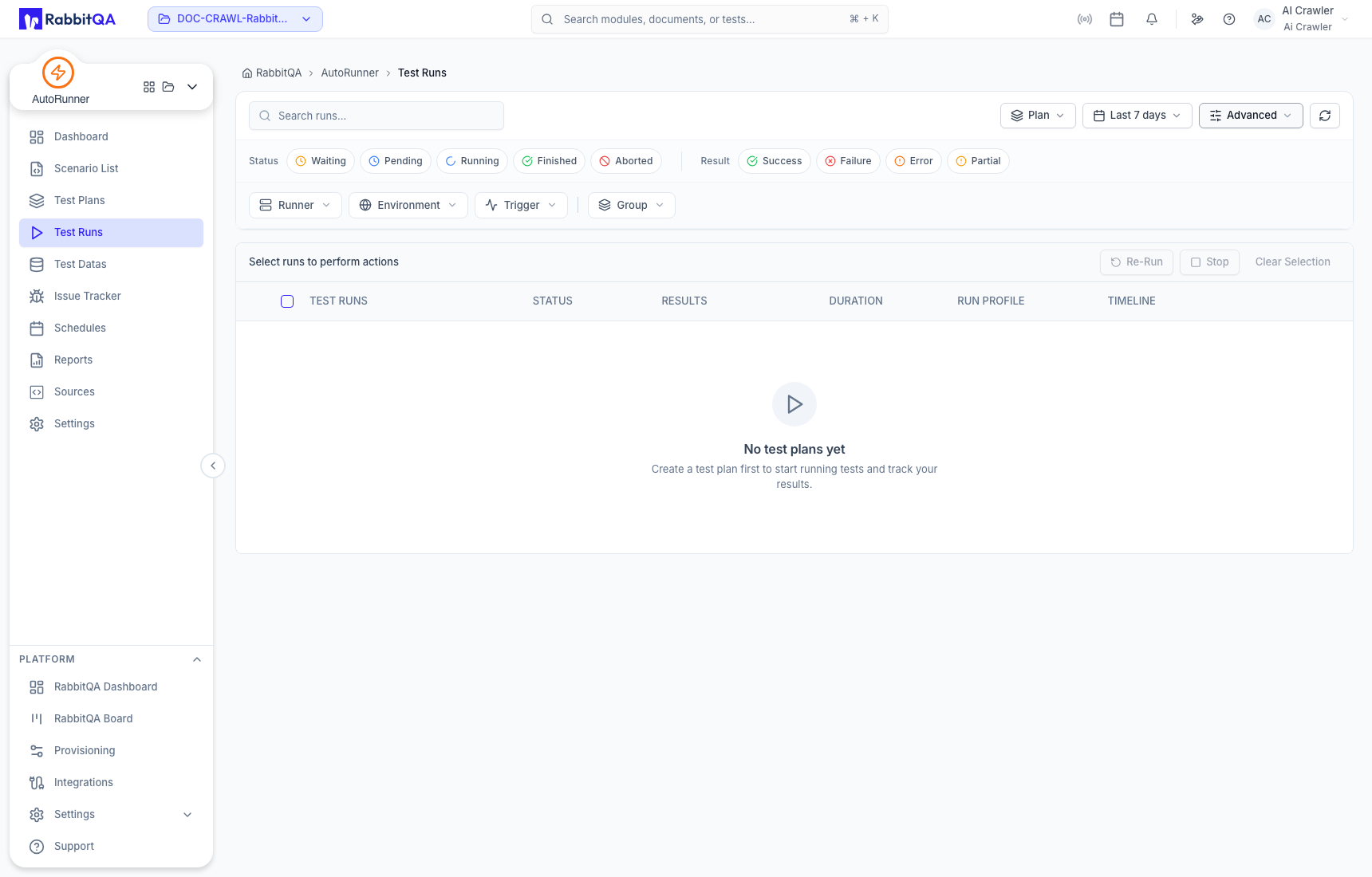
Execution statuses include Waiting, Pending, Running, Finished, and Aborted. Result filters include Success, Failure, Error, and Partial. Status describes the run lifecycle; result describes the observed outcome.
Run actions
Select eligible rows to:
- Re-Run with the appropriate configuration;
- Stop active work; or
- clear the current selection.
Stopping or cancelling is best effort: the request must reach the execution service, and an external action may already have occurred. Inspect logs after cancellation.
Live execution
Active execution can expose live status, logs, screenshots, and compatible preview streams. These channels depend on deployed runners, brokers, device or browser infrastructure, and network access. If a live preview is unavailable, use persisted run evidence after completion.
Dashboard trends and AI generation results are summaries. The Test Run and its scenario/step evidence show what actually executed, where it ran, and how it finished.
Continue to Run Detail or Reports.
