Test Data
Test Datas contains Environments & Variables and Files. Use it to separate reusable test inputs from scenario logic.
Variable precedence
AutoRunner resolves values in this order:
- Runtime Override;
- Environment; and
- Base Variables.
The first value found wins. Scenario variables in AI Studio are scoped to that scenario and should be reviewed together with these execution-time layers.
Target environments
Create a named environment such as Development or Staging, add its description, and optionally make it the default. Environment variables override base variables for runs that select that environment.
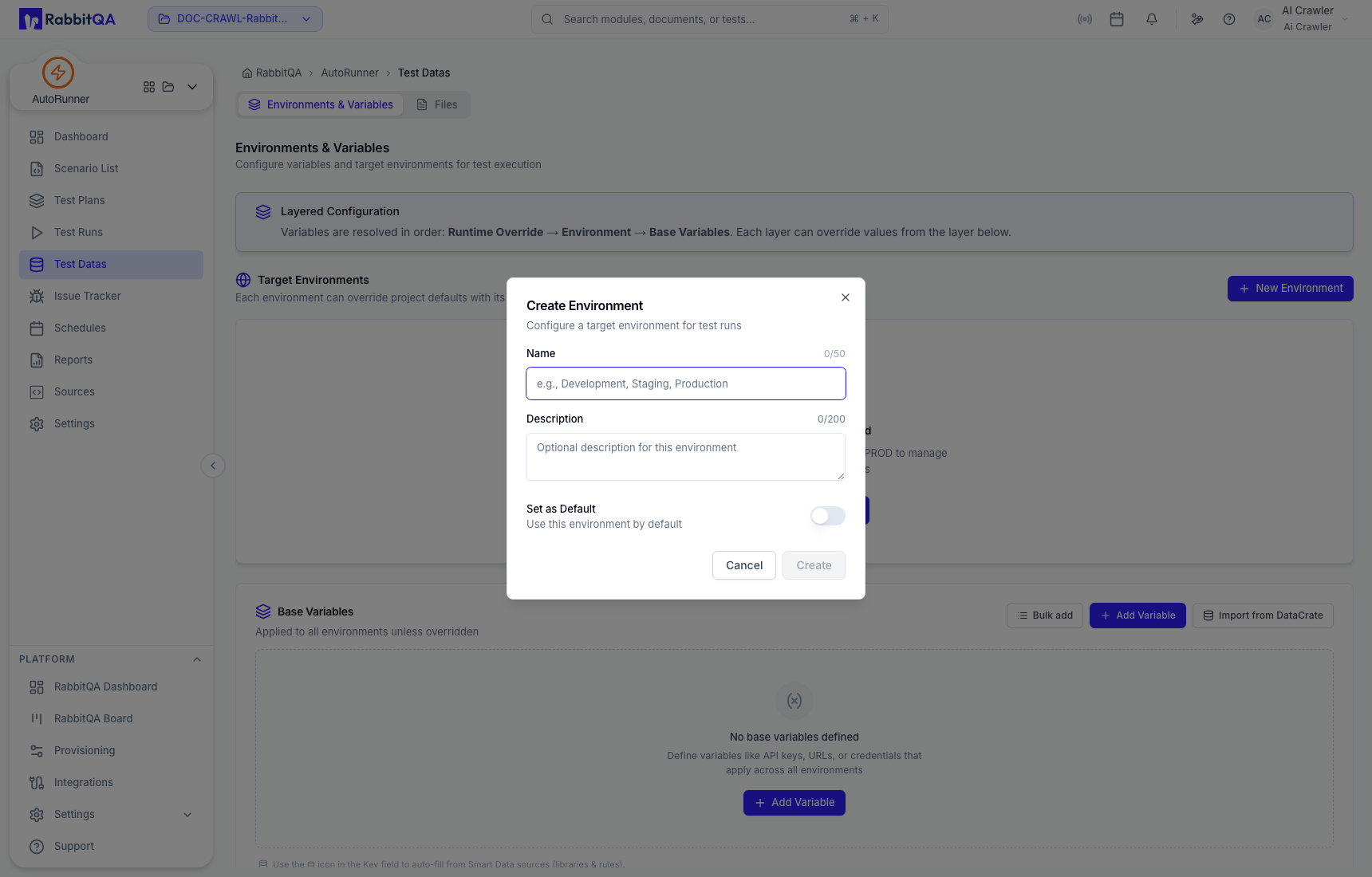
Use different environments for different endpoints and credentials instead of editing a shared base value before every run.
Base variables
Base variables apply across environments unless overridden. Add rows individually or use Bulk Add. Choose secret visibility for credentials, tokens, and other sensitive values.
Avoid placing real secrets in descriptions, screenshots, scenario prompts, logs, or visible variable fields.
Import variables from DataCrate
Import from DataCrate selects an approved file and then maps its columns into variables.
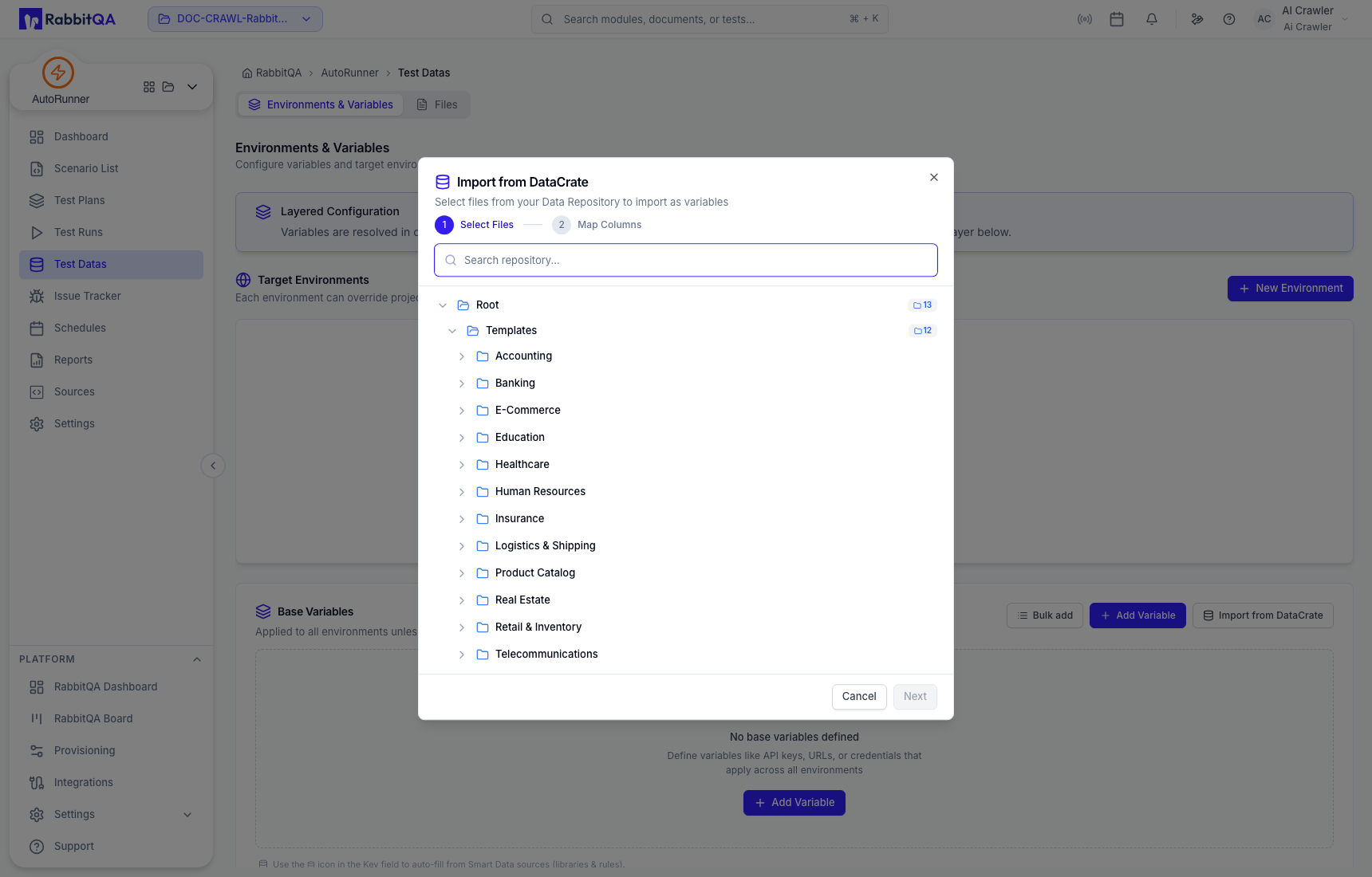
Review the selected repository path, file, columns, and sample values before completing the import. Imported data is still subject to the active workspace and your organization's data-handling rules.
Test data files
The Files tab accepts supported local files and can import approved DataCrate files into the project library.
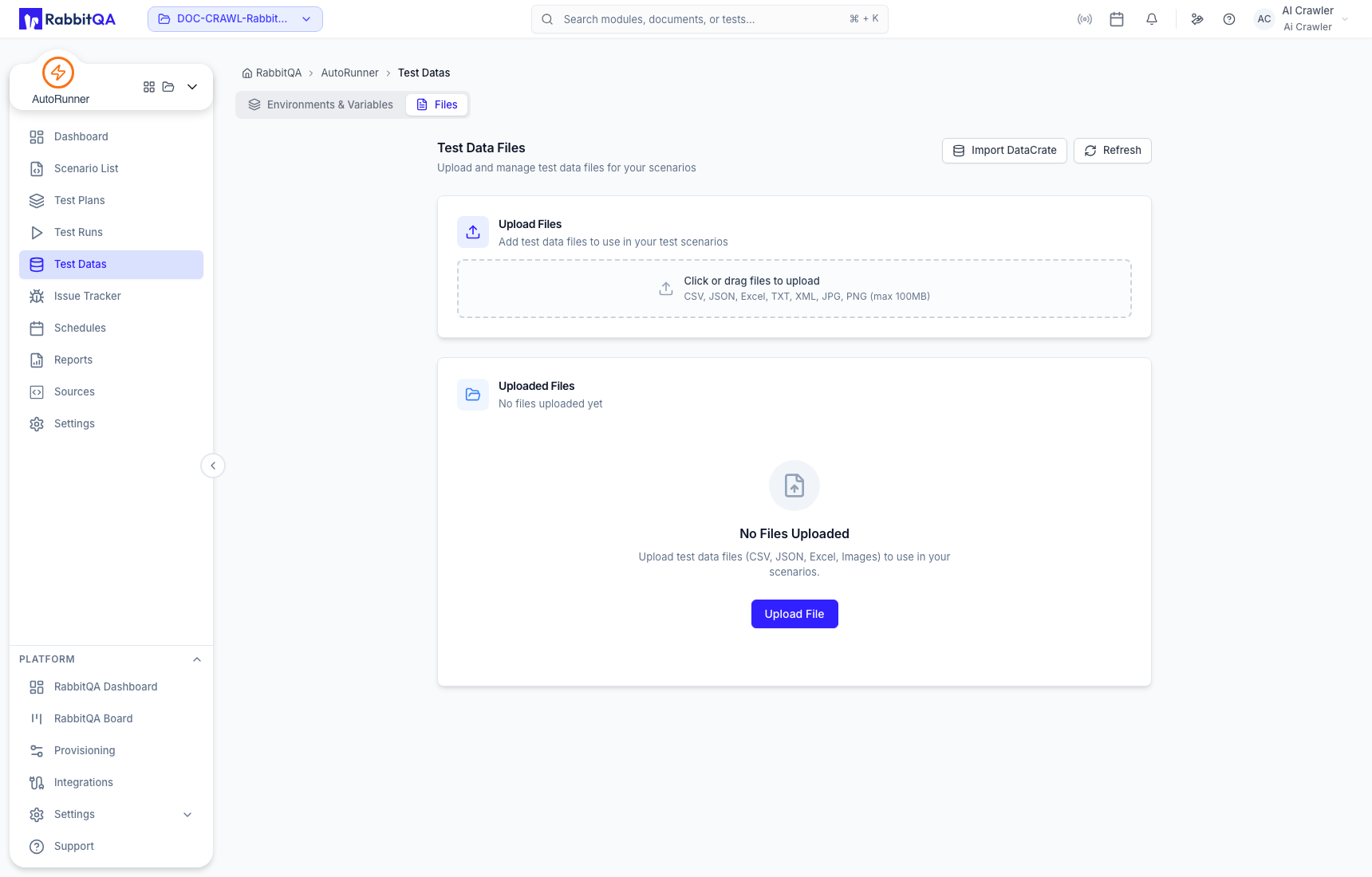
Supported upload types shown by the current interface include CSV, JSON, Excel, TXT, XML, JPG, and PNG, with the displayed size limit enforced by the deployment.
Do not upload production exports or customer files unless that use is explicitly authorized. Verify masking, retention, runner access, and the environment selected by every plan and schedule.
