Test Runners
Test Runners provide controlled execution capacity, including secure or on-premise environments. Runner registration is organization-wide; project engine selection and Run Profile defaults are narrower configuration layers.
Add a runner
Open AutoRunner > Settings > Runners > Add Runner. Enter a clear runner name and optionally set it as the organization's default.
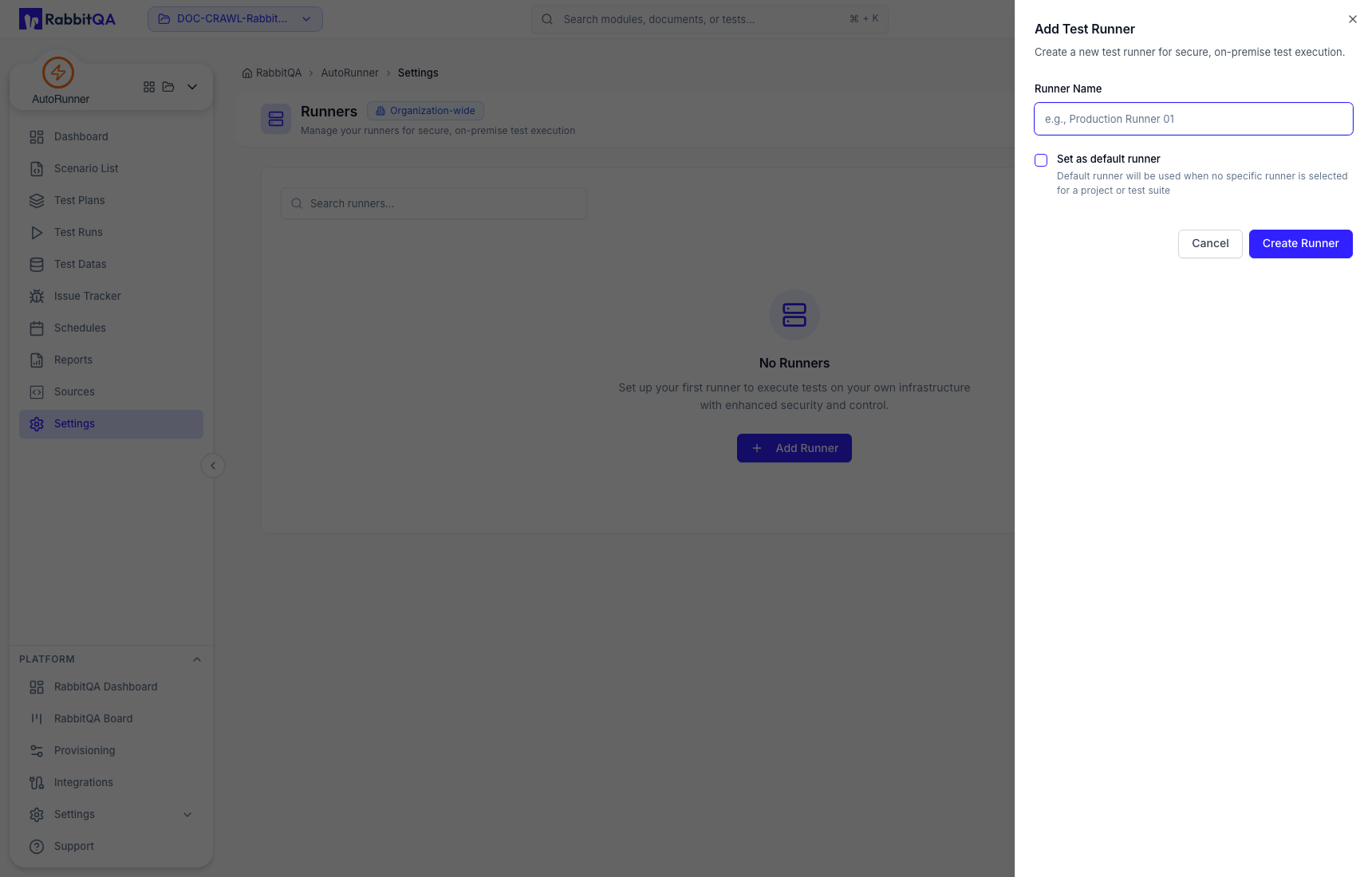
The registration process and deployment determine how the runner authenticates and connects. Do not copy tokens or bootstrap secrets into documentation, chat, screenshots, or issue comments.
Default selection
An organization default is used when no narrower runner selection exists. A project, Run Profile, plan run, or schedule can still select another execution configuration where supported. Confirm the attributed runner on the Test Run.
Readiness checks
Before relying on a runner, verify in the deployed environment:
- online/available status;
- access to the required repository and target network;
- supported browser, device, framework, and engine versions;
- access to approved variables and test-data files;
- log, screenshot, and artifact persistence; and
- stop/cancel behavior.
Runner status shown on the dashboard is an operational signal, not a guarantee that one specific plan can execute.
Troubleshooting
For waiting or pending runs, check runner availability, plan/profile selection, environment access, engine compatibility, and broker connectivity. For immediate errors, start with the earliest runner-attributed log event in Run Detail.
An on-premise runner can reach internal systems. Grant only the network and secret access required by its approved projects, and rotate registration credentials according to your security policy.
