BrowserHub
BrowserHub is RabbitQA's cross-browser testing workspace. It uses the shared Device Farm platform for browser inventory, interactive sessions, Selenium/WebDriver automation, files, retained evidence, and reports.
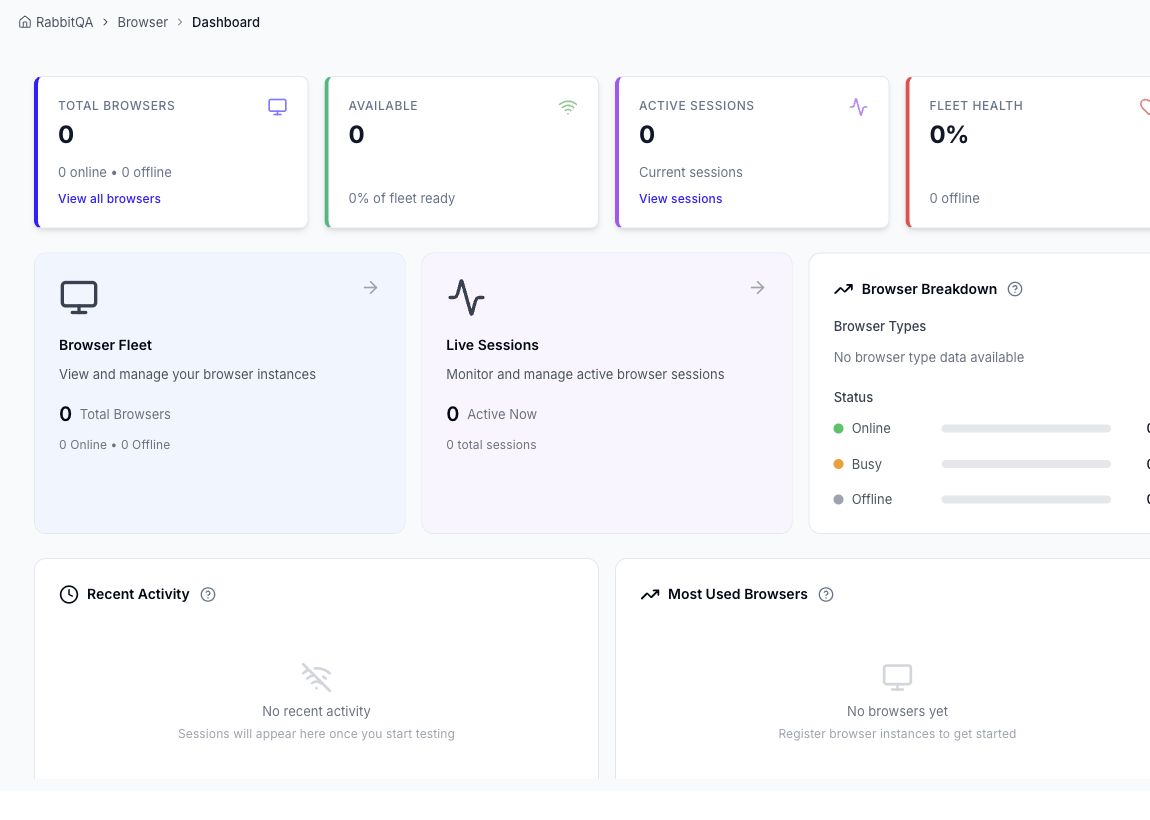
What you can do
- Browse Windows, macOS, and Linux browser capabilities and versions supplied by the environment.
- Start an interactive browser session or add browsers for parallel comparison.
- Connect Selenium/WebDriver clients using generated W3C capabilities.
- Capture screenshots, recordings, logs, and browser network traffic.
- Manage files shared with BrowserHub workflows.
- Review browser usage and live-test reports.
- Manage shared API keys, configuration examples, and browser-version policies when authorized.
Typical workflow
- Open Browsers and choose a platform, browser, and version.
- Use the live workspace to interact with the remote browser.
- Capture evidence and, when needed, record network traffic for HAR review.
- End the session and open Session Details to review retained artifacts.
For automation, start with Automated Testing and generate a client example from Settings.
Environment-dependent inventory
The available browsers, versions, platforms, capacity, and retention come from the connected Device Farm service. BrowserHub can remain navigable while that external service is temporarily unavailable.
For Android and iOS device testing, use MobileHub.
