Sources and Project Types
Sources connects automation projects to AutoRunner. Use search plus list or grid view to find a source, and Connect Source to create one.
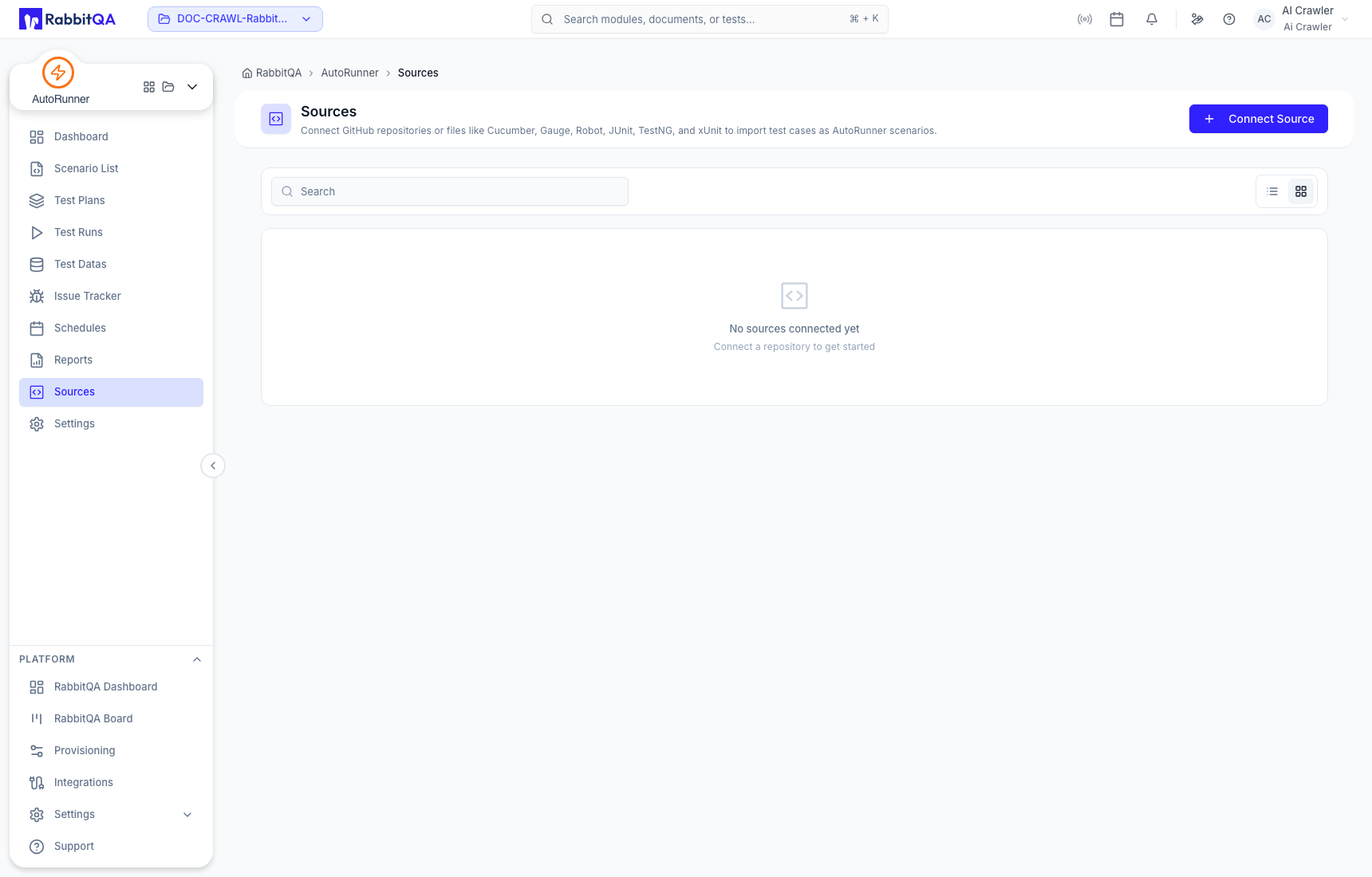
Connect a source
The creation drawer asks for a name, description, project type, test framework, and repository source.
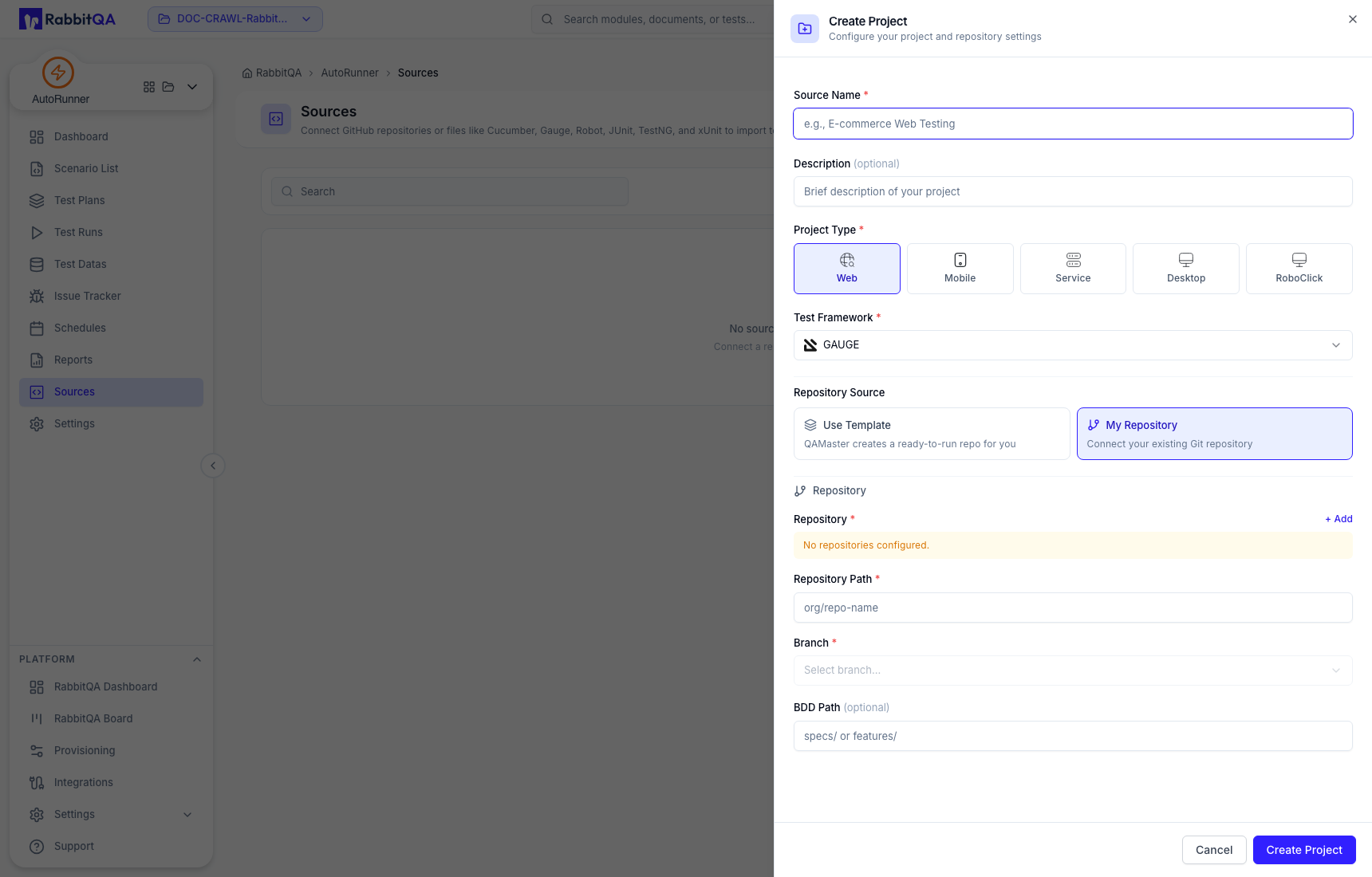
Project types are:
- Web;
- Mobile;
- Service;
- Desktop; and
- RoboClick.
AI Studio's AI-agent source is managed internally and is not offered as a manual project type.
Frameworks
Framework availability depends on project type. Common choices include Gauge, Cucumber, Robot, JUnit, TestNG, and xUnit. Service projects also support Postman. Desktop projects can additionally offer SAP, Oracle, and Logo Tiger choices. RoboClick is configured through its dedicated project type.
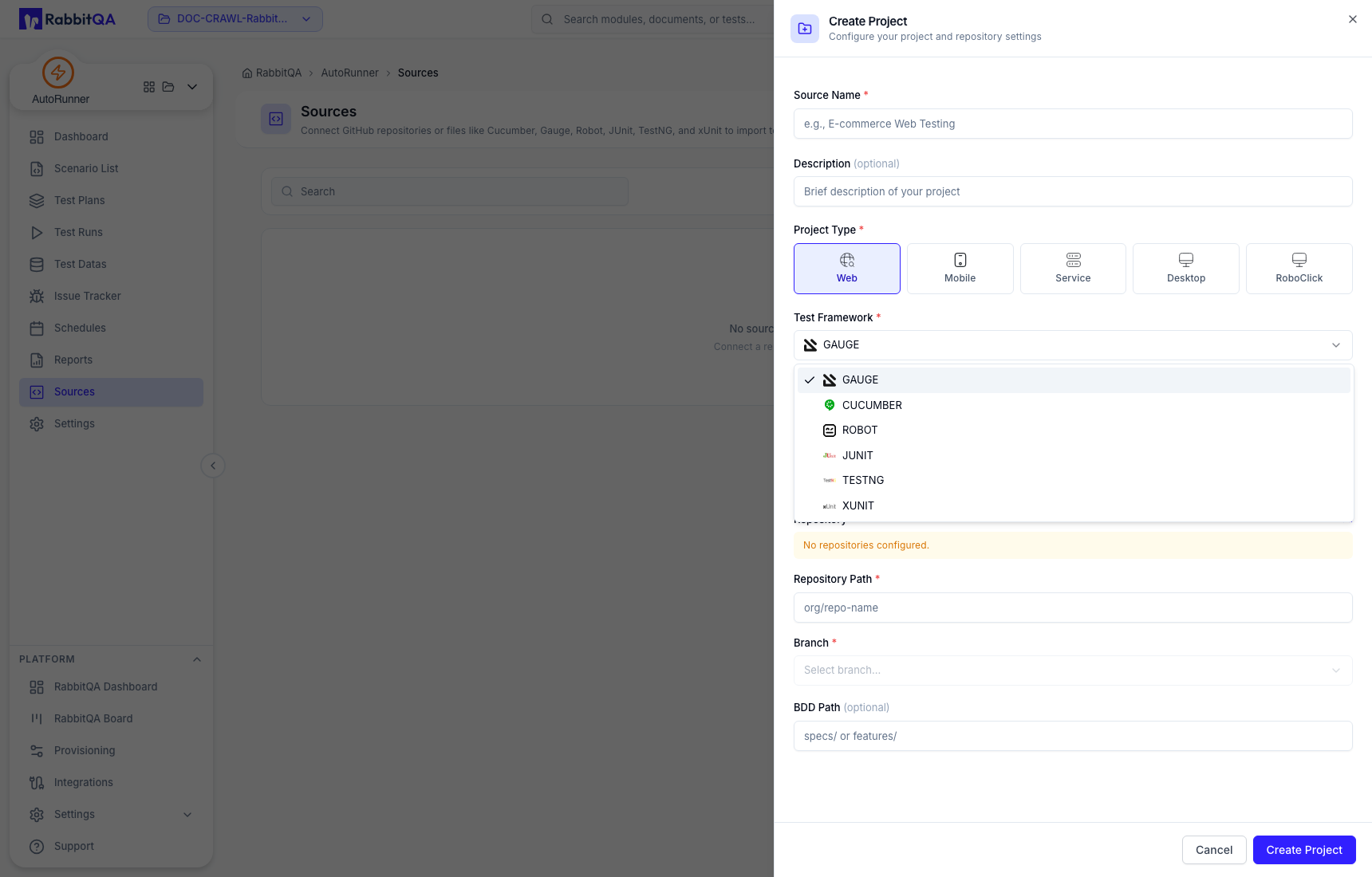
RabbitQA templates are available only for supported template/framework combinations. A connected repository must be configured in the organization before its branch can be selected.
Source lifecycle
Depending on the source type and permissions, a source can be viewed in its matching tool, refreshed, edited, disconnected, or deleted. Source synchronization can import or update scenario content.
For Service/Postman sources, upload a collection and optional environment where the drawer provides those fields. The current URL-based collection import path is not enabled; use the supported file workflow.
Source operations can affect shared scenarios, plans, schedules, and history. Verify the active workspace, source name, repository, and downstream use before a destructive action.
Project type and framework are effectively fixed after creation. If the original choice is wrong, create a correctly typed source and migrate only reviewed content.
