AI Studio Settings and Custom Steps
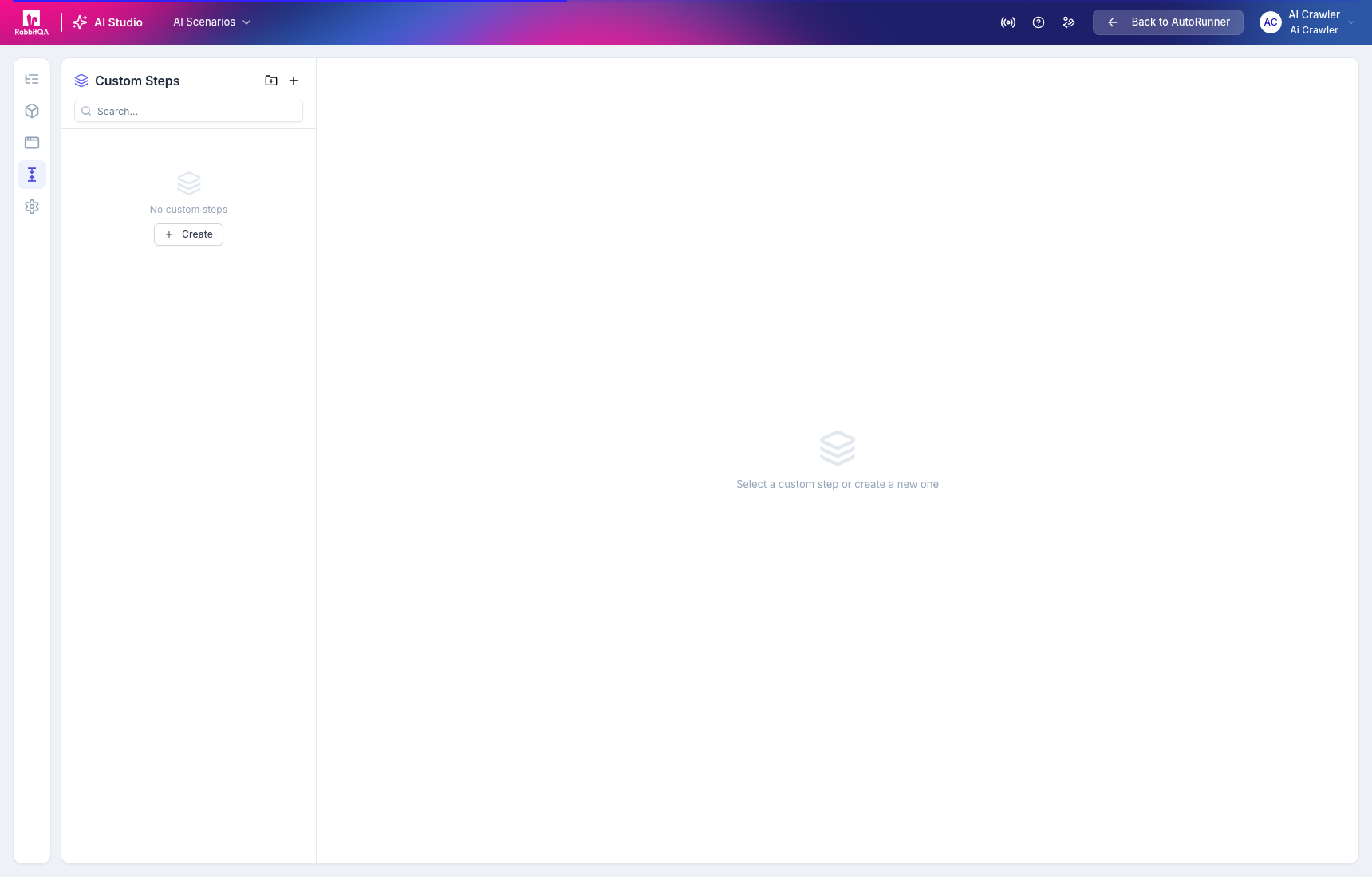
AI Studio has project-level generation settings and a reusable Custom Steps library. These controls are separate from the main AutoRunner Settings page.
Custom Steps
Custom Steps package reusable structured actions behind a named BDD pattern. Create a step key, platform, BDD pattern, folder, and action sequence.
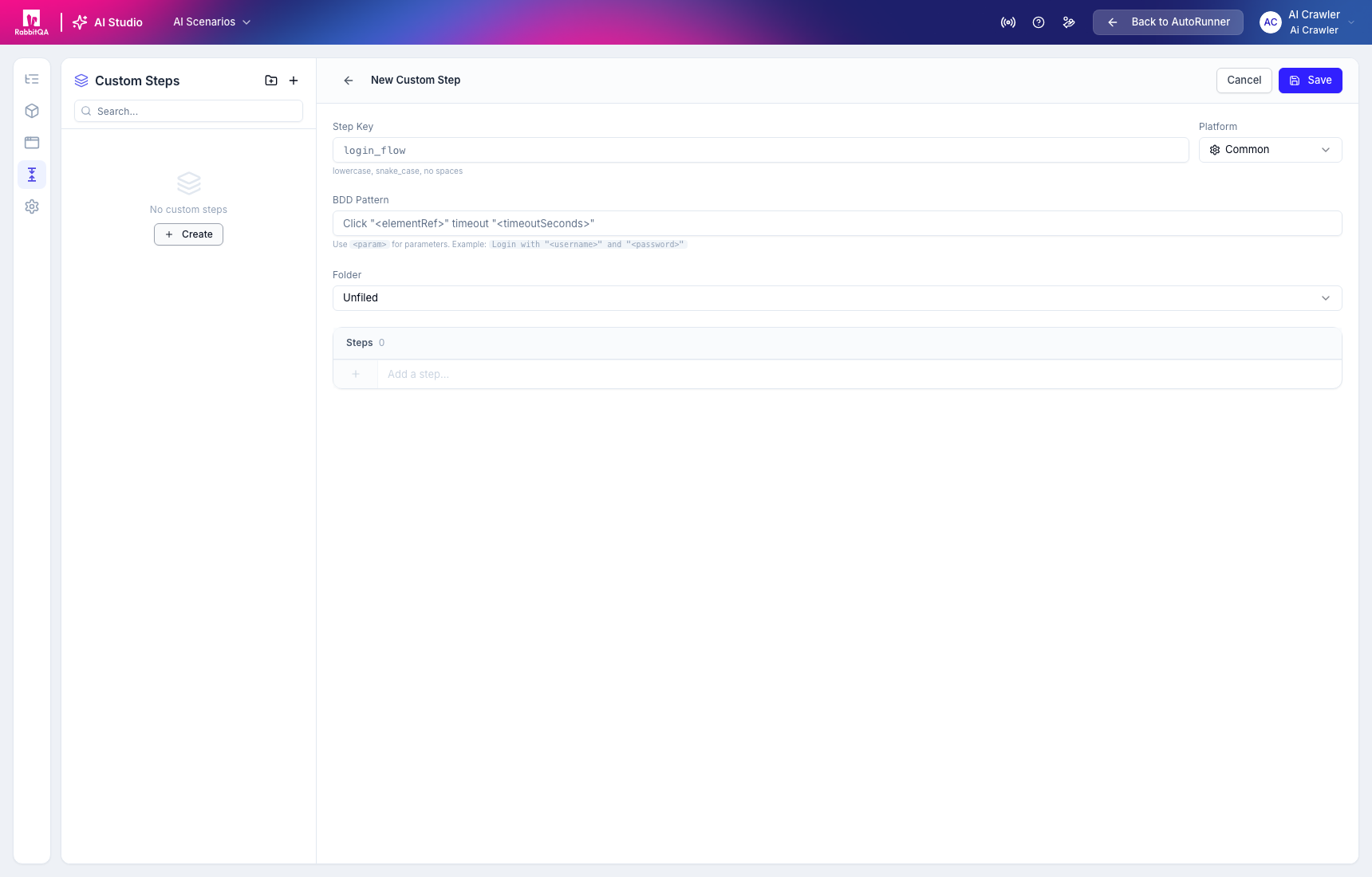
Use lower-case snake case for the step key and declare parameters in angle brackets in the BDD pattern. Keep each custom step focused; hidden side effects make scenarios difficult to review.
AI Config
Settings > AI Config controls:
- assertion level: None, Minimal, Moderate, or Comprehensive; and
- project-level AI generation instructions used during generation, refinement, and review.
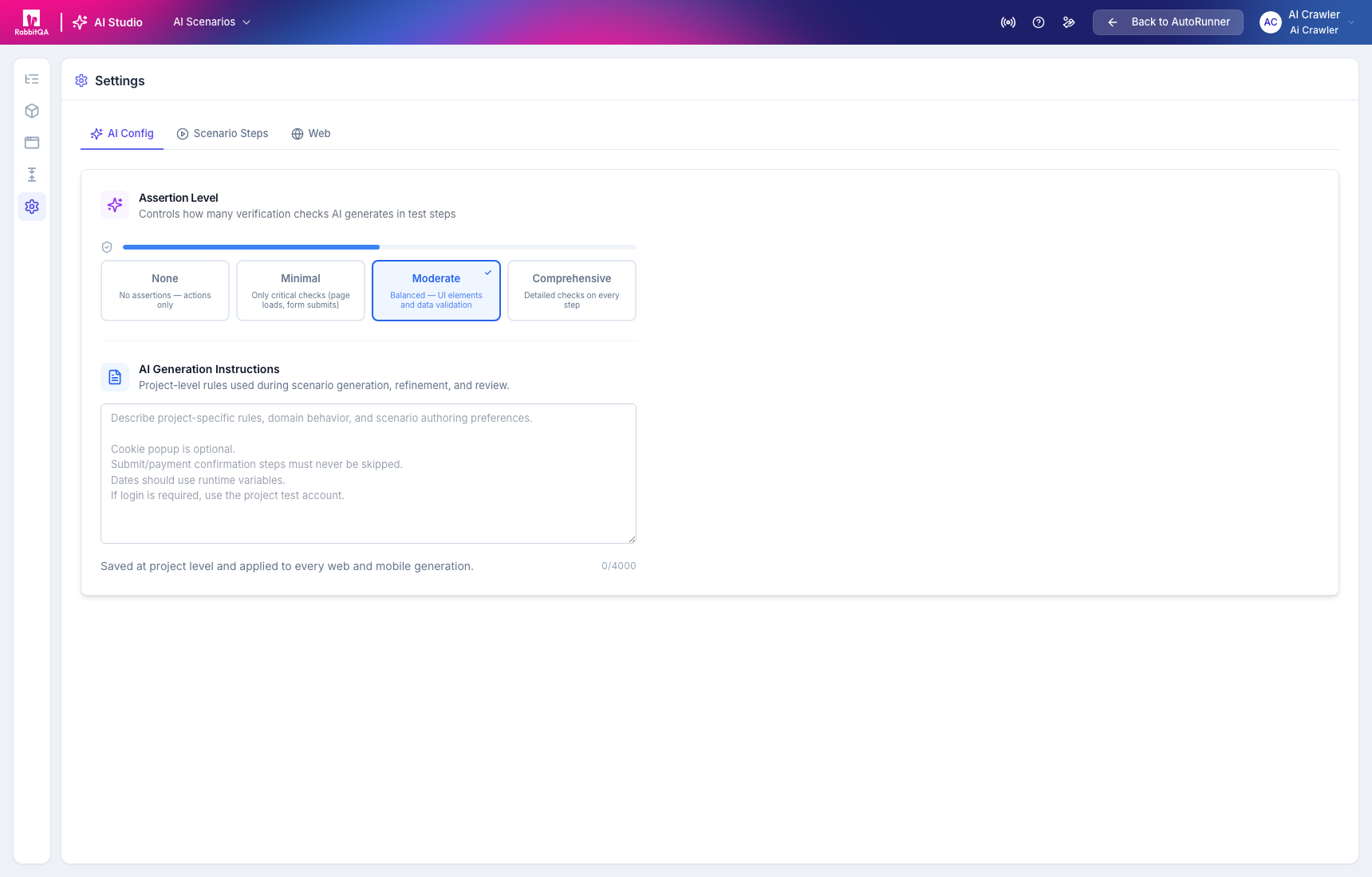
Write instructions as durable project rules, not one-scenario prompts. State safety boundaries, required domain behavior, optional UI, and the expected treatment of dynamic values.
Scenario Steps
Global setup steps run before each scenario and cleanup steps run after each scenario.
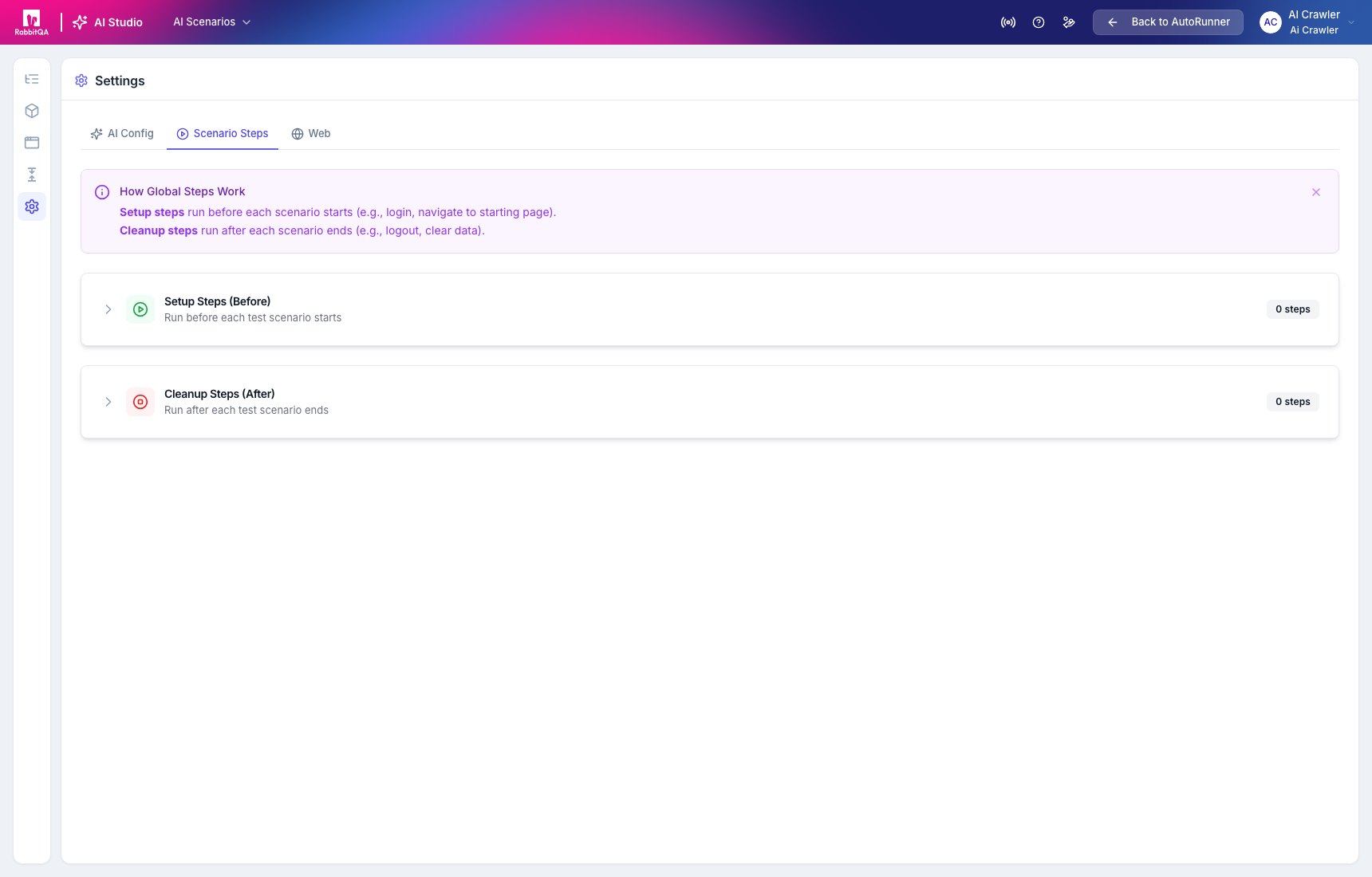
Keep setup idempotent and cleanup defensive. Cleanup must not assume that the scenario reached its last action.
Web and Mobile defaults
The remaining settings tabs hold platform-specific generation defaults. Verify these defaults before starting a run because they influence every applicable generation in the project.
Changing AI Config or global steps does not prove that existing active versions were regenerated or revalidated. Review the version and run evidence for each affected scenario.
