PBI Sessions
A PBI Session is the persisted record of one generation. It keeps source information, configuration, status, timing, counts, and the generated hierarchy together so the result can be reviewed after the generation page is closed.
Read the overview
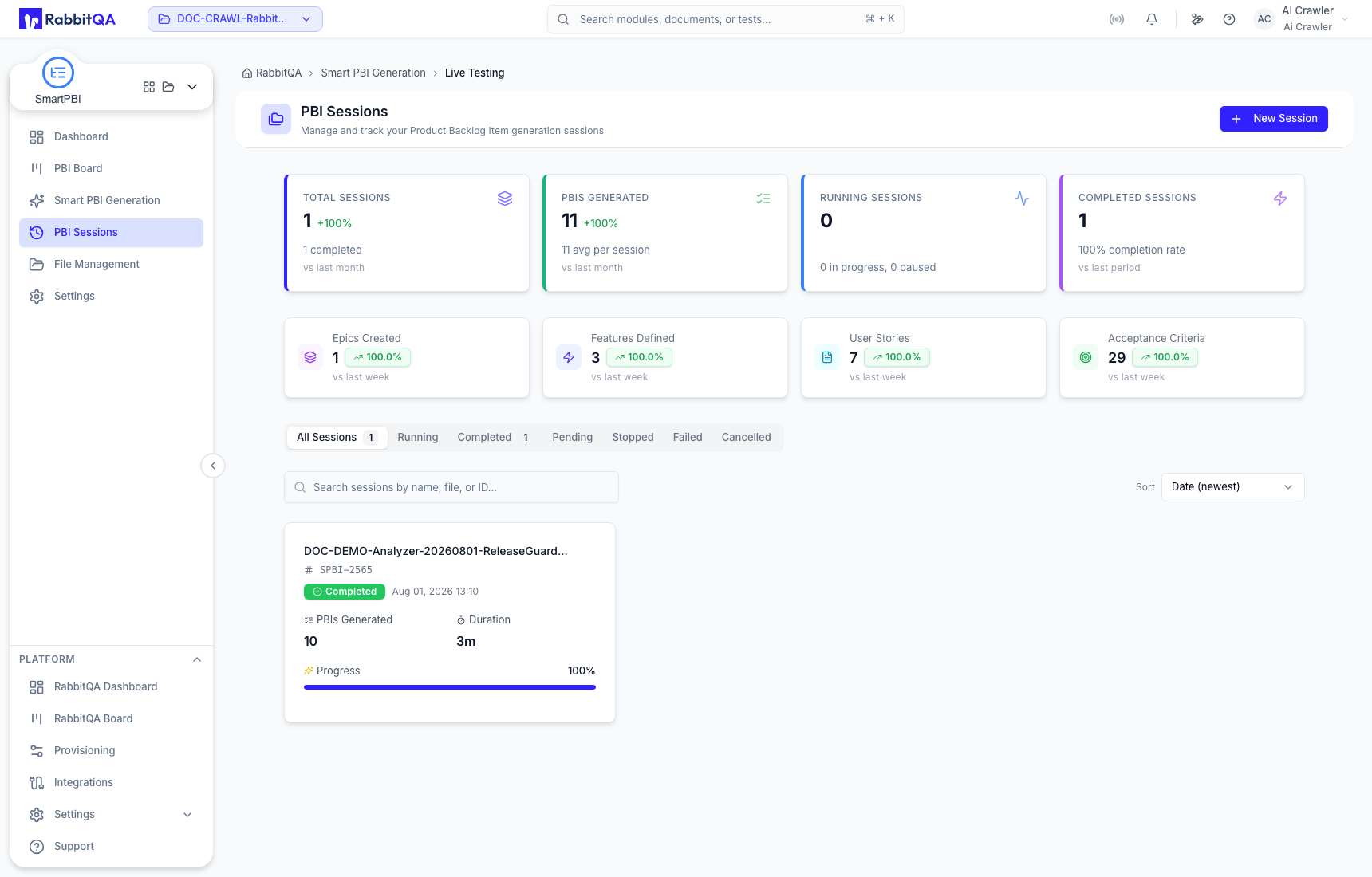
The summary reports Total Sessions, PBIs Generated, Running Sessions, and Completed Sessions, followed by counts for Epic, Feature, User Story, and Acceptance Criteria output. Session rows identify the source, public session identifier, status, creation time, item count, duration, and progress where available.
These are generation statistics. They do not indicate board workflow progress or CaseWriter test coverage.
Filter, search, and sort
Use the status tabs to focus the list:
- All
- Running
- Completed
- Pending
- Stopped
- Failed
- Cancelled
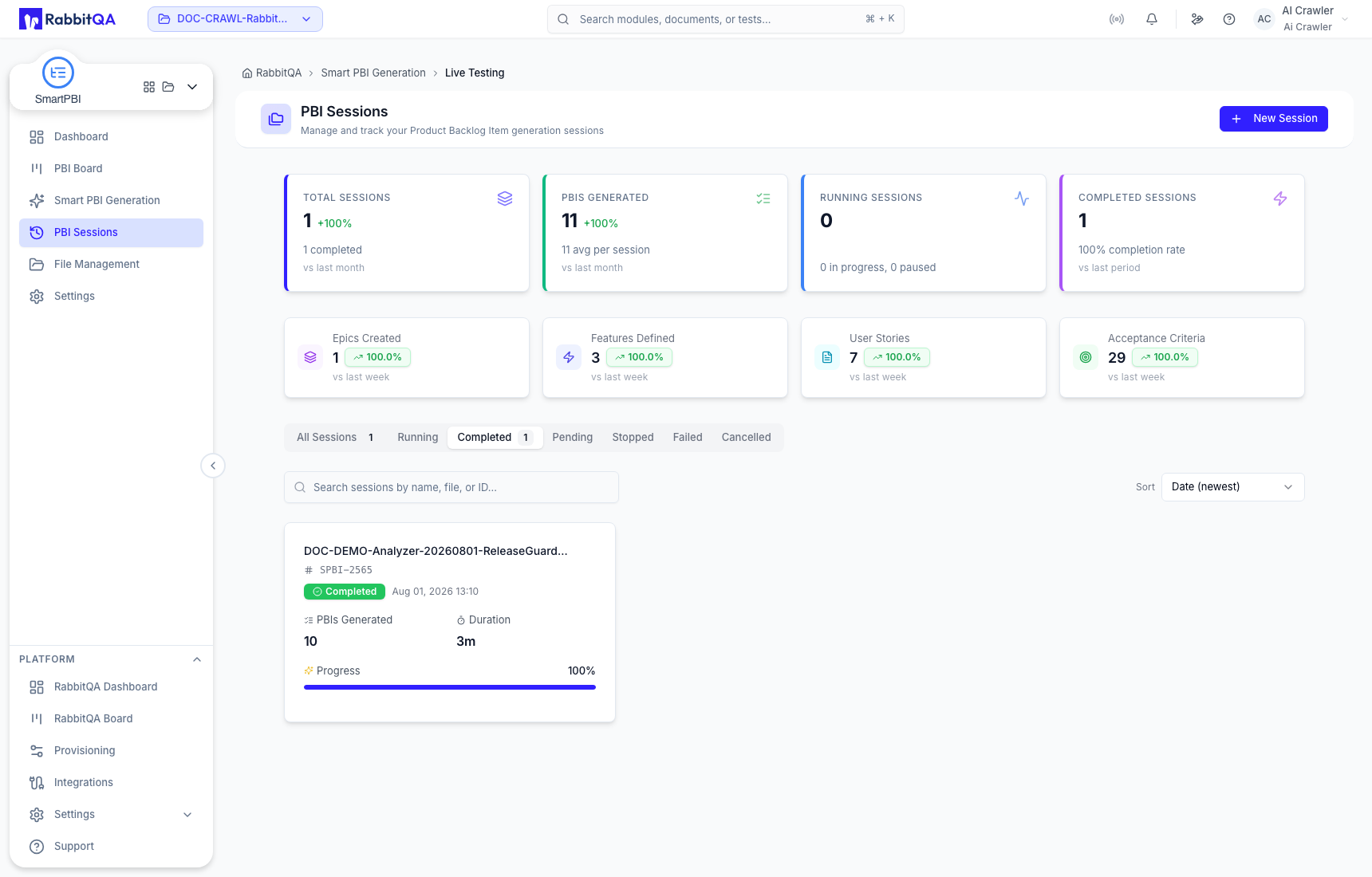
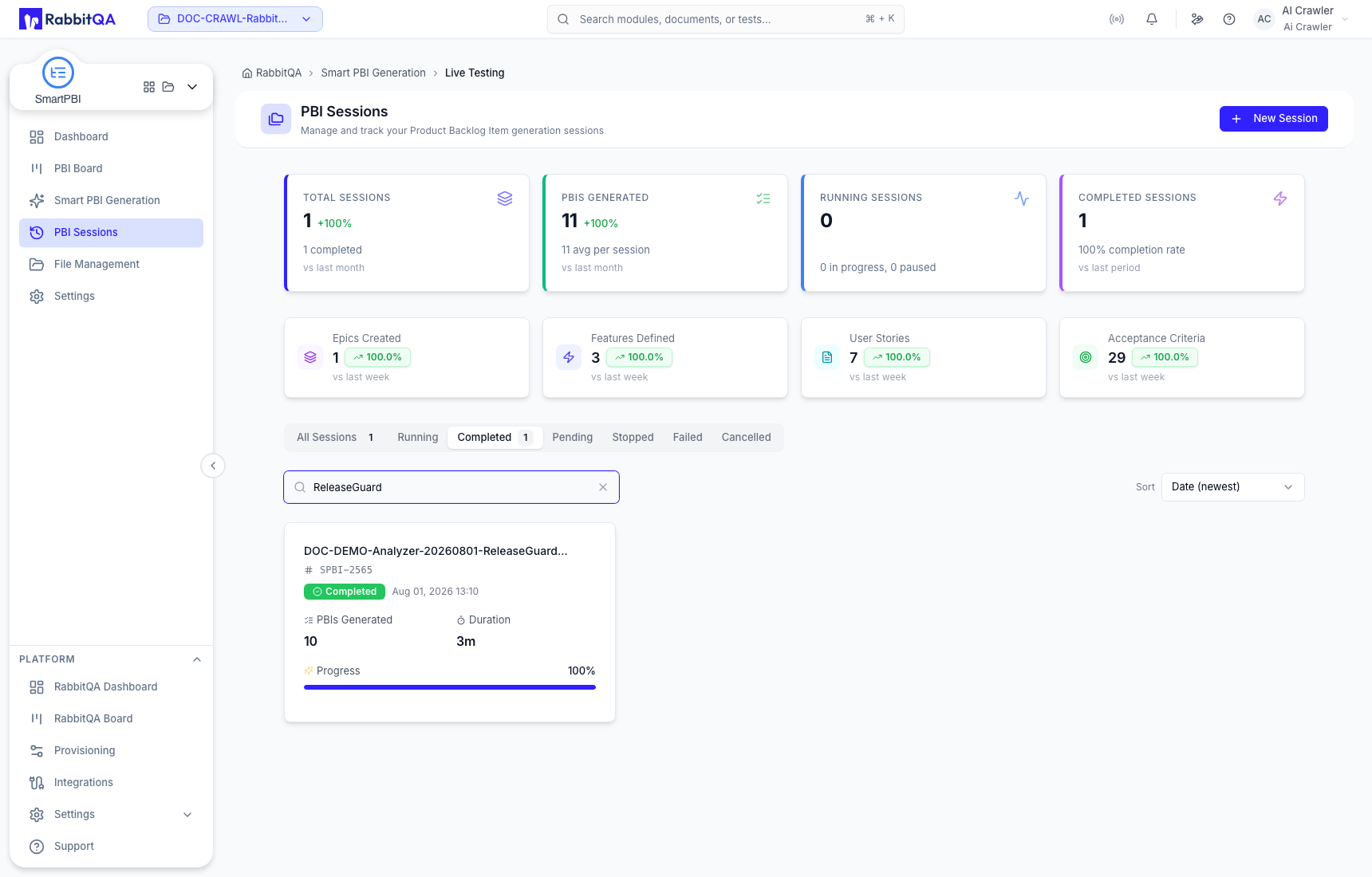
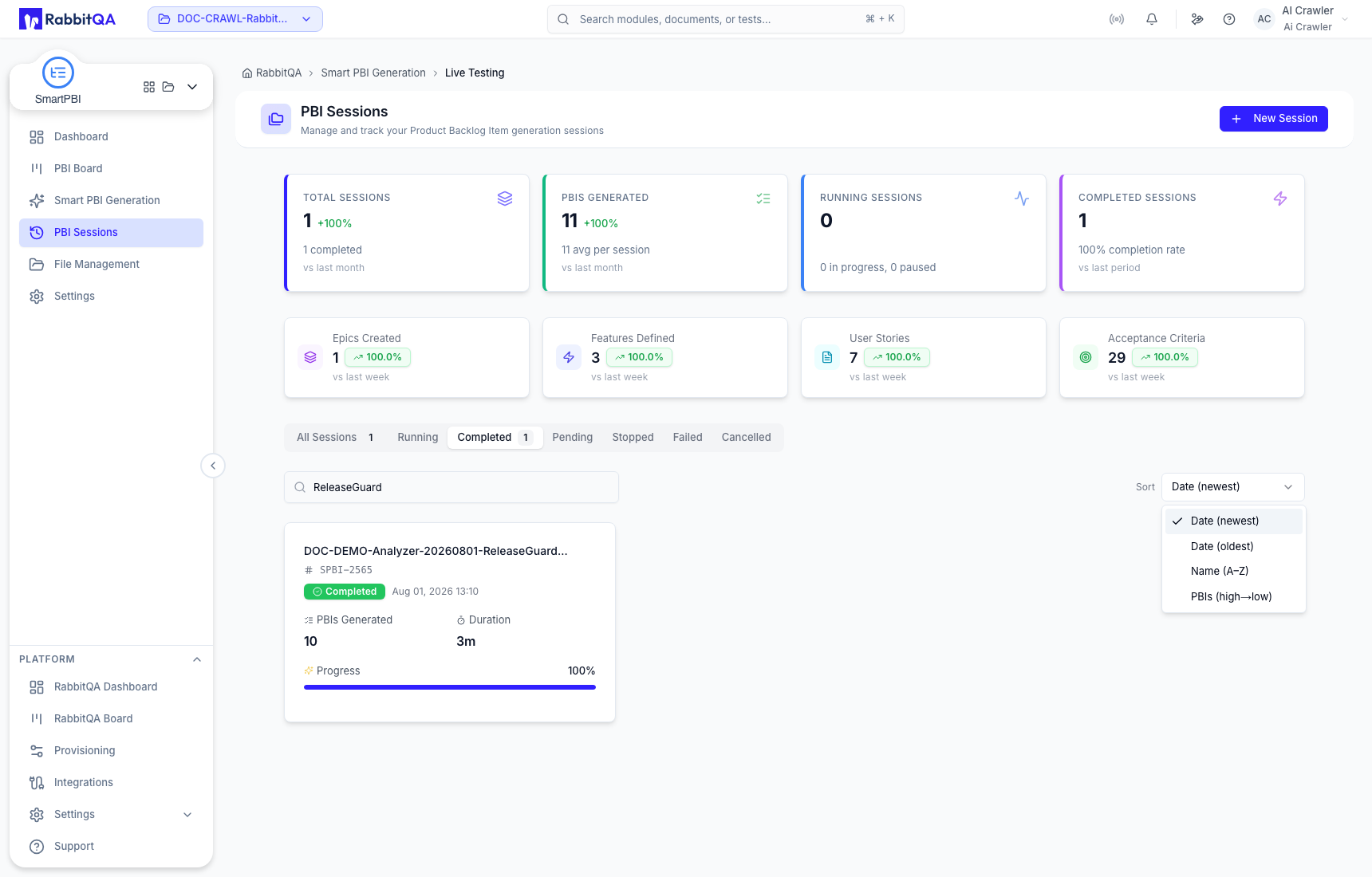
Search by the source or session identifier and use the sort control to change ordering. Filtering and sorting change the list view only; they do not alter session data.
Open a completed session
Choose View Details to inspect the saved source, model, language, quality, platforms, selected types, item counts, completion information, and expandable hierarchy. Expand enough of the tree to verify that children remain under the intended parents.
The saved session is the durable result. A dashboard card or recent-session shortcut is only a path to this record.
Completed-session actions
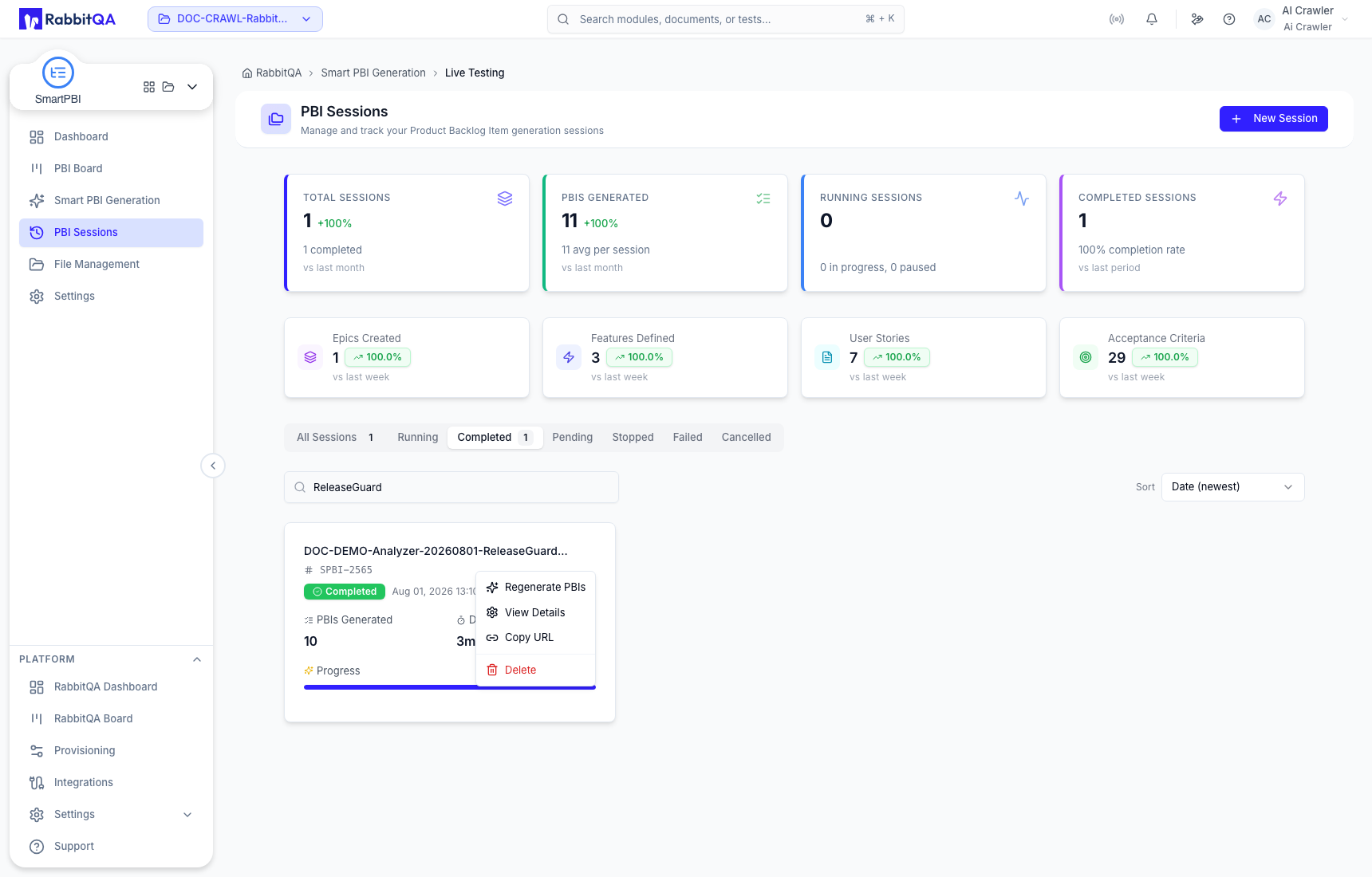
The completed-session menu provides:
| Action | Behavior |
|---|---|
| View Details | Opens the persisted hierarchy and configuration. |
| Regenerate PBIs | Loads the source, scope, and configuration into Smart PBI Generation for review. It does not start automatically. |
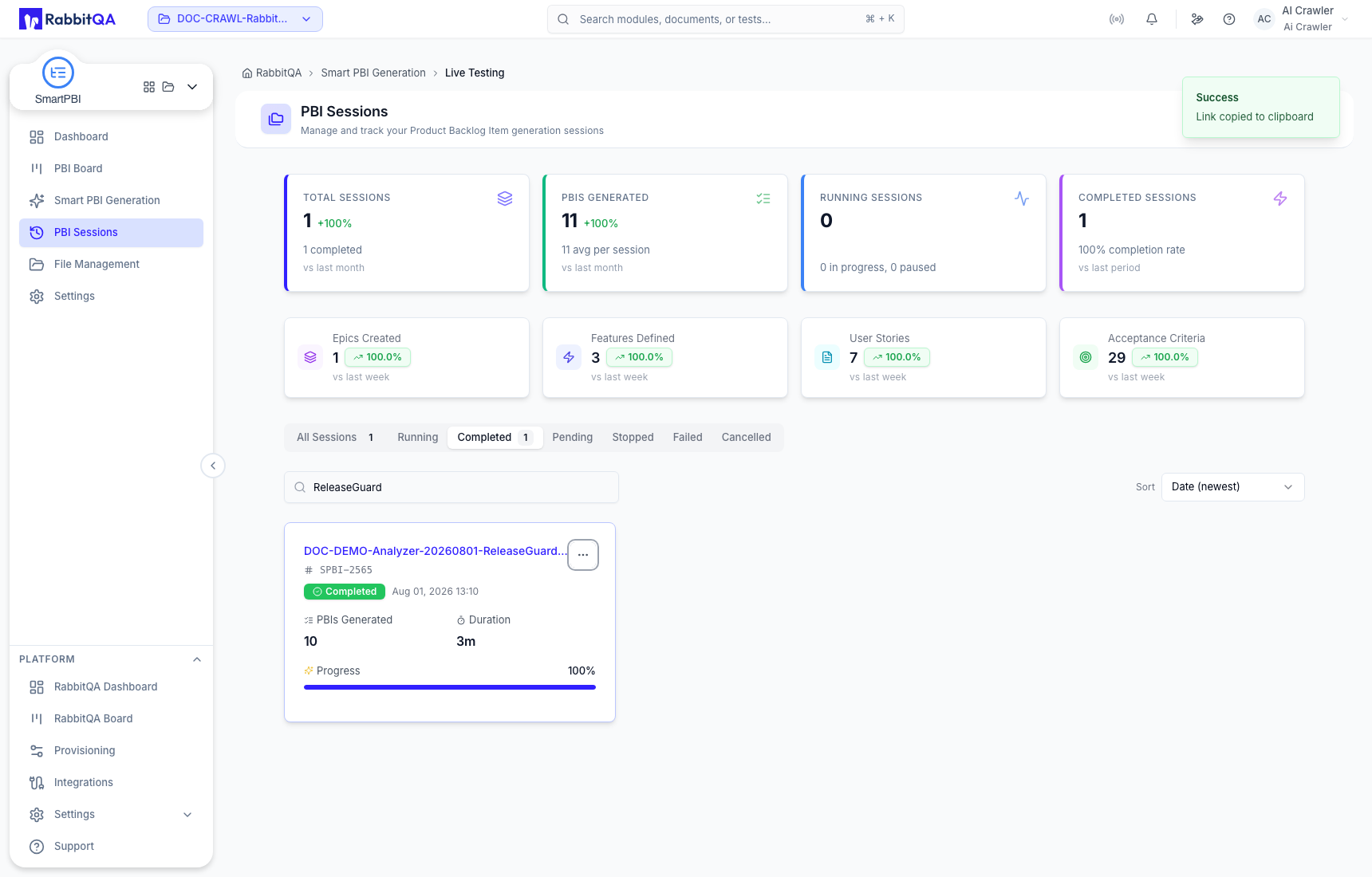
| Copy URL | Copies a direct link to this exact session. |
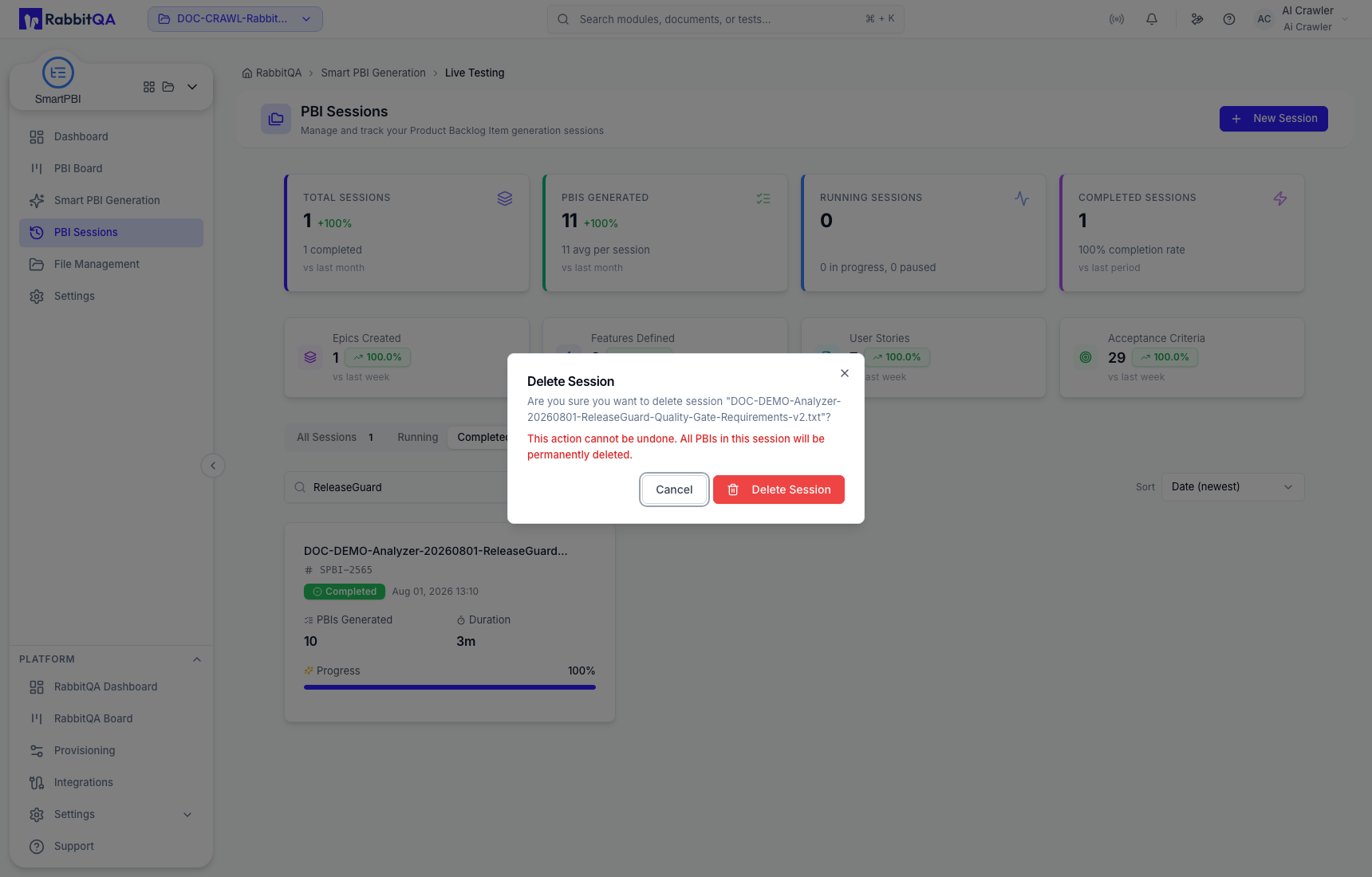
| Delete | Permanently removes the selected session after confirmation. |
Share a session
Use Copy URL when another user needs the exact record rather than the general Sessions page. Access still depends on their RabbitQA permissions and project access.
Load configuration into new work
Use Regenerate PBIs or Load Config from a recent-session card to prefill a new generation form. Review the loaded source and every configuration value before selecting Generate Now.
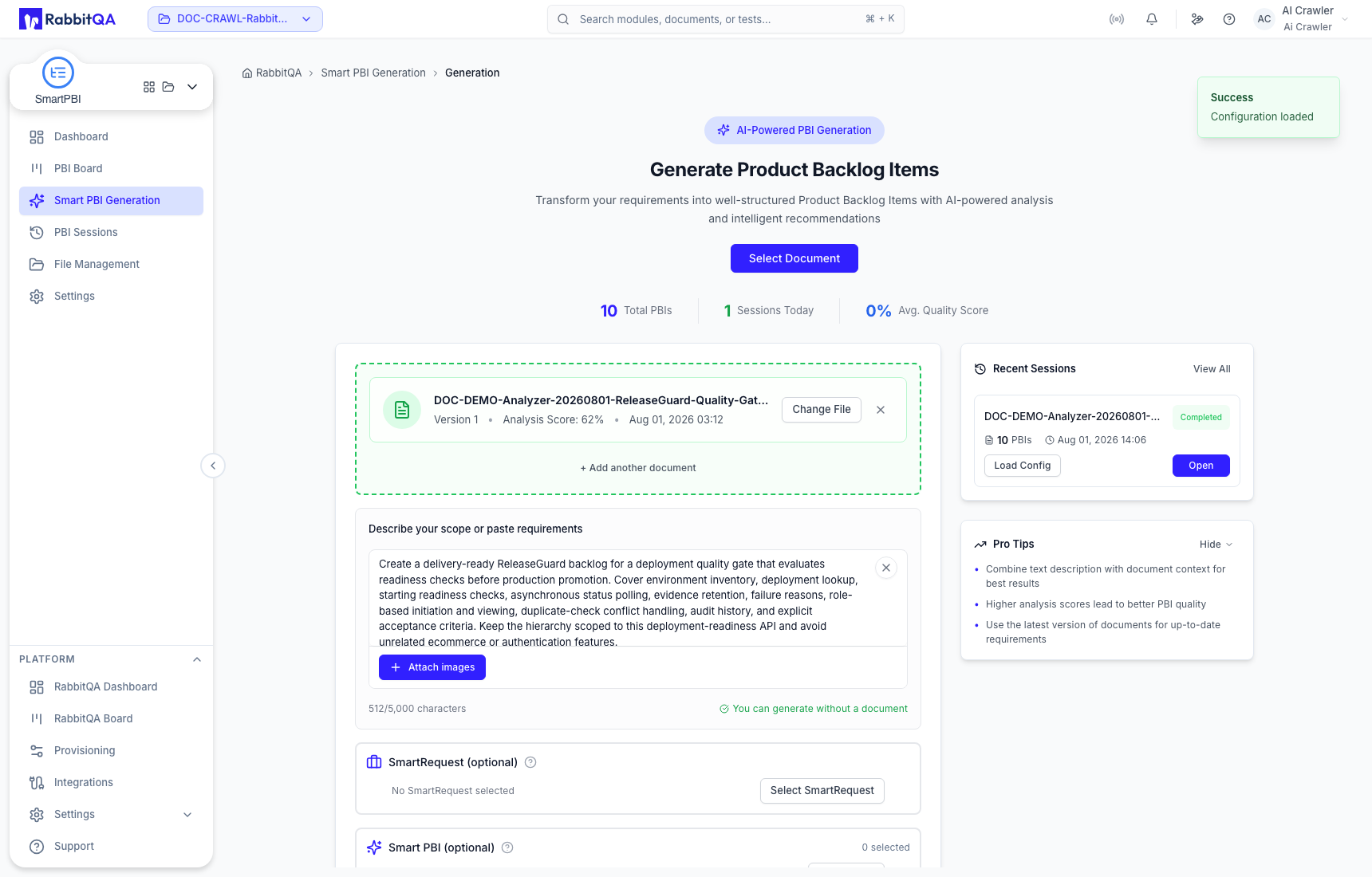
Loading configuration creates a starting point; it does not modify the original completed session and does not guarantee that the old configuration is suitable for the new scope.
Delete a session
Delete is permanent. Confirm the source and session identifier, and copy any needed URL or export before deleting.
Downstream handoff
A completed session can pass its full PBI set into CaseWriter as source context. Use that action only when all items in the session are appropriate; use a single board-item handoff for a focused test-design scope. See Handoffs and integrations.
