Issue Tracker
Issue Tracker connects automation failures and follow-up work. It offers a table plus Jira, Azure DevOps, and RabbitQA board views when the corresponding integration and permissions are available.
Filter and search
Use plan, Test Run, status, priority, sort, and free-text filters. More Filters adds label, assignee, and date-range controls.
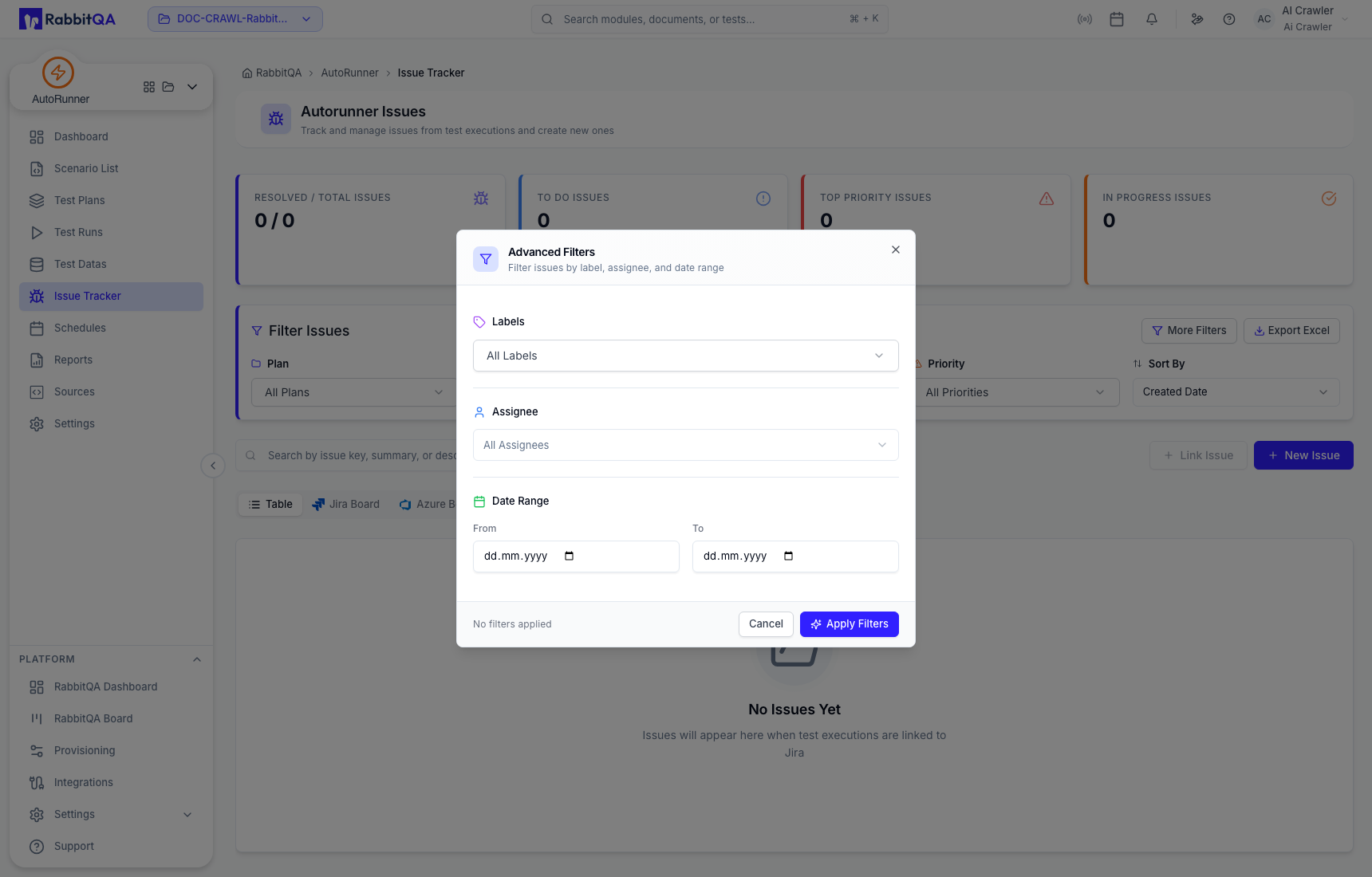
Summary cards show resolved/total, to-do, top-priority, and in-progress counts for the filtered context. Export Excel exports the permitted issue view shown by the deployment.
Create an issue with execution context
Select New Issue, choose a project, and optionally attach a Test Run and one of its execution results.
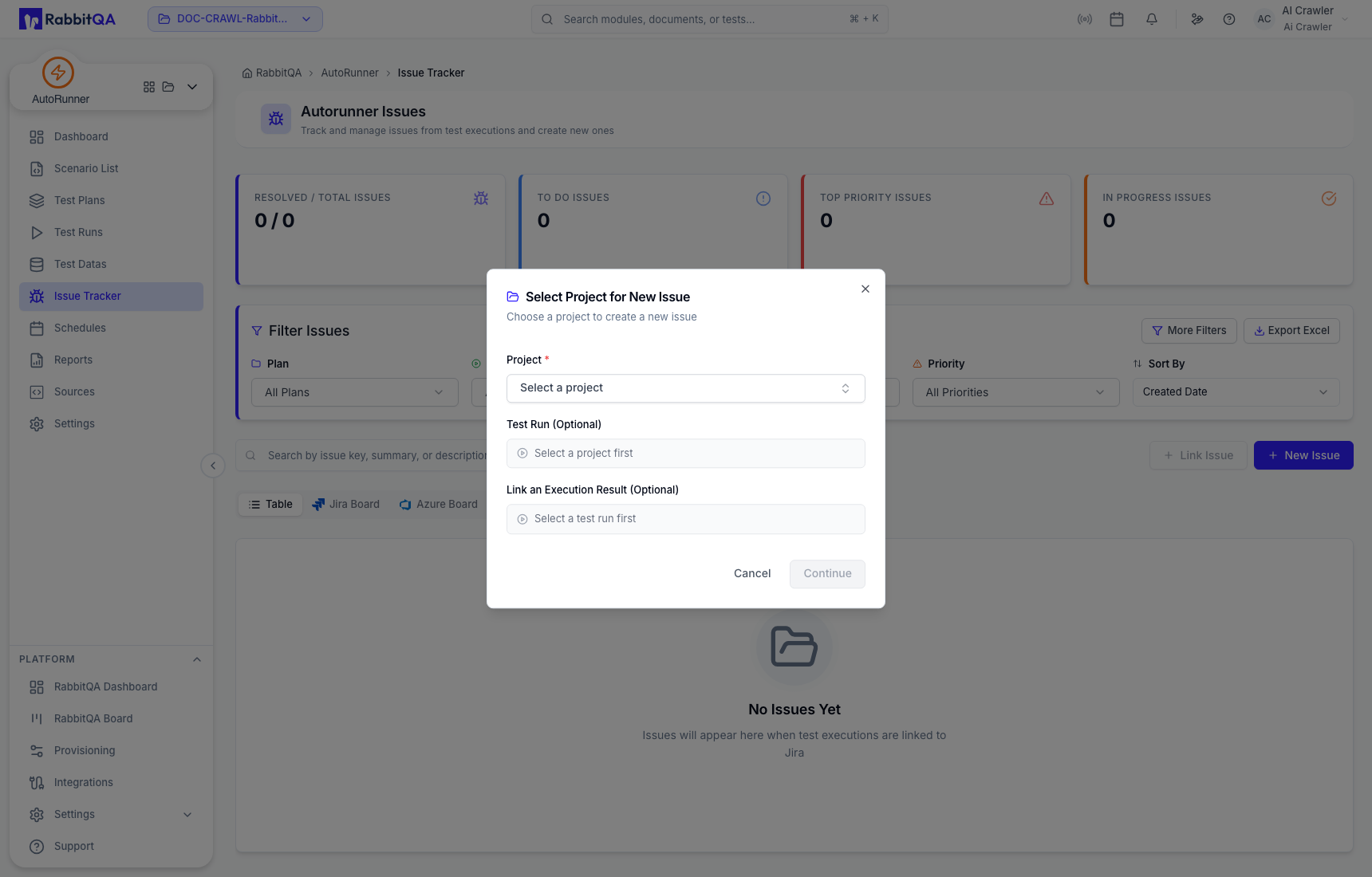
Attach the smallest useful evidence set: run ID, failing scenario or step, environment, expected result, actual result, and a safe screenshot or log excerpt. Remove tokens, credentials, and customer data before creating an external issue.
Link an existing issue
Use Link Issue when the defect already exists. Confirm the provider, project, and issue key before linking so the run does not create duplicate work.
Board views
The Jira, Azure DevOps, and RabbitQA boards map provider workflow statuses into columns.
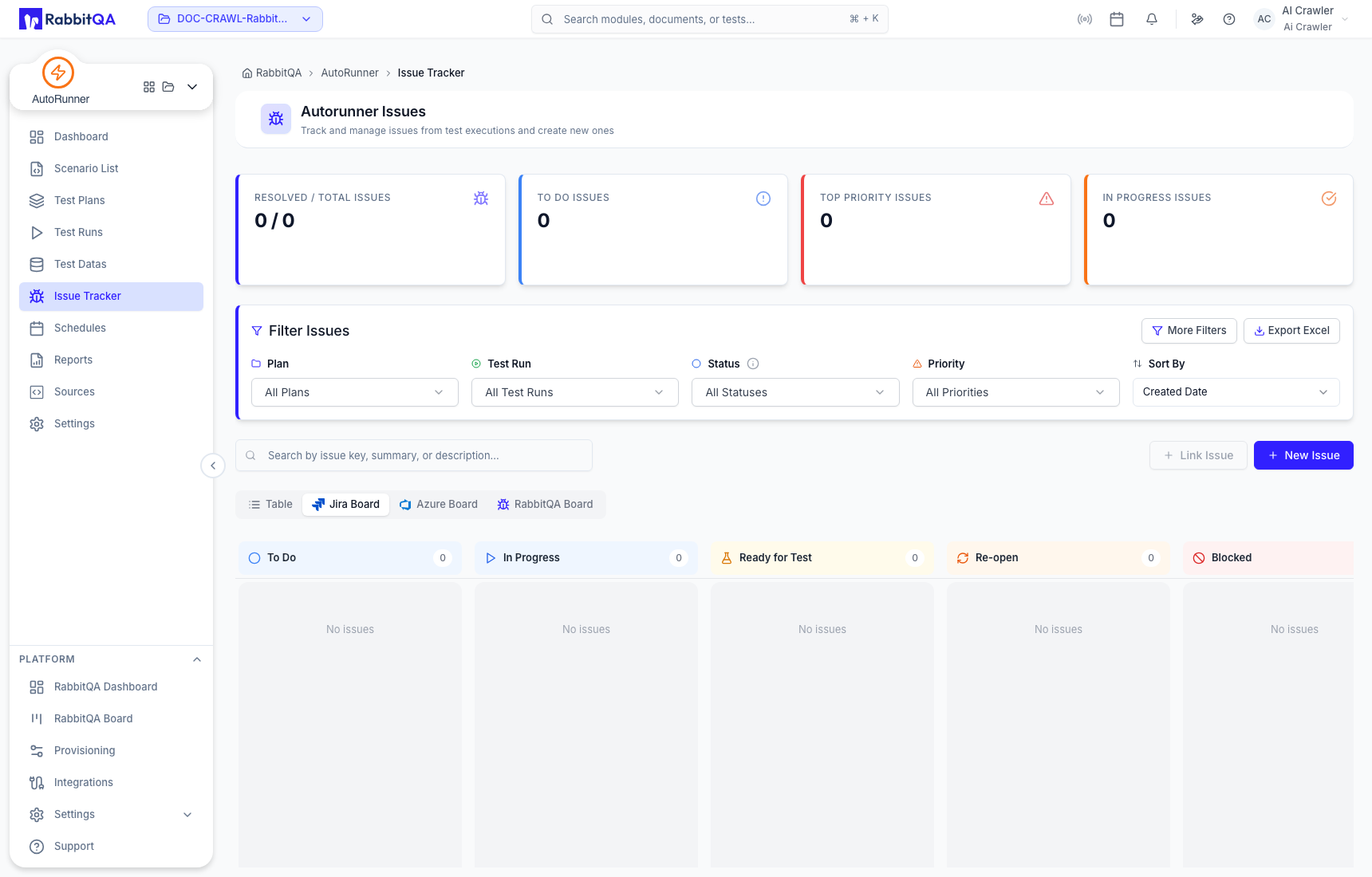
Provider-specific columns can extend beyond the visible viewport. The board is a workflow view, not proof that every external transition is permitted for the current user.
Use read-only filters and previews first. Verify the target provider and project before creating, linking, assigning, transitioning, or commenting on an issue.
