Reports
Reports turns a selected Test Run's saved execution state into reviewable quality evidence.
Select a plan and run
Open Reports and choose the Test Plan. The page then lists its available Test Runs.
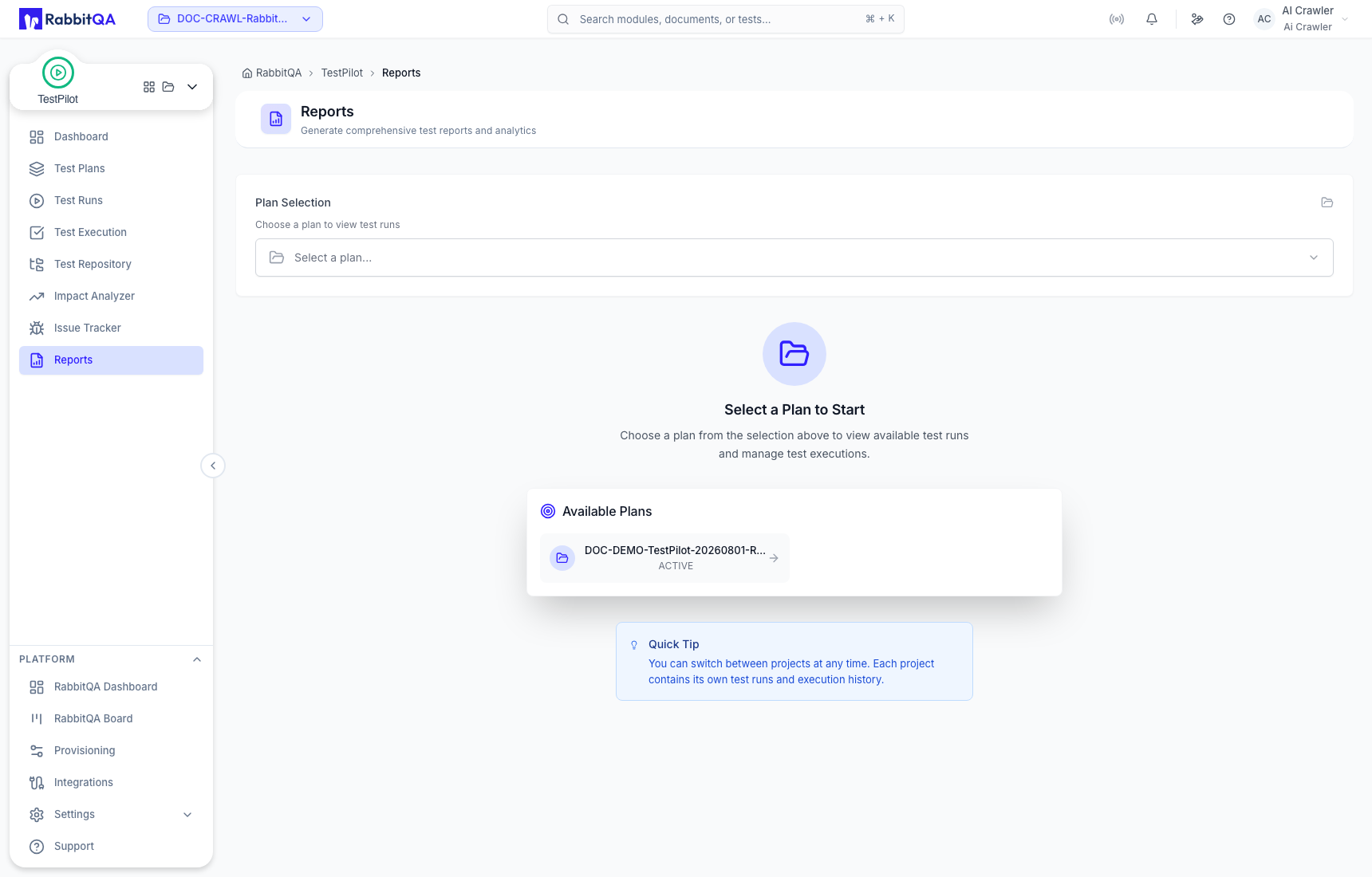
Select the intended Test Run by name and date range. The detailed report is the authoritative reporting view for that run.
Read the report summary
The report header identifies the Plan, Test Run, and Plan Code. The summary separates:
- Total cases;
- Success;
- Failed;
- Blocked & N/A;
- Not Executed.
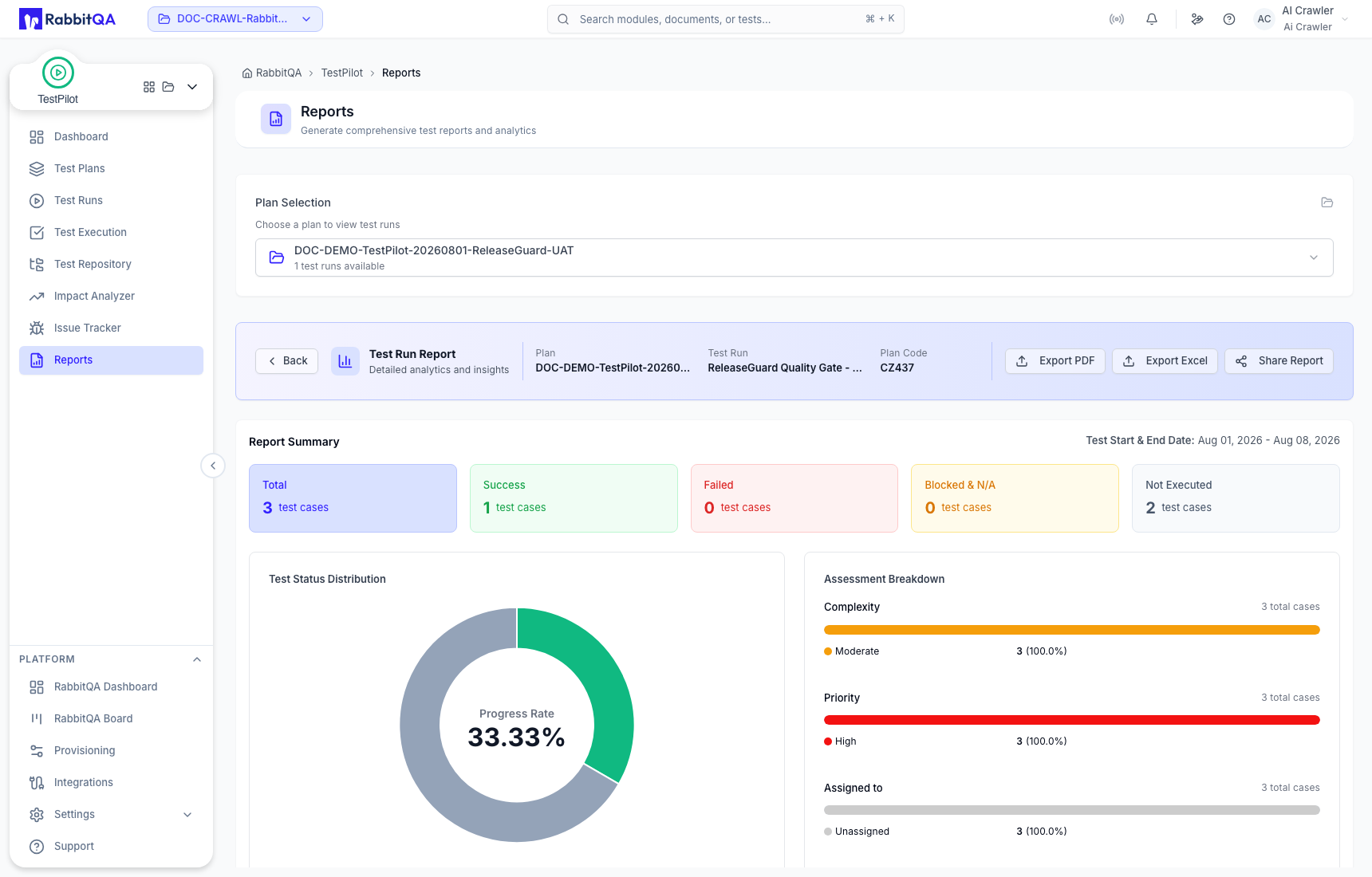
Use Export PDF for a document copy, Export Excel for a workbook copy, and Share Report for the available sharing action.
Review distributions and issues
The report includes:
- Test Status Distribution;
- Assessment Breakdown by complexity, priority, and assignee;
- Test Case Distribution by Test Sets;
- linked issue coverage.
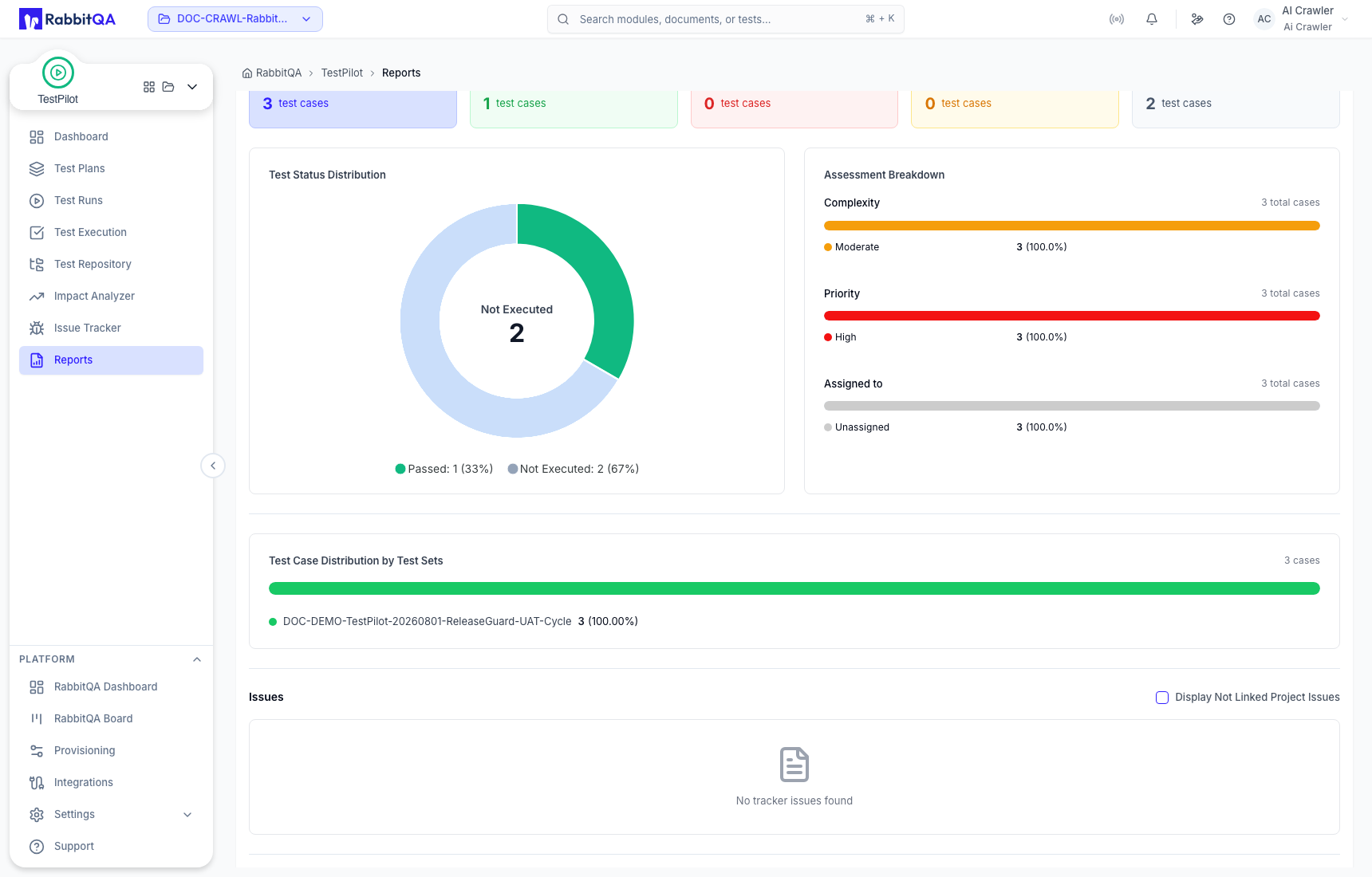
Read completion separately from pass rate. Not Executed cases remain part of the run even though they are excluded from a completed-result pass-rate calculation.
Verify case-level results
Use the Test Cases table to reconcile every status with the summary.
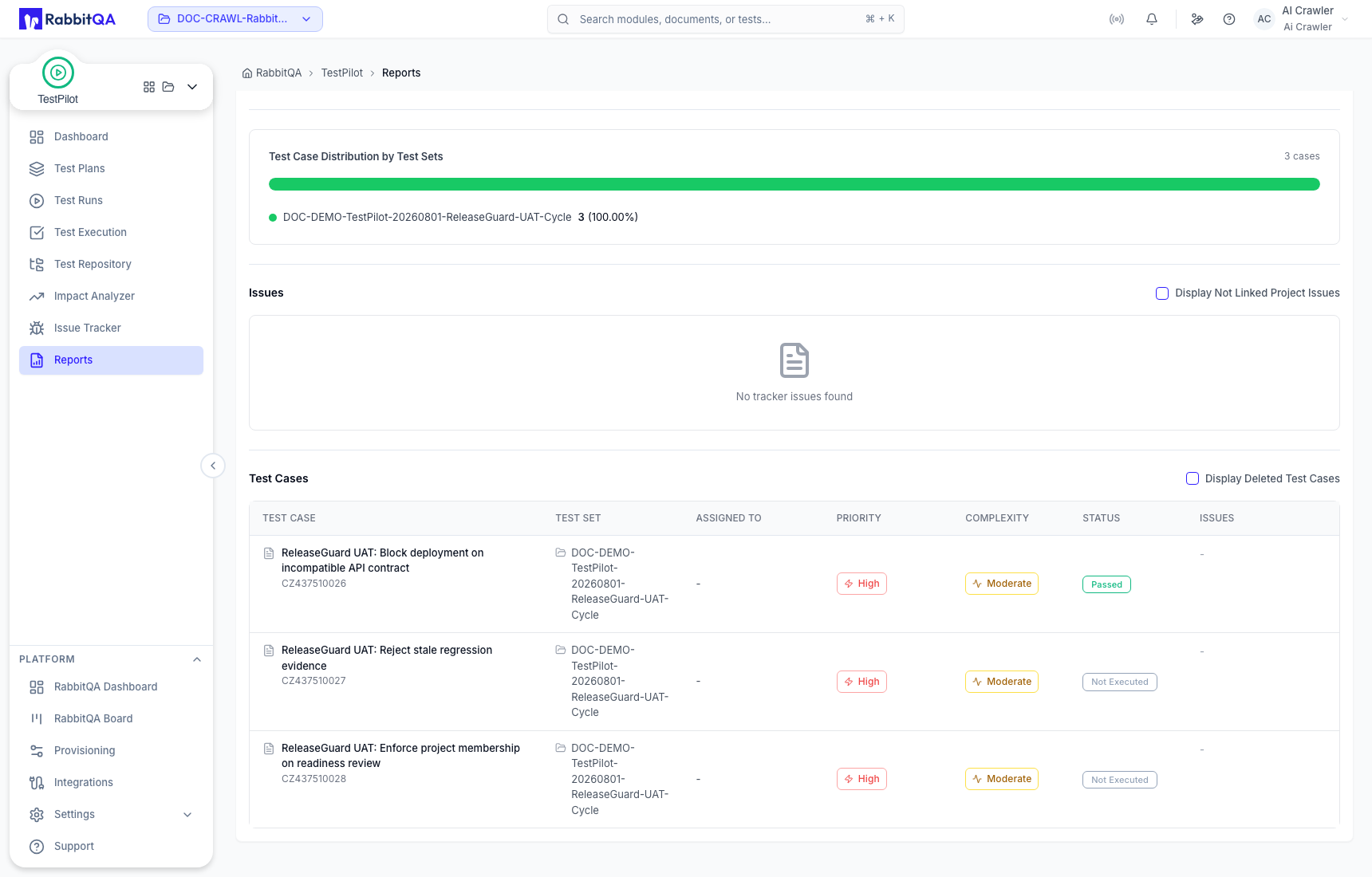
If a case result is wrong or missing, return to Test Execution, correct and save the execution, then reopen or refresh the report.
Reporting checklist
- Confirm the selected RabbitQA project.
- Confirm both the Test Plan and Test Run.
- Compare summary totals with the case table.
- Review Not Executed and Blocked/N/A coverage before a quality decision.
- Confirm issue links and evidence.
- Export or share only after the in-app state is correct.
