Test Repository
The Test Repository stores maintained test sets and cases for the selected RabbitQA project. TestPilot renders the same repository used by CaseWriter, so a case can move from authoring into manual execution without a second copy.
Create a test-set hierarchy
Open Actions and select New Test Set. Choose Root for a top-level set or an existing set for a nested hierarchy, enter a clear name, and create it.
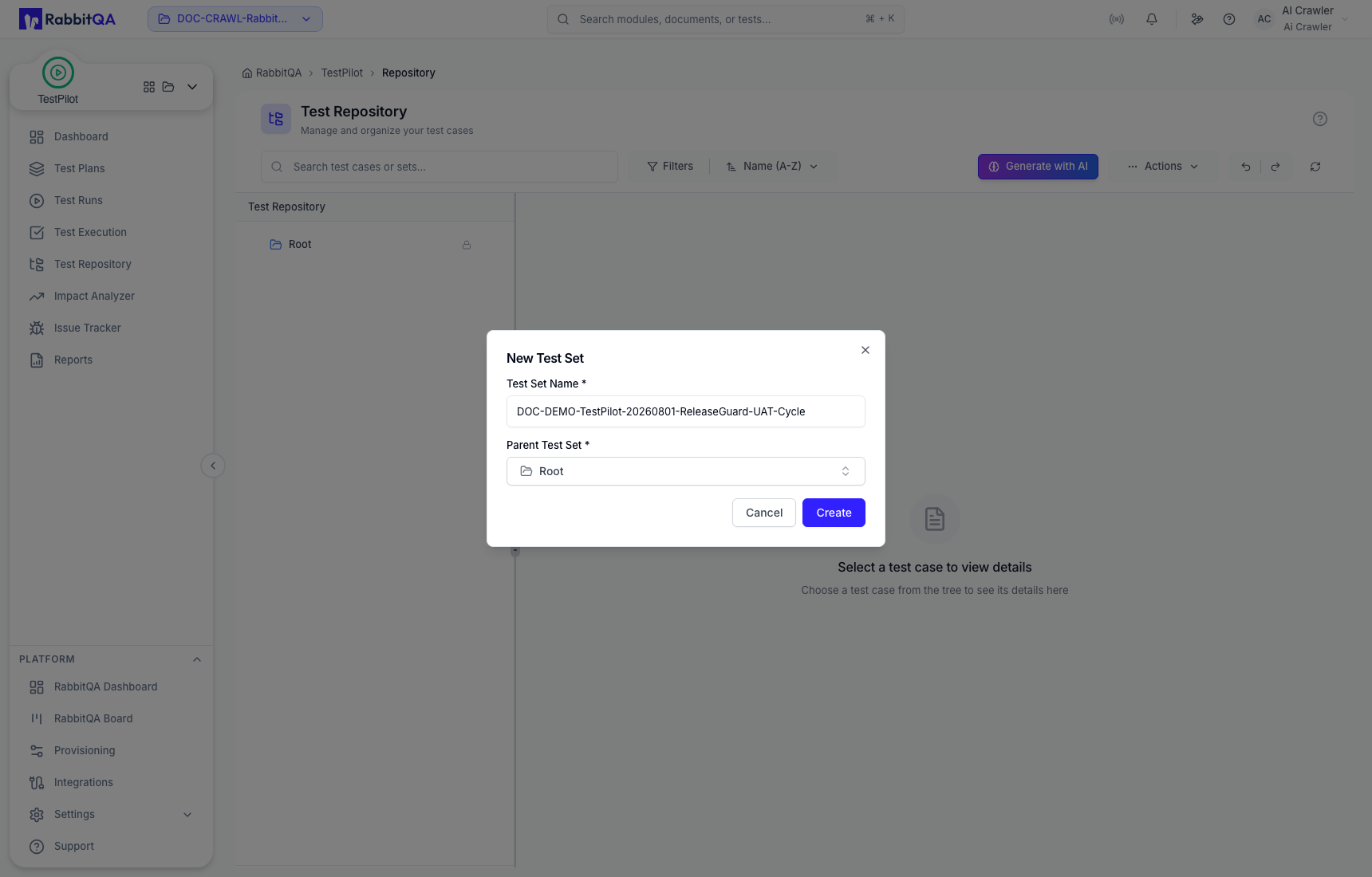
Use functional names that remain meaningful when the same cases are assigned to later runs.
Create a maintained case
Open Actions, select New Test Case, and complete the case workflow:
- In Details, choose the destination Test Set and enter the title, priority, complexity, and description. Add labels, data, or description attachments only when they are part of the maintained definition.
- In Steps, add prerequisites, ordered actions, and observable expected results.
- In Review, verify the complete definition before selecting Create Test Case.
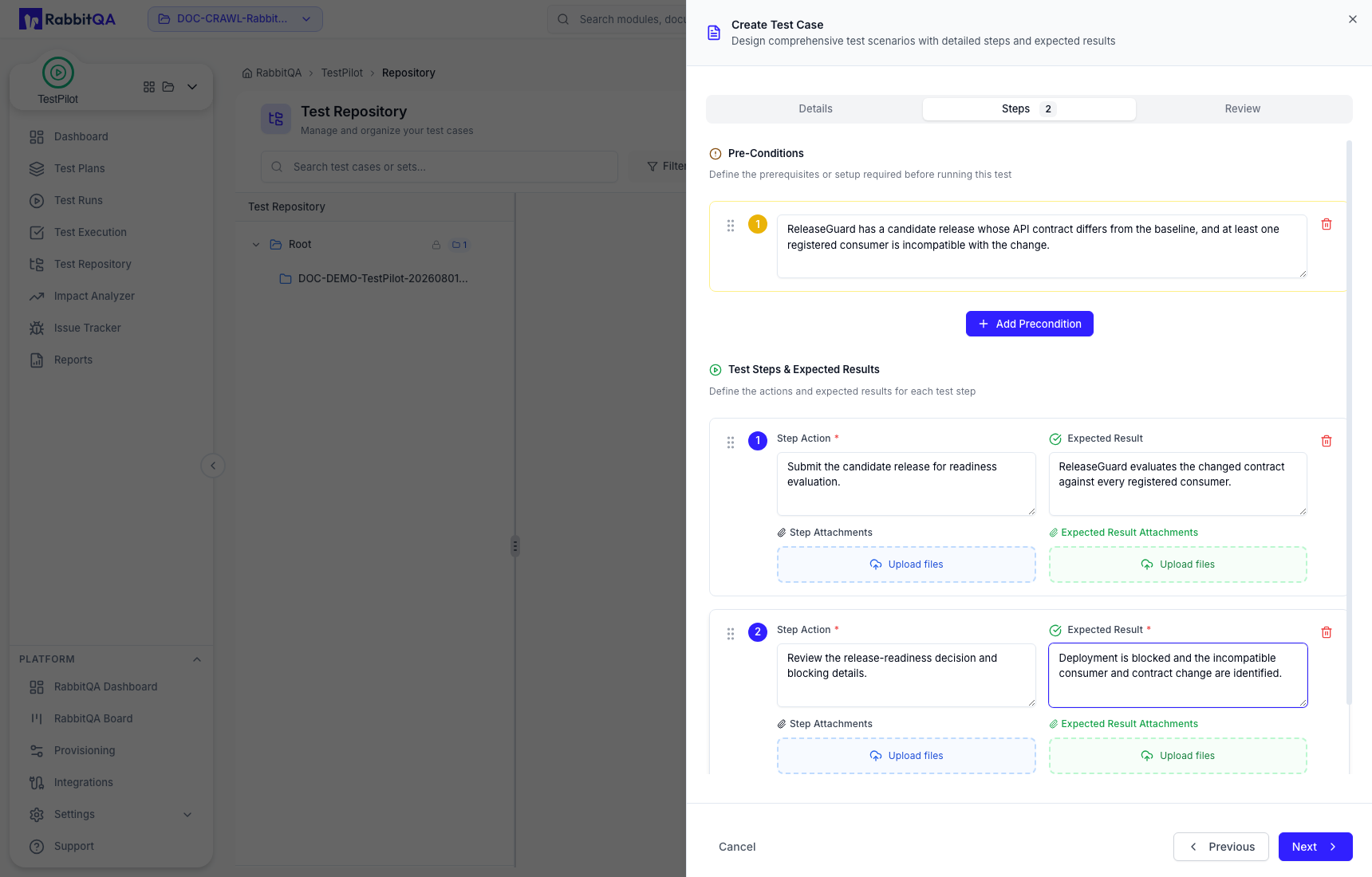
Repeat the sequence for each distinct behavior. Expand the destination set and verify that the required cases exist before creating a Test Run.
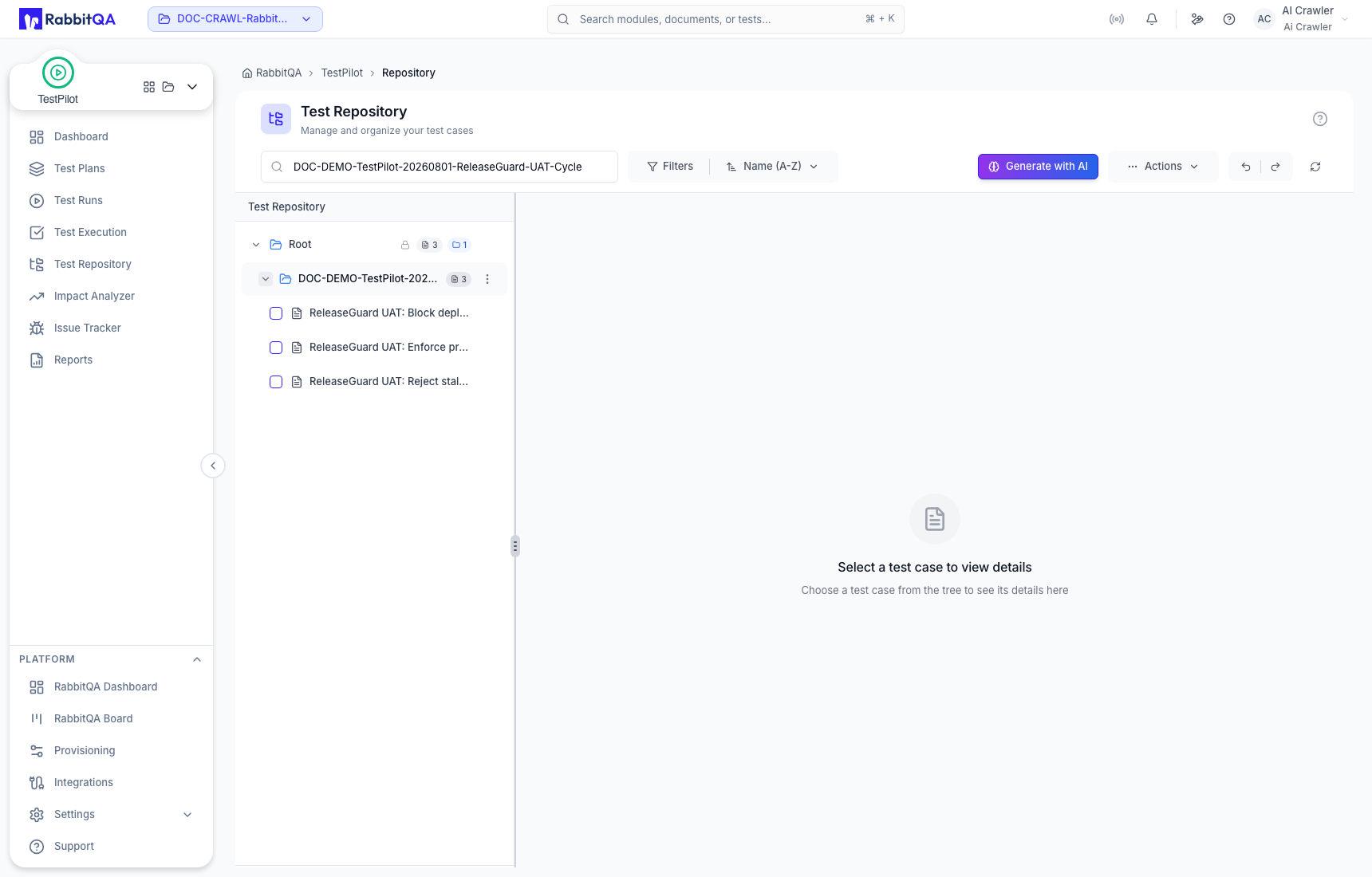
Review and maintain a case
Select a case in the tree to inspect:
- persistent case ID and test-set path;
- description, priority, complexity, and labels;
- test data and preconditions;
- ordered test steps and expected results;
- creation details and history.
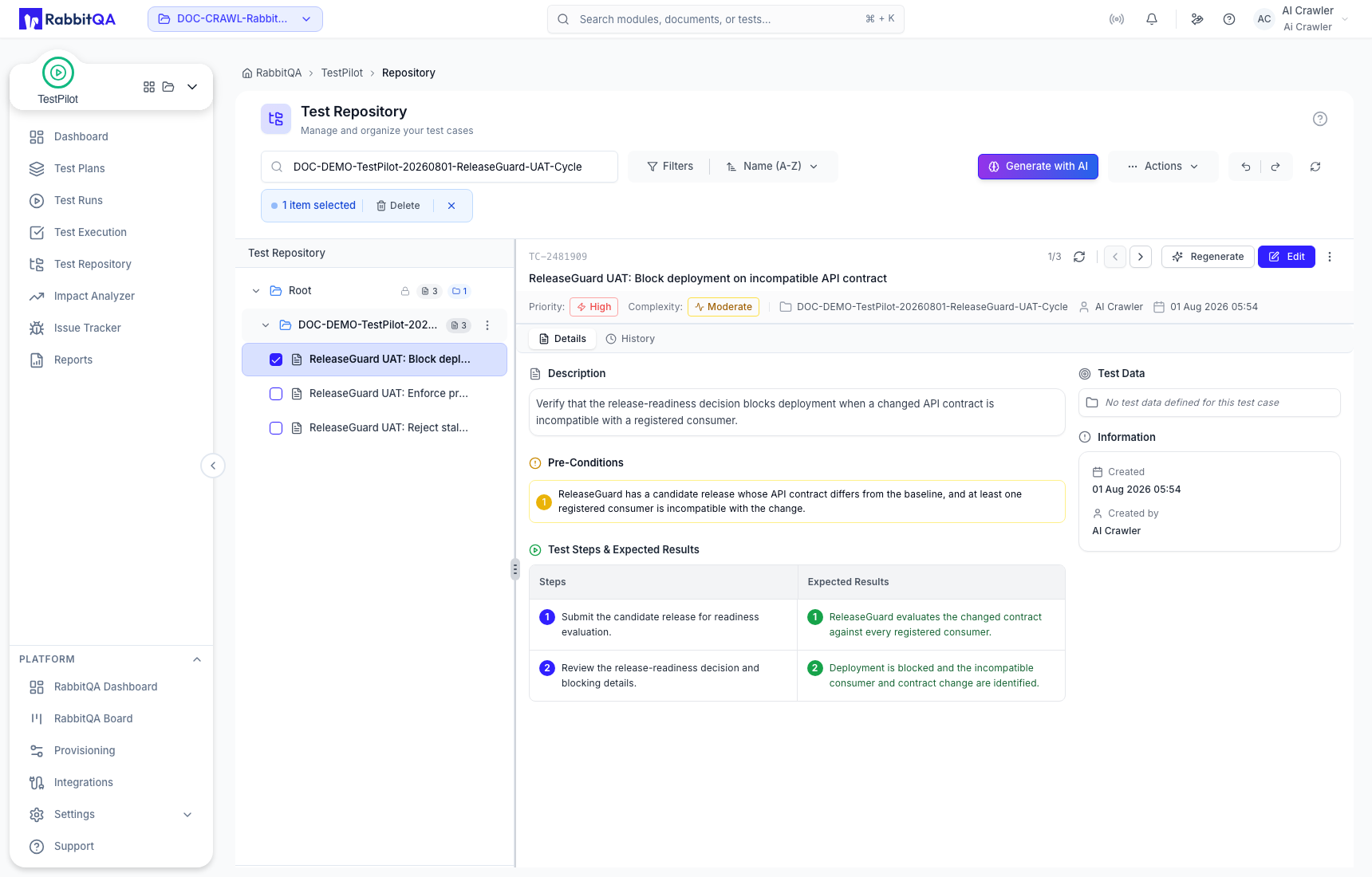
Use Edit for maintained corrections. Use Regenerate only when a new AI proposal is wanted, then review the proposal before treating it as test intent.
Search, filter, and actions
- Search by case or set name.
- Use Filters and the name/date sort options to narrow the tree.
- Use Actions for new test sets, new cases, and available import/export operations.
- Use Generate with AI to begin AI-assisted case generation.
Available actions can depend on role permissions.
From repository to execution
Creating a case does not create an execution. In Test Runs, assign the exact set or cases to a run. Those assignments create the records displayed in Test Execution.
Good repository practice
- Keep one observable expectation per action when practical.
- Separate reusable setup from run-specific evidence.
- Preserve test-set hierarchy so filters and reports remain useful.
- Correct the maintained case when the test intent changes; use execution notes for what happened in one run.
- Review AI-generated or regenerated content before saving it.
