Reports
The Reports page produces one detailed report per test run.
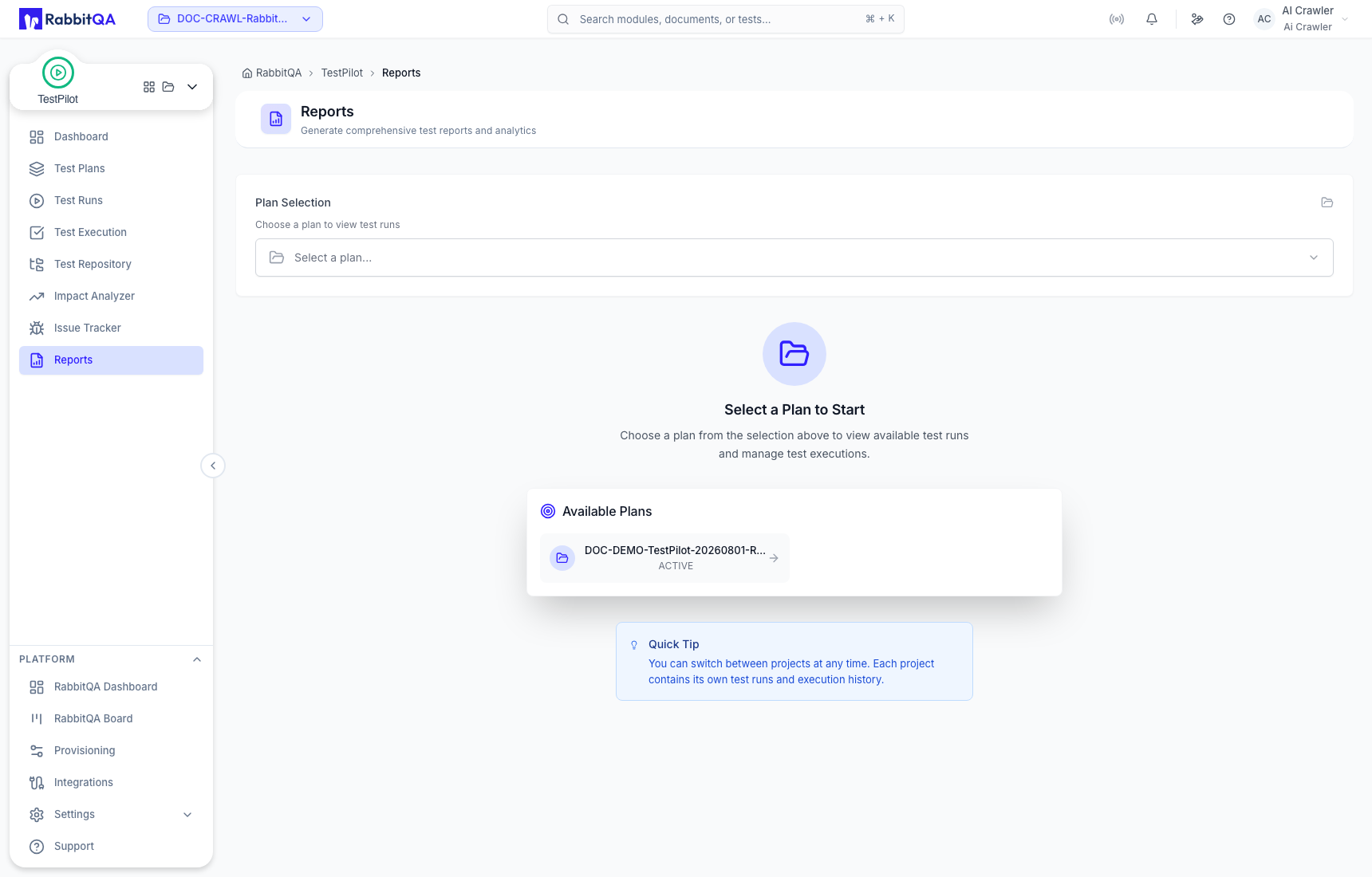
Choosing what to report on
Open TestPilot > Reports. Reporting is a two-step drill-down; there is no separate "generate" step.
- Plan Selection - pick a test plan from the searchable plan list. The trigger shows how many test runs that plan has.
- Available Test Runs - the plan's runs appear as cards. Select one to open its report.
Each run card shows the run's name, its start and end dates, its status badge, and counters for Success, Failed, Blocked & N/A, and Not Executed. Use Back to return to the run list and pick a different run.
The selection is reflected in the address bar as ?planId=<id>&testRunId=<id>, so a report link can be bookmarked or shared.
Report contents
Header
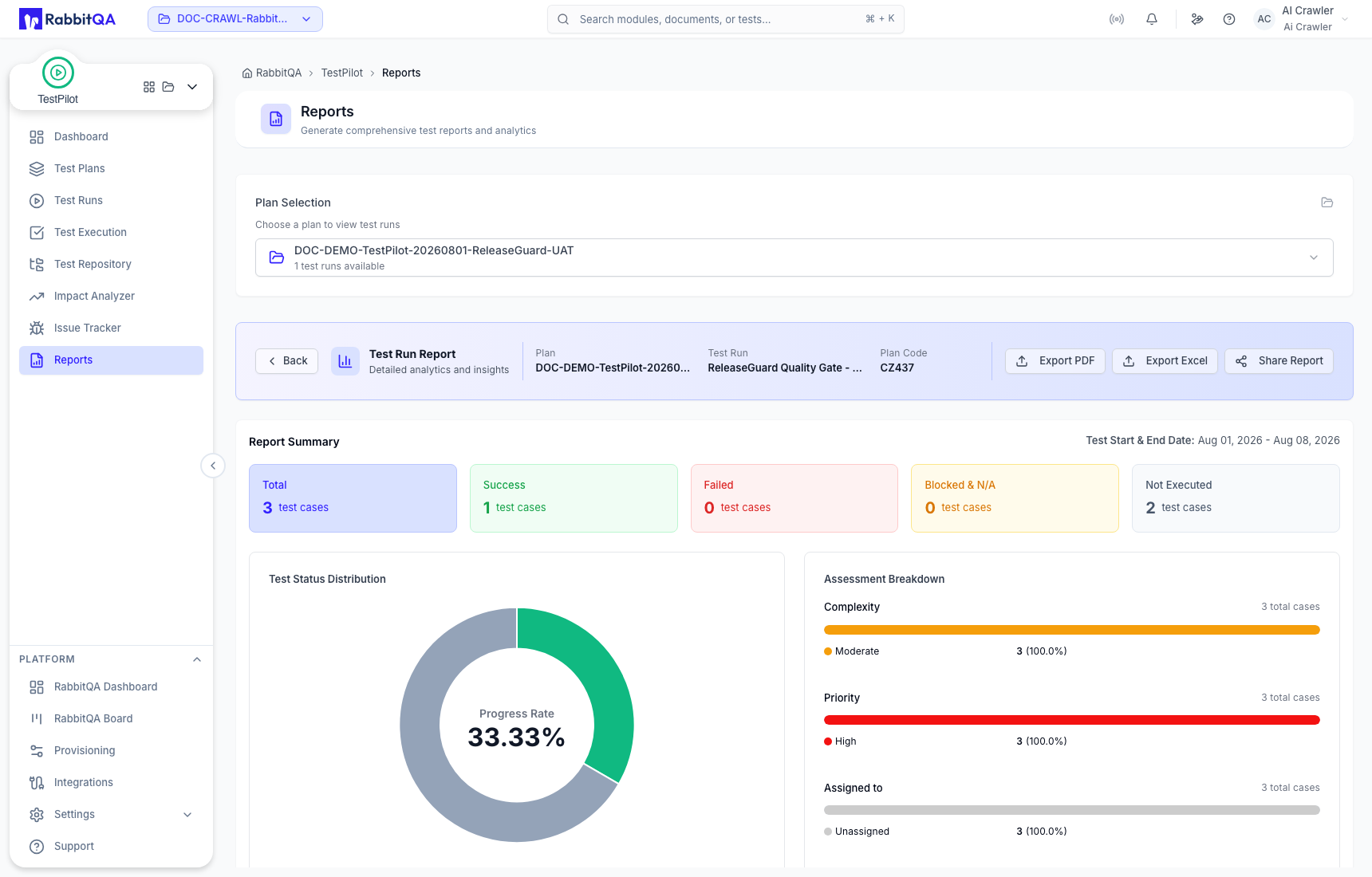
The report opens with the plan name, the test run name, and the plan code.
Report Summary
Five tiles count the run's test cases, alongside the test start and end dates:
| Tile | Counts |
|---|---|
| Total | Every test case in the run |
| Success | Passed and Bug Fixed |
| Failed | Failed |
| Blocked & N/A | Blocked and N/A |
| Not Executed | Untested, Running, Skipped, and Retest |
Test Status Distribution
A donut chart of the individual statuses present in the run.
Statuses with no results are left out, and Untested is shown as Not Executed.
Assessment Breakdown
Three segmented bars showing how the run's cases are distributed by Complexity, Priority, and Assigned to. Each bar shows the total case count and a legend with the value and percentage per segment.
Test Set & Label
Two more segmented bars:
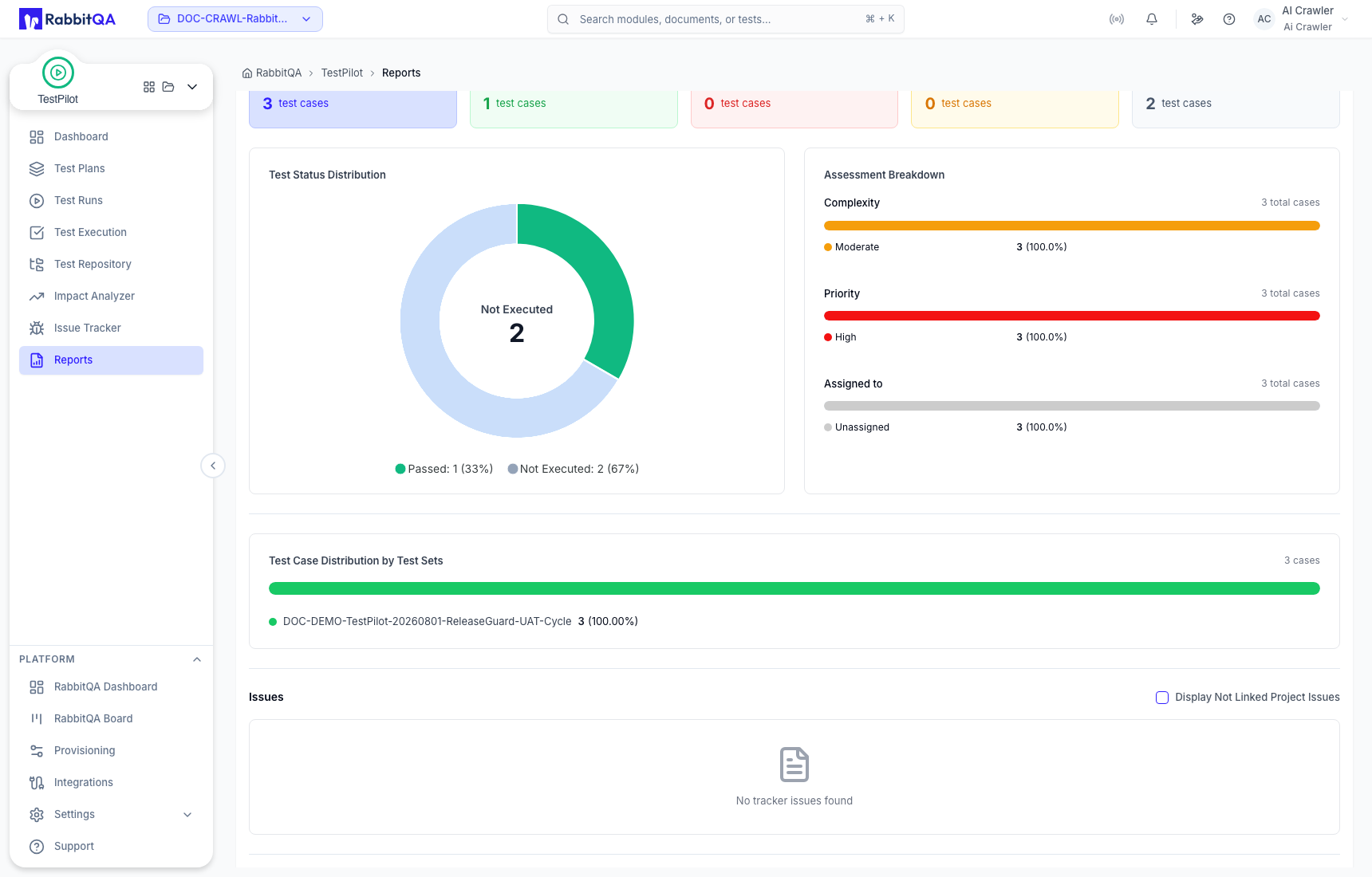
- Test Case Distribution by Test Sets
- Test Case Distribution by Labels
Issues
Tracker issues raised against the run, with a live count in the heading.
| Column | Contents |
|---|---|
| Key | Issue key, linked to the tracker |
| Summary | Issue summary, with the test result ID beneath it |
| Priority | Issue priority |
| Status | Issue status |
| Assignee | Person the issue is assigned to |
| Issued Test Case | The linked test case, or Not Linked |
| Created | Creation date |
Toggle Display Not Linked Project Issues to include issues that are not linked to a test case.
Test Cases
Every test case in the run, with a live count in the heading.
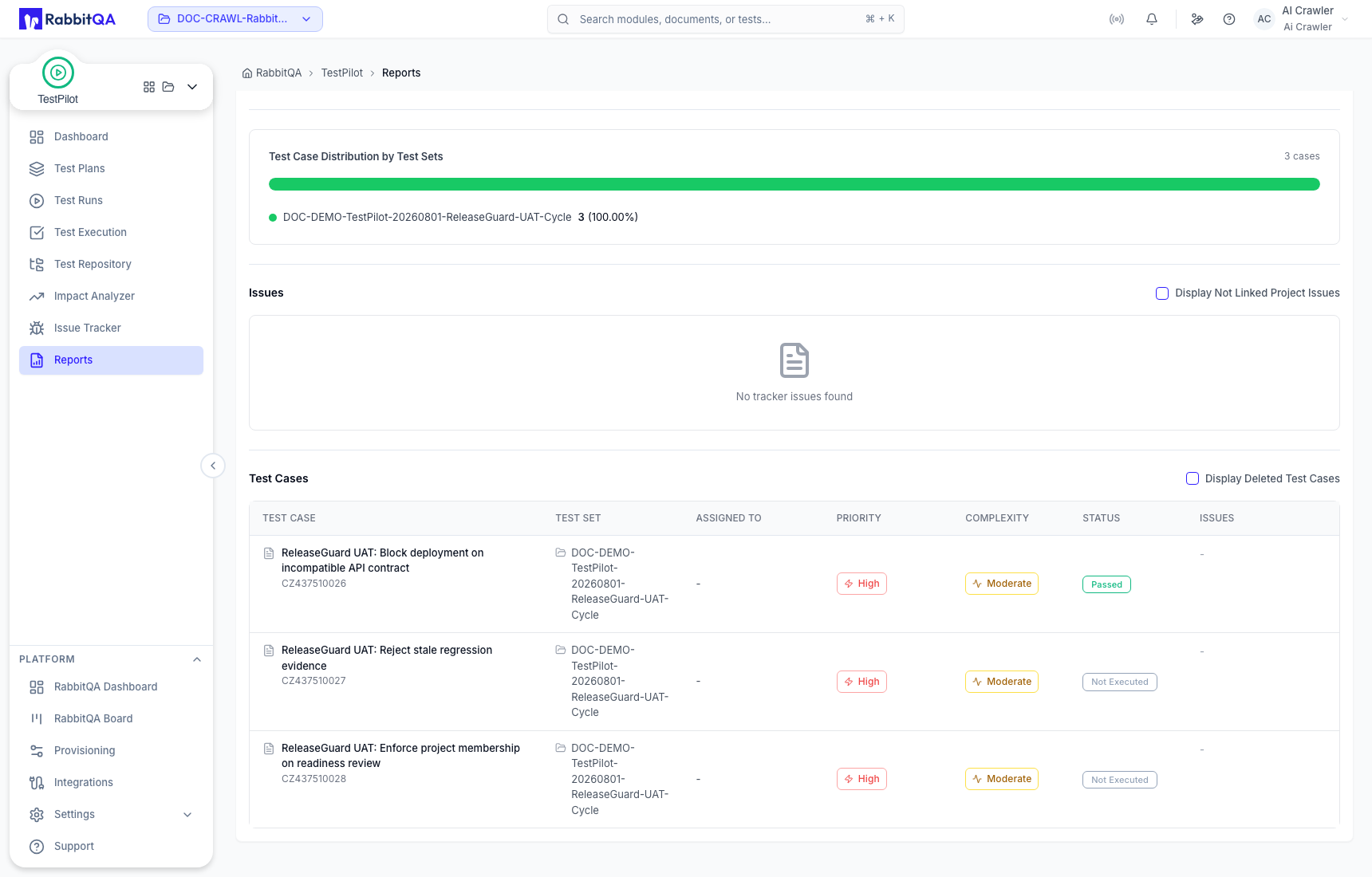
| Column | Contents |
|---|---|
| Test Case | Title and its ID with the project code |
| Test Set | Owning test set |
| Assigned To | Assigned user or group |
| Priority | Case priority |
| Complexity | Case complexity |
| Status | Execution status |
| Issues | Up to three issue keys, then a +N More popover |
Toggle Display Deleted Test Cases to include cases that have been removed from the repository.
Exporting and sharing
| Action | Result |
|---|---|
| Export PDF | A paginated A4 PDF of the summary and charts, followed by an Issues (n) table and a Test Cases (n) table |
| Export Excel | An .xlsx workbook with a Summary sheet, one sheet per distribution metric, and an Issues sheet |
| Share Report | Copies the current report link to your clipboard |
Both exports are named TestReport_<plan>_<date>.
The report layout is fixed. There is no report-type picker, no export-options dialog, and no builder for custom report layouts.
Next steps
- Dashboard - workspace-level metrics
- Test Runs - manage the run a report is built from
- Issue Tracker - work the issues listed in the report
