Dynamic Forms
Dynamic Forms derives an interactive request form from a service route and stores reusable form definitions.
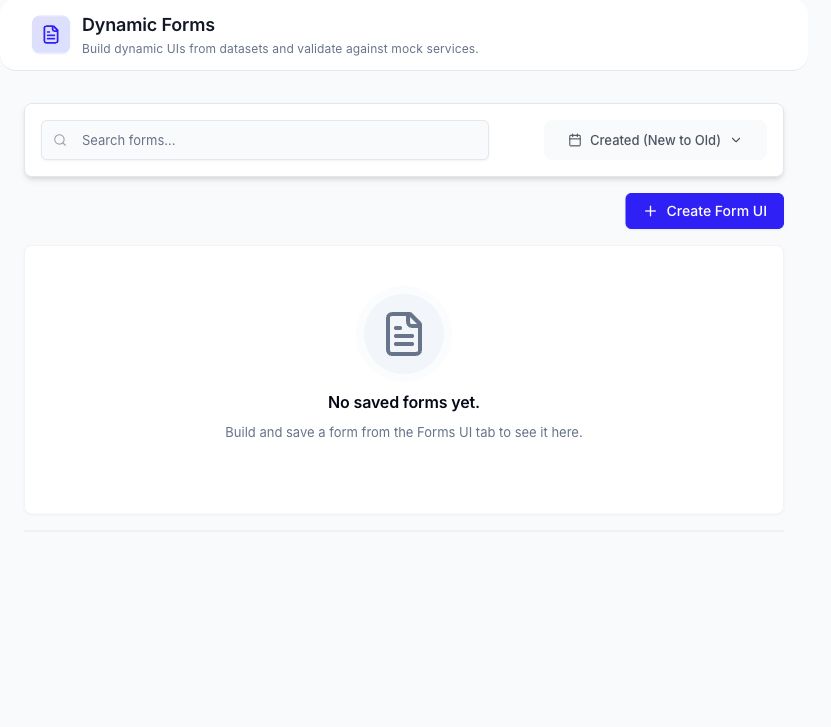
Choose a Service Source
Create a form from one of the source types shown by the current page:
- A saved DataCrate mock service and one of its routes.
- A real-service definition supplied as OpenAPI, WSDL, Postman Collection, or gRPC.
- A supported service-definition URL or uploaded file.
For OpenAPI and WSDL sources, DataCrate can discover routes before you choose the operation used by the form. For other definitions, method, path, and operation fields may be entered when the source requires them.
Build and Save a Form
- Select the service source.
- Choose or discover the route.
- Enter a form name.
- Select Build Form UI to derive the fields.
- Review required fields, labels, types, and available source metadata.
- Save the form when it should appear in Saved Forms.
Run a Saved Form
Open a saved form and choose one of the supported modes.
Manual
Enter values into the derived fields and submit the request to the selected mock service or bundle. The dialog displays the request payload and returned response when available.
Bulk from Dataset
- Select a CSV, Excel, JSON, or JSON Lines dataset with readable columns.
- Map every required form field to a dataset column.
- Review or apply suggested mappings.
- Set the row limit, delay, and any supported method or path override.
- Save the mapping if it should be reused.
- Start the submit job.
The job panel reports submitted, successful, failed, and skipped rows, along with latency and raw request or response details where available.
Submitting a manual form or starting a dataset-backed job invokes the selected service. Confirm the route, payload, row limit, and target environment before submission.
Related Pages
- Create or manage the source in Mock Services.
- Upload a reusable source file in Uploaded Files.
- Review related run activity in Data Sessions.
