SmartRequest Settings
Settings stores company defaults for SmartRequest scoring, reusable fields, sequential approval, and first-approver assignment. The SmartRequest Settings route is admin-only in current navigation.
Changes remain local until Save Settings is selected.
Threshold
Set the default score target from 0 to 100. Below-threshold requests require further review; above-threshold requests are eligible to continue through the approval flow.
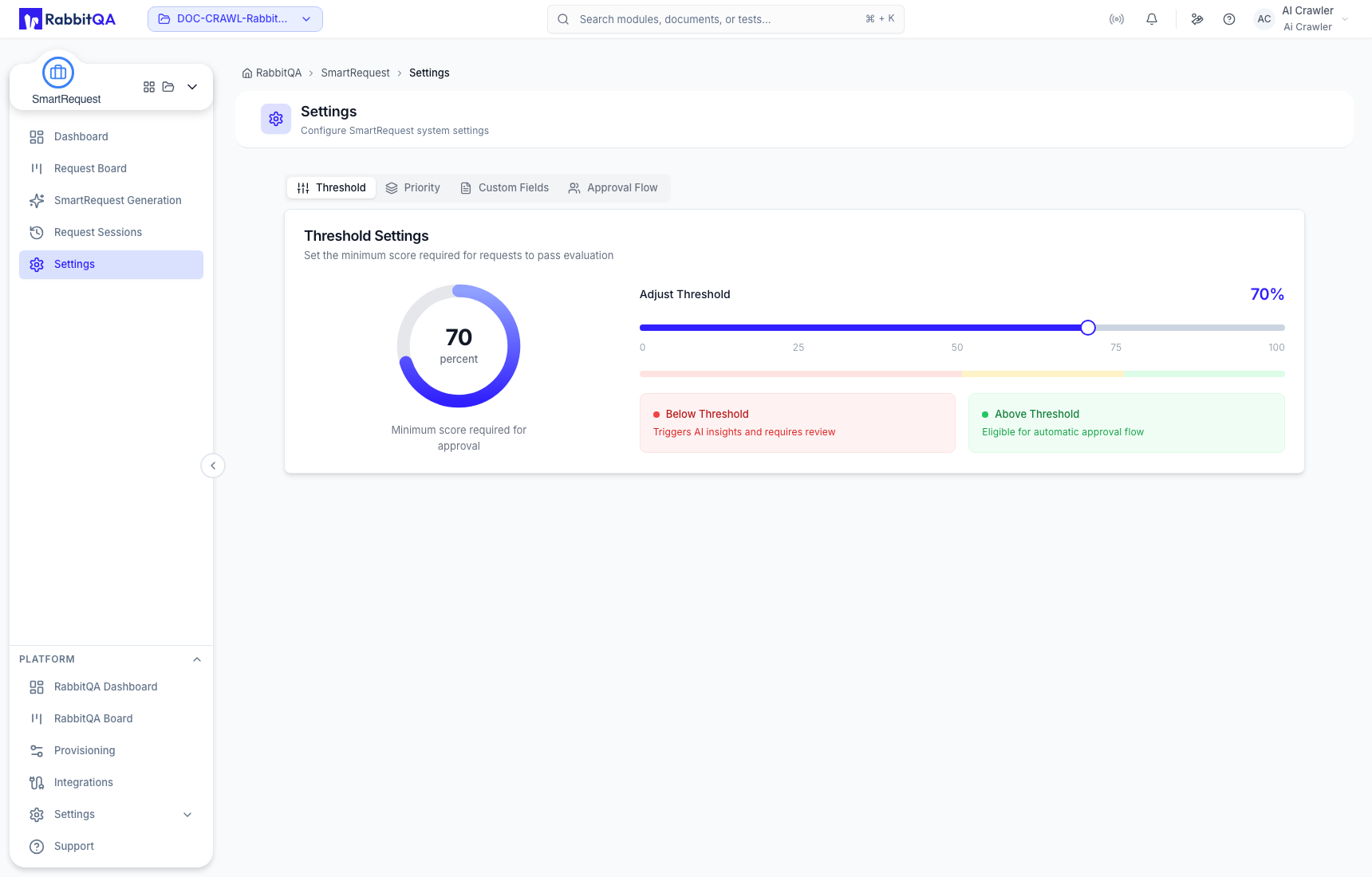
The threshold does not approve a request. A product can save its own threshold, which then applies to evaluations for that product.
Priority
Drag Profitability, Legal Requirement, Revenue Impact, Customer Satisfaction, Efficiency, and Innovation into the required order. Position 1 has the highest scoring influence. A product can override this company order with its own saved configuration.
Custom Fields
Create reusable request fields with a lowercase identifier, user-facing label, placeholder, helper text, validation limits, and optional Required Field control.
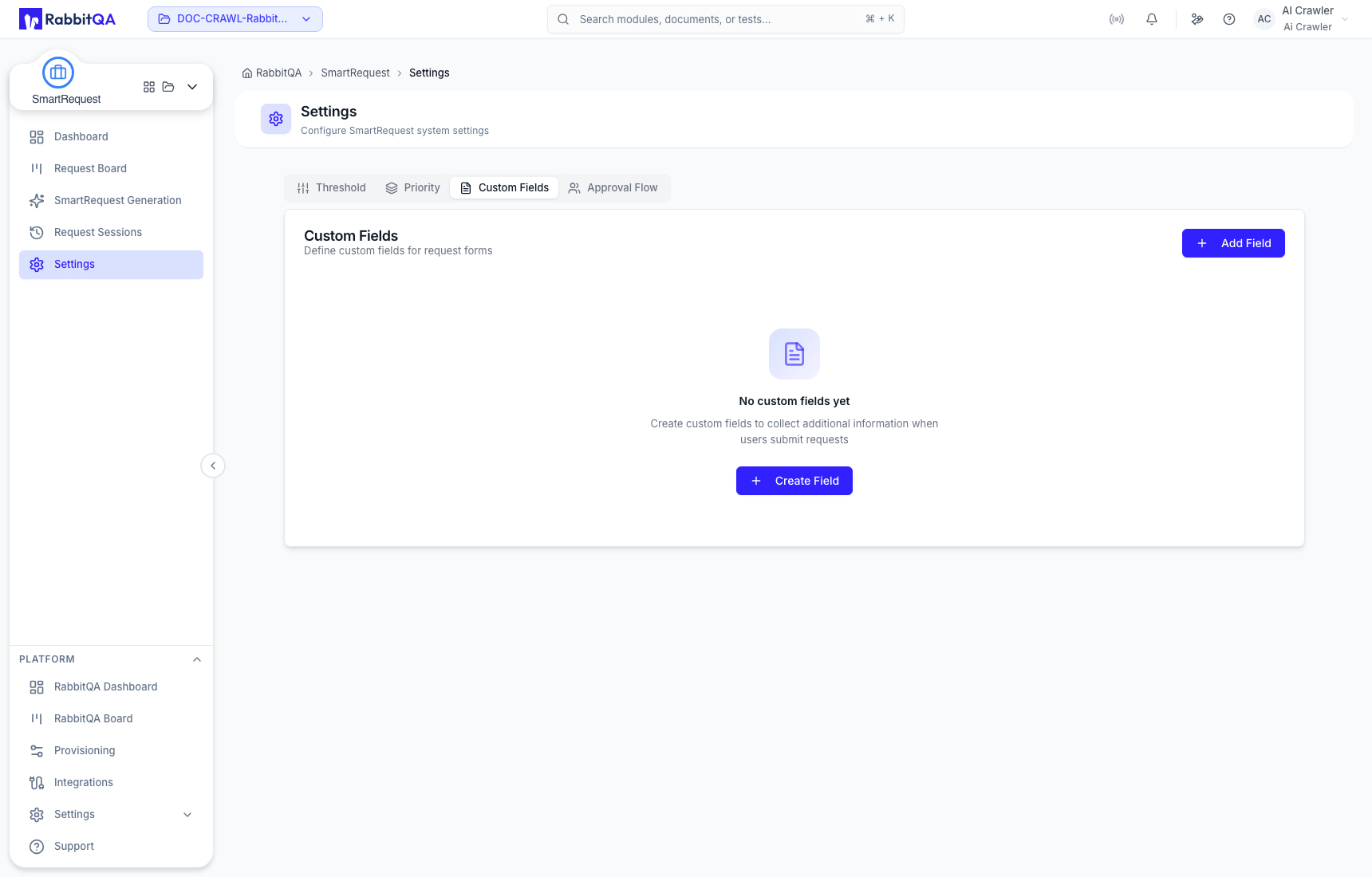
Current field types are Text, Textarea, Number, Select, Date, and Checkbox. Select fields also require their permitted options.
Approval Flow
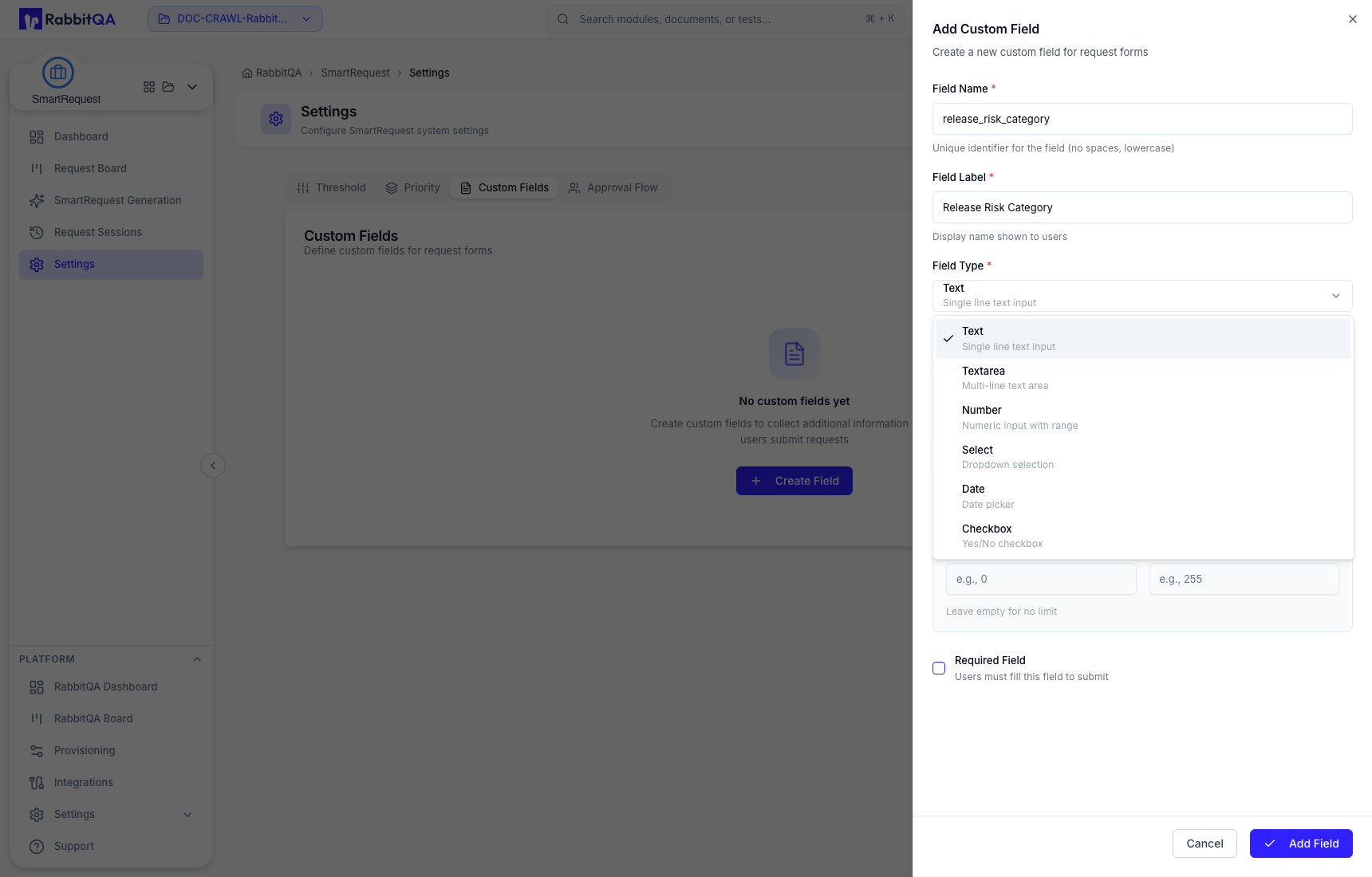
Add approvers in the order they must decide. Approval proceeds sequentially. Auto-assign Requests assigns new requests to the first approver when enabled.
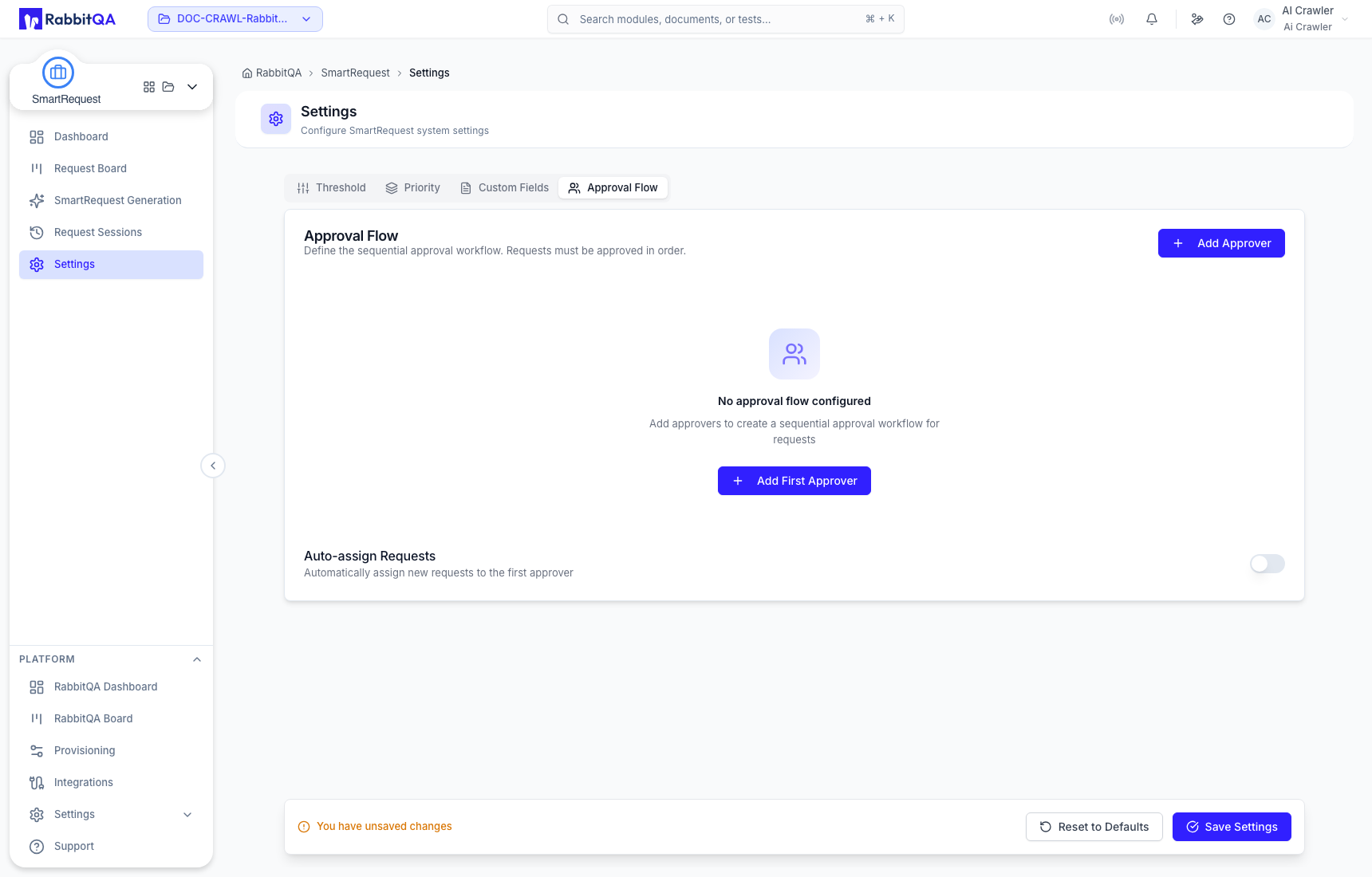
Company approval flow is the default used when a product does not have its own saved approver list. A product-specific list takes precedence.
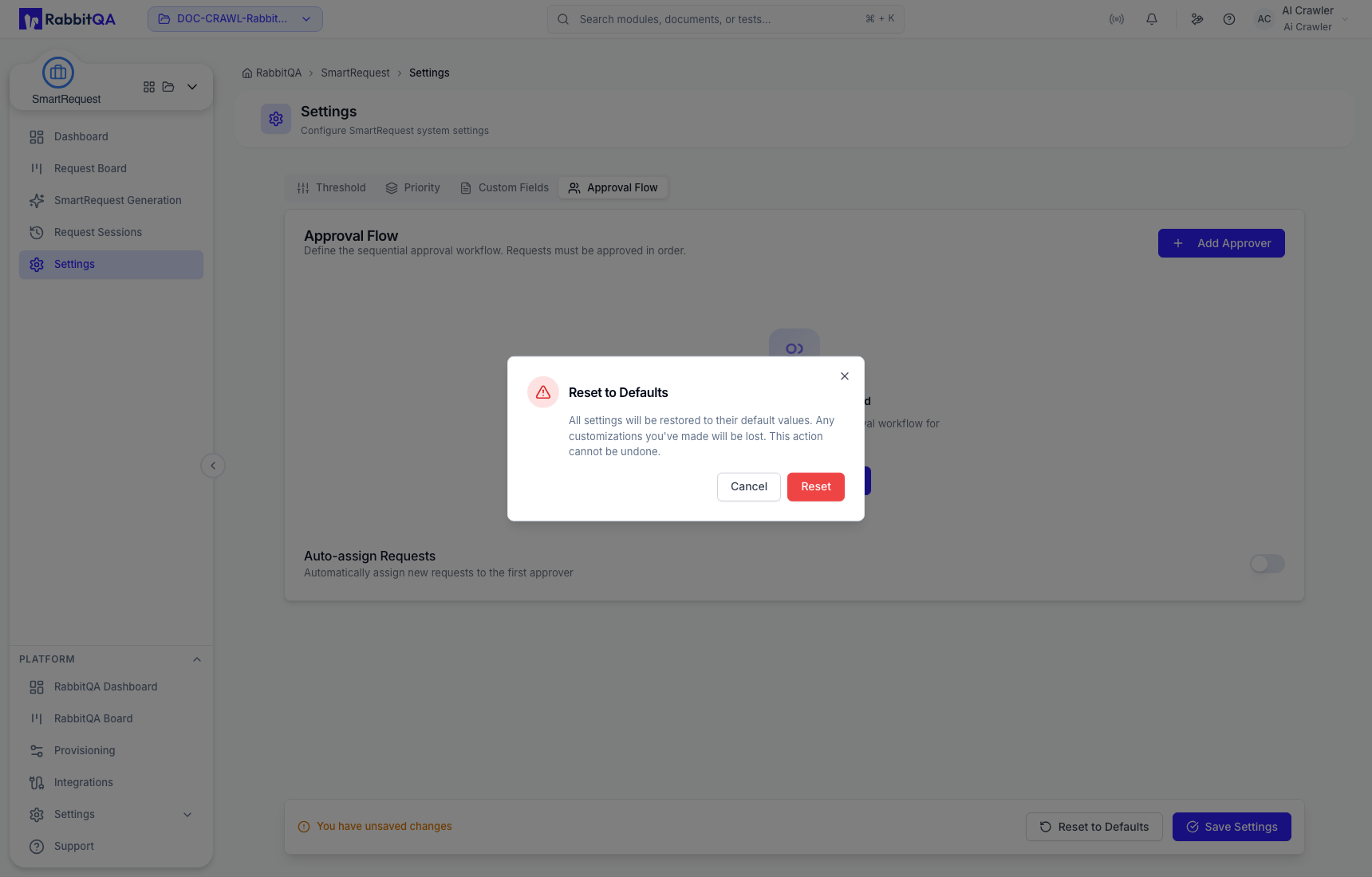
Save or reset
Select Save Settings to persist changes. Leaving with unsaved changes opens a confirmation.
Reset to Defaults removes company customizations and cannot be undone.