Request Sessions
Request Sessions stores the lifecycle of AI-assisted SmartRequest work independently from the Request Board.
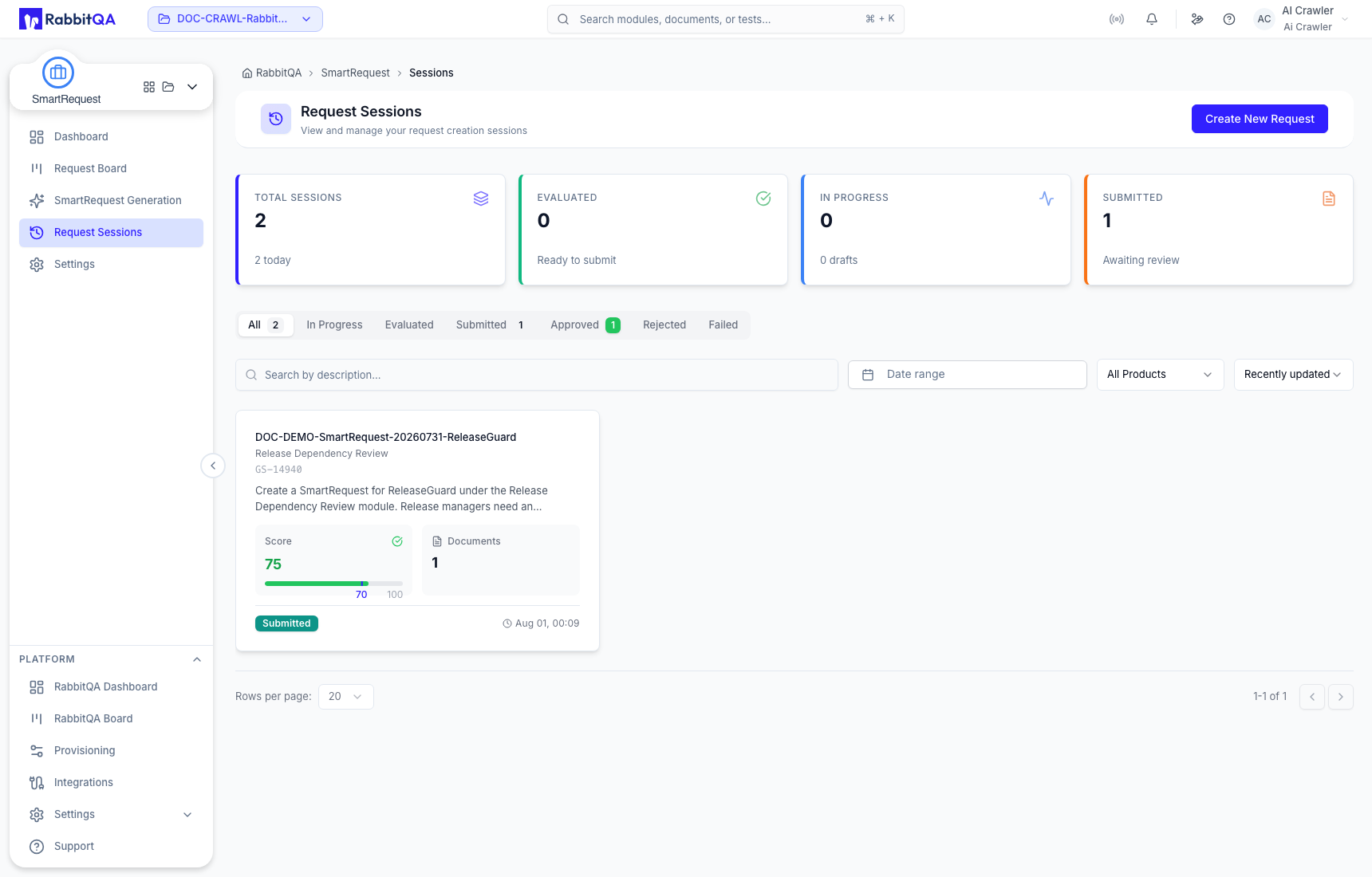
Find a session
Summary cards show Total Sessions, Evaluated, In Progress, and Submitted. Lifecycle tabs include:
- All
- In Progress
- Evaluated
- Submitted
- Approved
- Rejected
- Failed
Combine description search, date range, product, and sorting by newest, oldest, recently updated, highest score, or lowest score.
Cards retain the request description, product/module path, score, document count, status, and last update. Actions depend on lifecycle state: unfinished sessions can be resumed, evaluated sessions can be reviewed or submitted, and submitted sessions can be opened from their stored result.
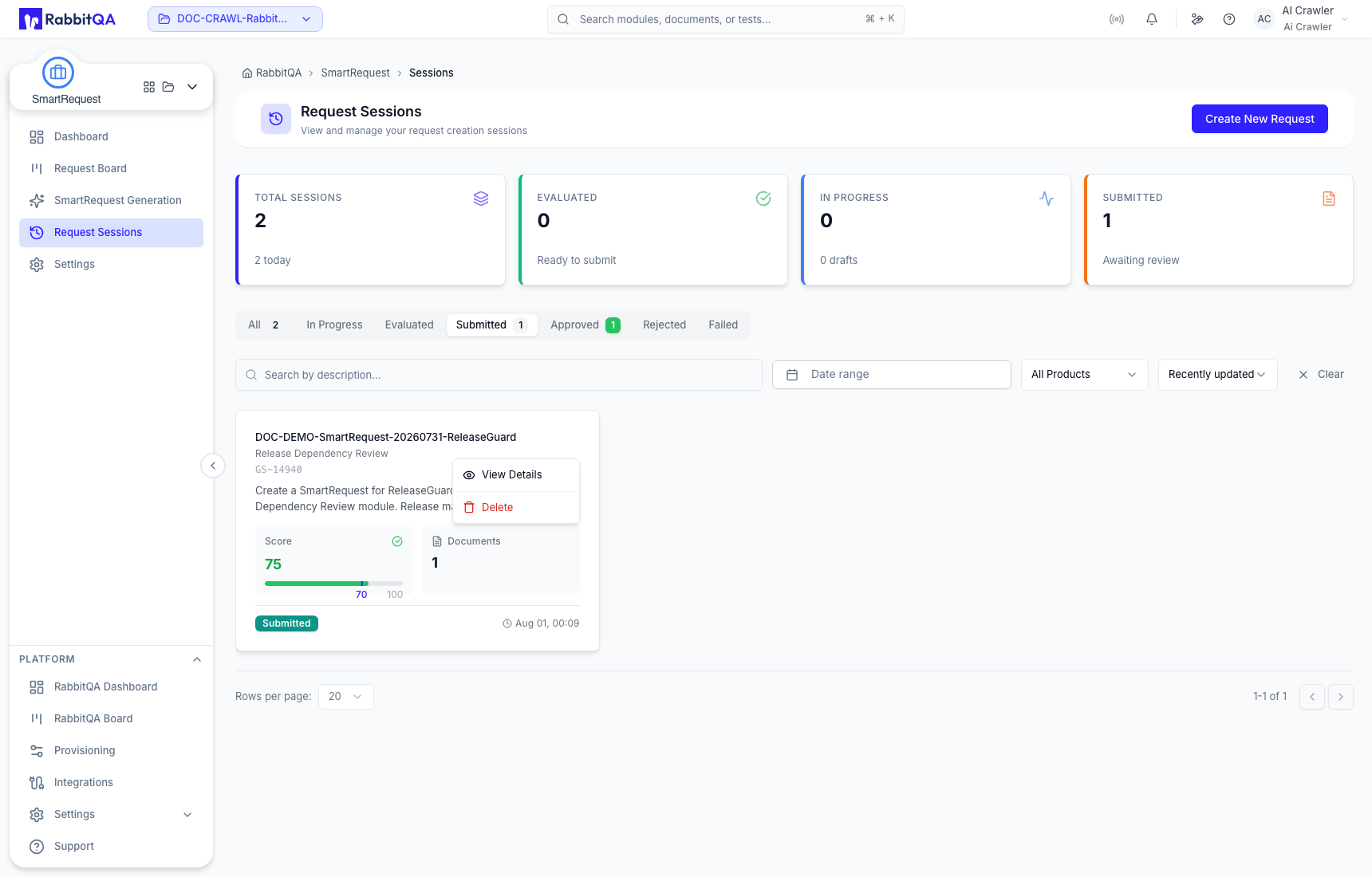
Review stored output
View Details preserves the generated title and description, score, priority, detailed summary, acceptance criteria, custom-field answers, Evaluation Q&A, attached documents, approval state, and timeline without restarting the evaluation.
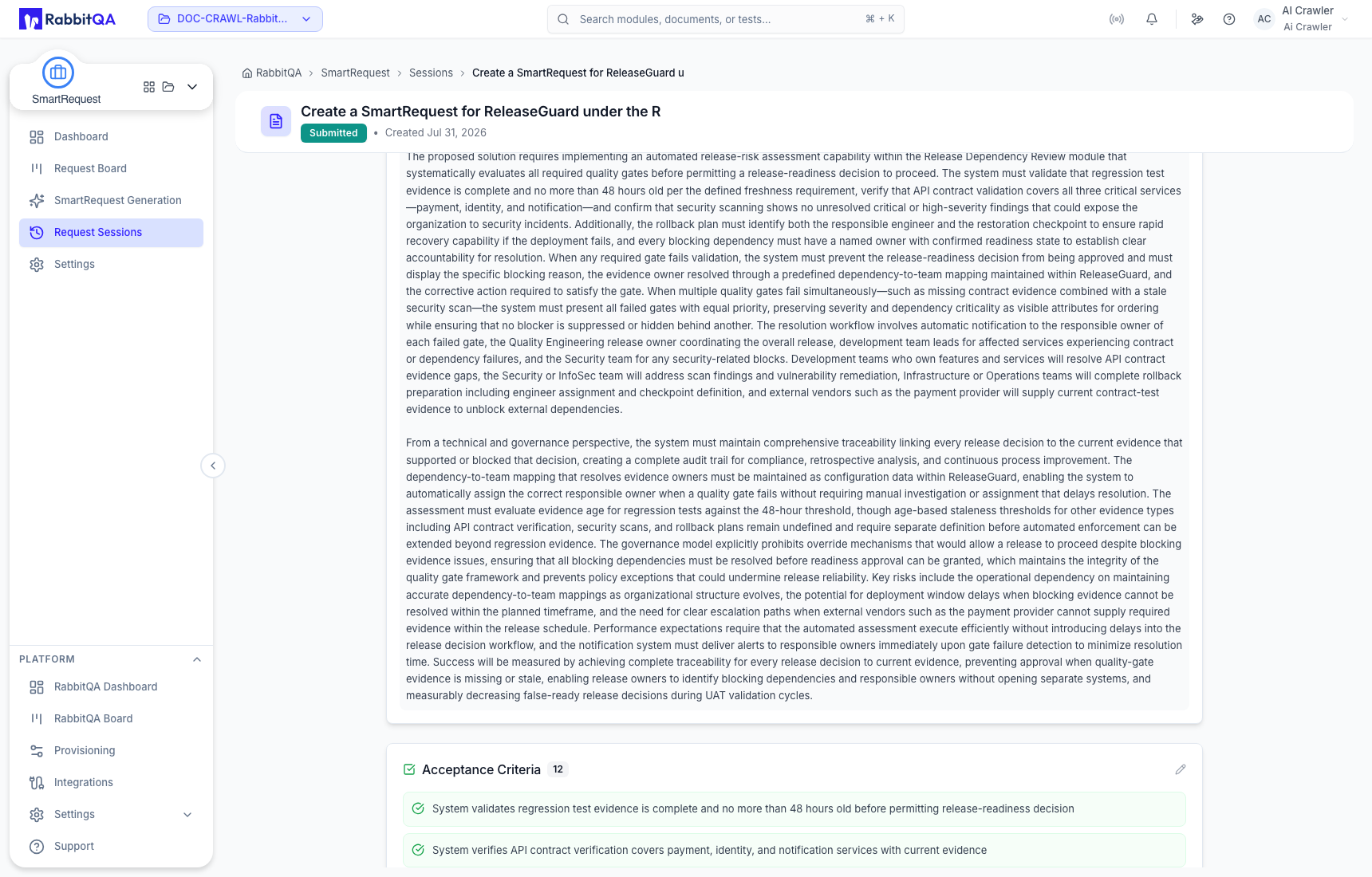
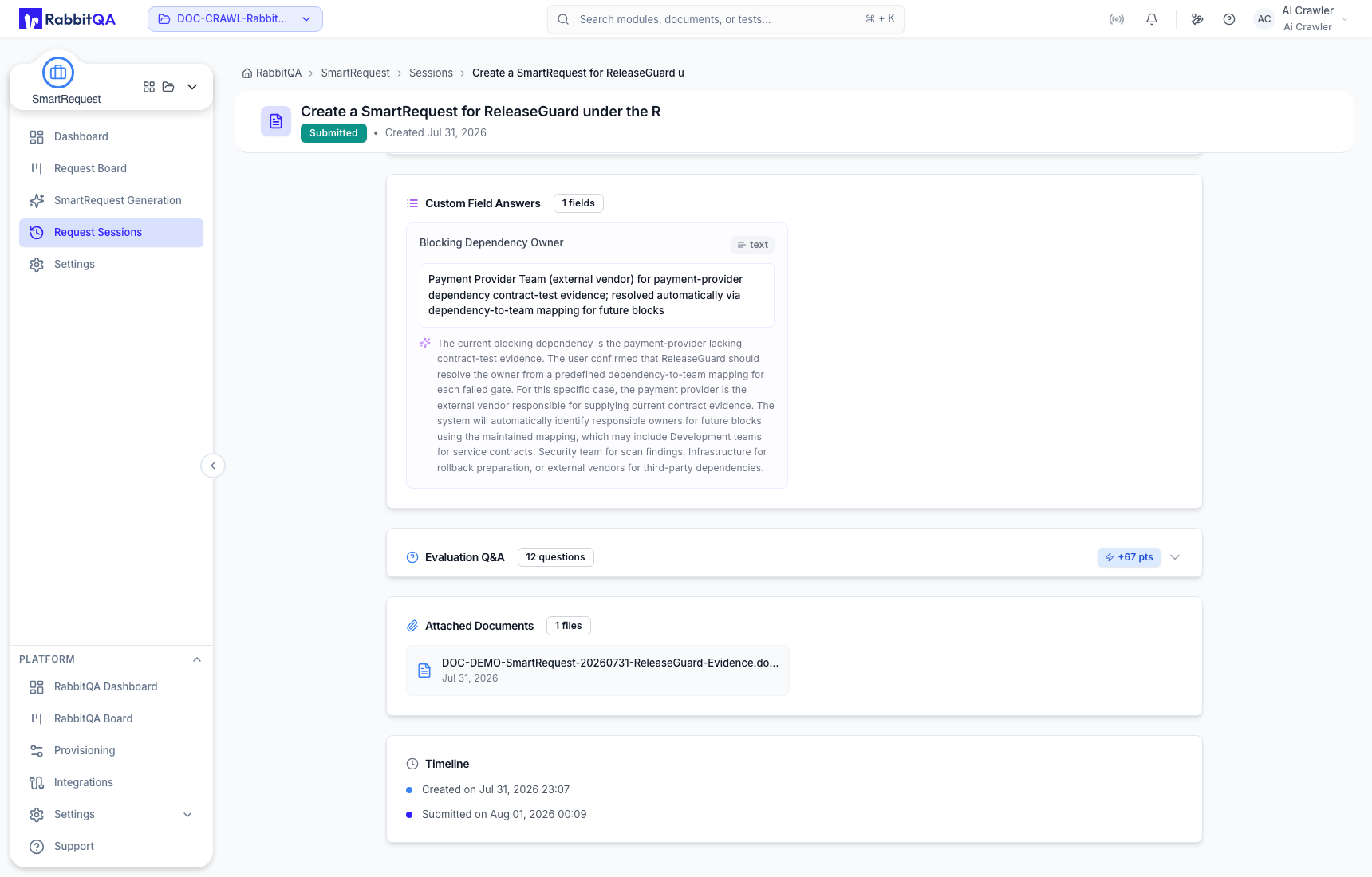
Export PDF uses the same selectable report sections available on Request Board.
Delete removes the evaluation session and its associated session data and cannot be undone. Confirm the request description, product/module path, and status before continuing.
