Settings
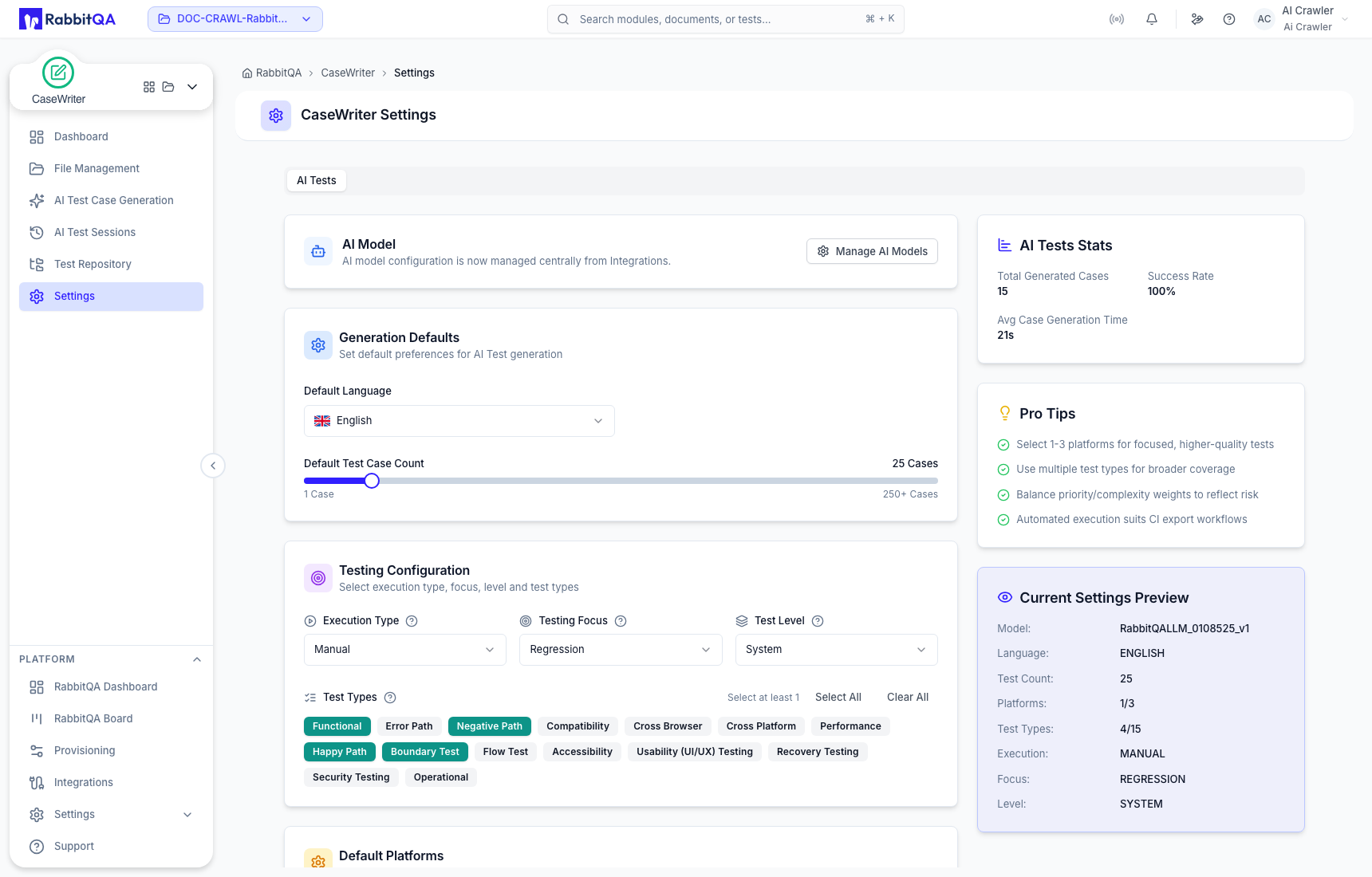
CaseWriter Settings defines the active project's default AI test-generation profile. These values prepopulate new runs; reviewers can still adjust a run before generation.
AI model
AI model configuration is managed centrally from RabbitQA Integrations. Use Manage AI Models when the required model is unavailable. CaseWriter shows the current model in its settings preview but does not own provider configuration.
Generation defaults
Configure the default output language and test-case count. Choose a count appropriate for the project's usual scope; individual runs can use a different target from 1 to 250.
Testing configuration
Set defaults for:
- execution type;
- testing focus;
- test level; and
- selected test types.
At least one test type is required. CaseWriter exposes 15 types, including functional, error path, negative path, compatibility, cross-browser, cross-platform, performance, happy path, boundary, flow, accessibility, usability, recovery, security, and operational testing.
Select only defaults that are broadly correct for the project. A specialized run should override them before generation.
Default platforms
Choose one to three platforms that represent the project's usual target environments. Do not select a platform solely to increase apparent coverage; irrelevant platforms make generated steps less focused.
Priority and complexity distributions
Set the desired default percentage mix for priority and complexity. Each group must total 100%. The distributions guide AI generation; they do not enforce a review decision or guarantee the classification of each case.
Preview and statistics
The Current Settings Preview summarizes the model, language, count, platforms, selected test types, execution type, focus, and level. The statistics panel shows generated-case activity and timing for the project.
Use the preview to catch unintended combinations before saving.
Save or reset
When settings differ from the saved state, CaseWriter shows an unsaved-changes notice. Choose:
- Save Settings to make the displayed values the project defaults; or
- Reset to Defaults to restore default values.
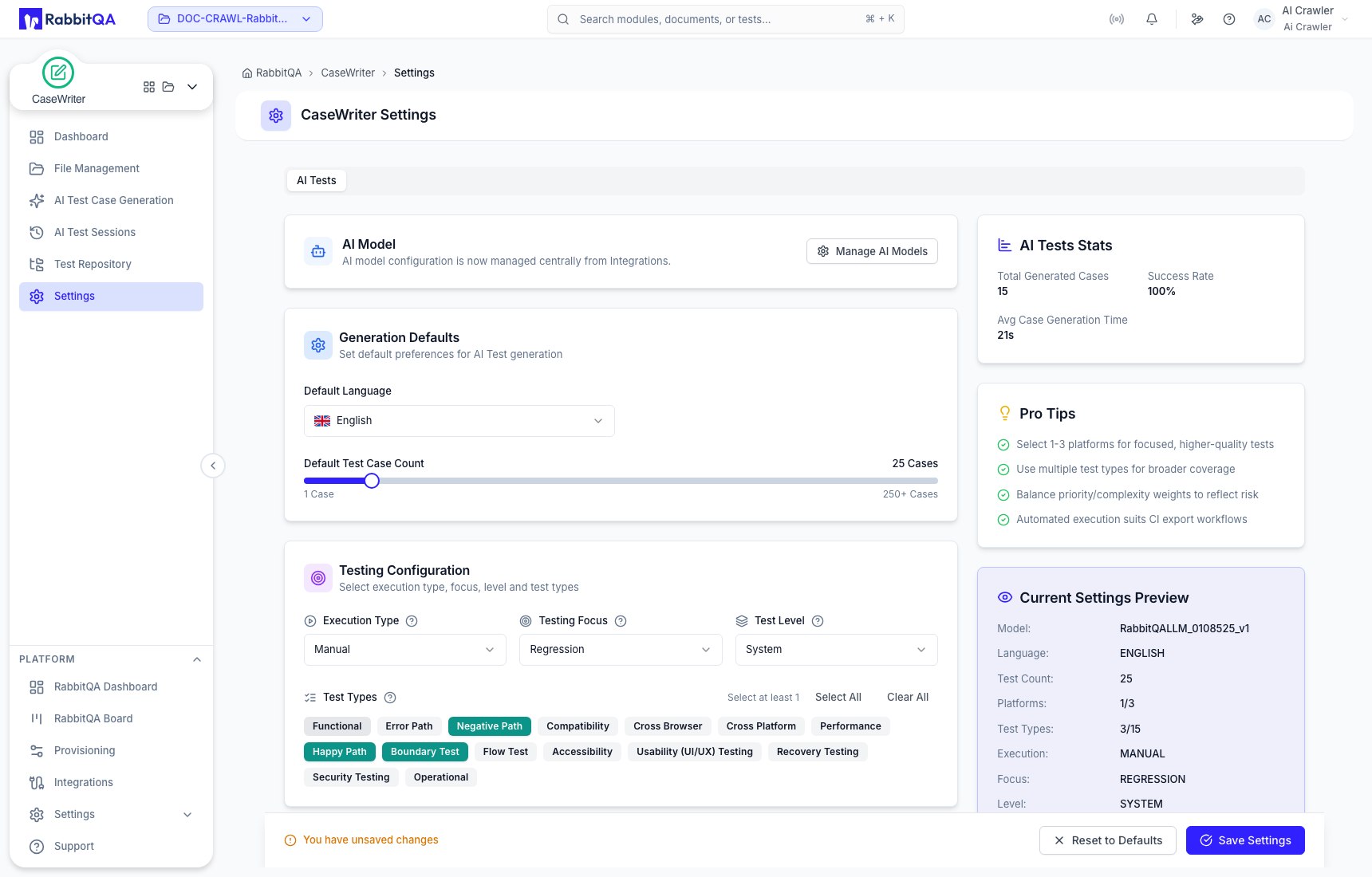
Changing defaults does not rewrite existing sessions or repository cases. It changes the starting configuration for future generation.
Recommended review cadence
Review defaults when the project adds a platform, changes its testing strategy, or repeatedly overrides the same setting in new sessions. Avoid frequent changes driven by a single narrow run.
