Dashboard
The CaseWriter Dashboard summarizes the active project's repository and AI-generation activity. It is an overview and launch point; use AI Test Sessions or Test Repository for detailed work.
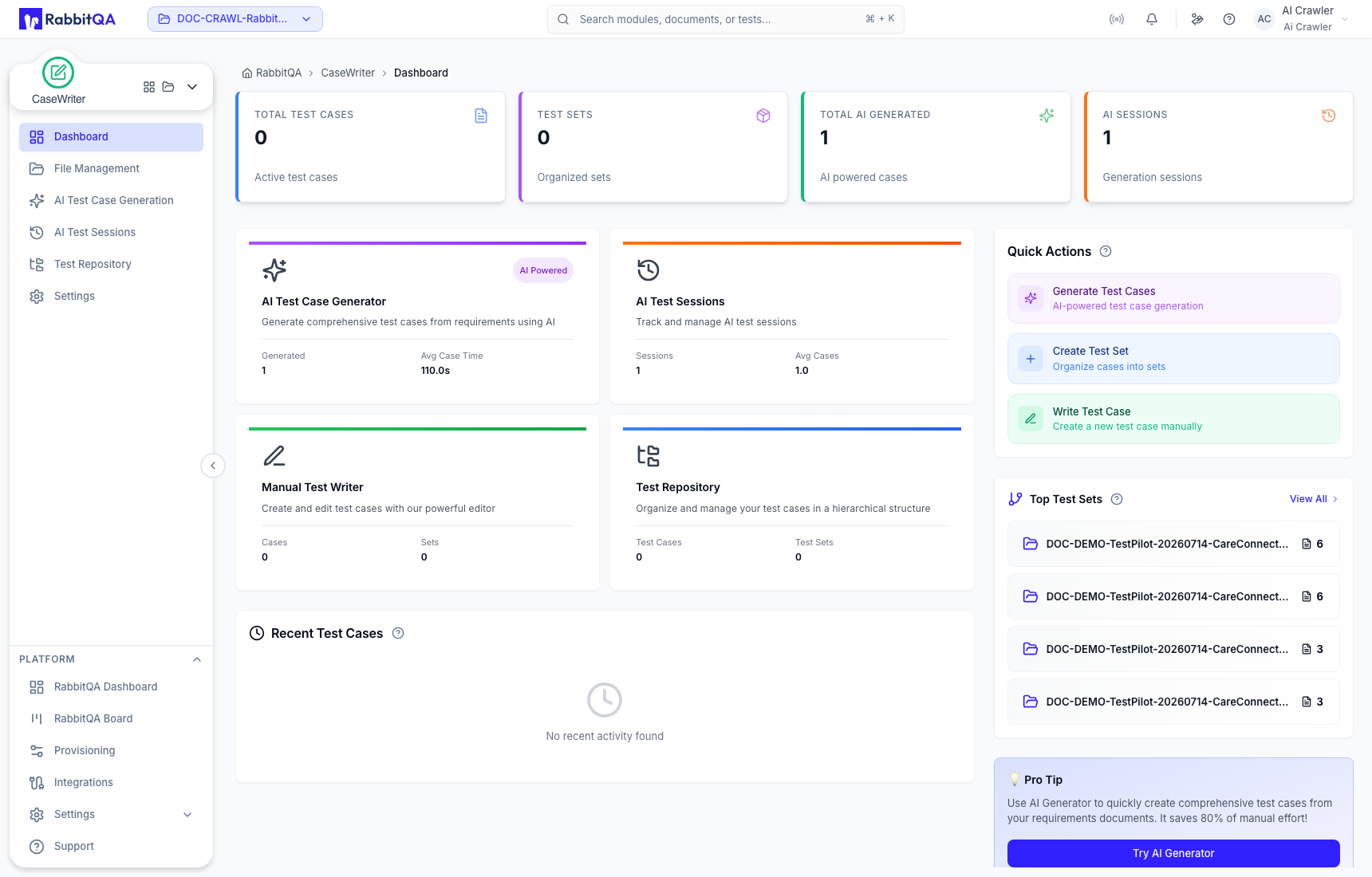
Read the metrics correctly
| Metric | Meaning |
|---|---|
| Total Test Cases | Cases currently saved in the Test Repository. |
| Test Sets | Test-set containers in the repository hierarchy. |
| Total AI Generated | Cases produced through AI generation, including cases that may still be under review. |
| AI Sessions | Stored AI Test Sessions for the active project. |
Repository totals and AI-generation totals describe different lifecycle stages. Generating five cases does not add five repository cases: each generated case must first pass review and then be saved to the repository.
Quick actions
- Generate Test Cases opens AI Test Case Generation.
- Create Test Set opens the repository workflow for adding a set.
- Write Test Case opens manual case creation in the repository.
The dashboard can also show recently updated cases and leading test sets. Open the underlying session or repository item before making a review or organization decision.
If the numbers look unexpected
- Confirm the correct project is active.
- Check whether generated cases are still Pending Review, Rejected, or not yet saved.
- Open AI Test Sessions to confirm session status and generated-case count.
- Open Test Repository to confirm where approved cases were saved.
- Refresh the dashboard after completing a repository operation.
