Accessibility Reports
The Reports page is a workspace-wide library of Accessibility audit results. Use it to find a run by URL or plan and reopen its detailed report.
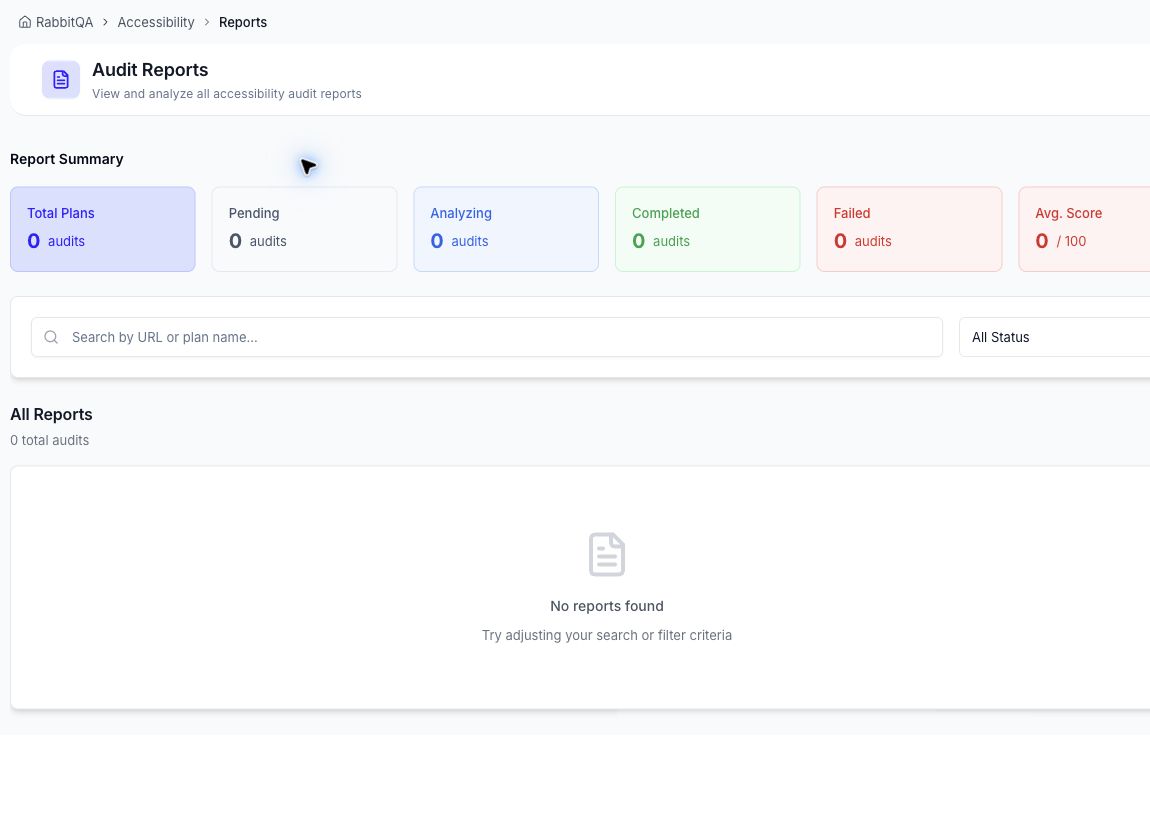
Report Summary
The summary shows:
- total plan audits;
- pending audits;
- audits currently analyzing;
- completed audits;
- failed audits; and
- average accessibility score.
Find a report
- Open Accessibility > Reports.
- Search by URL or plan name.
- Filter by status when needed.
- Select an available report to open its recorded scores and findings.
The page is a report index. Current Accessibility reports do not provide scheduled delivery, public sharing links, or PDF, spreadsheet, CSV, and JSON exports. Use the detailed report and shared Issue Tracker to work with findings that need action.
note
A completed automated report is evidence from one analysis run. It is not a legal conformance statement and should be combined with the manual testing appropriate to the product and audience.
