File Management
File Management stores reusable API sources for the active project. A managed file can start Quick Generation or the staged API Test Generation workflow without another upload.
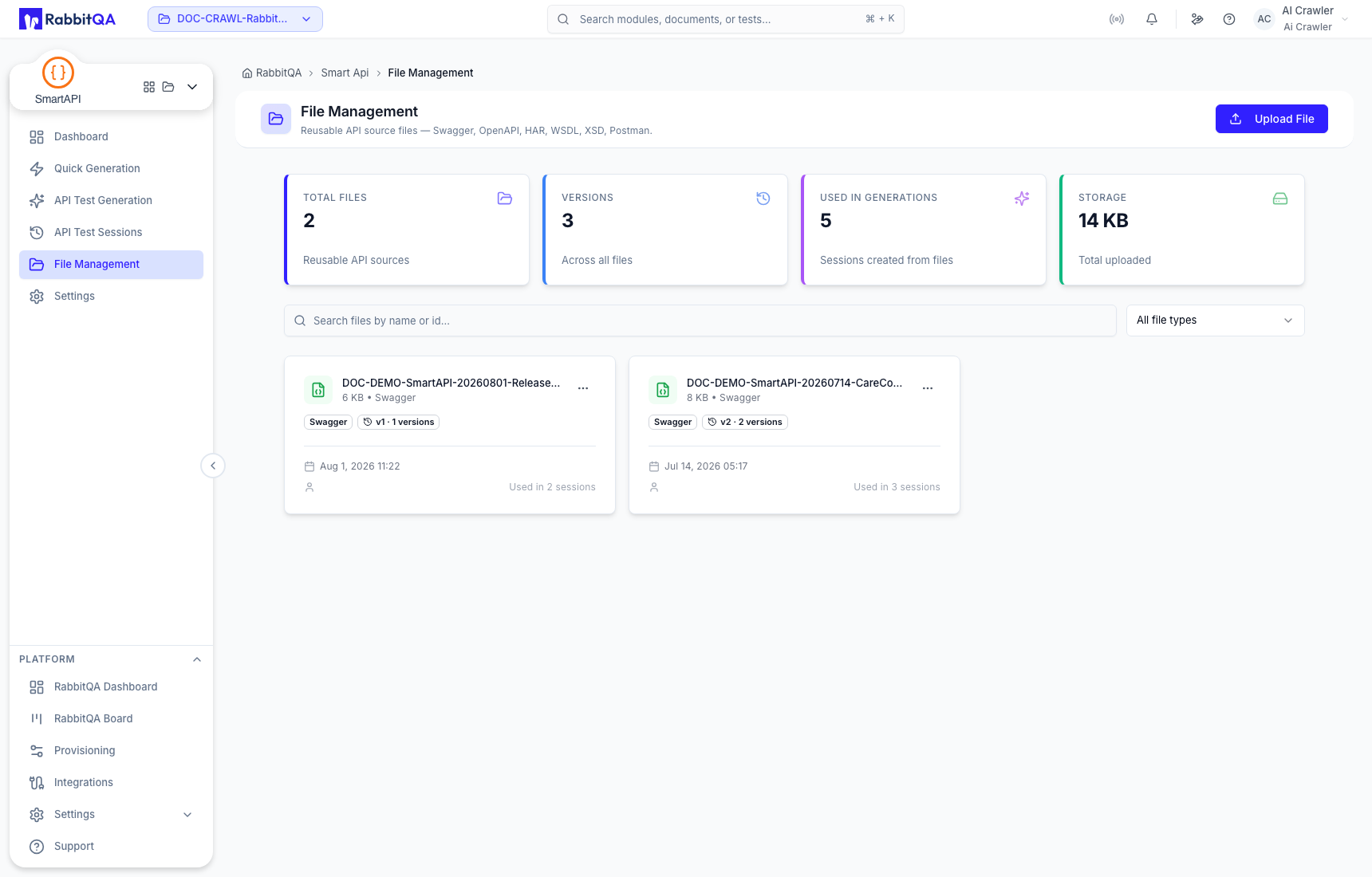
Supported managed source types
Use the type filter to narrow the library to:
- Swagger;
- OpenAPI;
- HAR;
- WSDL;
- XSD;
- Postman Collection; or
- Postman Environment.
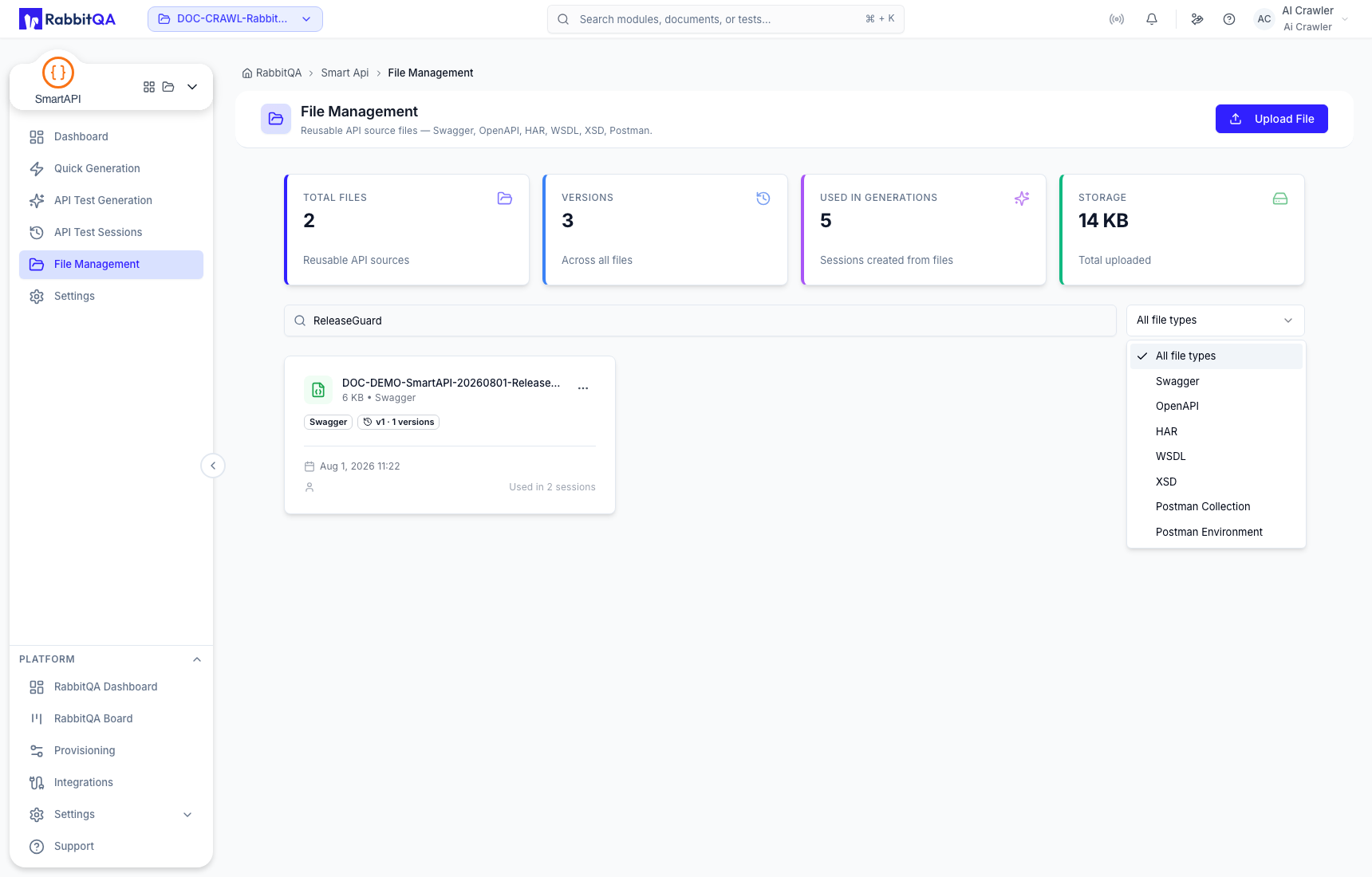
Upload a source
Select Upload File, choose a supported file, and wait for the upload to complete. Before upload:
- remove credentials and private example data;
- give the source a recognizable name;
- confirm that the contract parses in its native tool; and
- select the correct RabbitQA project.
Uploading an updated contract can create another version of the managed source. Keep the version that generated an important session identifiable for audit purposes.
Search and inspect metadata
Search by file name or ID and use the type filter to reduce the results. File cards can show source type, version count, upload date, size, and how many generations reused the file.
File actions
Open a file card's action menu to access:
- New Generation From File;
- Preview;
- Version history; or
- Delete.
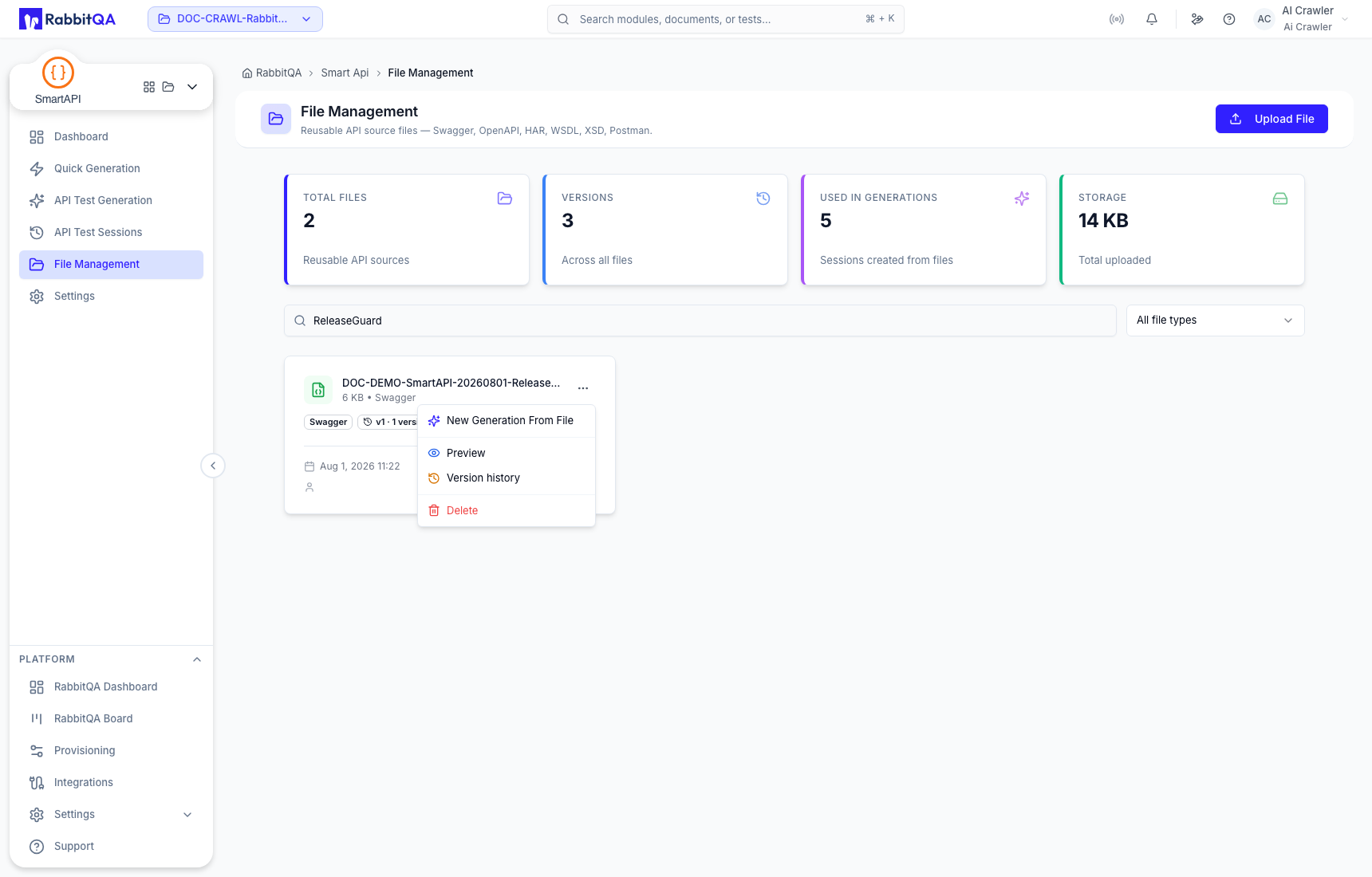
The current File Management UI can report that source preview is not yet available. Download or inspect the source in its native format when content verification is required.
Version and deletion safety
Before starting a generation from a managed file, confirm the selected version. Before deletion, check the Used in generations count and preserve the source externally if any session may need to be reproduced. Deleting a managed source is not a substitute for archiving a session.
Reuse in generation
From Quick Generation or API Test Generation, choose the managed-file selector and load the exact source. Confirm the file name and version in the workspace before continuing.
For cURL-only input, use Quick Generation without adding a managed file.
