Generated Tests and Flows
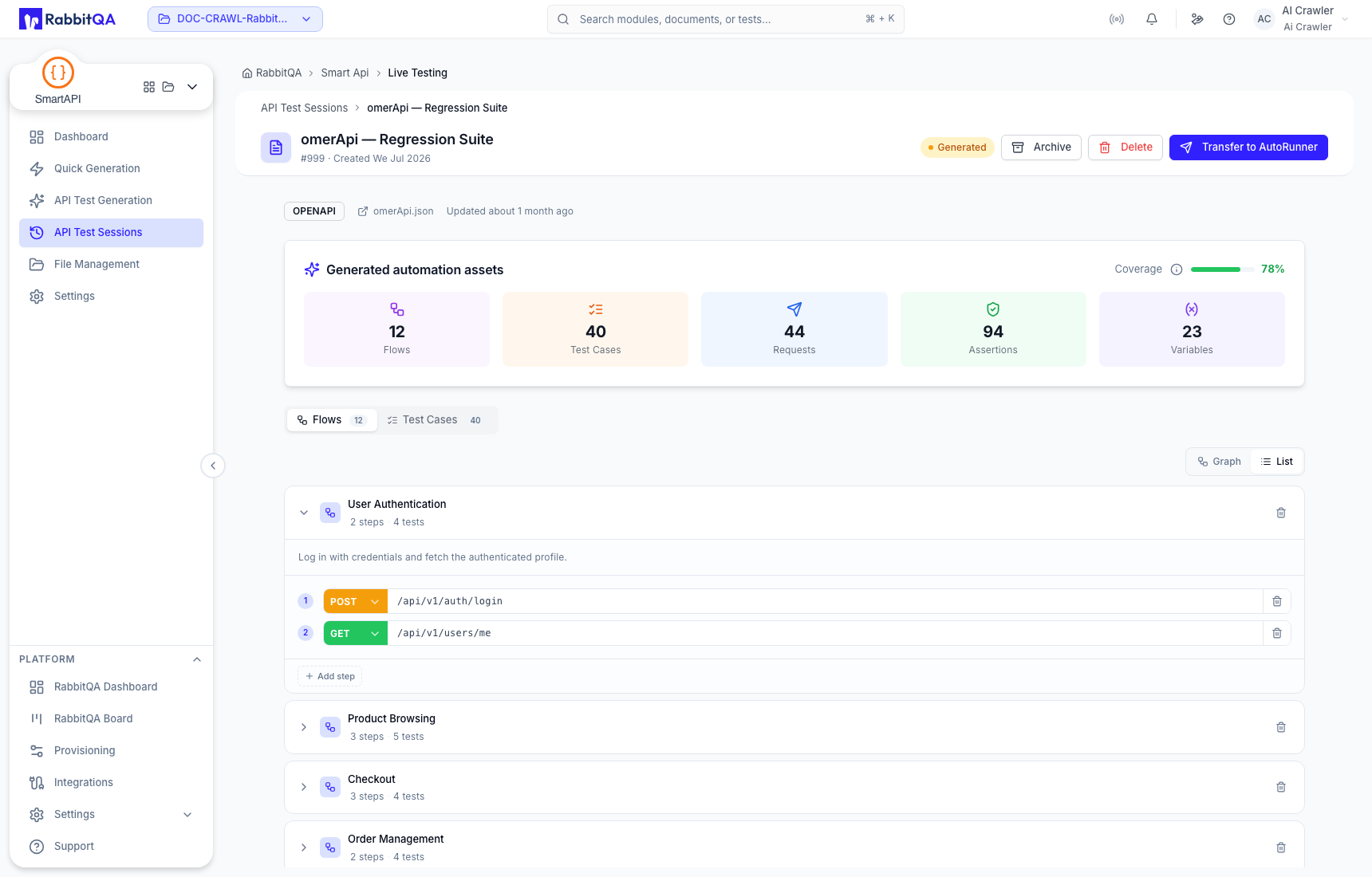
A generated session groups automation assets into test cases and flows. The session header identifies the run, its lifecycle status, source, and current totals for flows, tests, requests, assertions, and variables.
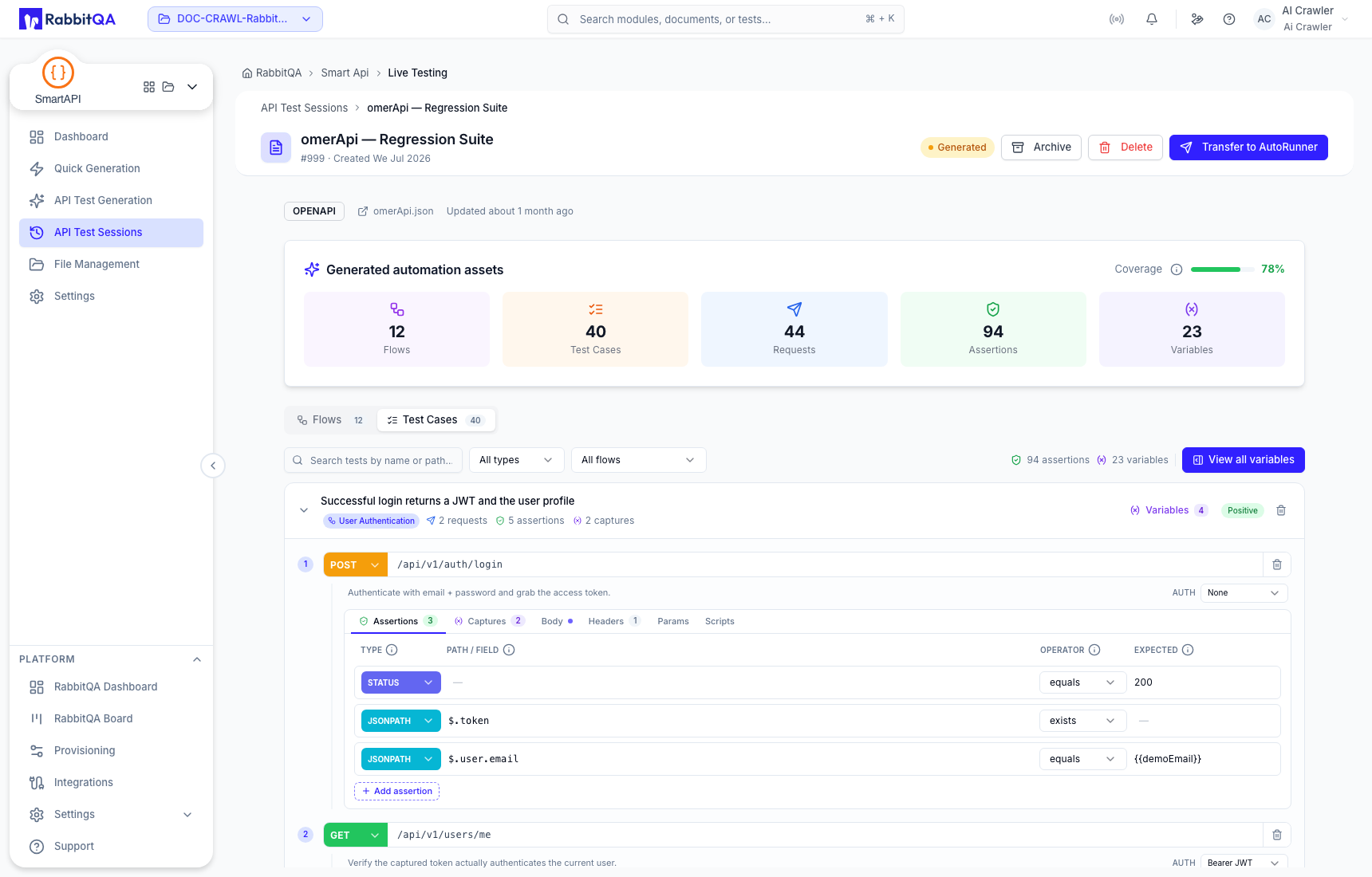
The session-detail UI can display reference data while integration work is in progress. Compare the visible session ID, source, paths, and totals with the API Test Sessions card before editing, deleting, archiving, or transferring.
Test Cases
Use the Test Cases tab to inspect generated scenarios and their request steps. A case can include:
- a generated title and description;
- a flow grouping;
- positive or negative classification;
- one or more ordered requests;
- assertions and captures; and
- variables used by the case.
Search by test name or path and filter by test type or flow to isolate a smaller review set.
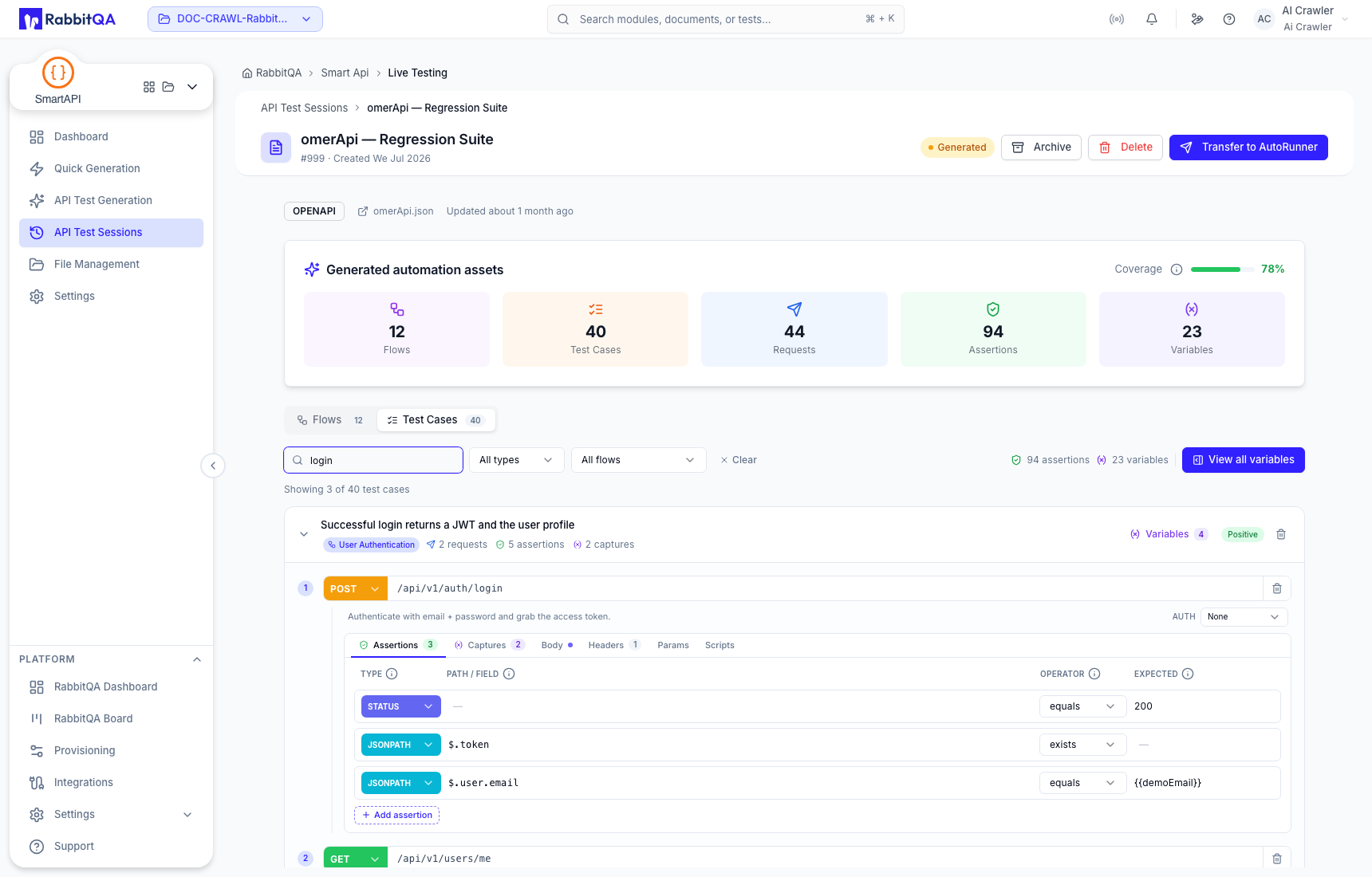
Test review checklist
For every generated case:
- Confirm the business purpose and positive or negative classification.
- Verify HTTP methods and paths against the imported contract.
- Check request order and authentication expectations.
- Review body, headers, query parameters, and scripts.
- Validate each assertion and captured response value.
- Confirm variables are safe, correctly scoped, and initialized before use.
- Remove duplicate or irrelevant coverage before transfer.
Generated content is editable, but an edit is not evidence that the request has executed successfully.
Flows
Use the Flows tab to review multi-request sequences. The Graph view visualizes request order and the List view provides a compact step sequence.
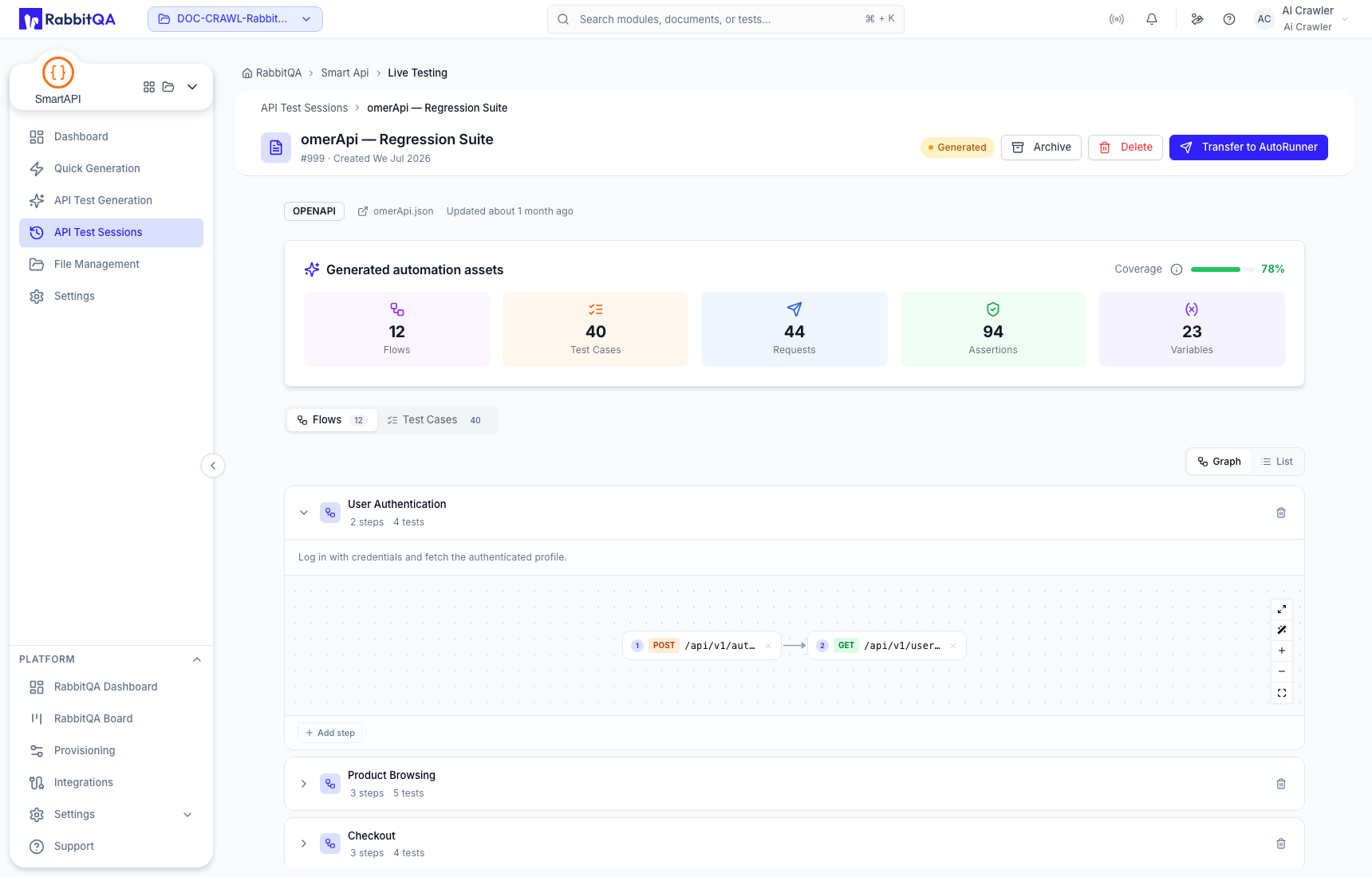
Graph controls can fit, zoom, or expand the flow for closer inspection.
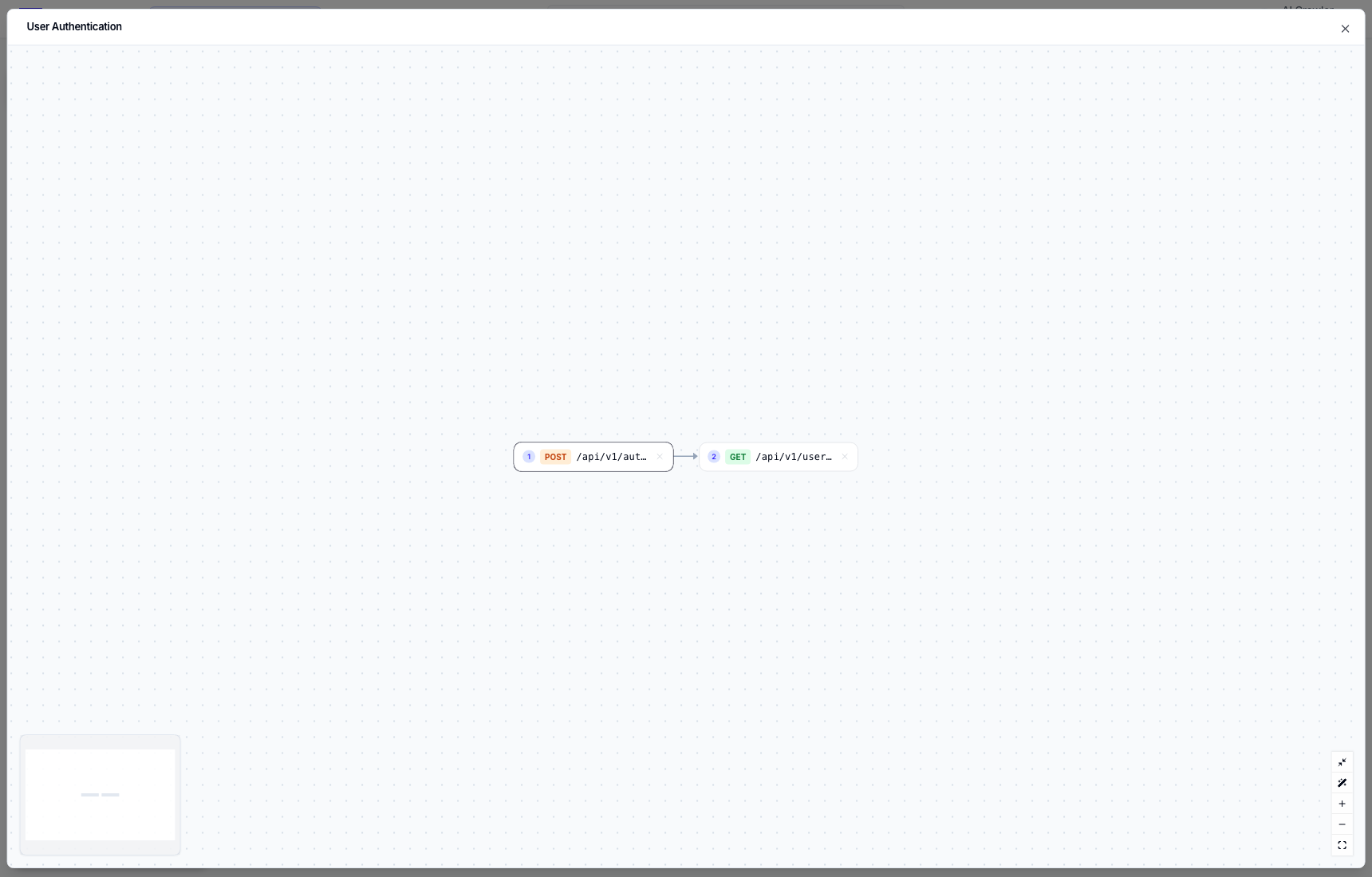
Use the List view when exact request order matters more than the visual layout.
Flow review checklist
- A captured value must be produced before a later request references it.
- Authentication and setup steps must precede protected operations.
- Cleanup requests should not delete shared or production data.
- Paths and methods must match the same source version as the session.
- Parallel-looking branches still require an executable order in the target runner.
Continue with Requests, Assertions, and Captures for field-level review.
