SmartAPI Dashboard
The Dashboard summarizes SmartAPI activity for the active RabbitQA project. Use it to check scope before opening a session or beginning a new generation.
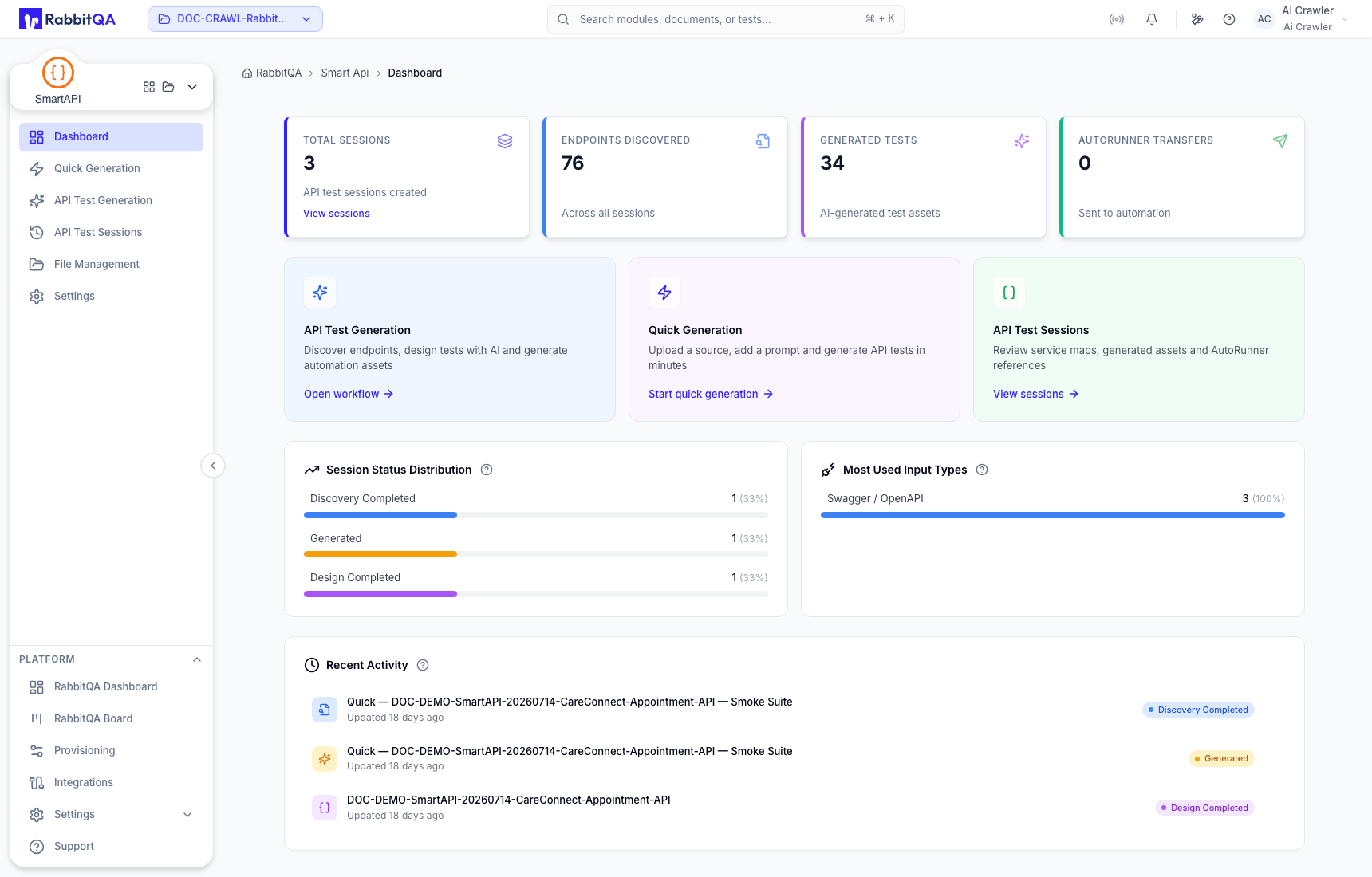
Metrics
The summary cards report current project totals such as:
- API test sessions;
- endpoints discovered;
- tests generated; and
- sessions or assets transferred to AutoRunner.
These are aggregate project metrics. They do not prove that a particular session completed or that transferred tests executed successfully.
Recent activity and shortcuts
Dashboard cards and quick actions can take you to recently used sessions, Quick Generation, staged API Test Generation, File Management, or settings. Exact totals and recent items change with the selected project.
Scope checks
Before using a shortcut:
- Confirm the project selector in the RabbitQA header.
- Compare the dashboard totals with the expected project activity.
- Open API Test Sessions and verify the run by session ID when auditability matters.
- Check AutoRunner separately for execution state after transfer.
If the totals look unfamiliar, stop and confirm project scope before editing, archiving, deleting, or transferring anything.
