API Test Sessions
API Test Sessions is the project library for saved SmartAPI runs. It reports project totals and provides the durable session IDs used to open generated assets.
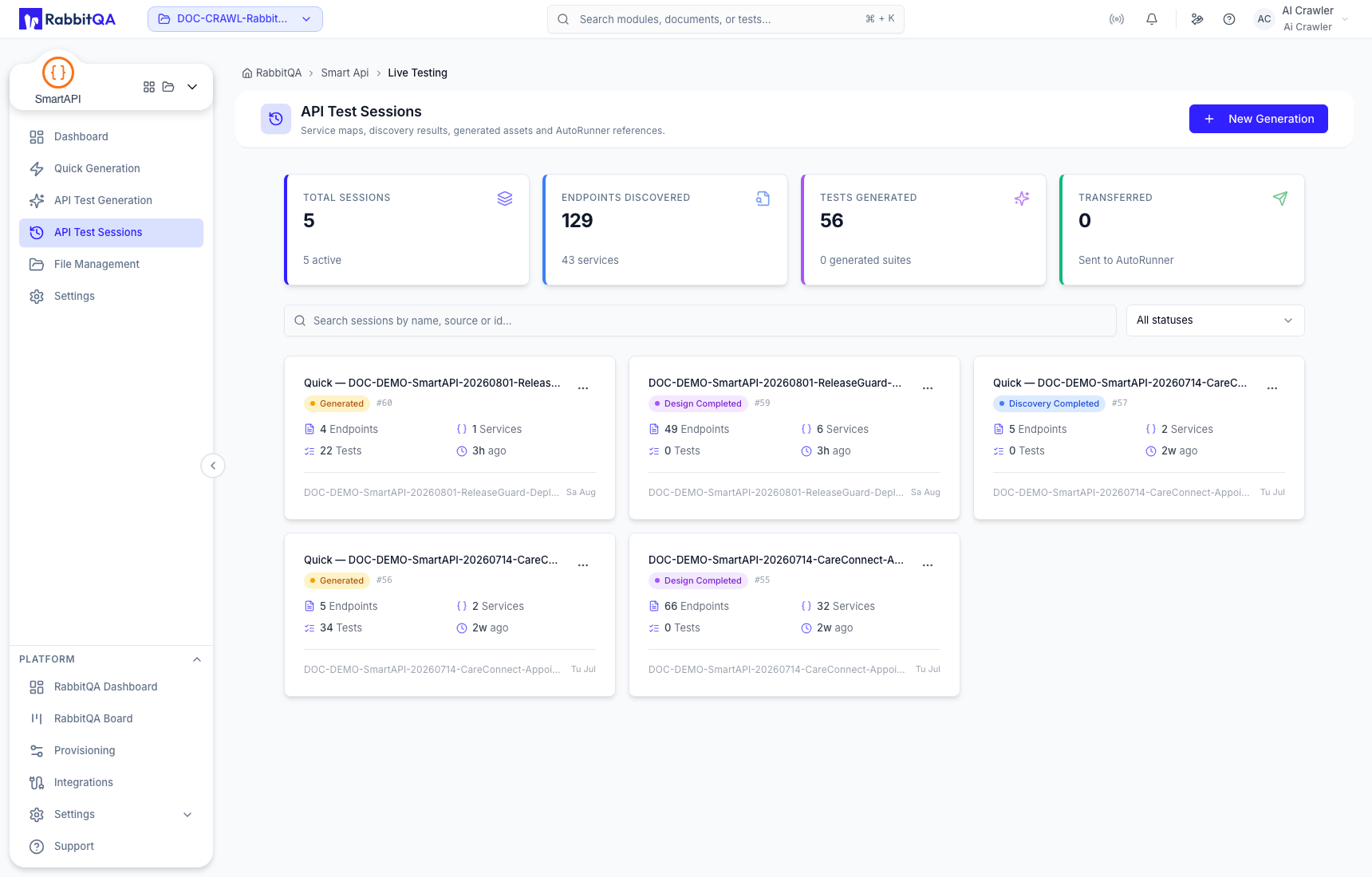
Project summary
The top cards summarize totals such as:
- sessions;
- endpoints and services discovered;
- tests generated; and
- sessions transferred to AutoRunner.
Use each session card—not only aggregate totals—to confirm the state of a specific run.
Find a session
Search by session name, source, or ID. The status filter includes:
- Draft;
- Discovery Completed;
- Design Completed;
- Generated;
- Transferred; and
- Archived.
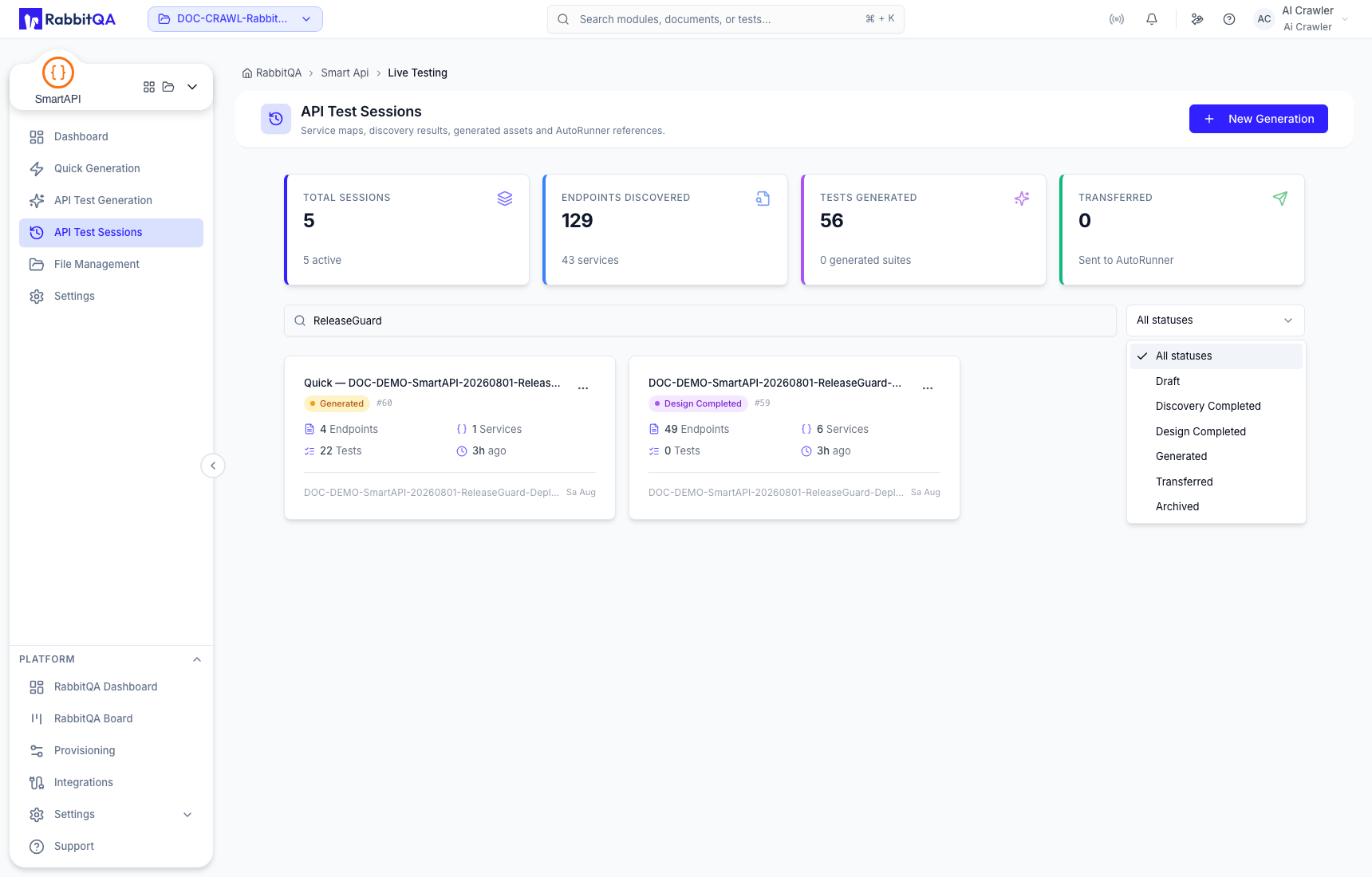
Each card can show the session status and ID, endpoint and service counts, test count, source, and relative activity time.
Session actions
Open the card menu to:
- Open the session detail;
- Archive a session you want to retain without keeping it active; or
- Delete the session permanently after reading the confirmation.
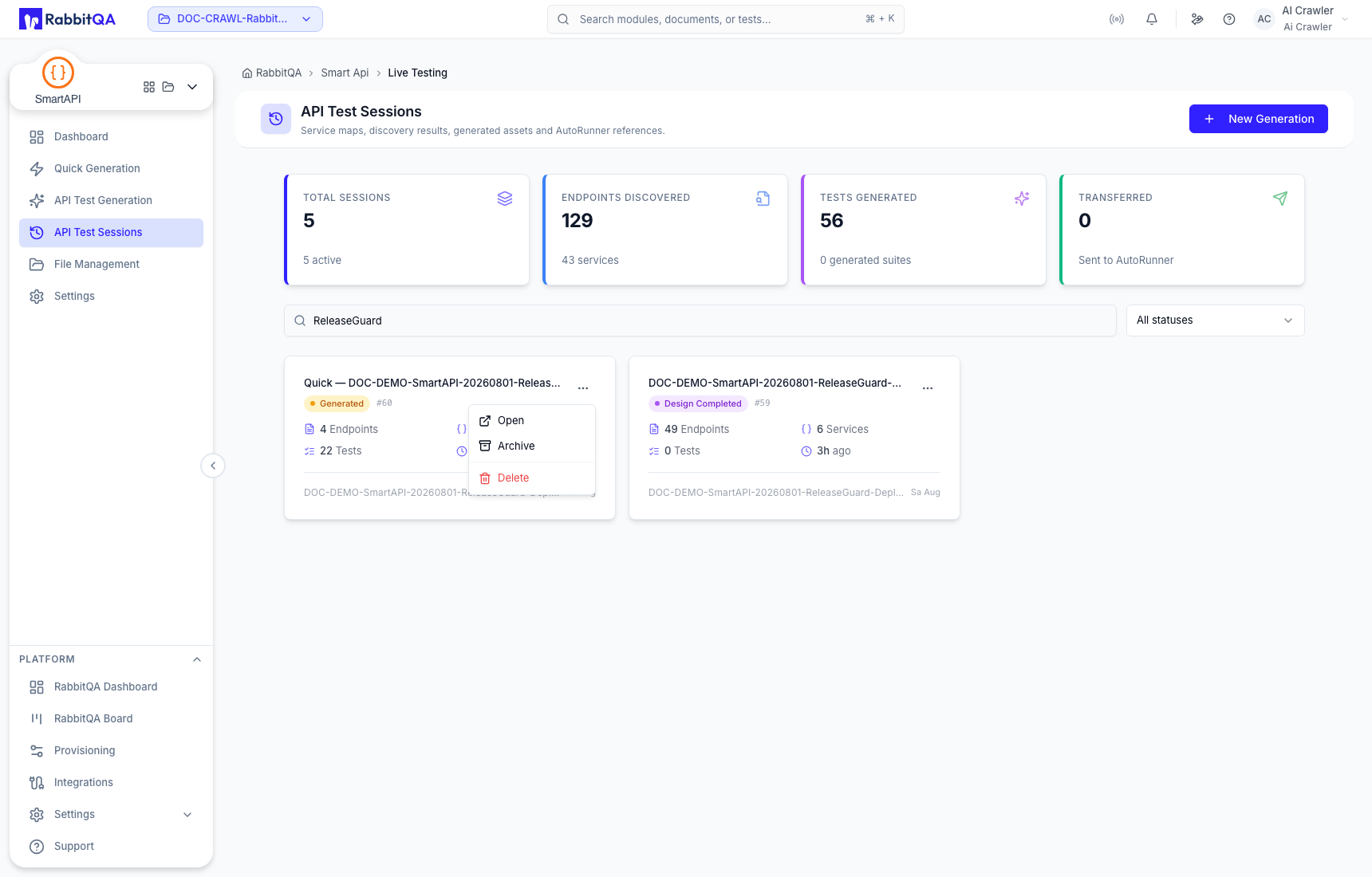
Archive is the safer choice when history may still be useful. Delete is permanent and can remove generated work. Confirm the exact session ID and source before either action.
Open-session verification
Before editing a session detail, compare the route and visible header with the library card. Confirm:
- session ID;
- source filename or cURL origin;
- status;
- recognizable paths and service names; and
- plausible flow, test, request, assertion, and variable totals.
If the open detail shows an unexpected reference session or unrelated paths, return to the library without making changes.
Continue with Generated Tests and Flows after the identity checks pass.
