SmartAPI Settings
SmartAPI settings apply to the active project. They control generation behavior, generated names, and optional mappings to AutoRunner and TestPilot.
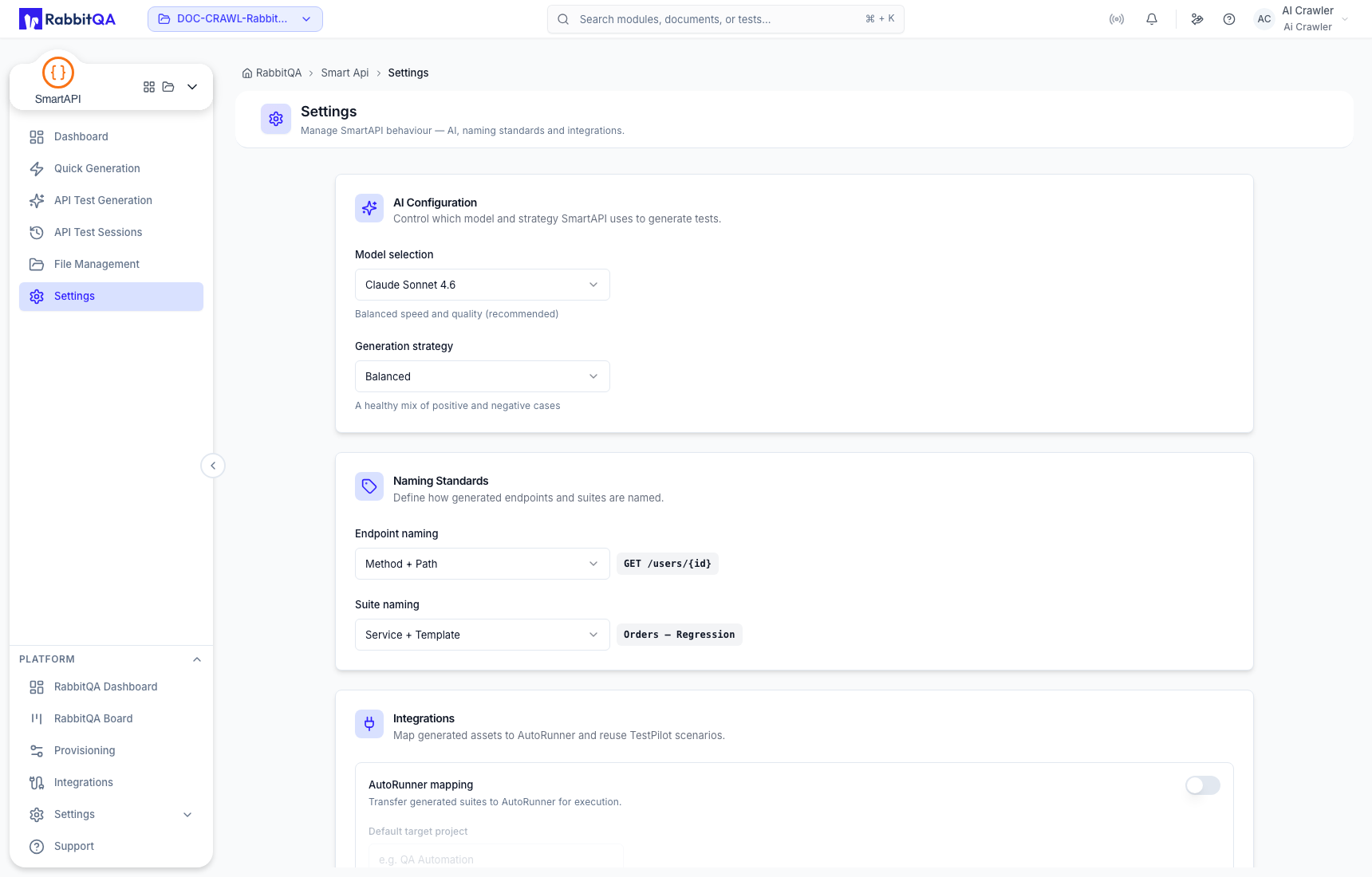
AI Configuration
Model selection chooses an available AI model. The options depend on the platform's configured providers and can change over time.
Generation strategy controls the intended balance of coverage. Current choices include:
- Balanced;
- Maximum Coverage; and
- Critical Paths.
Choose the strategy that matches risk and review capacity. More generated coverage still requires contract review.
Naming Standards
Endpoint naming choices include:
- Method + Path;
- Operation ID; and
- Summary.
Suite naming choices include:
- Service + Template;
- File + Template; and
- a custom prefix option.
Use names that stay understandable after transfer. Operation ID and Summary are useful only when the source contract maintains them consistently.
Integrations
The integration section provides optional mappings for:
- AutoRunner mapping, including a default target project; and
- TestPilot mapping, including a default project for scenario reuse.
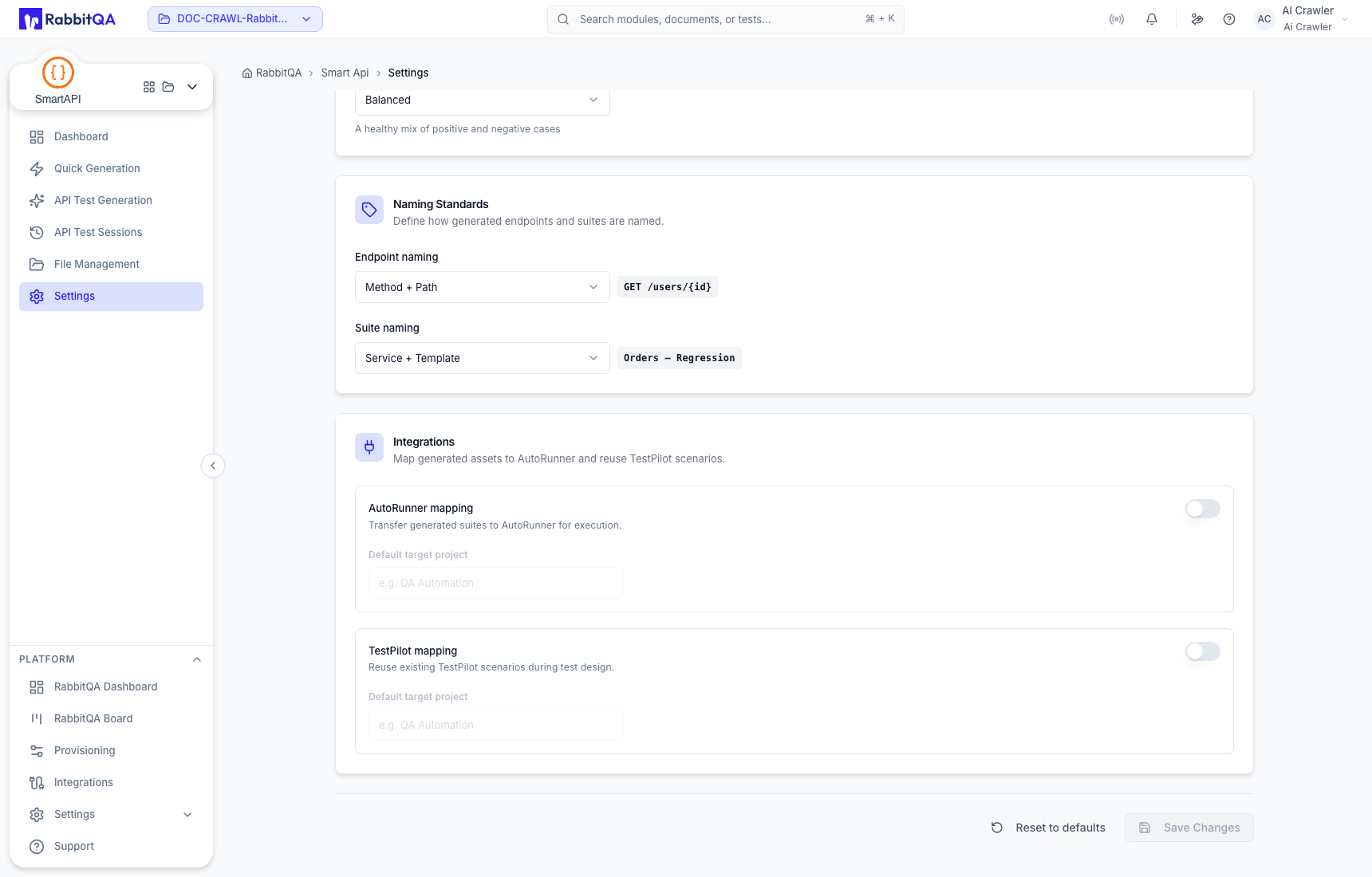
Enabling a mapping does not replace permission, source, or target validation. Confirm that the selected project is the intended destination before saving.
Save or reset
Save Changes persists modified settings. Reset to defaults restores default selections for the project. Review every section before saving or resetting because these settings affect later generation and transfer workflows.
