Impact Analyzer
Impact Analyzer uses Analyzer document-version changes to identify maintained tests that may need regression attention before a new cycle is planned.
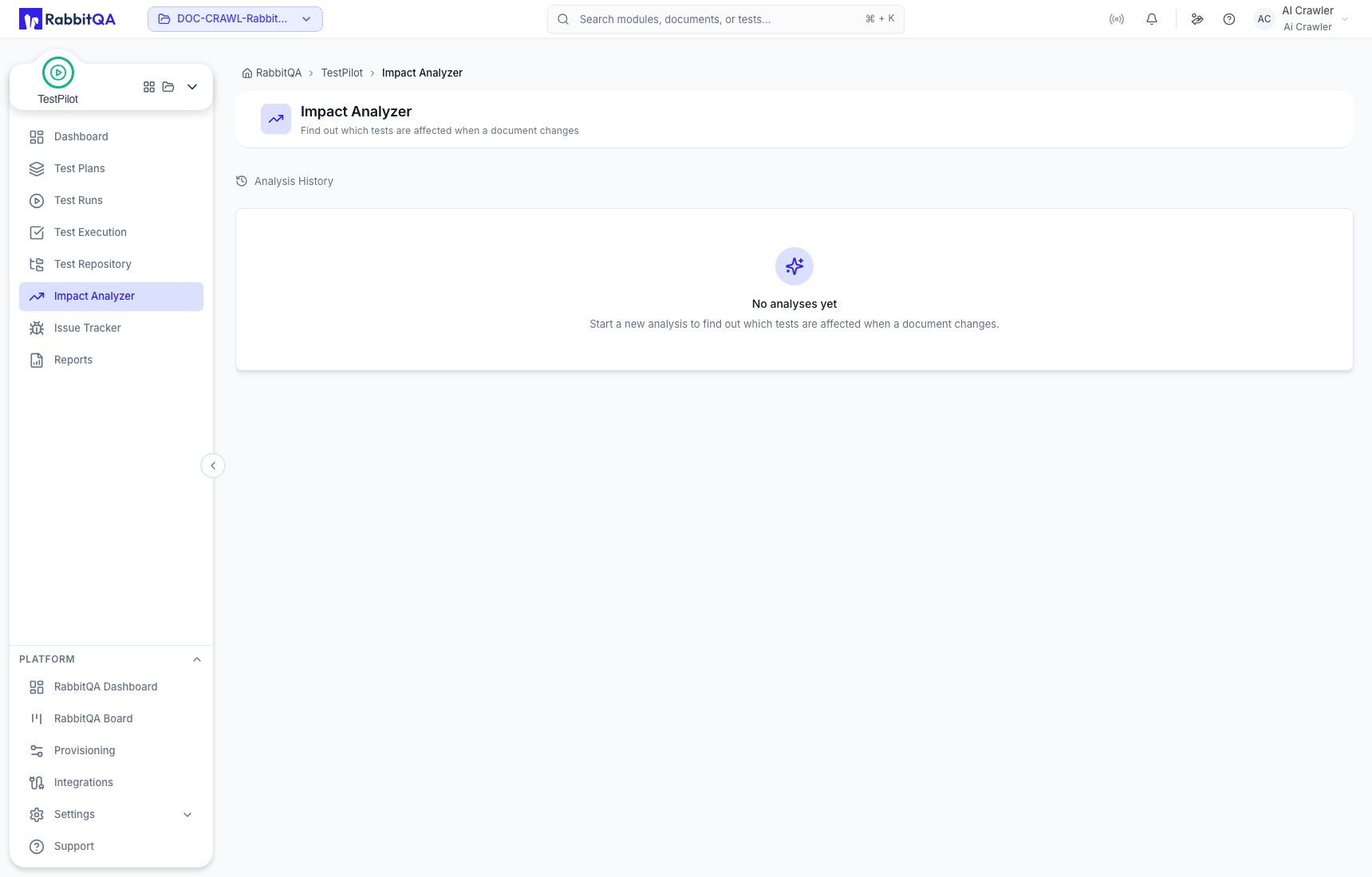
Analysis History
The landing view lists completed impact analyses available to the selected account and project context. Open an existing result to review affected coverage and suggested tests.
If no records exist, the page shows No analyses yet. The available action set depends on the user's TestPilot role.
Role boundaries
| Role capability | Available work |
|---|---|
| View access | Review Analysis History and completed impact results. |
| Manager or admin access | Start an analysis by selecting an Analyzer document, base version, and compared version; review cost; prioritize suggestions. |
| Admin access | Materialize accepted regression coverage into the Test Repository when the processing path is available. |
An account with view-only access can see history without a Run New Analysis action.
Recommended workflow
- Maintain and version the relevant source document in Analyzer.
- Compare the intended base and changed versions.
- Review affected tests and suggested regression coverage.
- Prioritize supported suggestions.
- With the required permission, materialize accepted cases into the Test Repository.
- Review the maintained cases before assigning them to a Test Run.
Correct use
- Treat suggestions as review input, not automatically approved test intent.
- Verify the source document versions before interpreting impact.
- Keep the final maintained case observable and reusable.
- If processing or materialization is unavailable, preserve the analysis evidence and update the repository through the approved manual workflow.
