Issue Tracker
Issue Tracker connects defects to Test Plans, Test Runs, and optional execution results. It supports native RabbitQA issues and connected Jira or Azure views according to organization configuration.
Read and filter issues
The summary cards show Resolved / Total Issues, To Do, Top Priority, and In Progress. Search by issue key, summary, or description, then filter by Plan, Test Run, Status, and Priority.
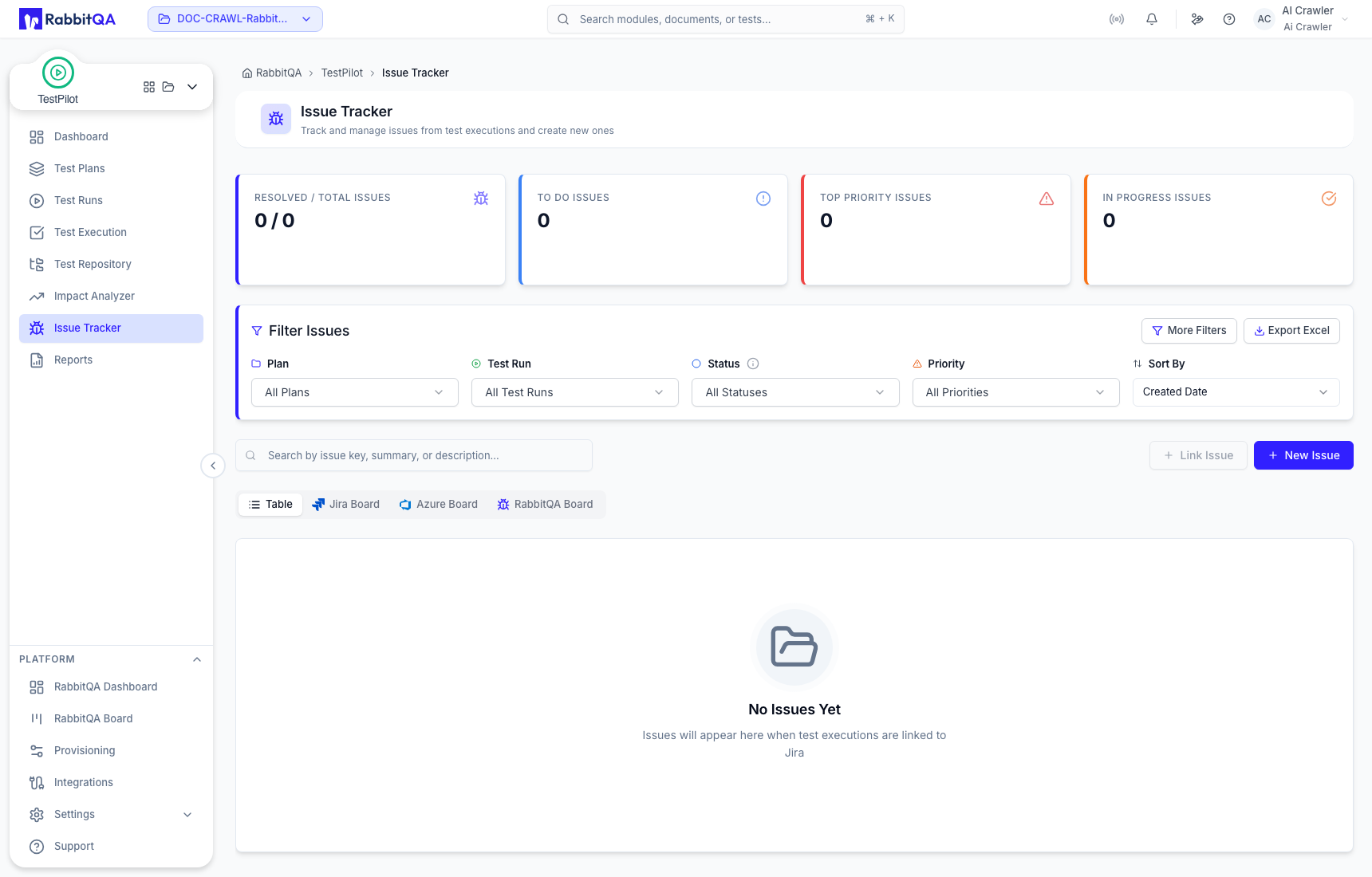
More Filters adds Labels, Assignee, and Date Range. Export Excel exports the current issue list. Filters and board selection do not change issue state.
Table and board views
| View | Source |
|---|---|
| Table | The currently filtered issue list. |
| RabbitQA Board | Native RabbitQA issues grouped by workflow status. |
| Jira Board | Jira issues available through the configured Jira connection. |
| Azure Board | Azure DevOps work items available through the configured connection. |
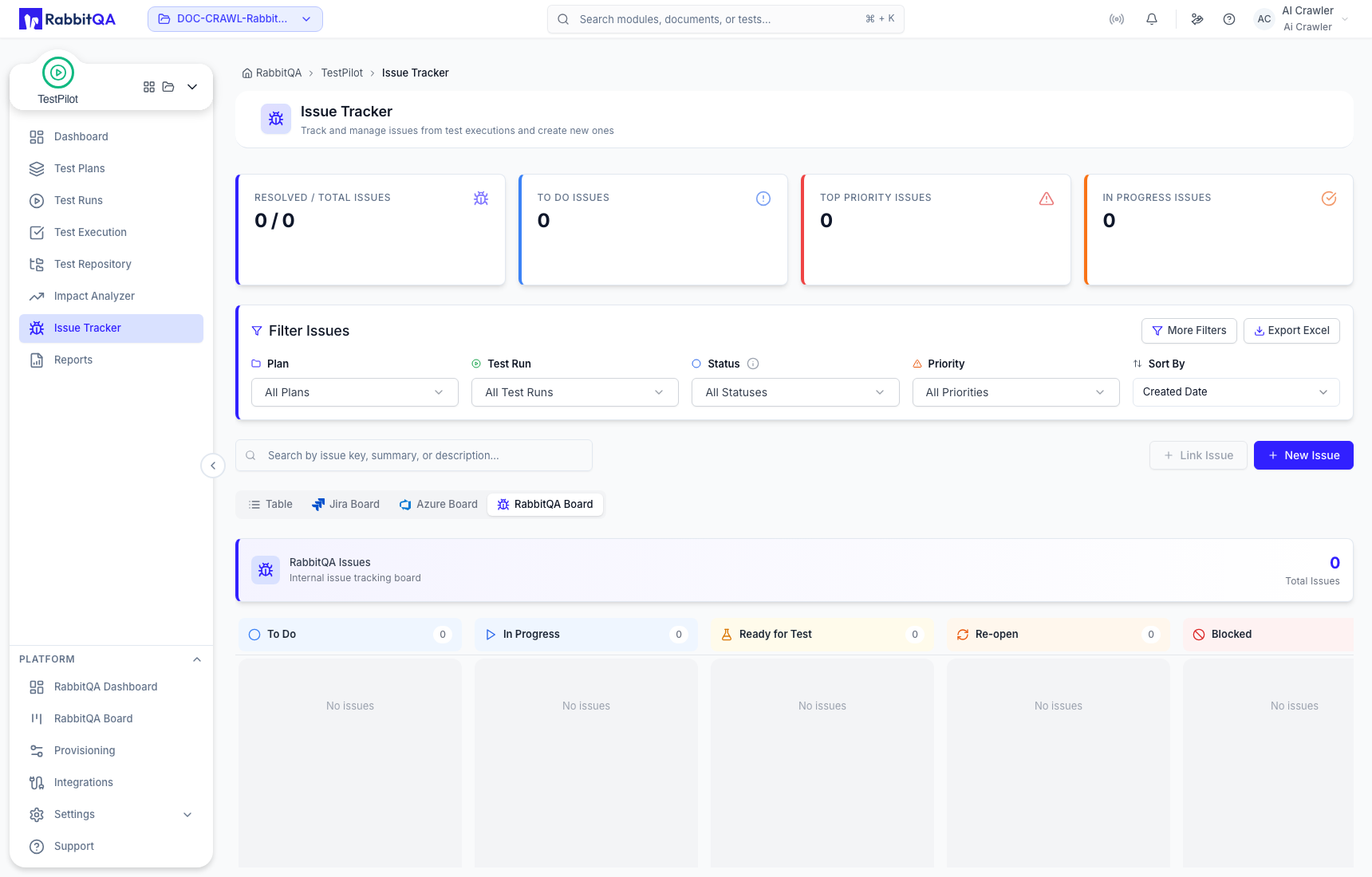
An empty external board does not prove that the connection is broken; it can also mean that no matching issues exist for the selected scope.
Create an issue
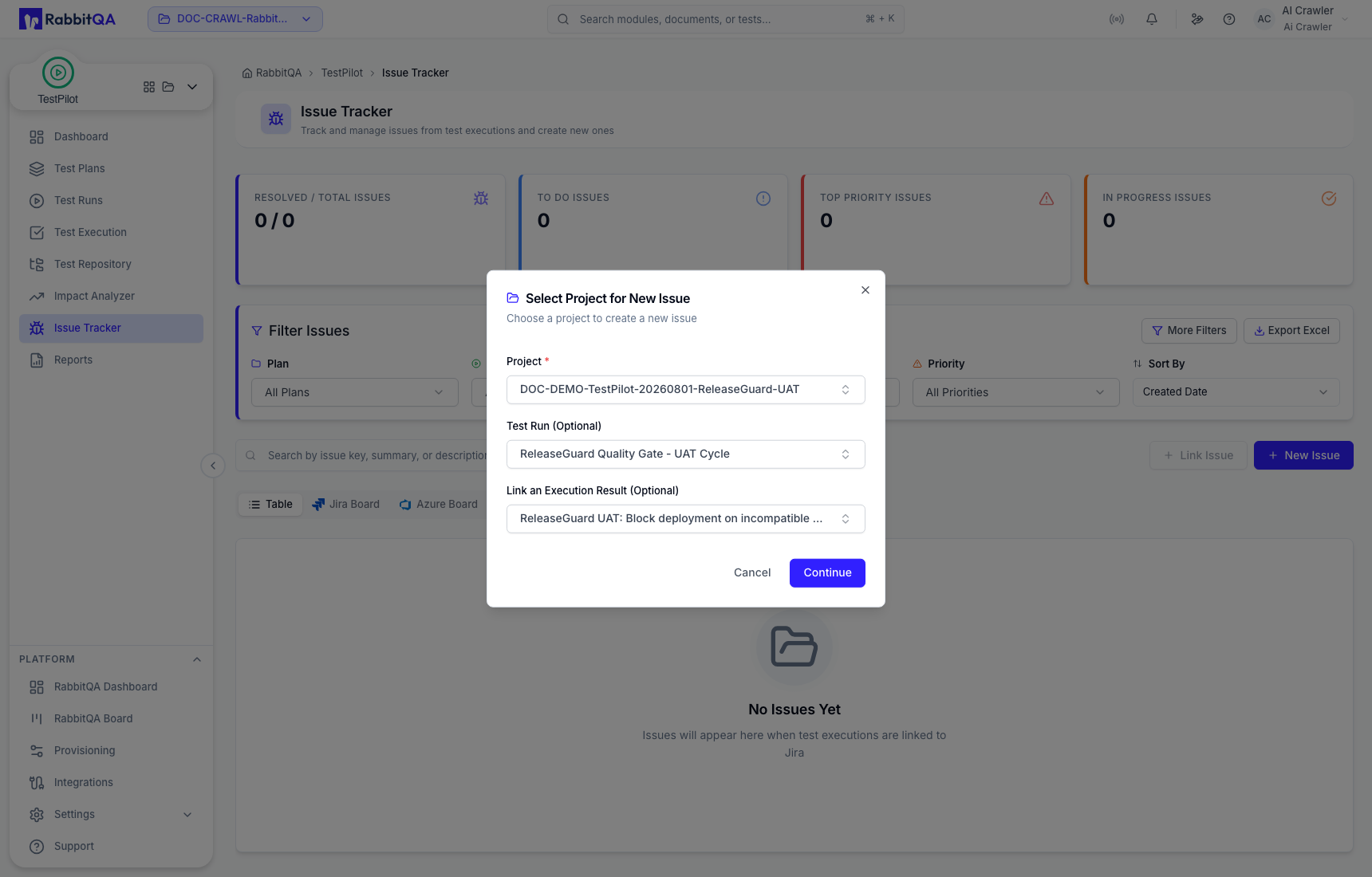
Select New Issue. The first required field is labeled Project, but it supplies the Test Plan context.
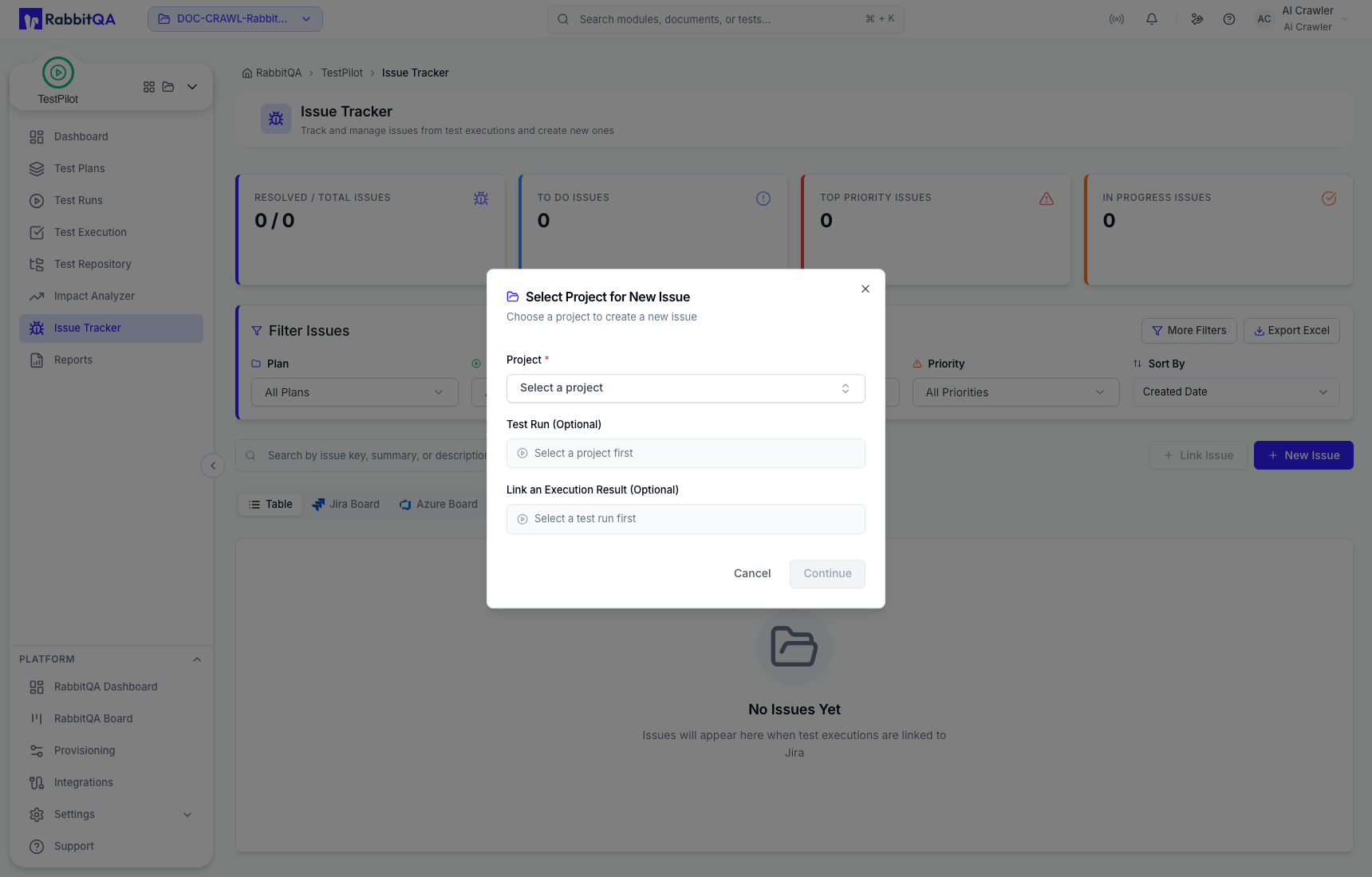
- Select the Test Plan.
- Optionally select a Test Run.
- Optionally link an execution result.
- Select Continue.
- Enter Summary and Description.
- Set Labels, Priority, and Status.
- Add attachments when needed.
- Select Create Issue, or use an offered external send action when that integration is configured.
Link existing issues
Use Link Issue when an external issue connection and matching records are available. The action can be unavailable when no supported connection is configured or the role lacks permission.
Execution boundary
An issue can be created from Test Execution, but issue creation does not save a draft execution result. Return to the execution and select Save Result if the result itself must persist.
Correct use
- Select the correct plan and run before creating or interpreting an issue.
- Include observed behavior and evidence; do not copy unsupported assumptions into a defect.
- Use RabbitQA Board for native issues and the named external board for connected records.
- Verify the result link when traceability to a specific execution is required.
