Import and Export
CaseWriter supports bulk repository exchange through Excel and TestRail CSV import, plus Excel export. Use the current template and validate content before adding it to a shared project.
Import repository cases
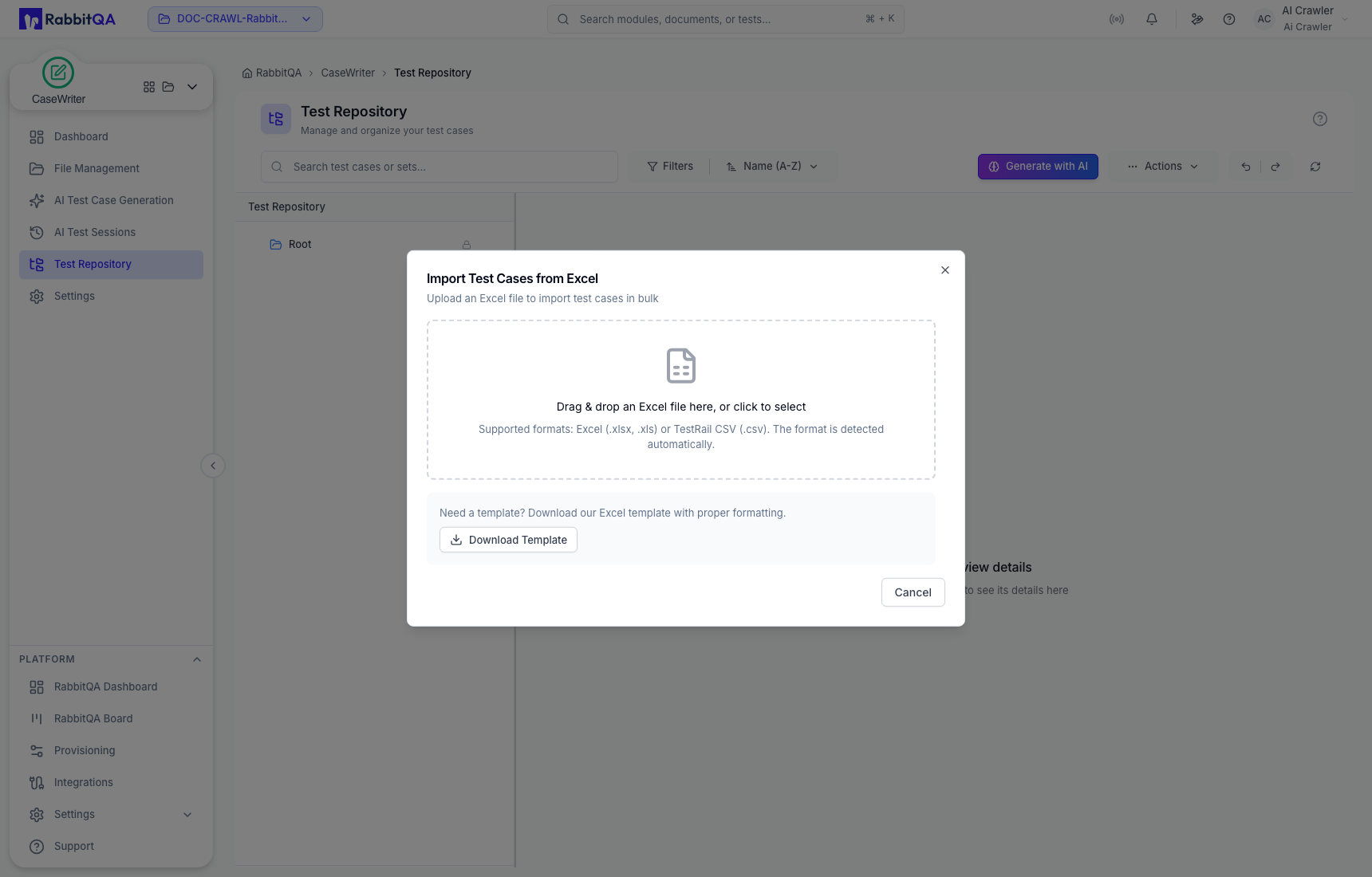
Open Test Repository → Actions → Import. The import dialog accepts:
- Excel
.xlsx; - legacy Excel
.xls; and - TestRail CSV
.csv.
The format is detected automatically.
Recommended import workflow
- Select Download Template from the repository or import dialog.
- Keep the required column structure and supported values.
- Replace live credentials and personal data with safe test references.
- Start with a small representative file.
- Upload the file and review validation feedback.
- Correct errors before importing the full collection.
- Verify the resulting test sets, cases, steps, and expected results in the repository.
Do not describe arbitrary CSV as supported. CSV import is specifically presented for the TestRail format; use the Excel template for a general CaseWriter bulk import.
Export repository cases
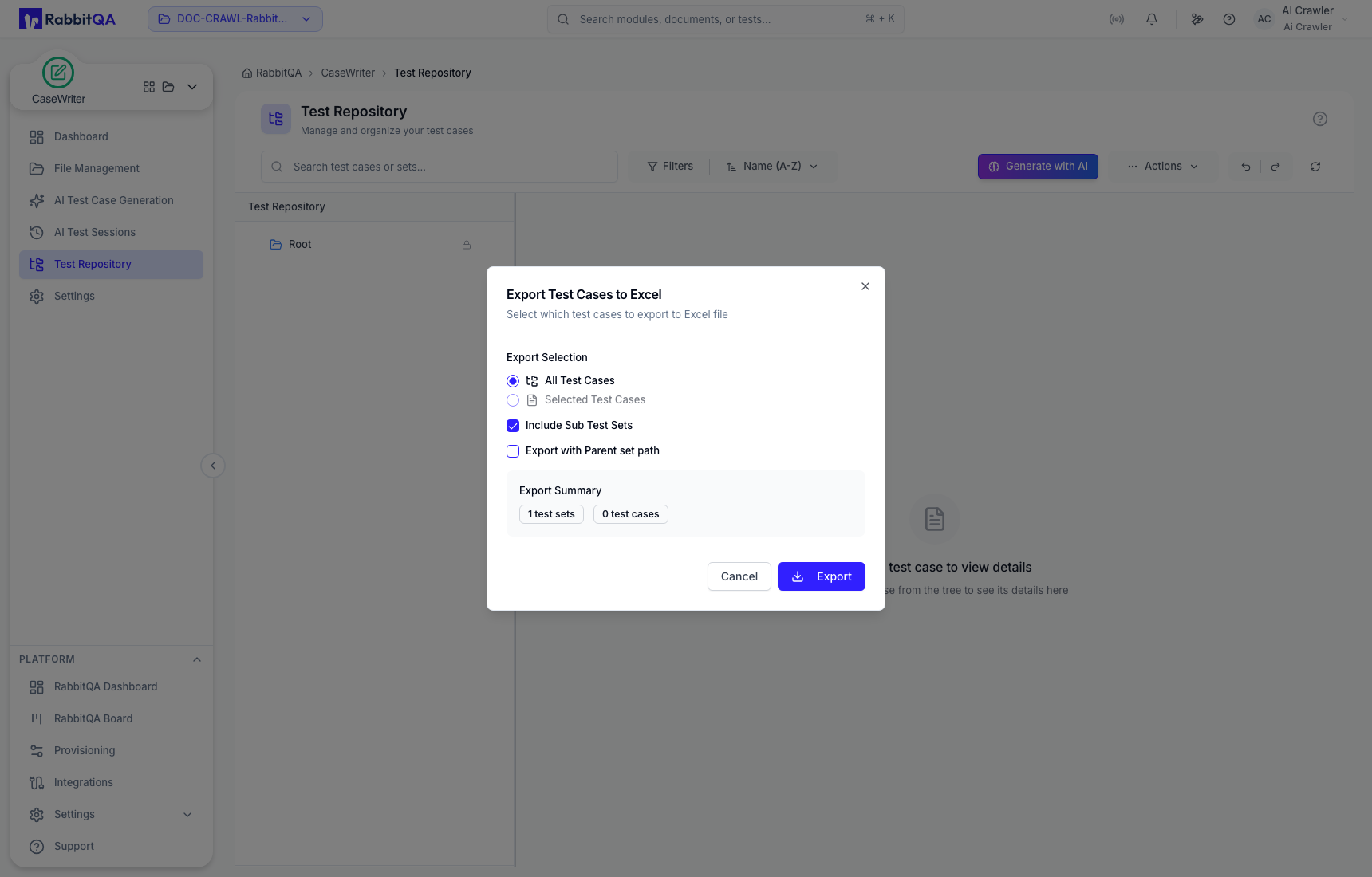
Open Test Repository → Actions → Export. Choose the export scope:
- all cases in the current scope or selected cases;
- whether to include sub-test sets; and
- whether to include the parent set path.
Review the export summary before downloading the Excel file.
Export generated cases for review
Inside an AI Test Session, selected generated cases can also be exported to Excel. This does not approve them and does not save them to the repository. Treat the export as a review or handoff artifact, not proof of repository publication.
Safety and quality checks
- Use the newest template rather than an old locally saved copy.
- Preserve case-to-step ordering.
- Confirm enumerated fields such as priority and complexity.
- Check for duplicate identifiers or near-duplicate cases.
- Screen attachments and text for secrets, personal data, and environment-specific URLs.
- Keep an untouched source file when performing a migration.
- Verify a sample in the UI after import and before relying on the full batch.
