Accessibility Plans
A plan represents one website or application. It stores the base URL used by its audit groups and, when needed, the authentication configuration used before analysis.
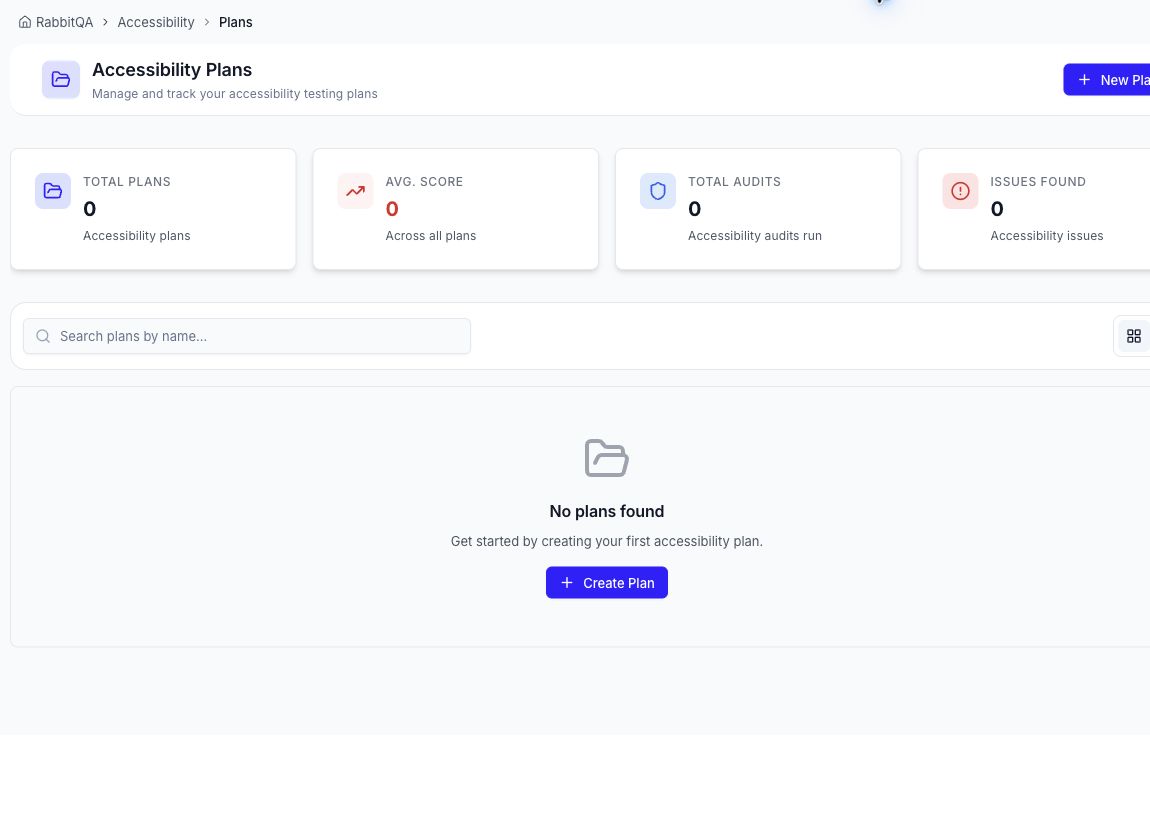
Create a plan
- Open Accessibility > Plans.
- Select New Plan.
- Enter a descriptive Plan Name and a short Plan Description.
- Enter the Base URL, including
https://. - Optional: enable authentication and configure a Basic or Script Builder flow.
- Select Create Plan.
The Plans page shows total plans, average score, total audits, and issues found. Use the name search and grid or list control to find an existing plan.
Open a plan
Select a plan to open its audit workspace. The plan overview includes its base URL, WCAG reference, audit totals, success and failure counts, and latest accessibility score. Its Audit History is organized into groups, each of which can contain one or more URL paths.
From the plan workspace you can:
- create an audit group;
- start every URL in a group or start one URL;
- open the latest completed report;
- open an individual URL's run history;
- edit a group; or
- delete an audit URL.
Edit or delete a plan
Use the actions on a plan card or list row to edit its details or delete it.
Deleting a plan permanently deletes its associated audits and run history. Confirm the target plan before continuing.
Plan design tips
- Use one plan for URLs that share a base URL and sign-in flow.
- Identify the environment in the name, for example
Customer Portal - Staging. - Do not place secrets in the name or description.
- Verify an authenticated plan with a small audit before adding many protected URLs.
