Appium Config Generator
Use the generator instead of maintaining a copied capability block. It derives examples from the current environment, inventory, application, and key configuration.
Build a configuration
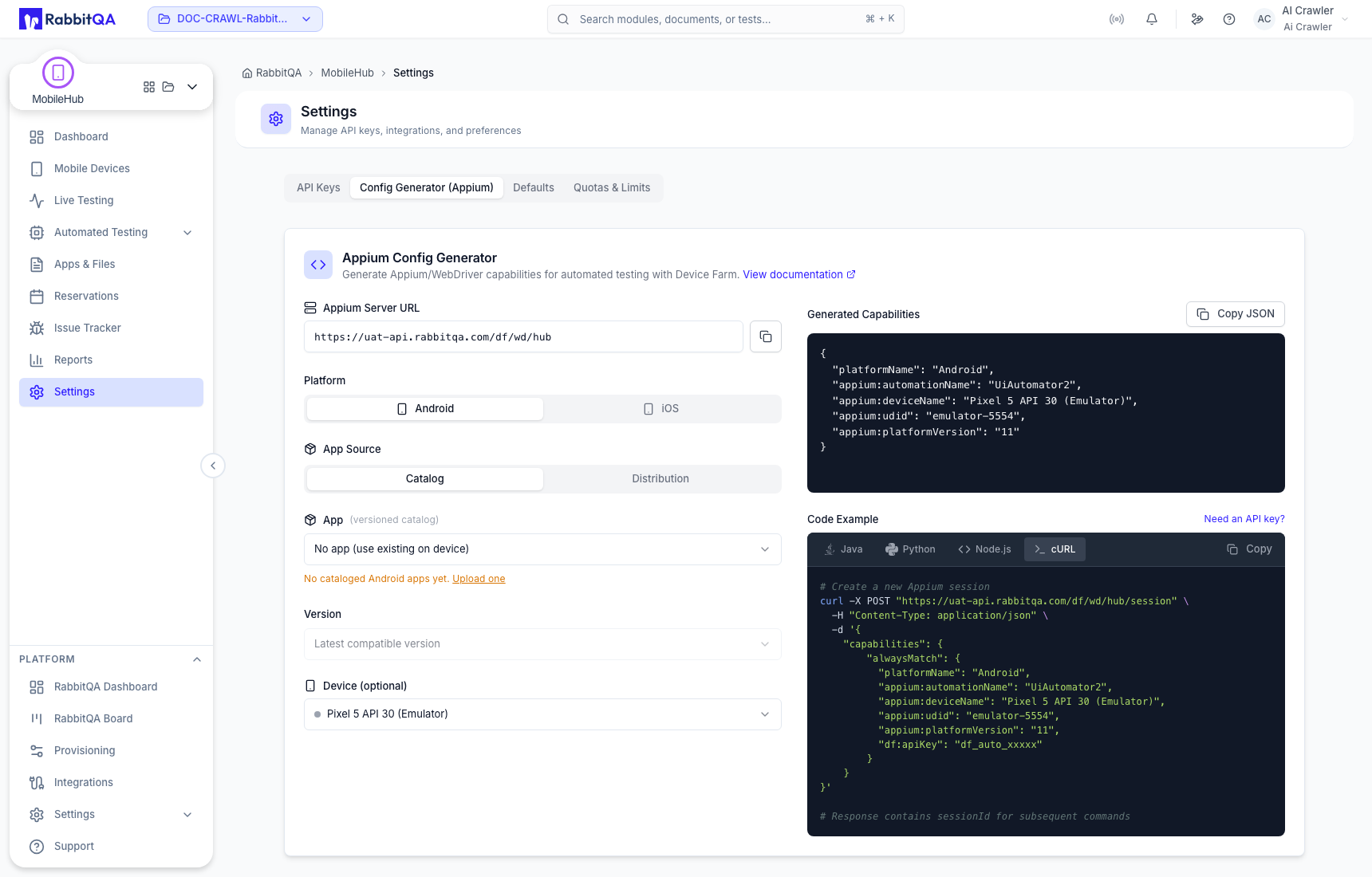
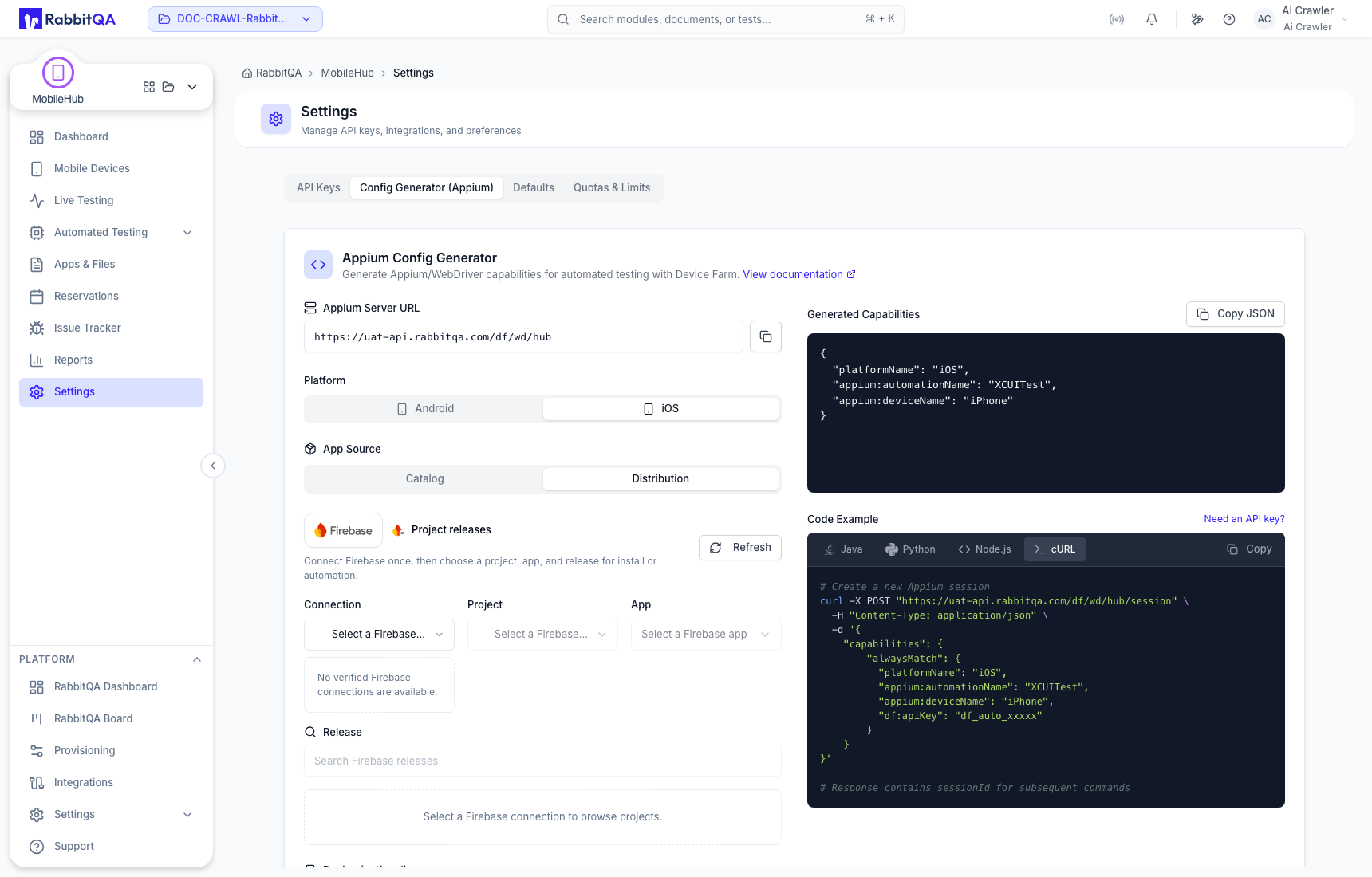
- Choose Android or iOS and the matching automation engine: UiAutomator2 or XCUITest.
- Select the application source and build.
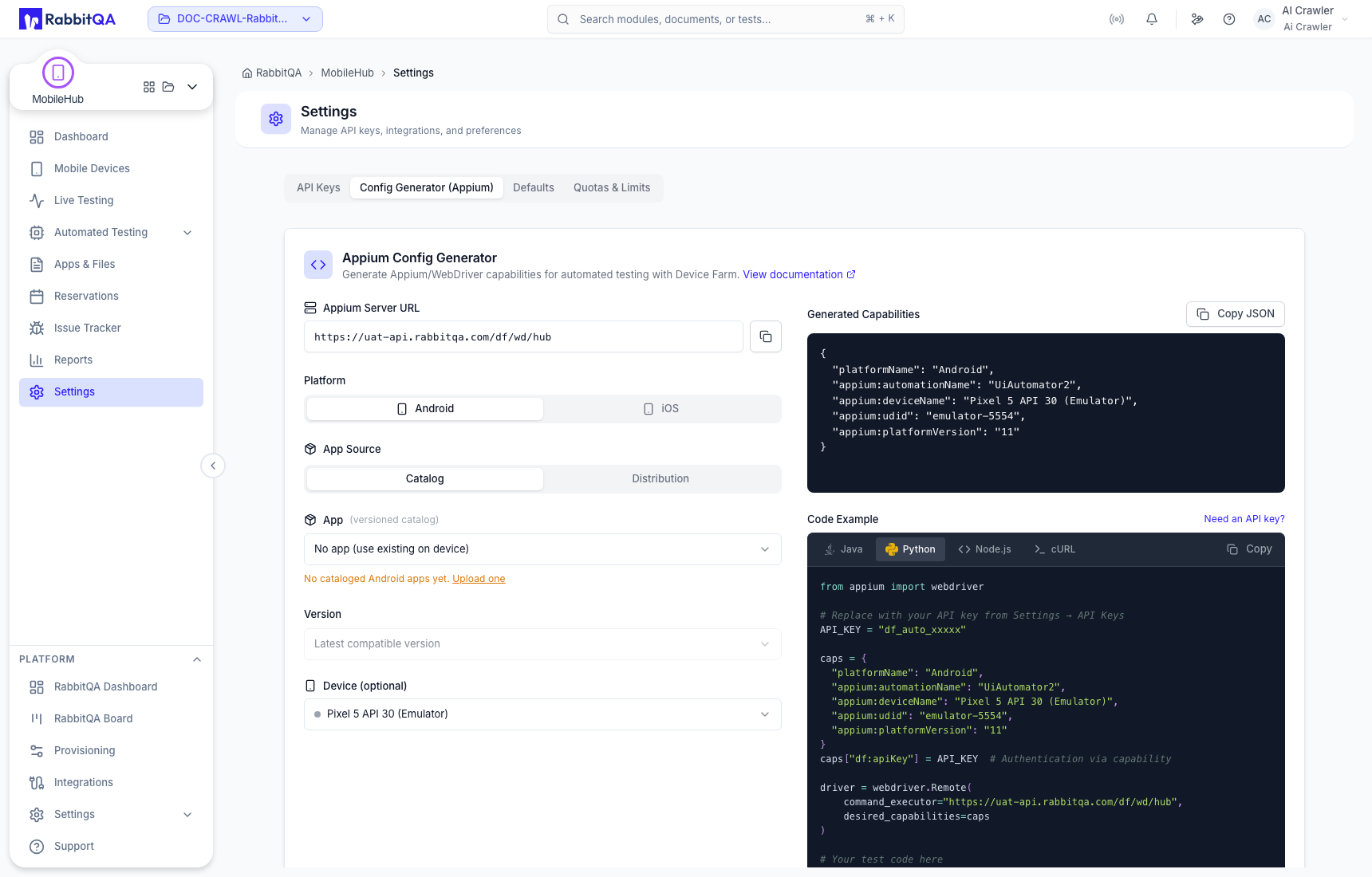
- Select a specific device or enter compatible device criteria.
- Set OS-version matching and optional Device Farm capabilities.
- Choose Java, Python, Node.js, or cURL and copy the generated example.
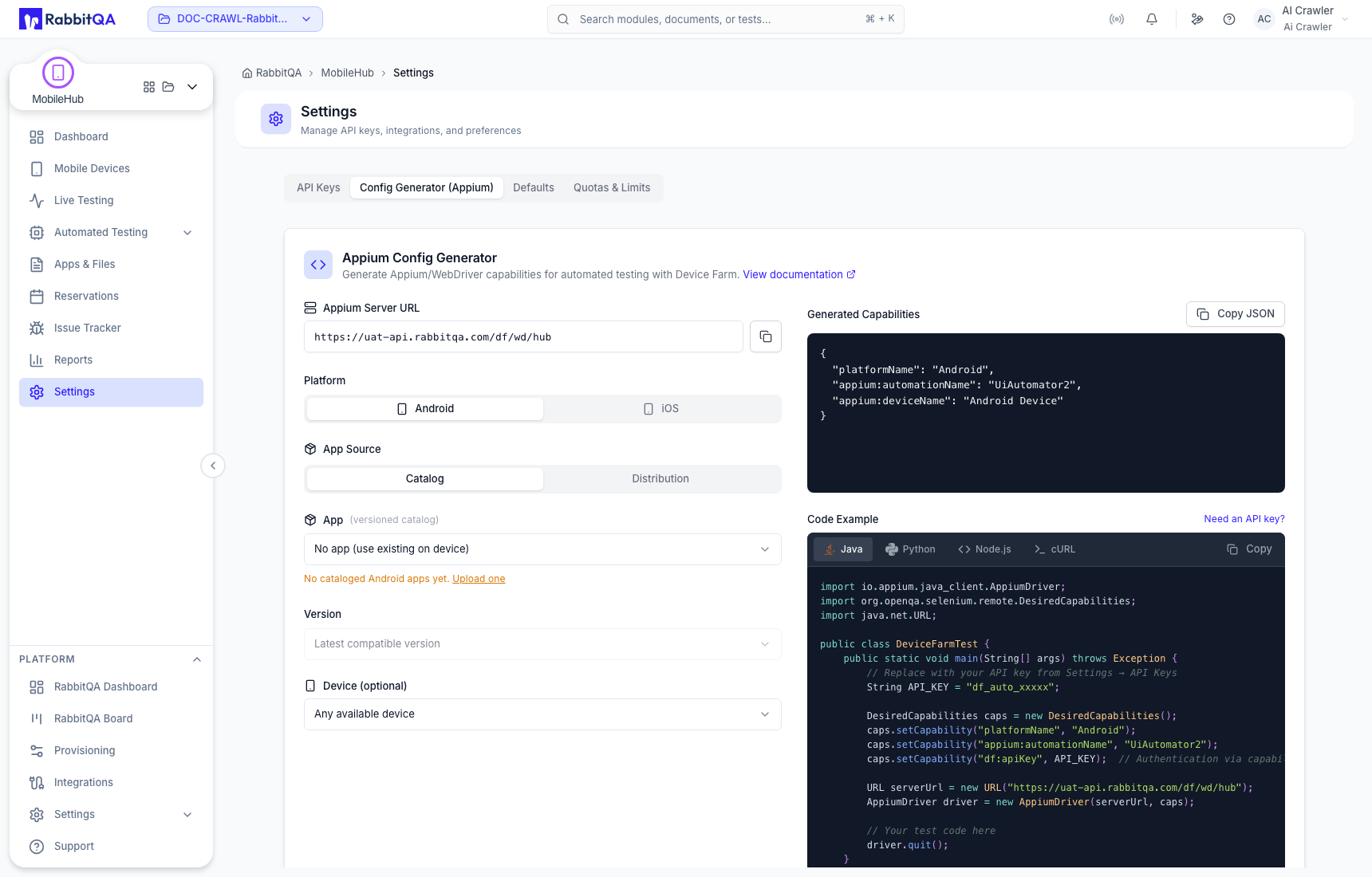
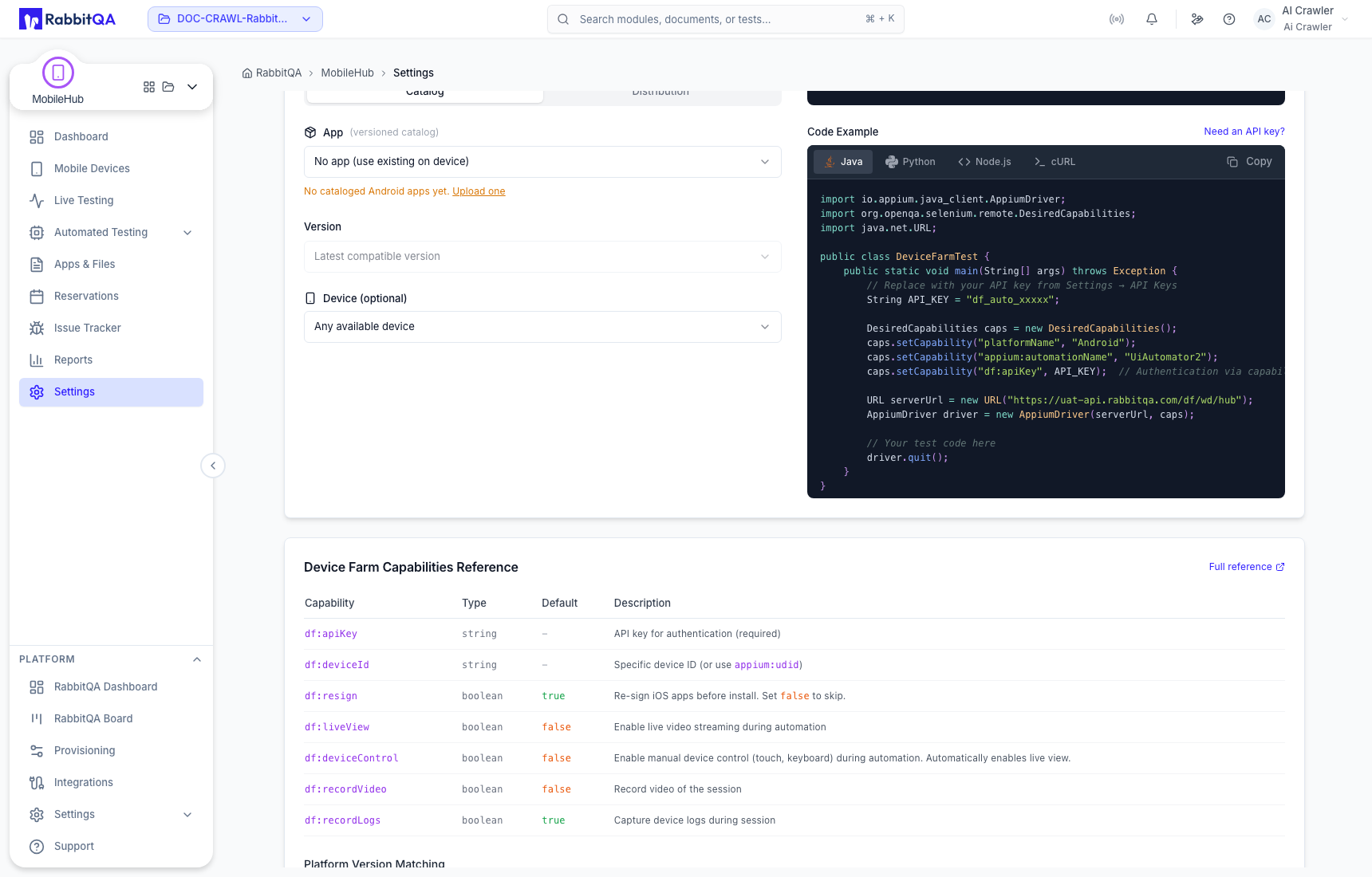
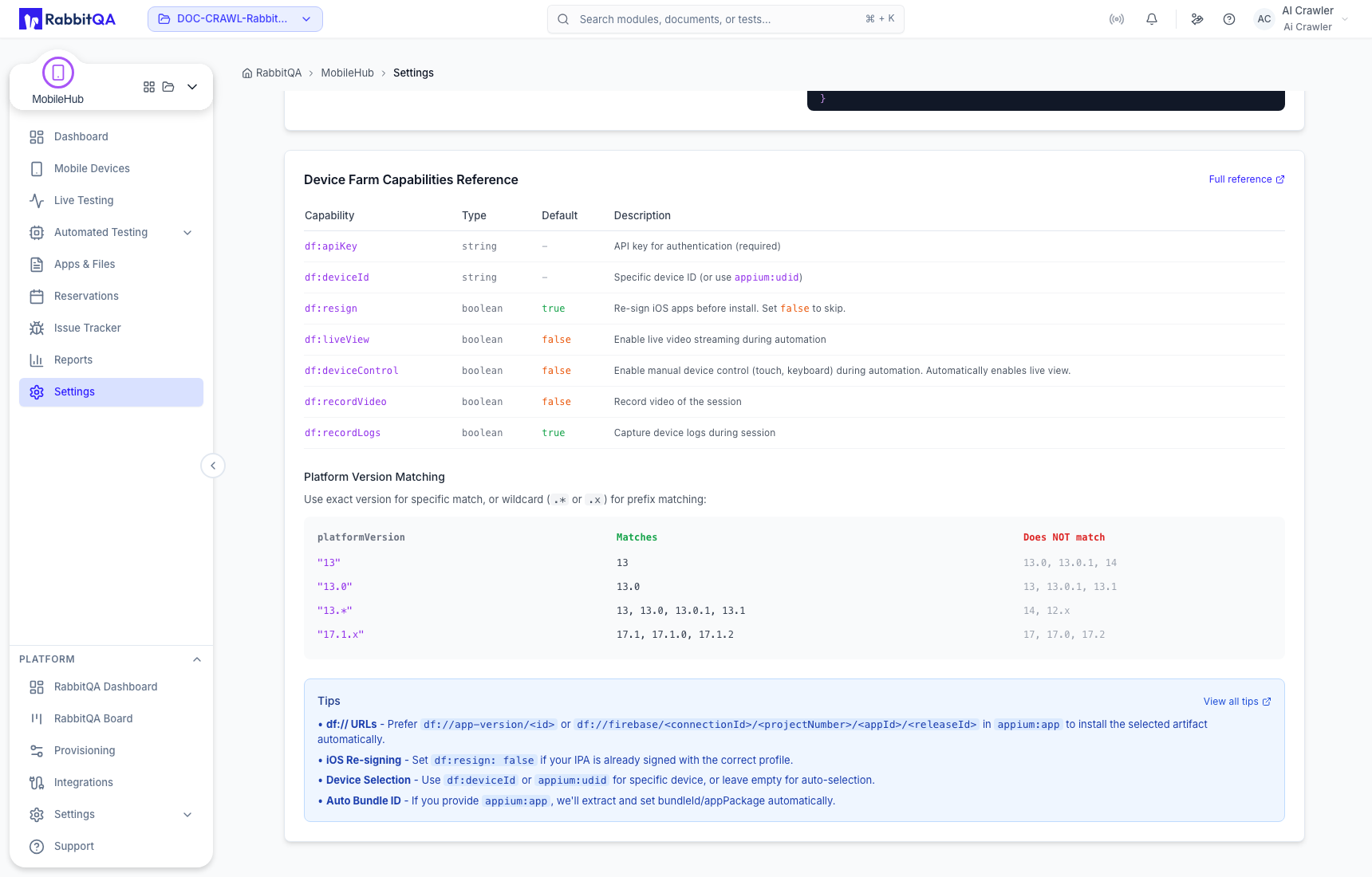
The generator can include capabilities such as the API key, OS-version rule, application reference, live view, recording/log options, and timeout when supported by the environment.
Application sources and iOS
Configured distribution sources can appear alongside MobileHub uploads.
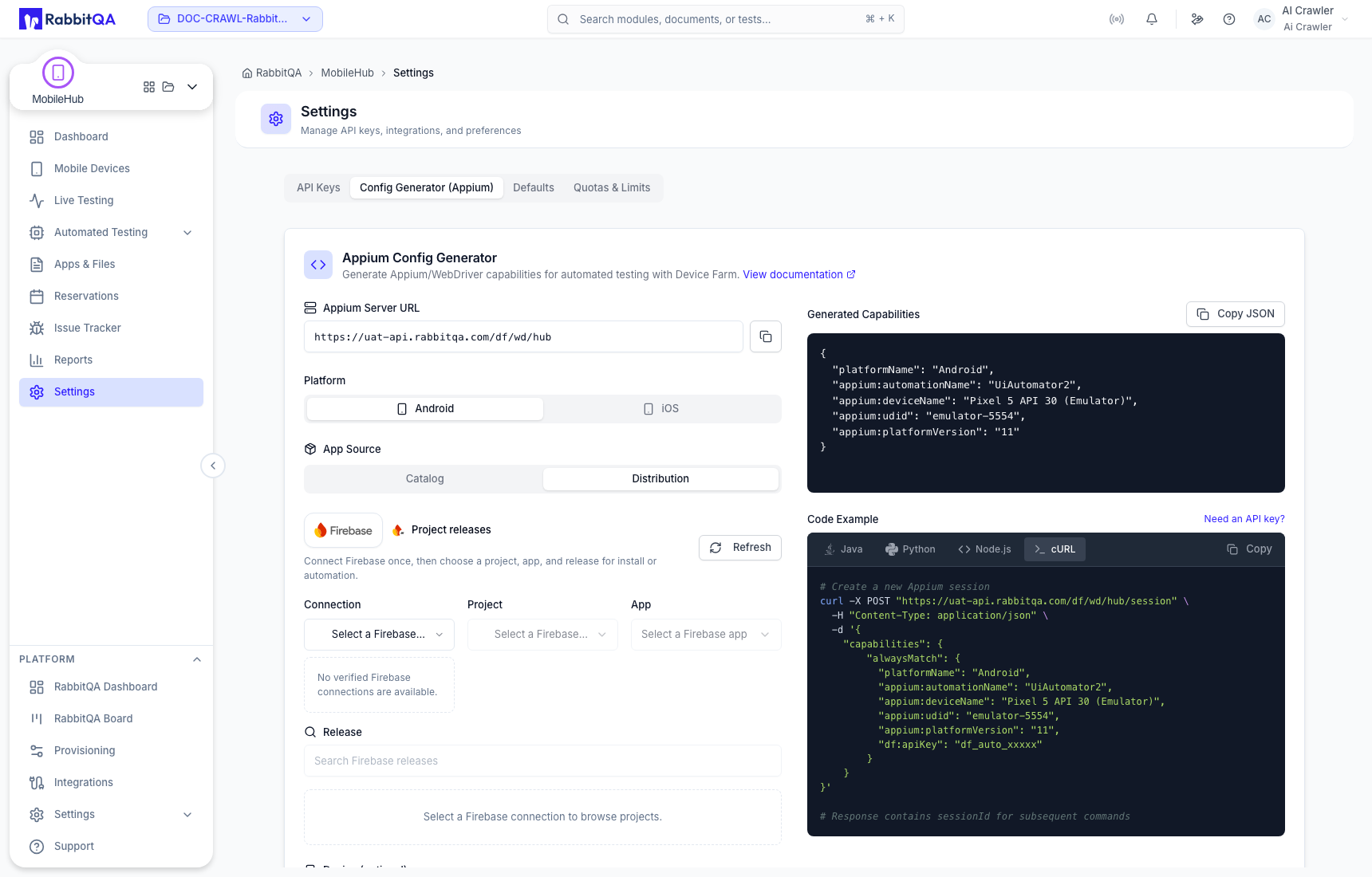
For iOS, choose XCUITest and a package compatible with the target: IPA for a real device, or a supported simulator .app/.zip build.
Protect the generated key
Examples can contain an authentication value. Replace it with a secret-manager reference before committing automation code, and rotate any key that was accidentally exposed.
