Live Testing
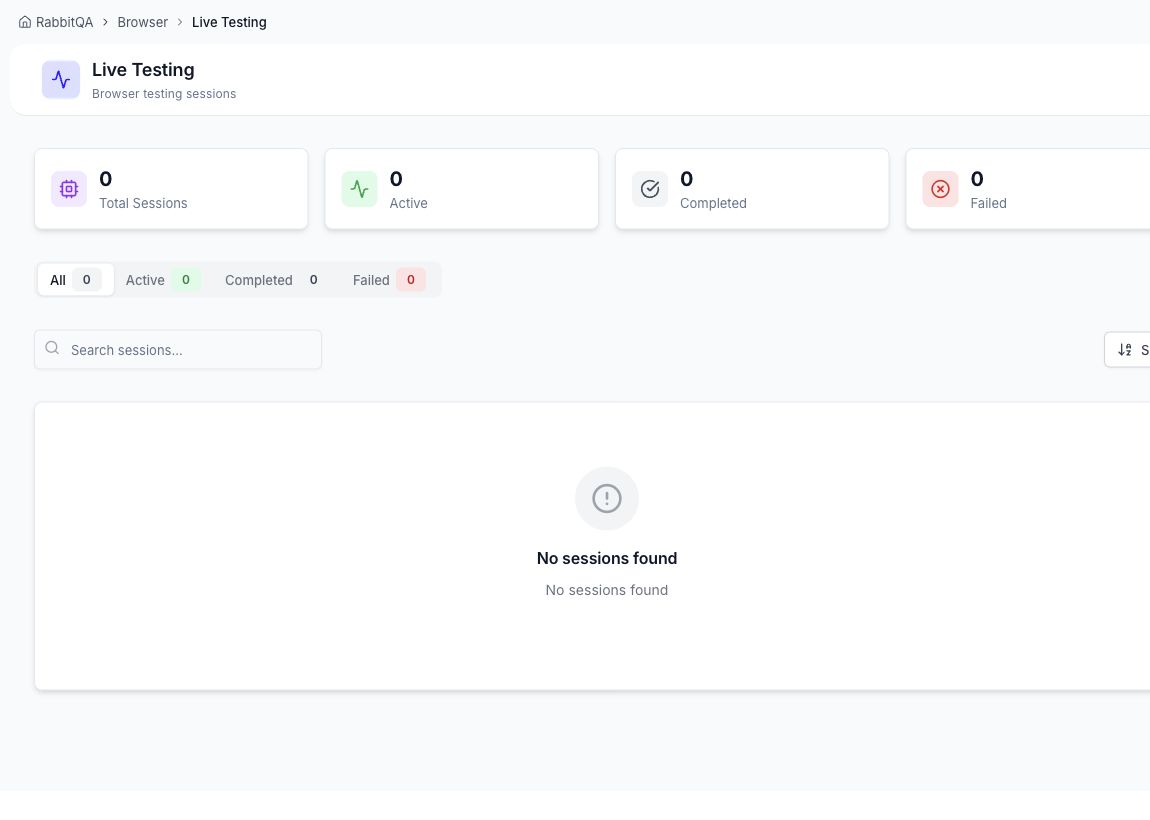
Live Testing lists interactive browser sessions and provides status totals, tabs, search, sorting, session cards, and termination actions.
During a session
- Interact with the streamed browser using mouse and keyboard input.
- Reconnect the stream, focus the keyboard, mute audio, or enter fullscreen.
- Capture a screenshot or start and stop a recording.
- Add another browser for parallel comparison when capacity allows.
- End the session when testing is complete.
BrowserHub retains supported session evidence for later review. Browser-specific sessions can also capture network traffic for HAR inspection; see Session Details.
Find and terminate sessions
Use the status tabs to separate active and completed work, search by session details, and change sorting as needed. Terminating an active session releases the shared resource, so capture required evidence first.
