Automated Testing
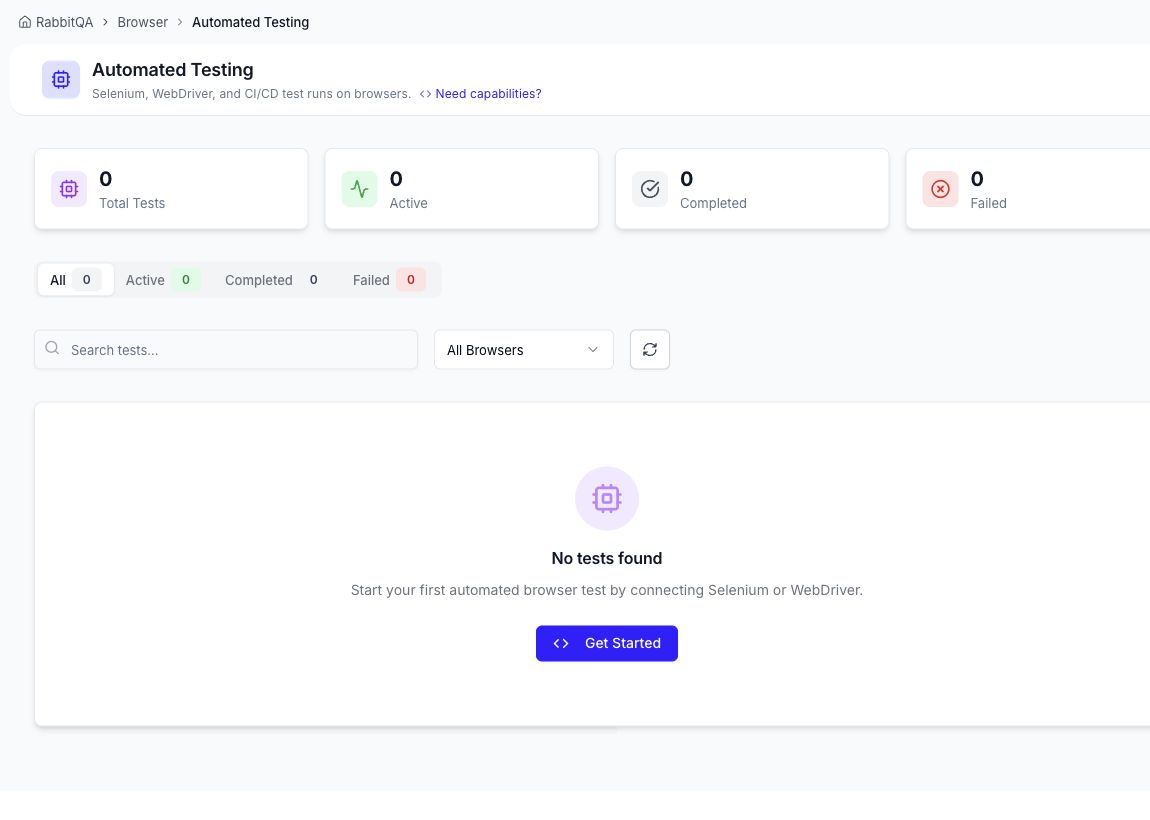
Automated Testing lists Selenium/WebDriver and CI/CD browser sessions with status totals, search, browser filtering, and session history.
Start an integration
- Select Get Started or open Settings → Config Generator.
- Choose the platform, browser, and version rule.
- Add supported options such as resolution, live view, video, logs, network capture, or timeout.
- Copy the Java, Python, Node.js, or cURL example.
- Move the API key to your CI secret manager before committing code.
- Run the W3C RemoteWebDriver client and return here to follow its session.
The generated configuration can include df:apiKey, df:osVersion, and other df: capabilities supported by the connected service. Always regenerate examples after changing environments.
Troubleshooting
- Confirm the selected OS/browser/version exists in Browsers.
- Check the API key and its permissions.
- Prefer compatible version matching when any acceptable available resource can run the test.
- Check plan concurrency if a session cannot be allocated.
- Open the session after completion to review logs, recordings, screenshots, network data, and test results.
