Schedules
Schedules run your test plans automatically so you do not have to start them by hand.
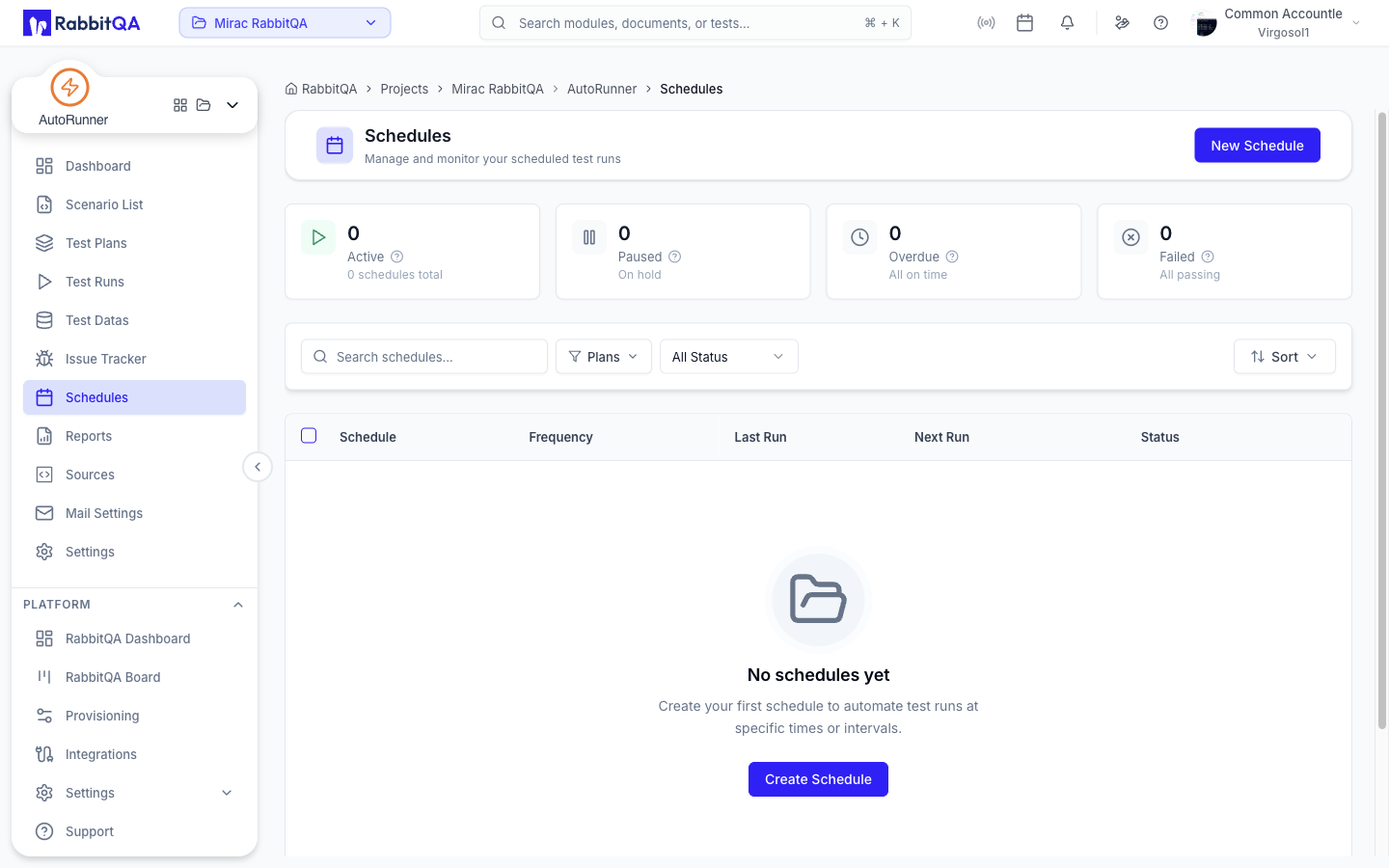
Overview Cards
Four cards summarize the state of your schedules:
| Card | Counts |
|---|---|
| Active | Schedules that will trigger |
| Paused | Schedules temporarily suspended |
| Overdue | Schedules that missed their window |
| Failed | Schedules whose last run failed |
Schedule List
| Control | Options |
|---|---|
| Search schedules | Free text over schedule names |
| Plans | Multi-select of the plans a schedule targets |
| Status | All Status, Active, Paused, Overdue, Failed |
| Sort | Next Run (soonest / latest), Last Run (recent), Created |
Columns: Schedule, Frequency, Last Run, Next Run, status, and actions.
Selecting rows with the checkboxes enables bulk pause, resume, and delete.
Row Actions
| Action | Notes |
|---|---|
| Run now | Triggers the schedule immediately. Requires the schedule to be enabled and to have plans. |
| Edit | Changes the schedule. Completed one-time schedules cannot be edited. |
| Pause Schedule / Resume Schedule | Suspends or reactivates without deleting |
| Duplicate | Copies the schedule |
| Delete Schedule | Removes it |
Creating a Schedule
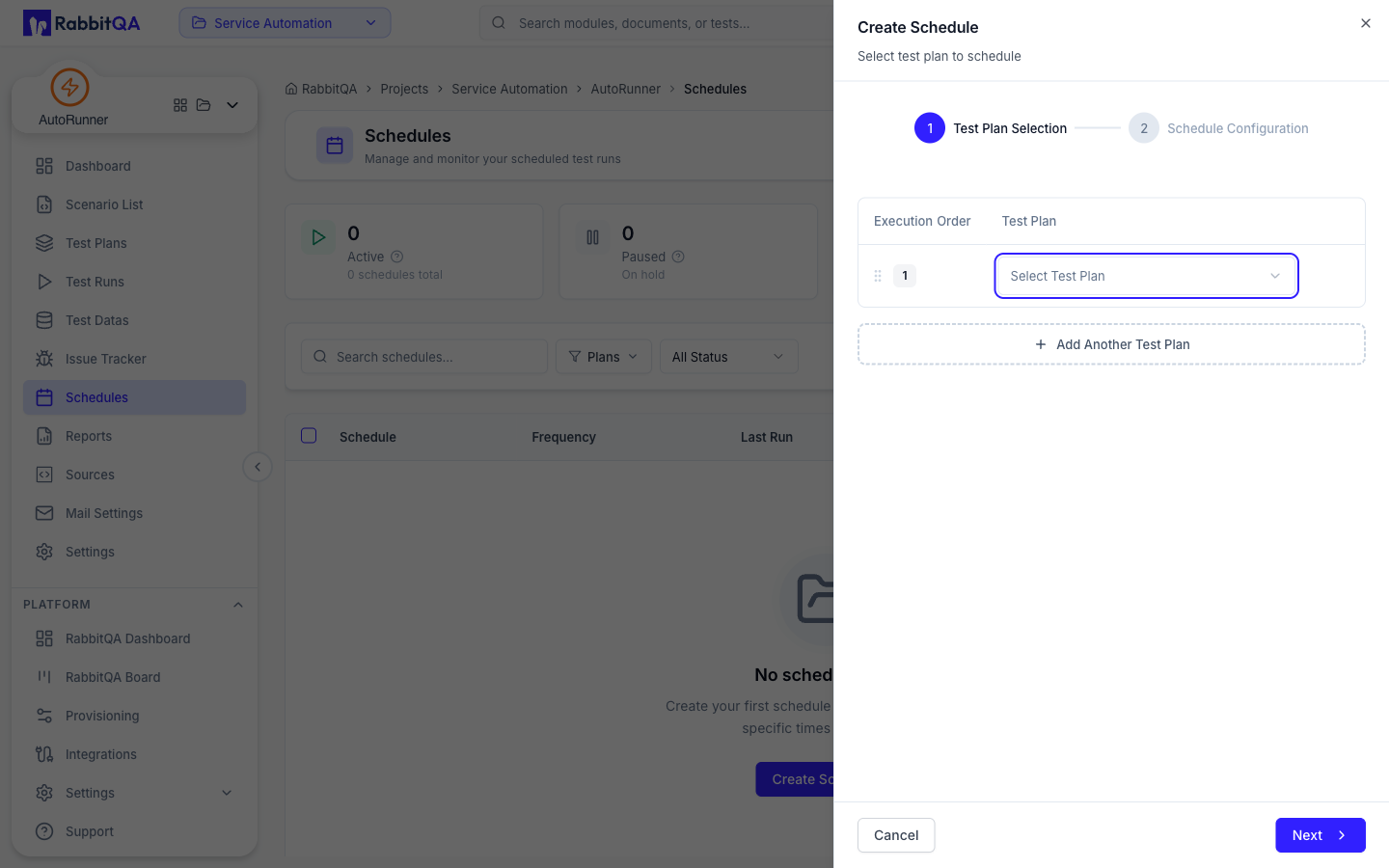
New Schedule opens a two-step form.
Step 1: Test Plan Selection
Pick the plans this schedule runs.
- Add plans with Add Another Test Plan.
- Drag rows to set the Execution Order.
With more than one plan, three extra controls appear:
| Field | Notes |
|---|---|
| Group Name | Names the group of runs. Up to 50 characters. |
| Waiting Time Between Schedules | 0 to 30 minutes between plans |
| Parallel Execution | Run the plans at the same time instead of in order |
Step 2: Schedule Configuration
| Field | Notes |
|---|---|
| Start Date & Time | When the schedule first triggers |
| Repeat | Turn off for a one-time run |
| Repeat Every | An interval in minutes, hours, days, or weeks |
| Select Days | Which days a weekly schedule runs on |
| End | End on a date and time, or after a Run Count |
Exclusion Rules let you skip runs that would otherwise fire. Add Exclusion Rule offers four kinds:
| Rule | Skips runs |
|---|---|
| Time Range | During a From / To time window each day |
| Days of Week | On the chosen days of the week |
| Date Range | During a period, for example a holiday or a maintenance window |
| Specific Dates | On the individual dates you list |
A trigger that falls inside an exclusion window is skipped, and the schedule continues at the next valid interval.
A schedule targets test plans. It uses each plan's own default run profile, so there is no separate profile or environment picker here. Change the plan's profile in Test Plans or Settings.
Next Steps
- Test Plans — The plans a schedule runs
- Test Runs — Runs produced by a schedule show a Schedule trigger
- Mail Settings — Notify your team about scheduled results
- CI/CD Integration — Trigger runs from a build instead
