Platform
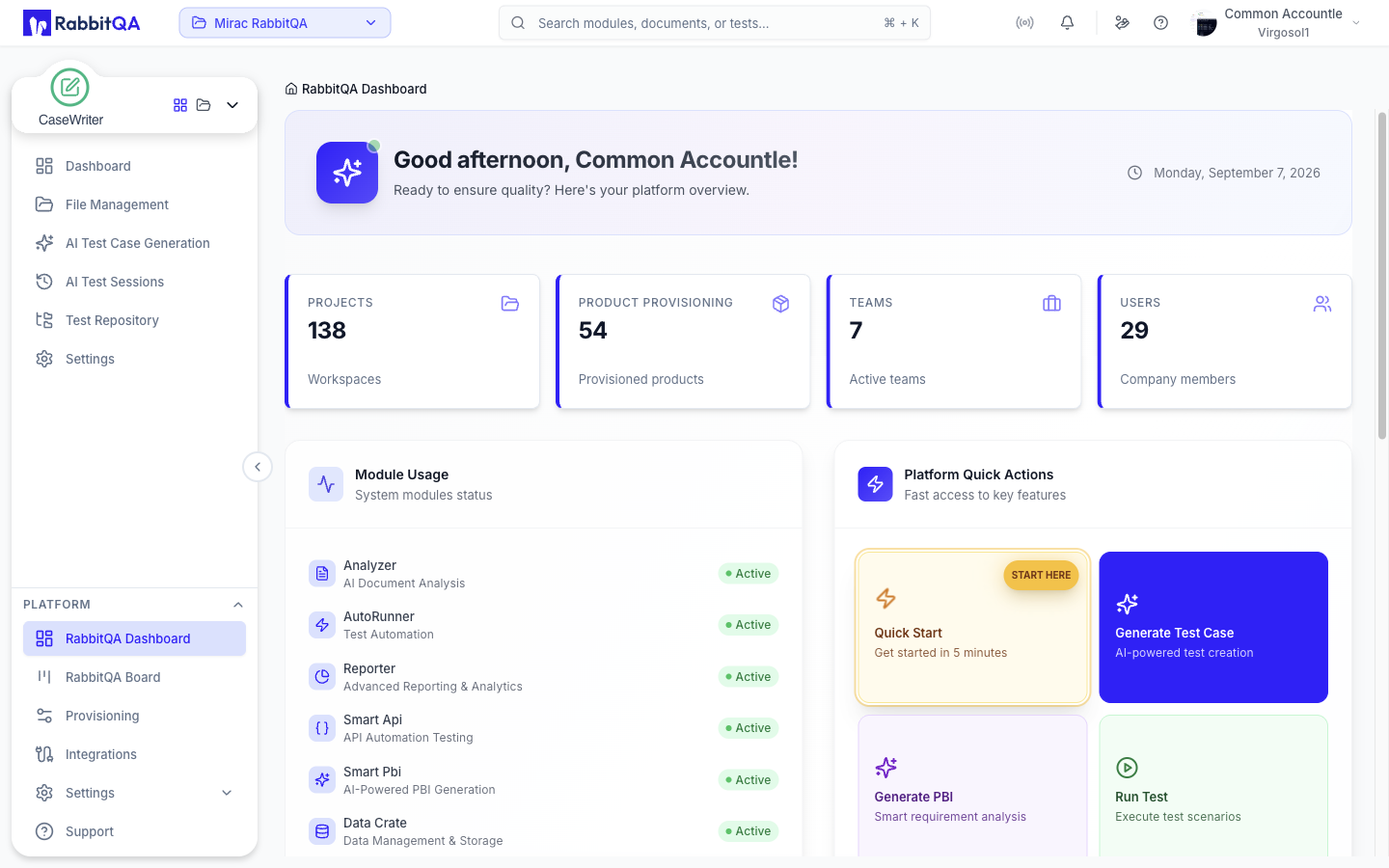
Platform is everything that sits outside a single module — the dashboard you land on, the workspaces your work lives in, the integrations every module shares, and the settings that govern your organization.
What belongs to Platform
Module screens are scoped to one product area. Platform screens are scoped to your company or your account, and are reached from the Platform section of the sidebar rather than the module switcher.
The Platform section itself holds RabbitQA Dashboard, RabbitQA Board, Provisioning, Integrations, Settings and Support. Team Management, Role Management and Billing sit under Settings; workspaces are reached from the project selector in the header instead.
| Screen | What it is for |
|---|---|
| Dashboard | Where you land: module usage, company totals and quick actions |
| Workspaces | The boundary your work lives in, and who can reach it |
| Integrations | Jira, Azure DevOps, Confluence, TestRail, source control and AI models, configured once for everyone |
| Settings | Your profile, notifications, and organization configuration |
| Team Management | Users, roles and teams, under Settings |
| Billing and Credits | Point balance and consumption, under Settings |
| RabbitQA Board | Your Jira boards, rendered inside RabbitQA |
| Provisioning | Products that requests are raised against |
Why integrations are configured here
An integration such as Jira is connected once for the company, not once per module. Smart PBI exporting a backlog item, TestPilot raising a defect and the RabbitQA Board rendering a sprint all use that same connection.
The practical consequence: connecting Jira once unlocks it everywhere, and disconnecting it removes it everywhere.
Where to start
- Connect your tools — Jira or Azure DevOps first; most cross-module value depends on one of them.
- Check your workspace — confirm you are in the right one, and that it has the modules your team needs.
- Invite your team — add members and give them roles.
- Review settings — organization details, security and notification preferences.
- Watch your points — AI generation consumes points, so it is worth knowing where you stand before a large run.
If a colleague can see something you cannot, check Workspaces before anything else. Module entitlement and workspace access explain far more access puzzles than roles do.
