Step 1: Sign Up / Login
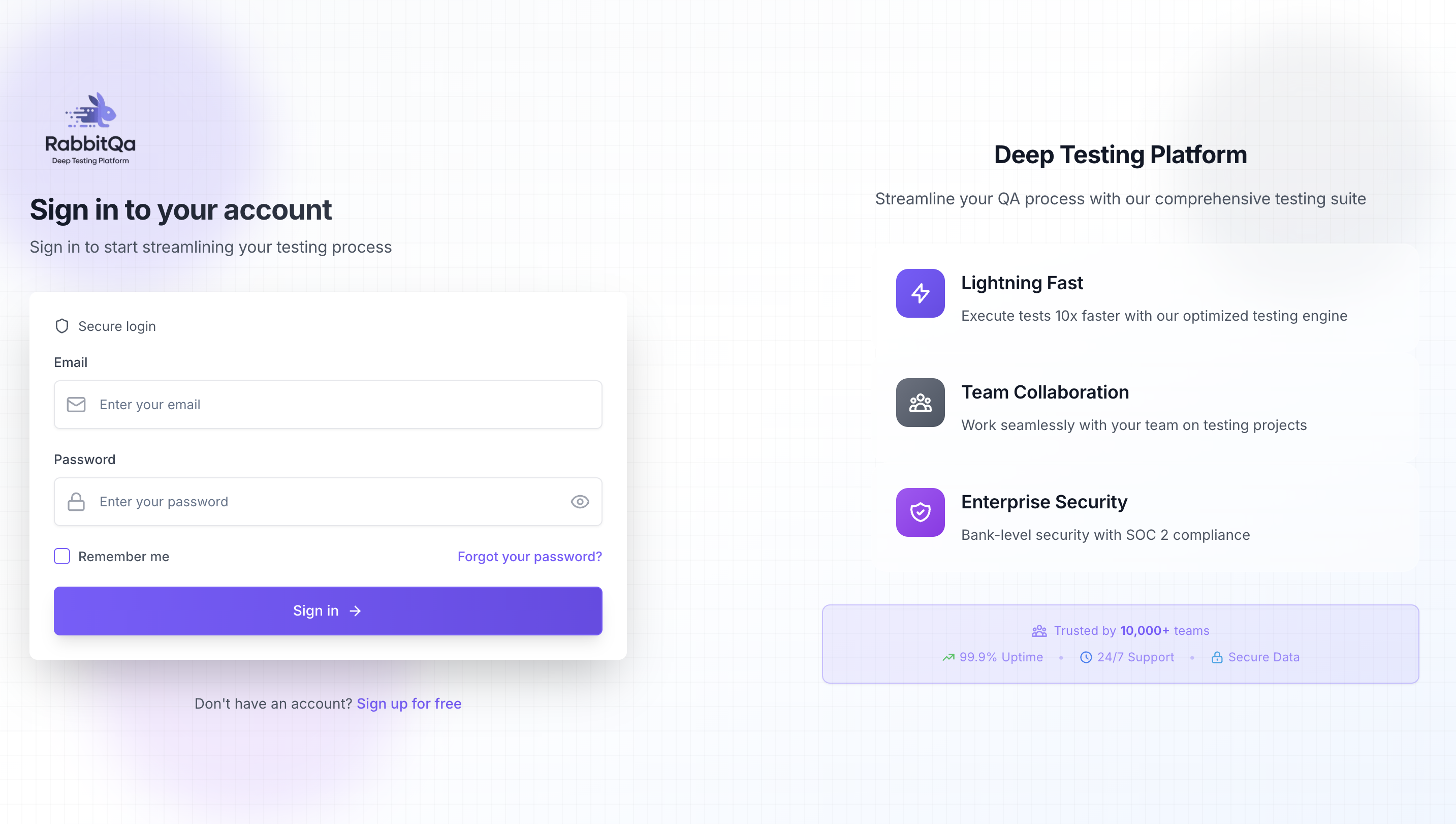
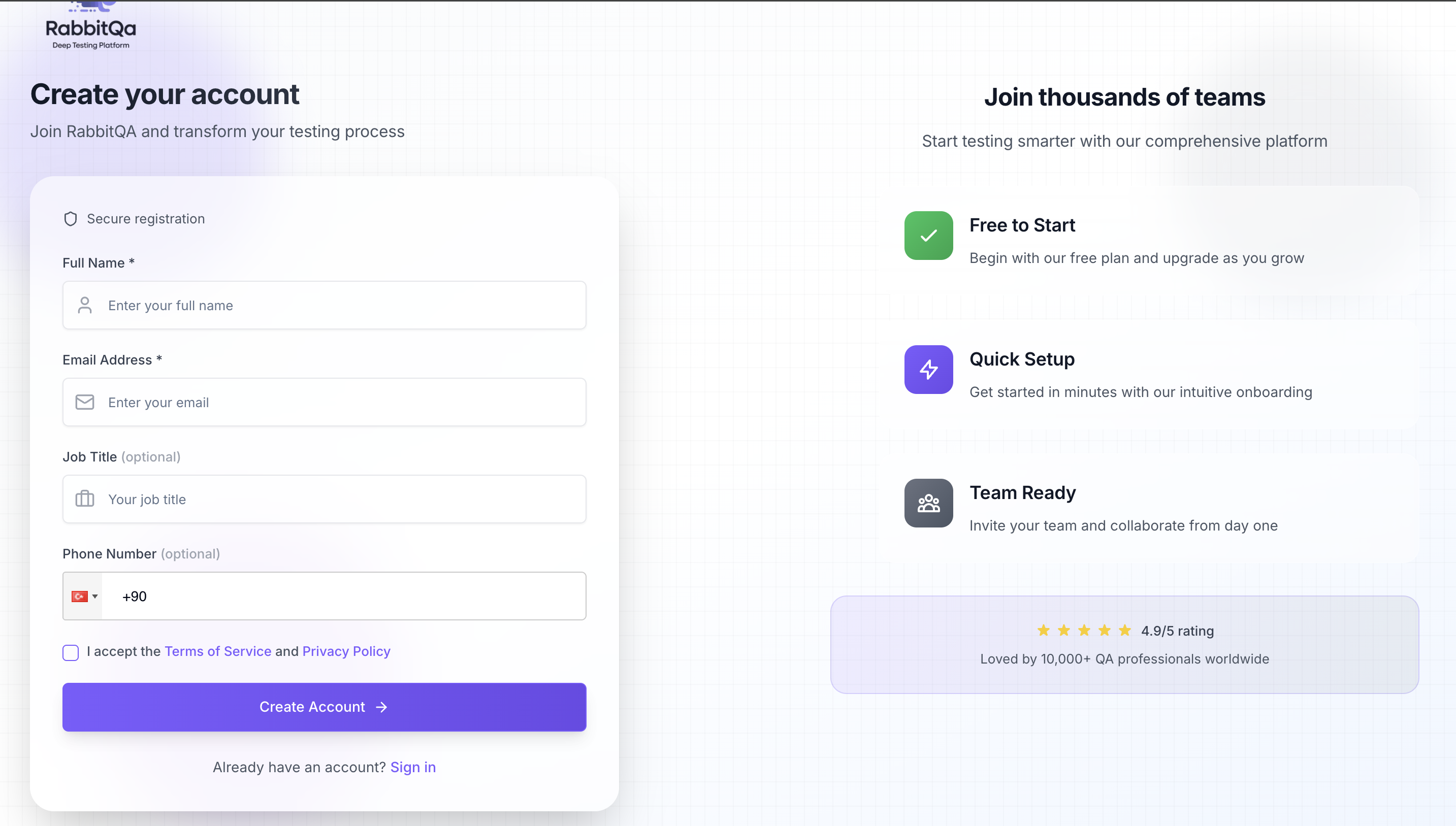
Get started with RabbitQA by signing up or logging into your account.
Sign Up / Login
Our representative will send you the information that your e-mail address and password are defined on behalf of your company. You can log in to the system with this e-mail address and password.
Forgot Password
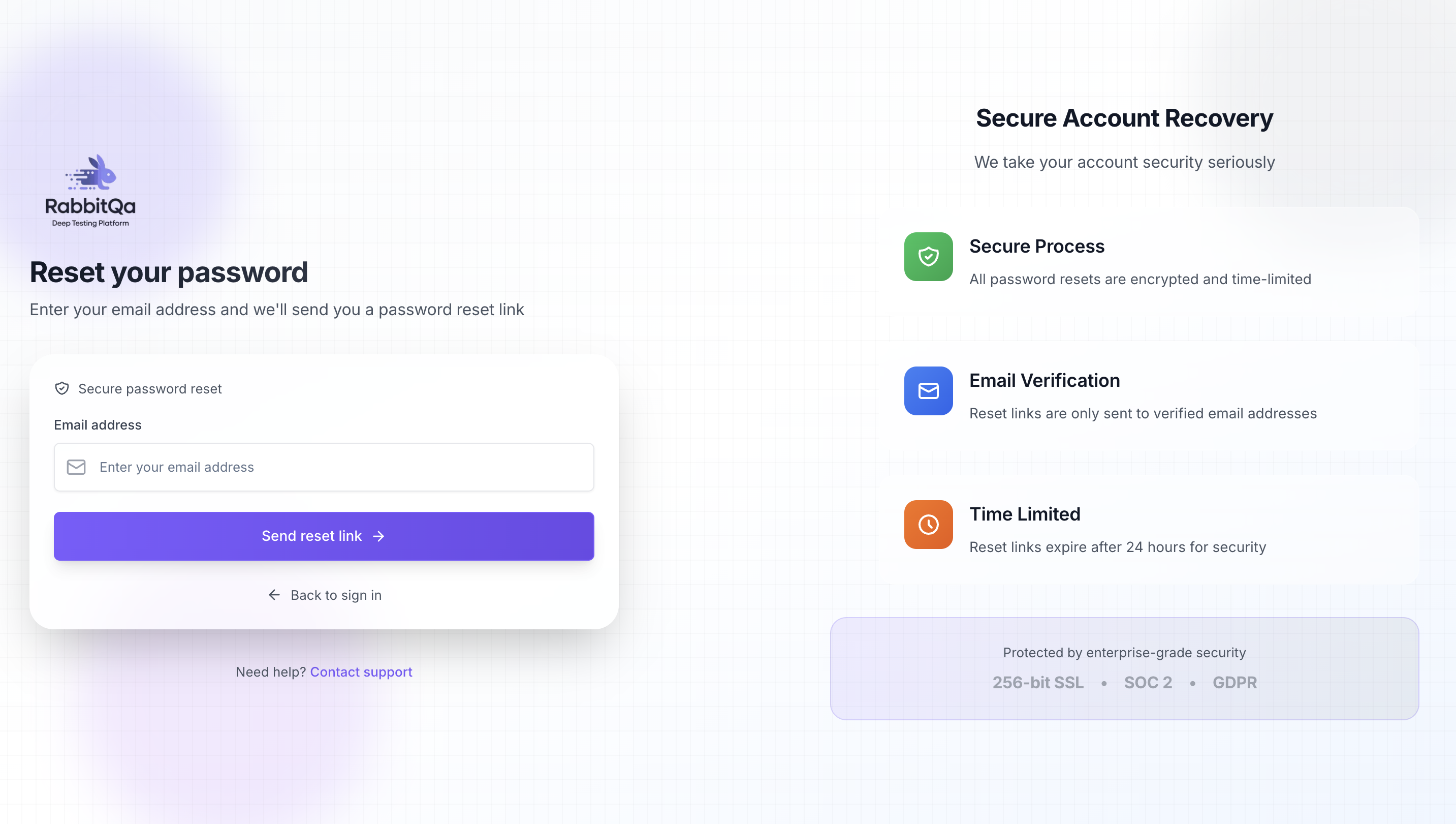
If you forgot your password, you can click the "Forgot Password" button. A password reset link will be sent to the e-mail address you enter. Here you can reset your password and log in.