Projects Management
Create and organize test projects in TestPilot.
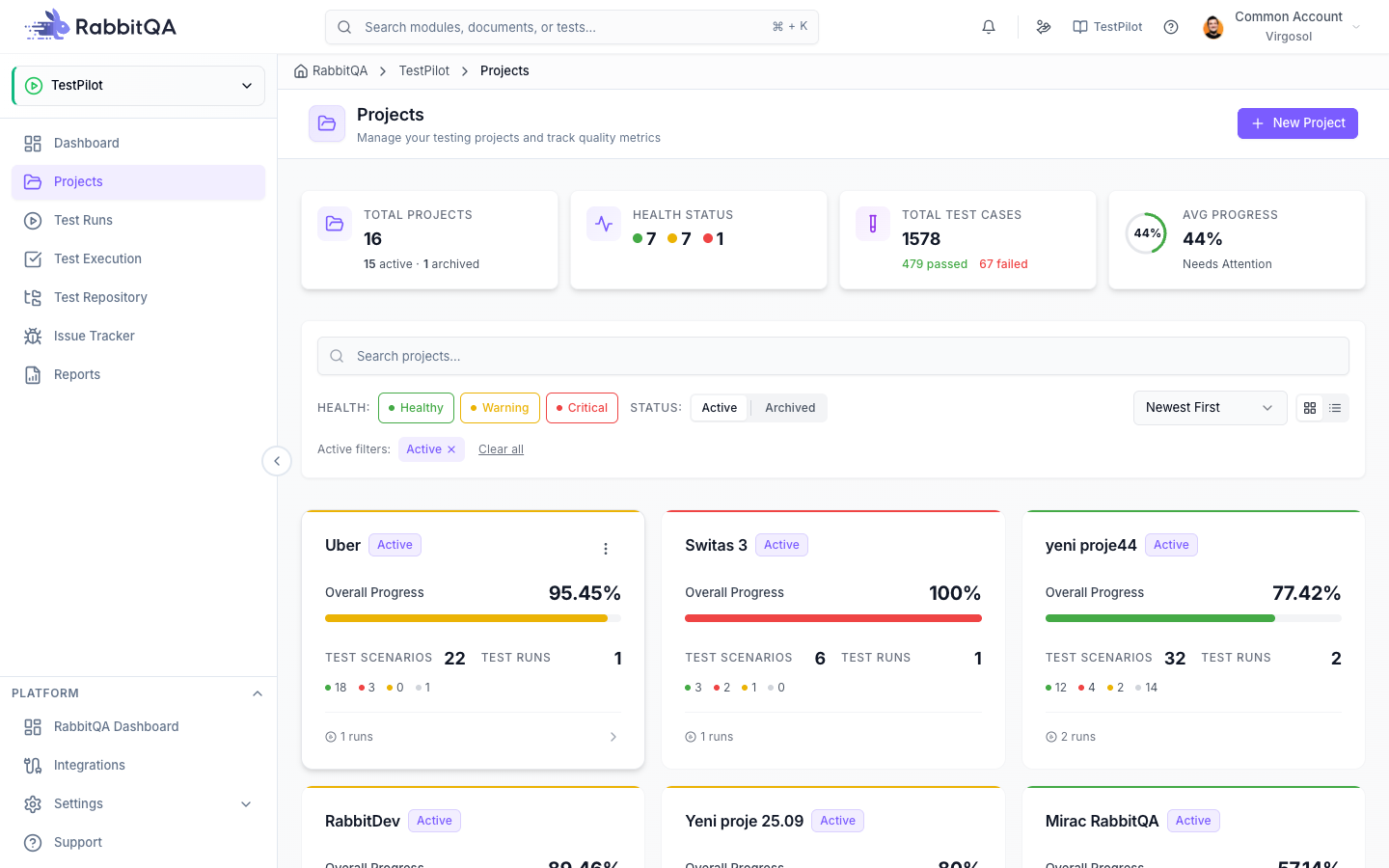
Create Project
Access from the TestPilot module and click "New Project" or "Create Project". Enter project name, description, start and end dates, and configure the environment settings. Projects organize your test runs by release cycles, sprints, or product versions.
Project Details
- Project Name: Descriptive name (e.g., "Sprint 23 - Payment Module")
- Description: Purpose and scope of the project
- Start Date: When testing begins
- End Date: Target completion date
- Environment: Target test environment
Create Test Run
From the project page, click "New Test Run". Enter test run name, select environment, and choose test type. Add test cases from CaseWriter repository and assign them to team members.
Test Run Configuration
- Test Run Name: Descriptive name (e.g., "Payment Module Regression")
- Environment: QA, Staging, Pre-Production, Production
- Test Type: Smoke, Regression, Integration, Acceptance
- Schedule: Start and end dates
Execute Tests
Open the test run and click on a test case to execute. Review test steps, perform the actions, and mark each step as Passed, Failed, or Blocked. Add execution notes, attach screenshots, and set the overall test status. Link defects to failed tests.
Execution Workflow
- Select a test case from the list
- Review test steps and expected results
- Perform the test actions
- Mark each step status (Pass/Fail/Blocked)
- Add notes and evidence
- Set overall test result
- Link defects if test failed
- Save and move to next test
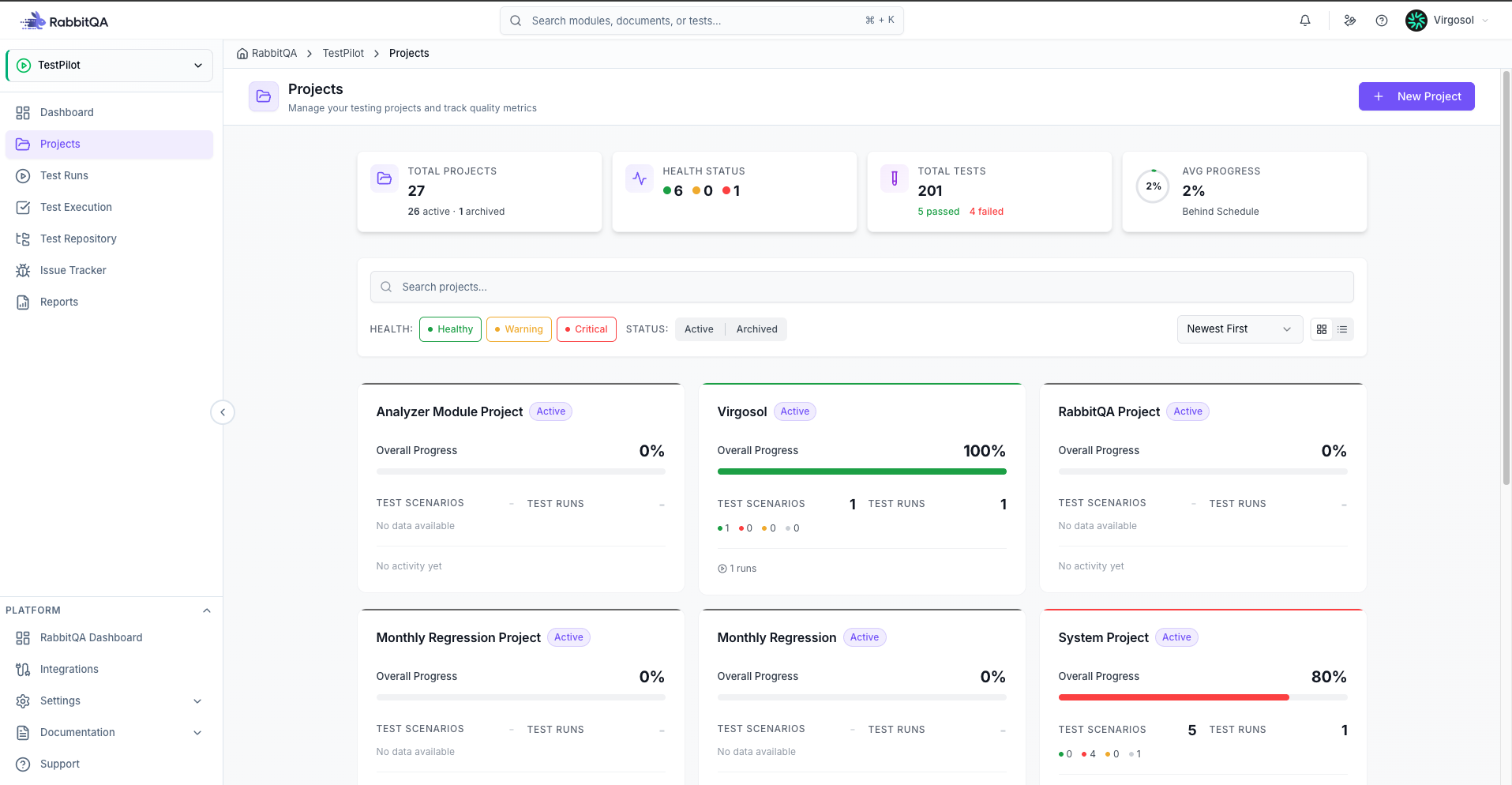
Issue Tracker
View all Jira issues linked to your test executions. Filter by project, status, or priority to track bug resolution progress.
Issue Management Features
- View linked Jira issues
- Filter by project, status, priority
- Track bug resolution progress
- Create new issues from failed tests
- Link existing issues to test cases
Next Steps
- Test Runs - Detailed test run management
- Test Executions - Execute and mark results
- Reports & Analytics - Generate project reports
