AutoRunner Module
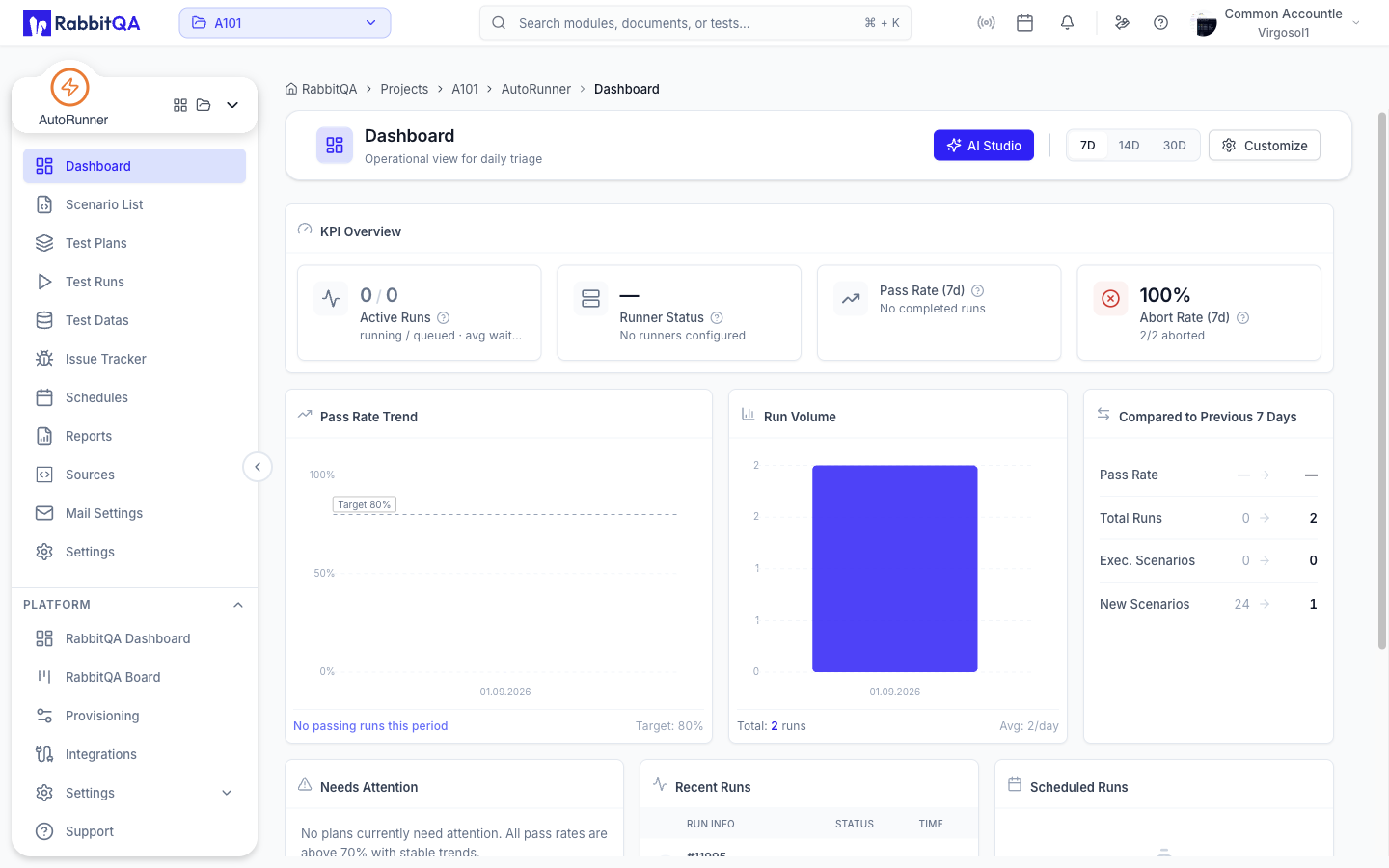
AutoRunner is RabbitQA's test automation orchestration module. It enables teams to execute automated tests across multiple frameworks, write BDD scenarios in Gherkin syntax, integrate with CI/CD pipelines, and schedule recurring test runs — all from a centralized interface.
Key Capabilities
- Multi-Framework Execution — Run automated tests from any supported framework
- BDD Scenarios — Write and manage tests in Gherkin syntax with a built-in Monaco editor
- CI/CD Integration — Trigger test runs from your deployment pipelines
- Scheduling — Configure recurring test runs on a schedule
- Results Aggregation — Centralized reporting with pass/fail trends and detailed logs
- Project Health KPIs — Monitor test suite health with color-coded status indicators
Supported Frameworks
| Framework | Language | Support |
|---|---|---|
| Selenium | Multiple | Full |
| Cypress | JavaScript | Full |
| Playwright | Multiple | Full |
| Jest | JavaScript | Full |
| PyTest | Python | Full |
| Gauge | Multiple | Full |
| Cucumber | Multiple | Full |
| Postman | JavaScript | Full |
| Robot | Multiple | Full |
Quick Start
- Create a Project — Set up an automation project in Projects with your chosen framework.
- Write Scenarios — Author BDD test scenarios in the BDD Editor.
- Run Tests — Execute tests and monitor results with the Test Runner.
- View Reports — Analyze results and trends in Reports.
- Automate — Set up CI/CD Integration or Scheduling for continuous testing.
tip
For a hands-on walkthrough, see the Quick Start Guide to create your first project, write a BDD scenario, and execute a test run in under 10 minutes.
