Datasets
Datasets are collections of structured test data that can be used across your testing activities.
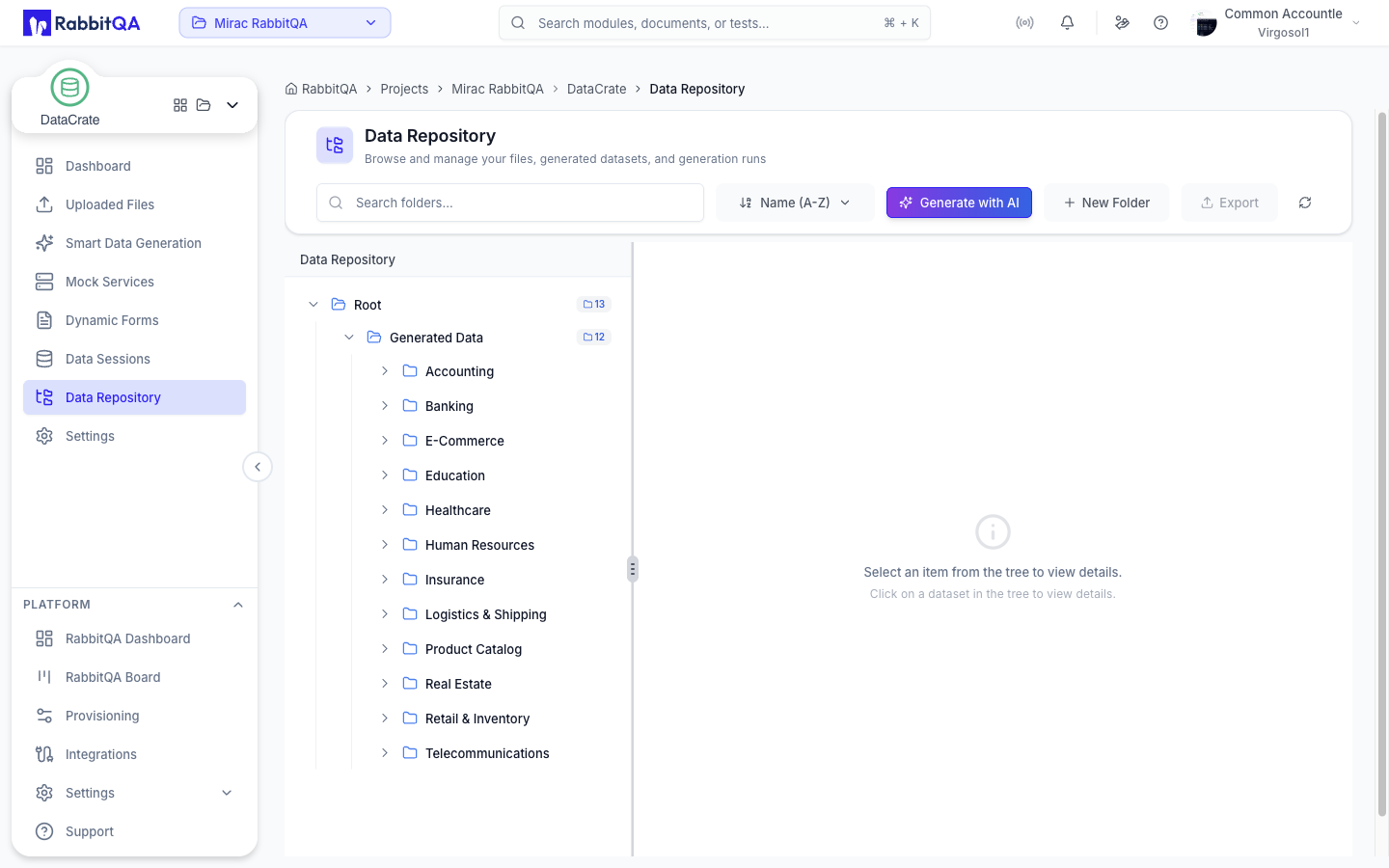
Coming Soon
This feature is currently in development.
Understanding Datasets
What is a Dataset?
A dataset is a structured collection of test data records:
{
  "name": "Test Users",
  "description": "User accounts for e-commerce testing",
  "schema": {
    "id": "integer",
    "email": "string",
    "name": "string",
    "role": "enum:admin,user,guest",
    "created_at": "datetime"
  },
  "records": 1000,
  "tags": ["users", "e-commerce", "regression"]
}
Dataset Types
| Type | Description | Use Case |
|---|---|---|
| Static | Fixed data records | Regression tests |
| Dynamic | Generated on demand | Load testing |
| Snapshot | Point-in-time copy | Production clones |
| Derived | Transformed from source | Filtered subsets |
Creating Datasets
From Template
- Select a template (e.g., "E-commerce User")
- Configure generation rules
- Specify record count
- Generate dataset
Manual Entry
- Define schema
- Add records manually
- Validate data
- Save dataset
Import Data
| Source | Formats |
|---|---|
| Files | CSV, JSON, Excel, XML |
| Database | SQL query results |
| API | REST/GraphQL responses |
| Clipboard | Paste from spreadsheet |
AI Generation
Let AI create realistic data:
Generate:
  type: User
  count: 1000
  rules:
    - email: unique, realistic
    - name: full name, various nationalities
    - age: between 18 and 65
    - country: weighted by population
Schema Definition
Field Types
| Type | Description | Example |
|---|---|---|
string | Text values | "John Doe" |
integer | Whole numbers | 42 |
decimal | Floating point | 99.99 |
boolean | True/false | true |
datetime | Date and time | "2024-01-15T10:30:00Z" |
enum | Fixed options | "active", "inactive" |
array | List of values | ["tag1", "tag2"] |
object | Nested structure | {address: {...}} |
Constraints
Schema:
  id:
    type: integer
    required: true
    unique: true
    auto_increment: true

  email:
    type: string
    required: true
    unique: true
    format: email

  age:
    type: integer
    min: 0
    max: 150

  status:
    type: enum
    values: [active, inactive, pending]
    default: pending
Relationships
Define data relationships:
Users:
  id: primary_key

Orders:
  user_id: foreign_key(Users.id)

OrderItems:
  order_id: foreign_key(Orders.id)
  product_id: foreign_key(Products.id)
Data Operations
Querying Data
-- Filter by condition
SELECT * FROM users WHERE status = 'active'

-- Join related data
SELECT orders.*, users.name
FROM orders
JOIN users ON orders.user_id = users.id

-- Aggregate
SELECT COUNT(*) as order_count, user_id
FROM orders
GROUP BY user_id
Transformations
| Operation | Description |
|---|---|
| Filter | Select matching records |
| Map | Transform field values |
| Sort | Order by fields |
| Join | Combine datasets |
| Aggregate | Group and summarize |
Bulk Operations
- Insert multiple records
- Update by condition
- Delete by criteria
- Export subsets
Version Control
Versioning
Every change creates a version:
| Version | Date | Author | Changes |
|---|---|---|---|
| v3 | Today | You | Added 100 users |
| v2 | Yesterday | Team | Updated emails |
| v1 | Last week | You | Initial creation |
Compare Versions
See what changed between versions:
- Added records
- Modified fields
- Deleted records
- Schema changes
Rollback
Restore previous versions:
- Select target version
- Preview changes
- Confirm rollback
- Create new version from old
Sharing & Access
Permissions
| Role | Capabilities |
|---|---|
| Owner | Full control |
| Editor | Create, read, update |
| Viewer | Read only |
| User | Use in tests |
Sharing Options
- Share with team
- Share with project
- Public within organization
- Export for external use
Best Practices
Organization
- Use descriptive names
- Add comprehensive tags
- Document purpose
Data Quality
- Validate schema
- Check constraints
- Remove duplicates
Security
- Mask sensitive data
- Control access
- Audit usage
