Quick Generation
Quick Generation combines source selection, discovery, and test generation in a compact three-step workspace: Source & Prompt, Generate, and View Results.
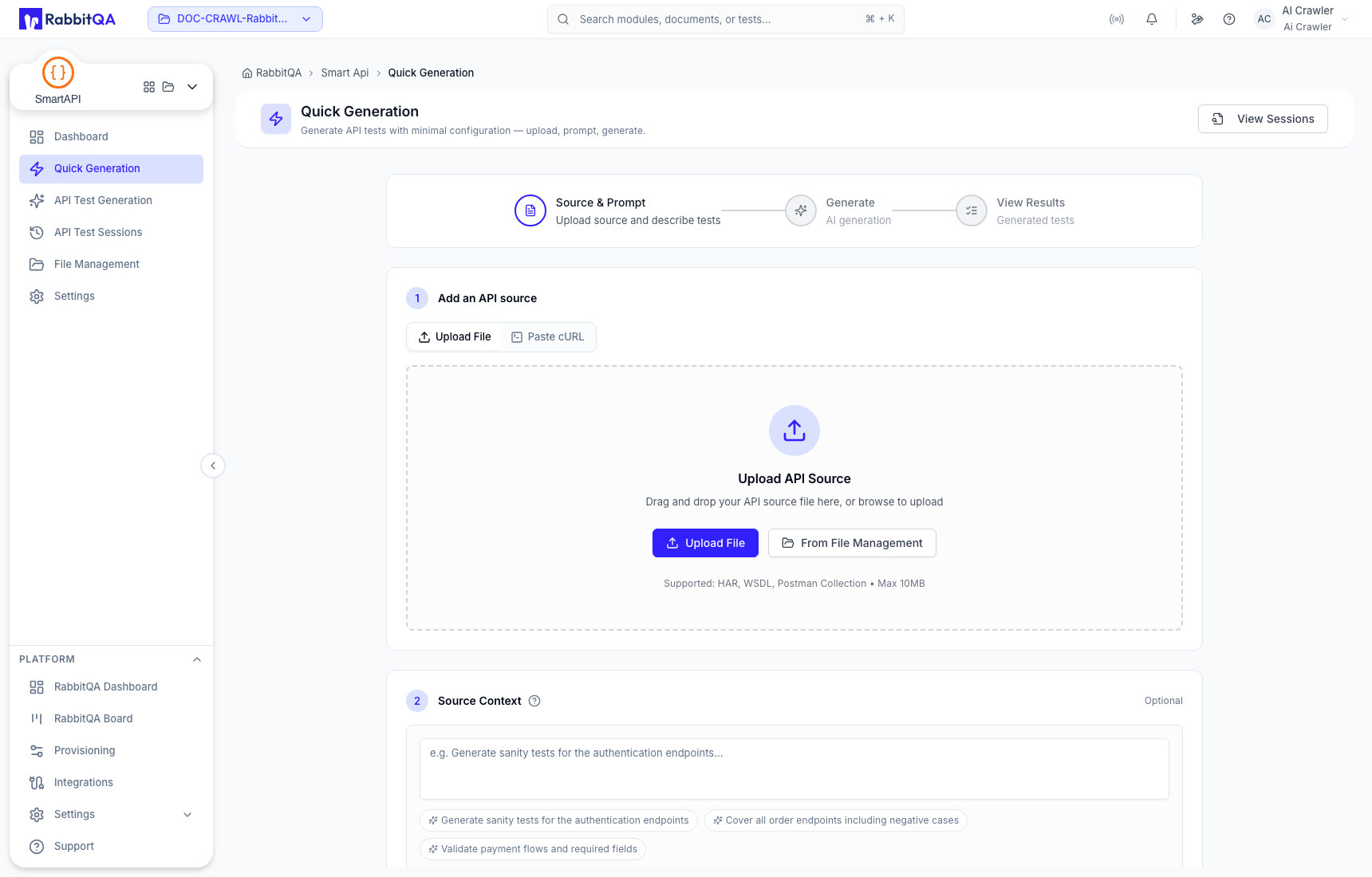
Add an API source
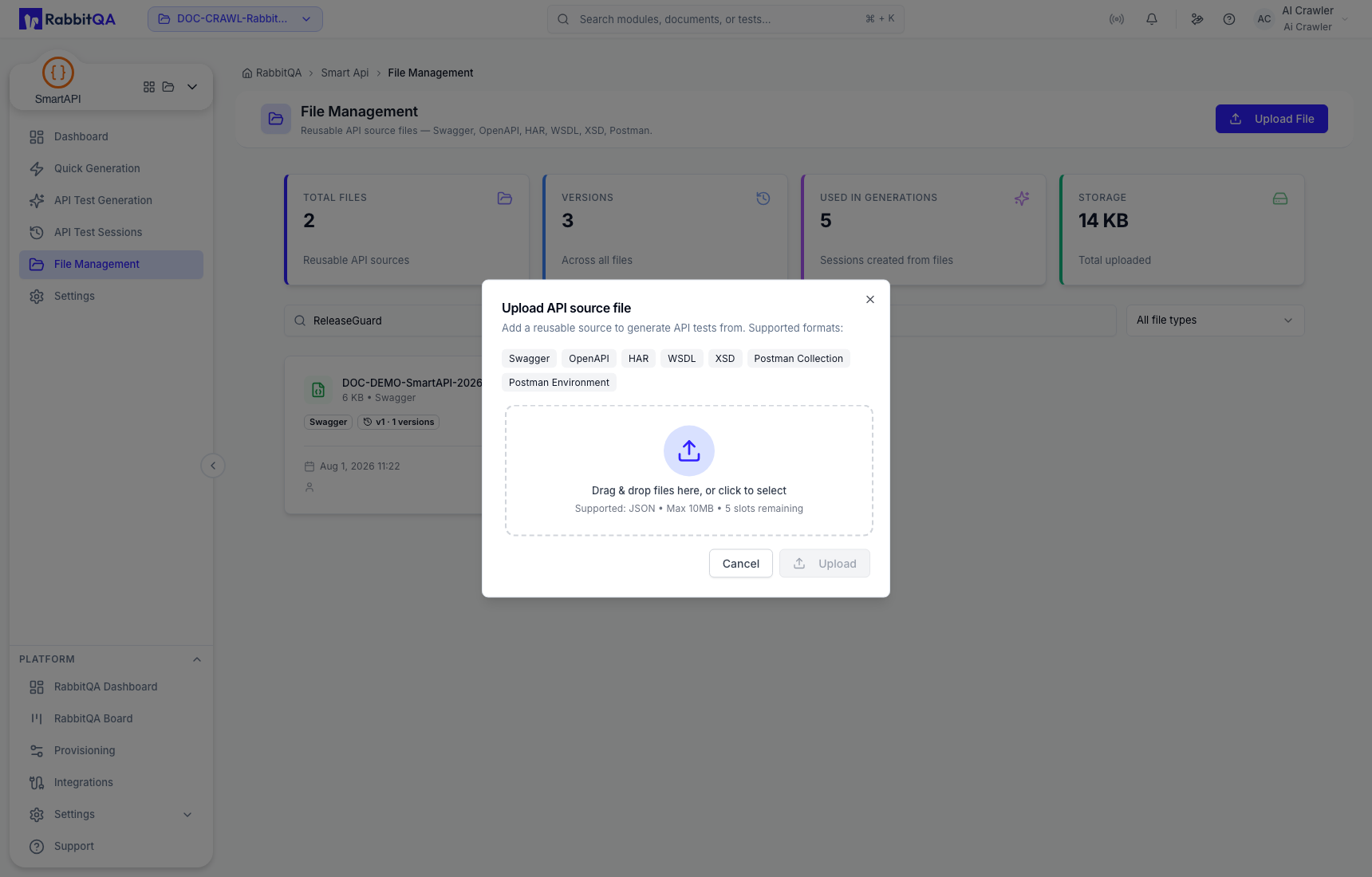
Upload or select a managed file
Select Upload File to add a supported API source. To reuse a source already stored by the project, open From File Management and select the intended file and version.
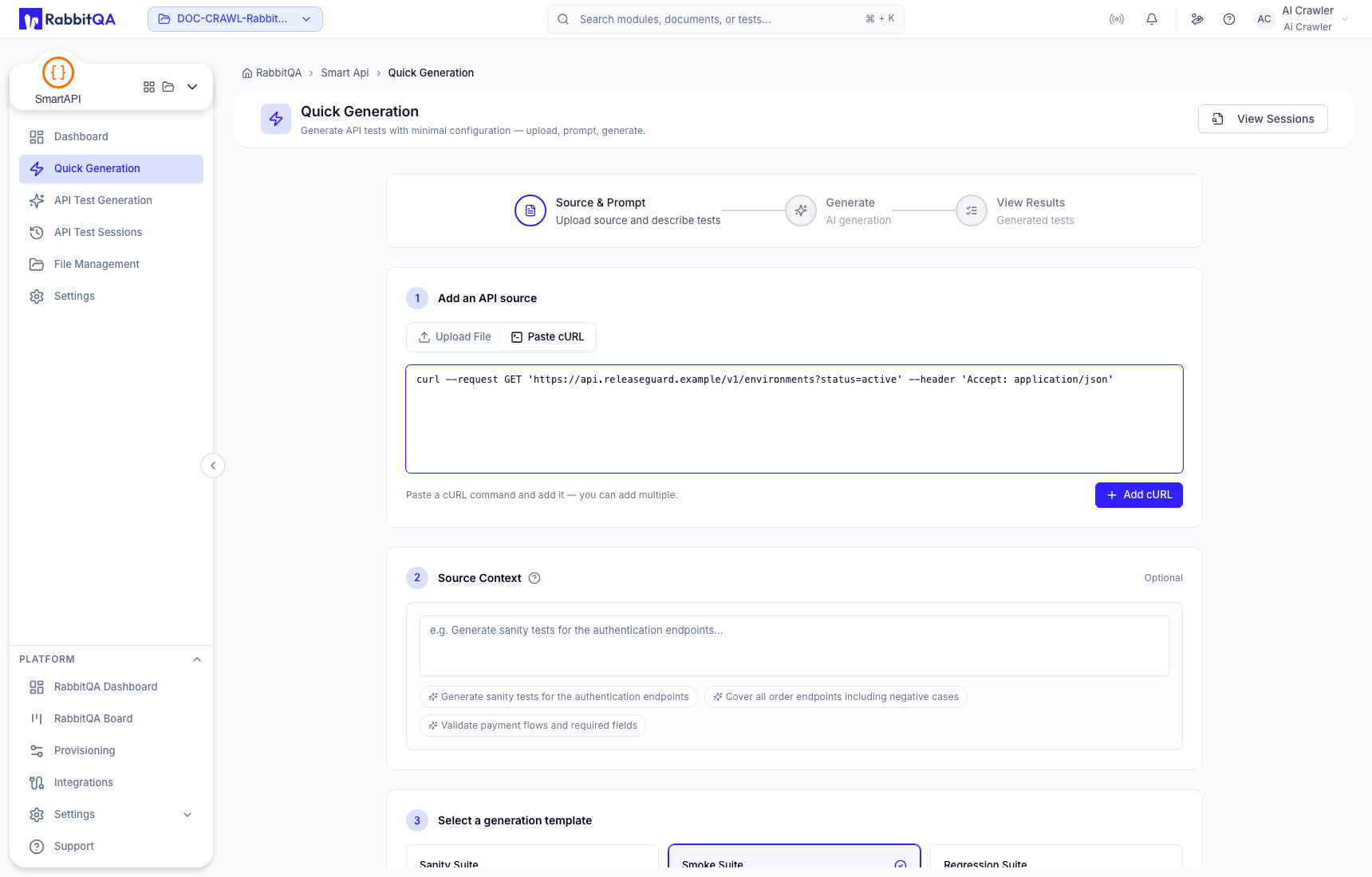
Paste cURL
Select Paste cURL, enter a request, and choose Add cURL. SmartAPI parses the command into a request row. You can add multiple requests before generation.
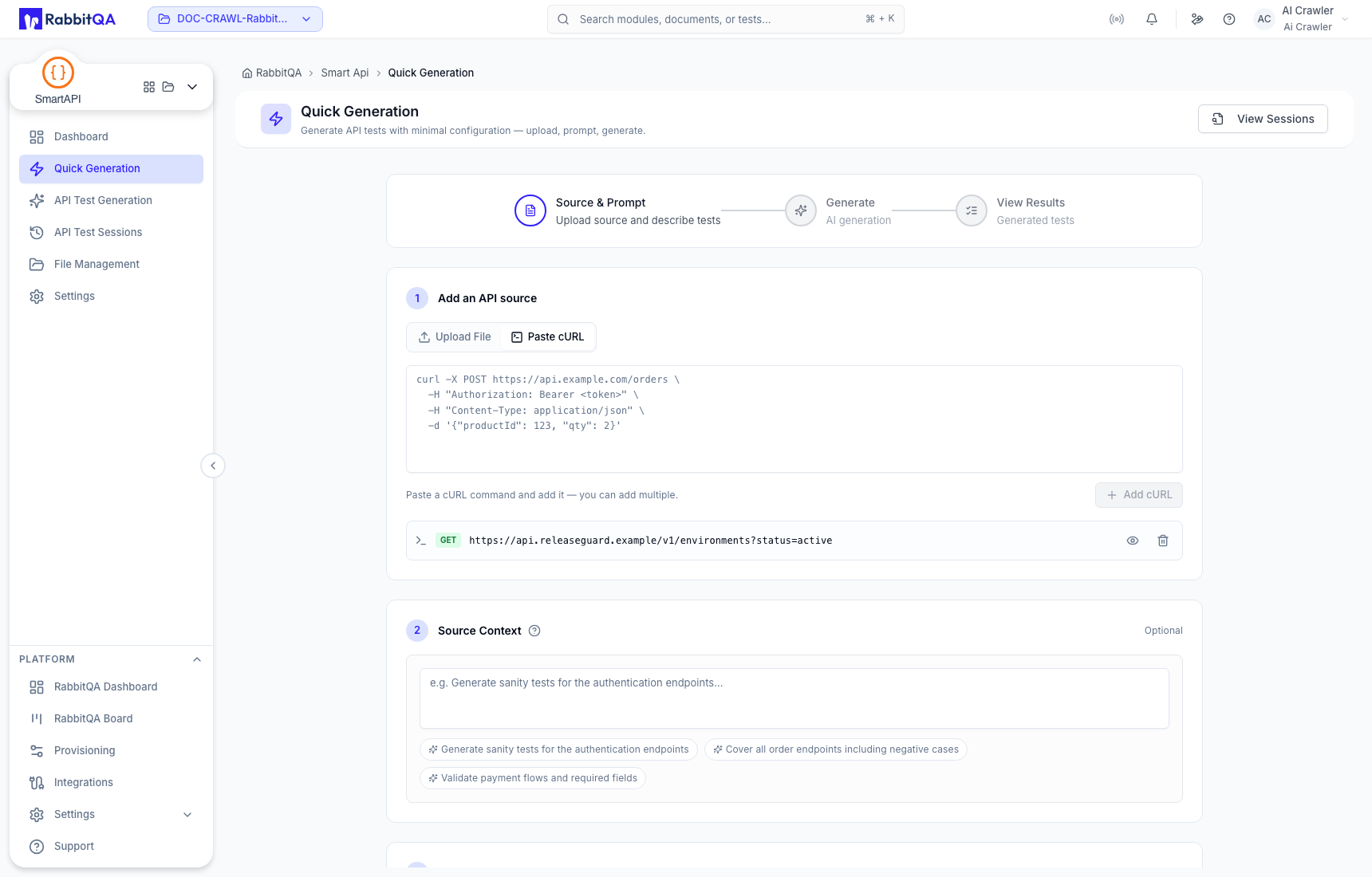
Use placeholders for credentials. Remove real Authorization, cookie, API-key, password, and
personal-data values before adding the request.
Source Context
Source Context is optional guidance for the generated design. Good guidance names the intended business path, important negative cases, required fields, or exclusions. It should not contradict the imported contract.
Generation templates
Choose exactly one template:
- Sanity Suite for a focused basic check;
- Smoke Suite for critical paths and high-value failures; or
- Regression Suite for broader contract coverage.
Generate and monitor
Select Generate Tests after the source and template are valid. The frontend creates a session, polls discovery progress, then polls generation progress. Do not close the page while the progress step is still active.
Read the result
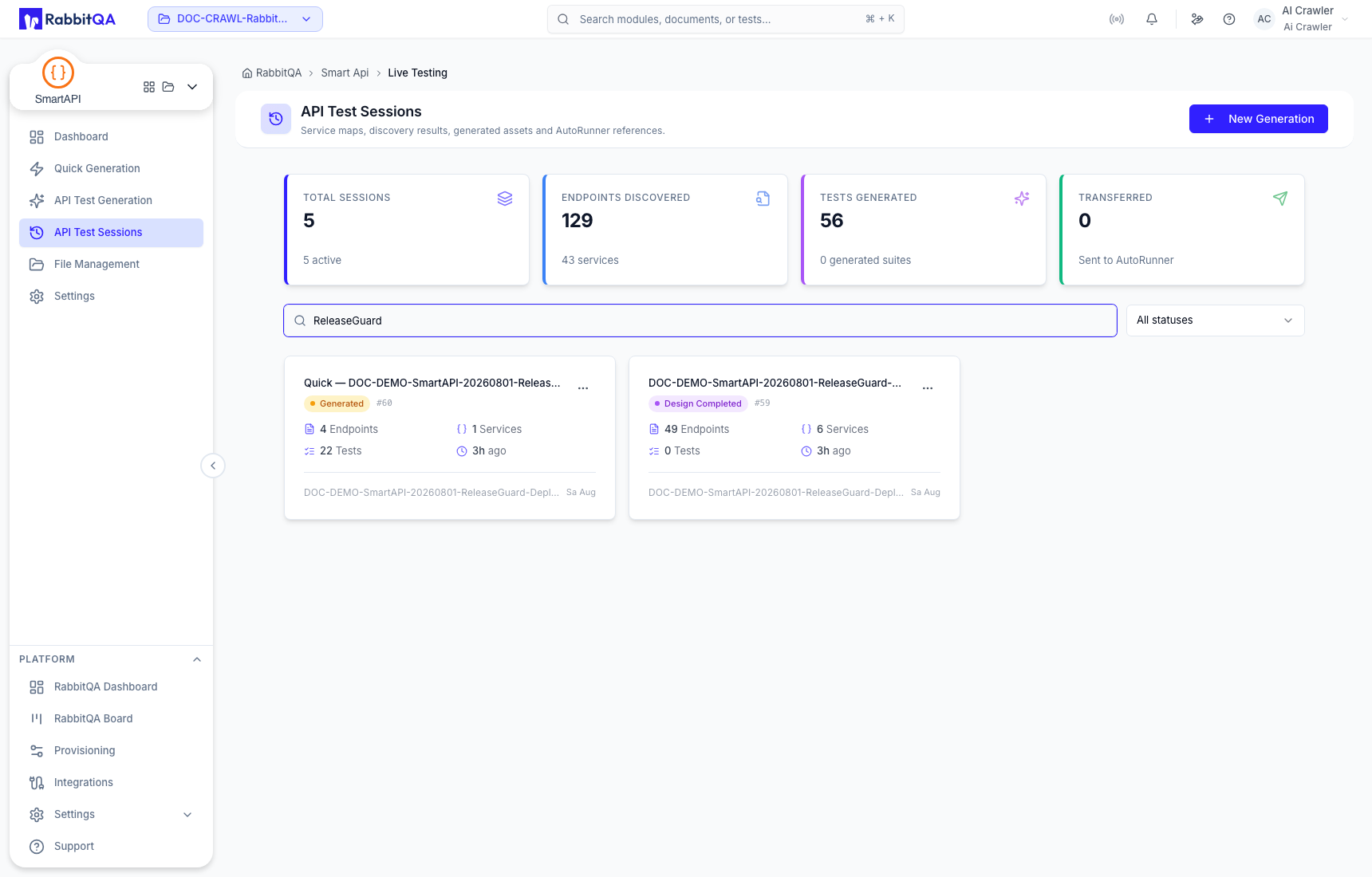
The result step shows the recognized source and generated asset summary. Open the saved session to review and maintain the complete asset set.
The immediate result can represent the first completed response while the saved session contains the final persisted totals. Use the session ID in API Test Sessions as the durable reference.
When to use the staged workflow
Use API Test Generation when you need to pause between discovery and test design, review discovered services or flows, or choose a design method explicitly.
