Requests, Assertions, and Captures
Each generated test contains one or more requests. Expand a request to review the editor tabs: Assertions, Captures, Body, Headers, Params, and Scripts.
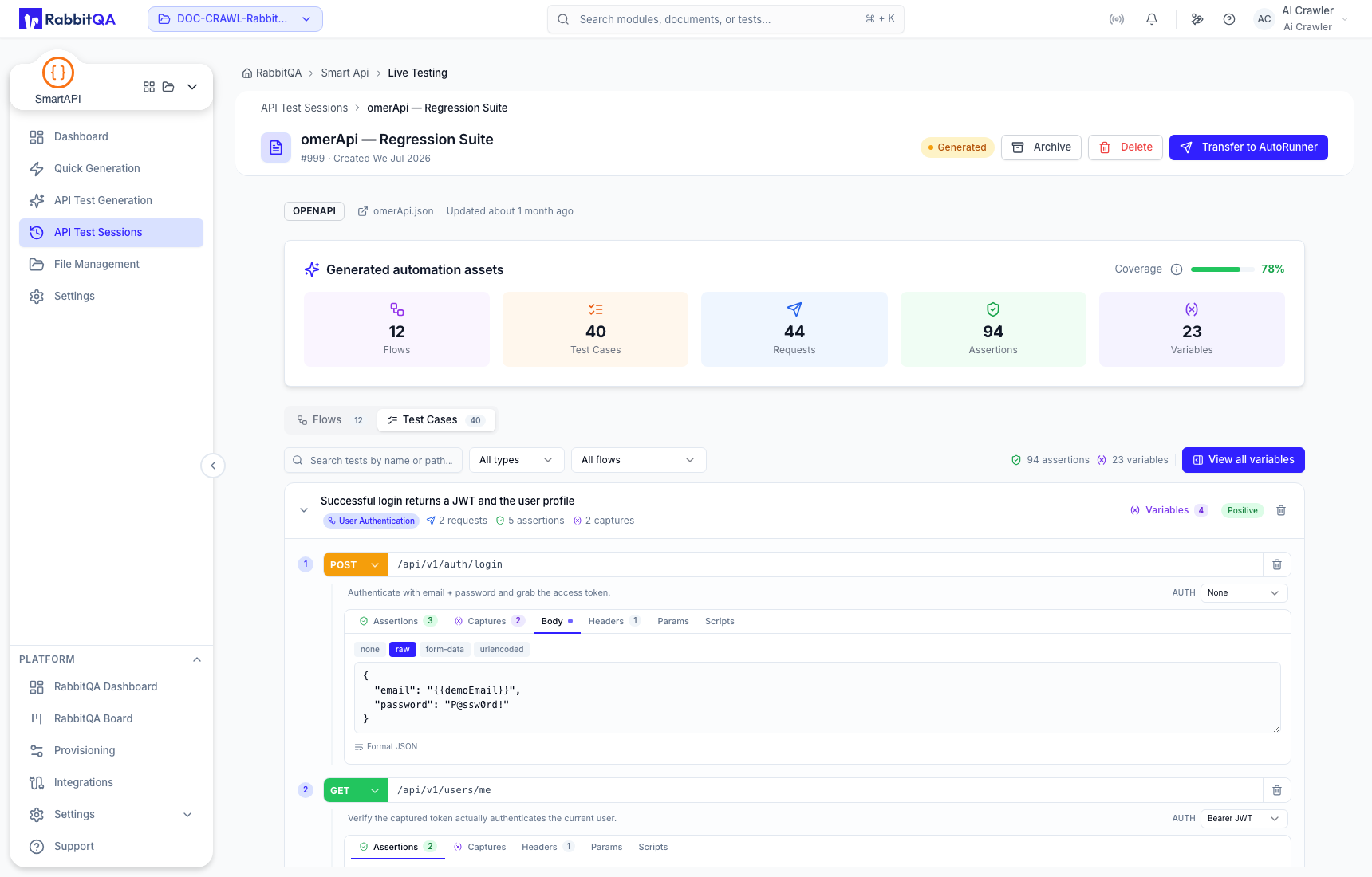
Request body
The Body editor can represent no body, raw content, form data, or URL-encoded input. Ensure the content type and body representation agree, and replace literal credentials or personal data with variables.
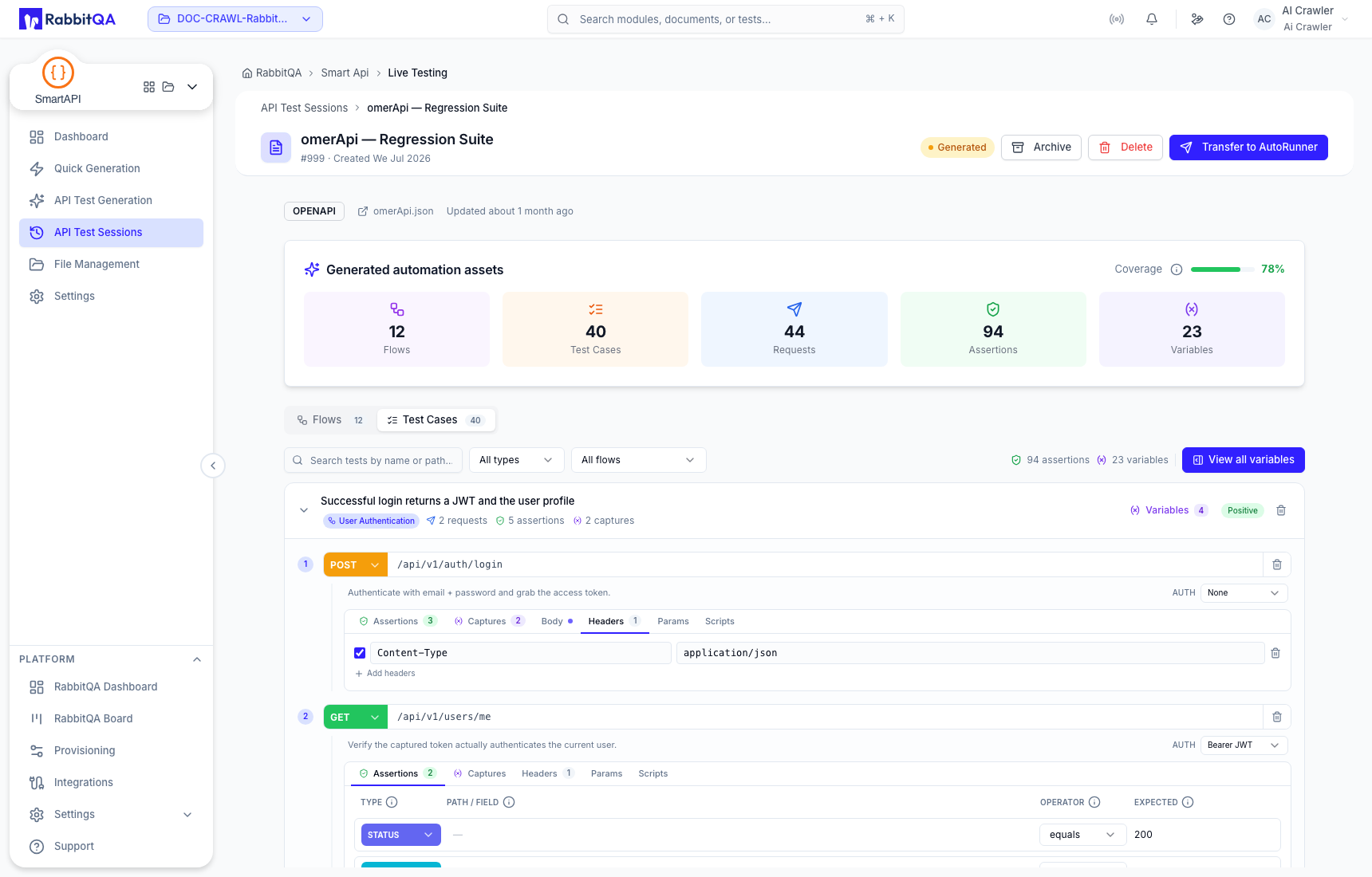
Headers
Headers can be enabled, edited, added, or removed. Keep protocol headers needed by the contract and use variables for authorization material. Never store a real bearer token, API key, session cookie, or customer identifier in a generated session.
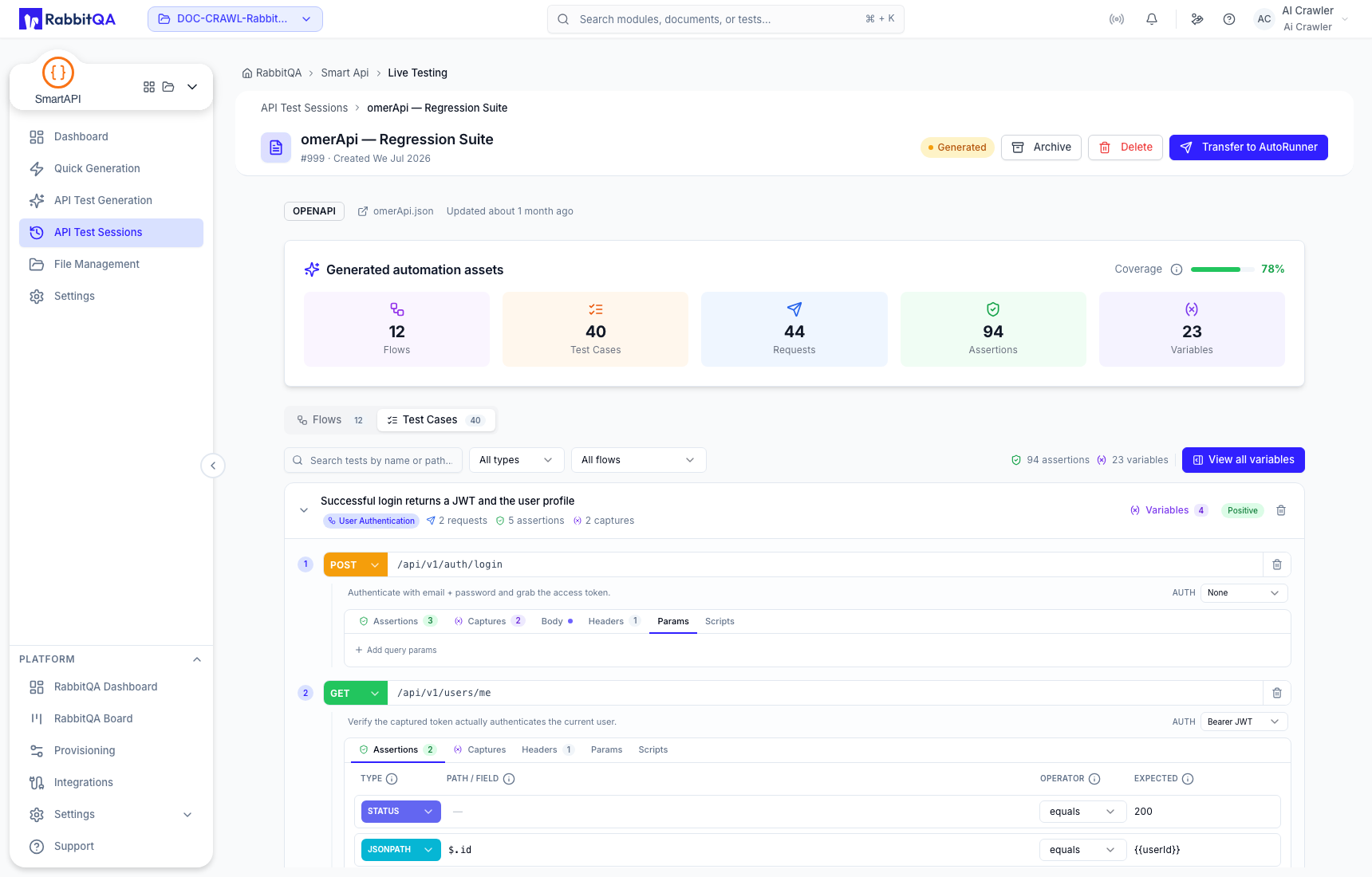
Query parameters
Use Params for query-string inputs. Check parameter names, required values, encoding, and whether the API expects repeated keys or a single delimited value.
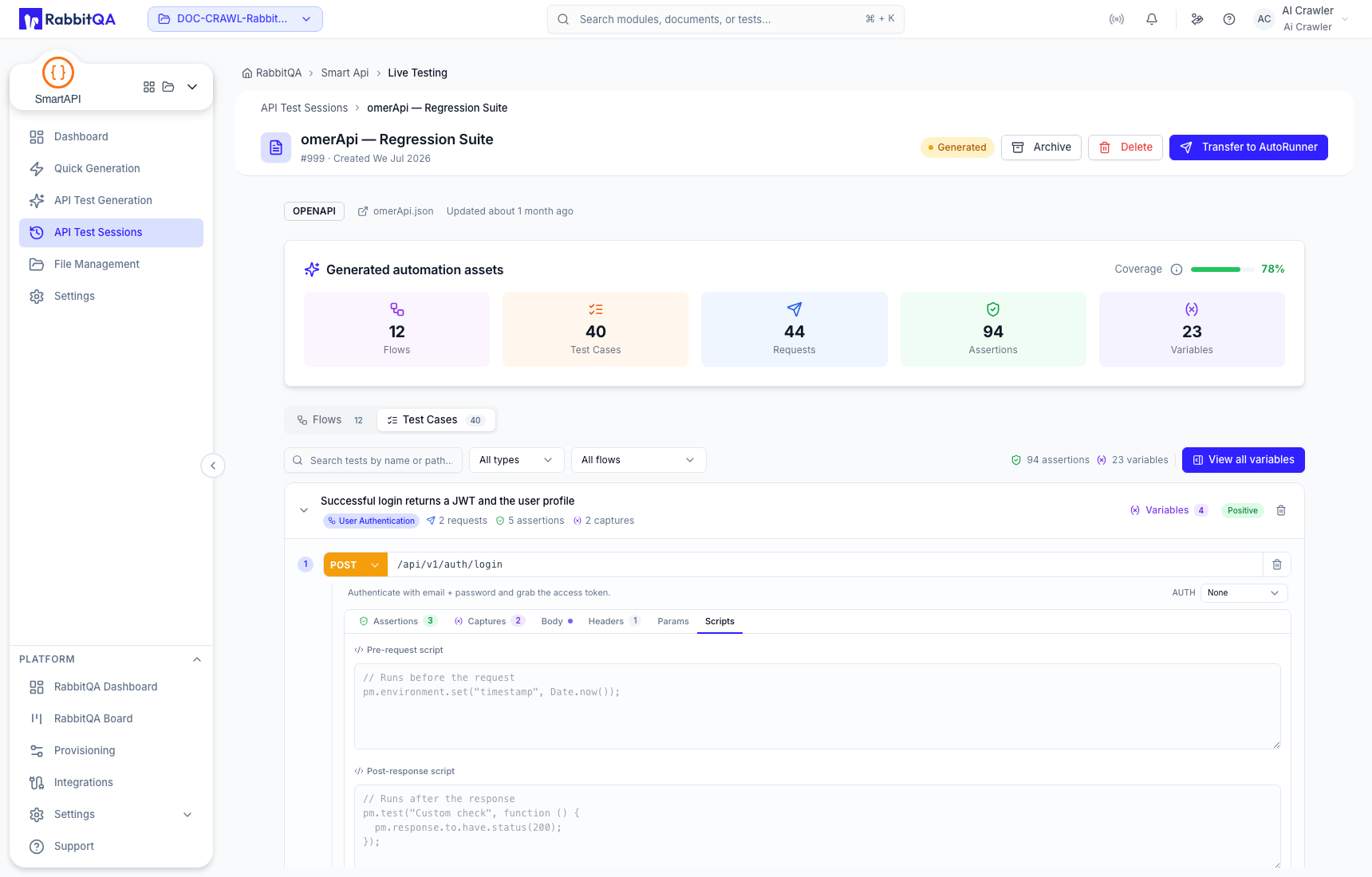
Scripts
The Scripts tab contains pre-request and post-response script areas. Review generated scripts for target-runner compatibility and side effects. Keep scripts deterministic and do not log secrets.
Assertions
Assertions define expected response behavior. Depending on the generated asset, an assertion can check status or a response field through a path such as JSONPath and compare it with an expected value.
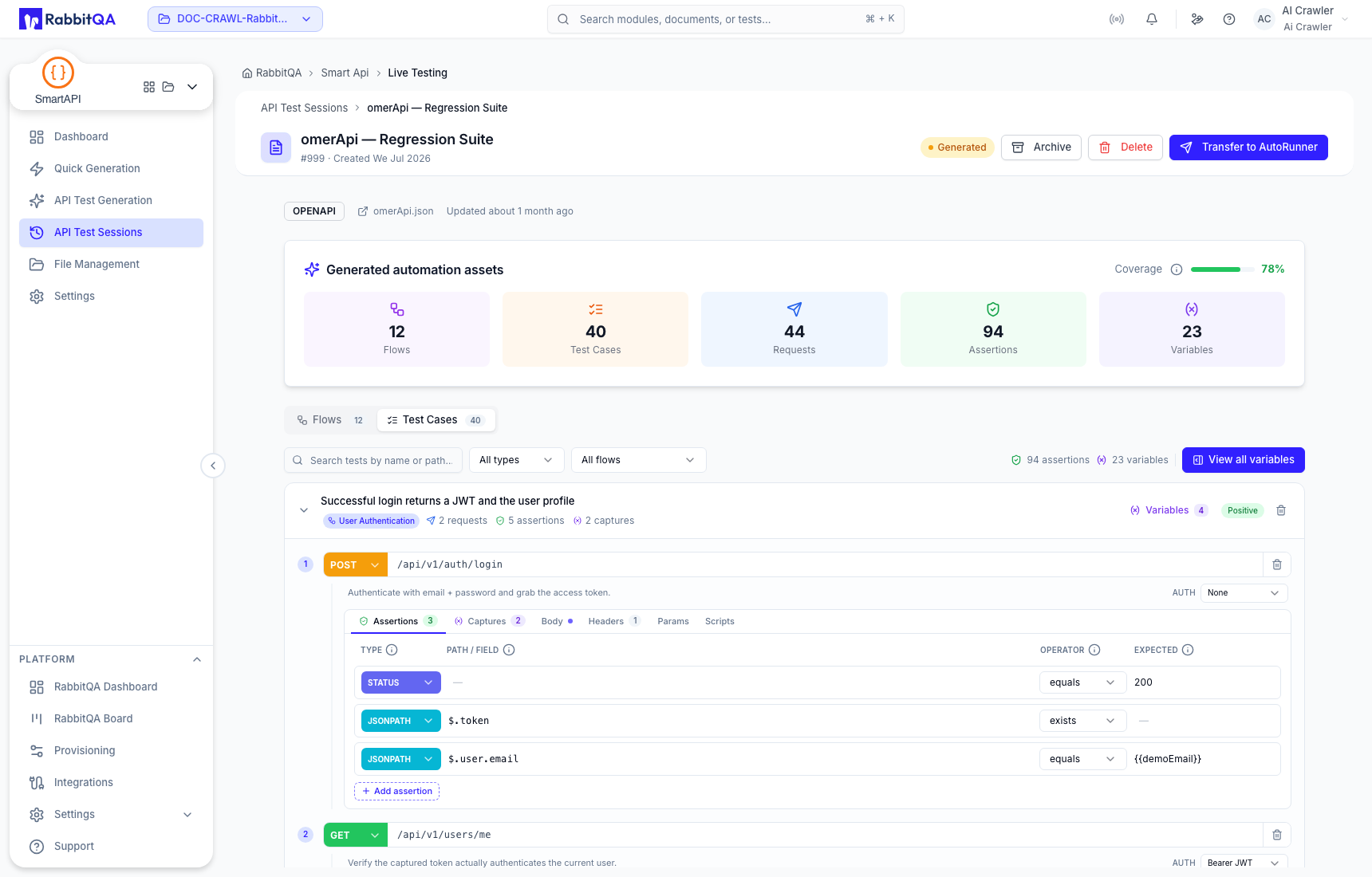
Review assertions for:
- the correct response and path;
- a meaningful operator such as equals or exists;
- an expected value based on the contract rather than sample coincidence;
- suitable negative-case behavior; and
- no secret or unstable timestamp hard-coding.
Avoid assertions so broad that a broken response passes, and assertions so specific that harmless dynamic values fail every run.
Captures
Captures extract a response value for later use. The capture key becomes a variable that later requests, assertions, or scripts can reference.
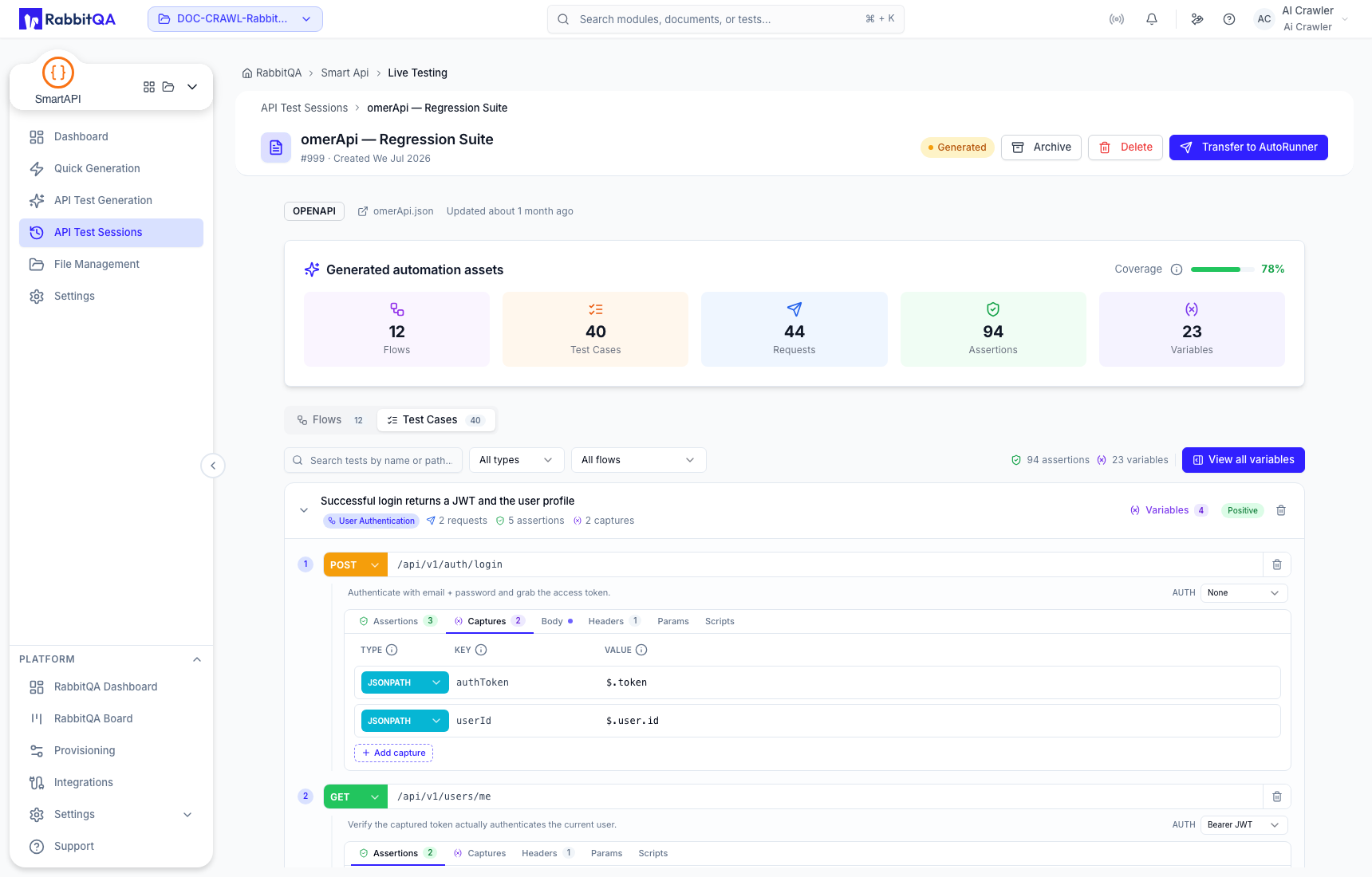
For each capture, confirm that:
- the source request runs before the consumer;
- the response path or header exists on successful execution;
- the key name is unique and understandable; and
- dependent requests handle missing values appropriately.
Continue with Variables and Environment Input to review scope and source types.
