File Management
File Management in the CaseWriter sidebar opens /casewriter/files.
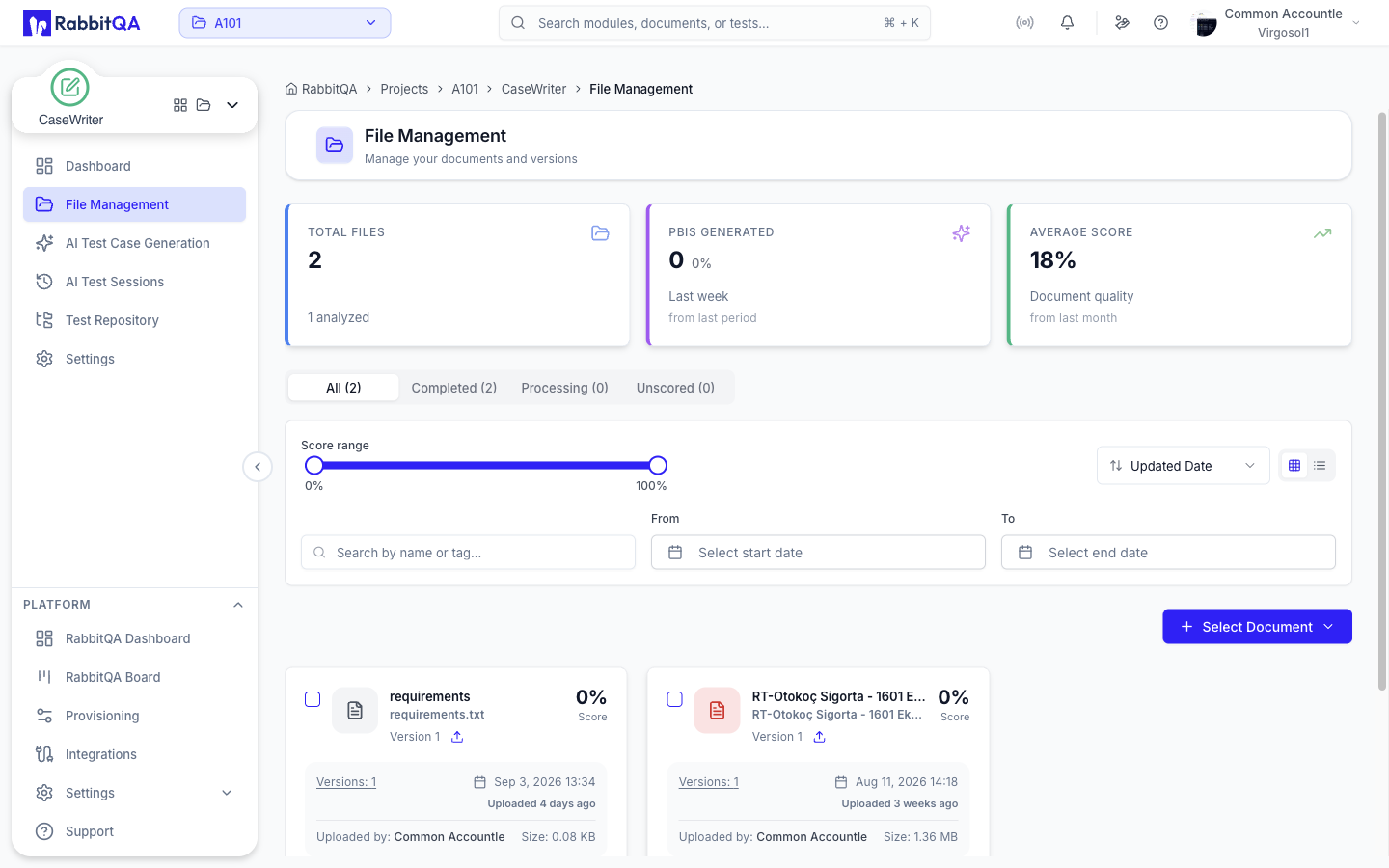
This Is Analyzer's Screen
/casewriter/files is a Next.js rewrite to /analyzer/files.
You are looking at Analyzer's File Management page; only the URL and the highlighted sidebar entry belong to CaseWriter.
The same applies to the deeper paths:
| CaseWriter URL | Actually serves |
|---|---|
/casewriter/files | /analyzer/files |
/casewriter/files/file-detail | /analyzer/files/file-detail |
/casewriter/files/... | The matching /analyzer/files/... path |
/casewriter/analysis-score | /analyzer/analysis-score |
The rewrite exists so the CaseWriter entry stays highlighted while you work with files, instead of switching the whole shell over to Analyzer.
For how the screen itself works — uploading, versioning, previewing, and analysis scoring — see Analyzer File Management.
Why It Matters for CaseWriter
- The generator's Select Document picker reads from this same file library, so anything you upload here is immediately available as a generation source.
- Uploads made through the CaseWriter route carry the Case Writer module origin, so the file is attributed to CaseWriter rather than Analyzer.
- The AI session detail page lets you download the document a session was generated from, which is the same file record.
Analysis Score
Opening Analysis Score from the file screen while you are on the CaseWriter route lands on /casewriter/analysis-score, which is rewritten to Analyzer's Analysis Score page.
The generator can also be opened from an analysis score, in which case it loads that file as the session source.
See Analyzer Analysis Score for what the score measures.
Related
- AI Test Case Generation — using a file as a generation source
- Settings — the other CaseWriter entry that is really an Analyzer screen
