Automated Testing
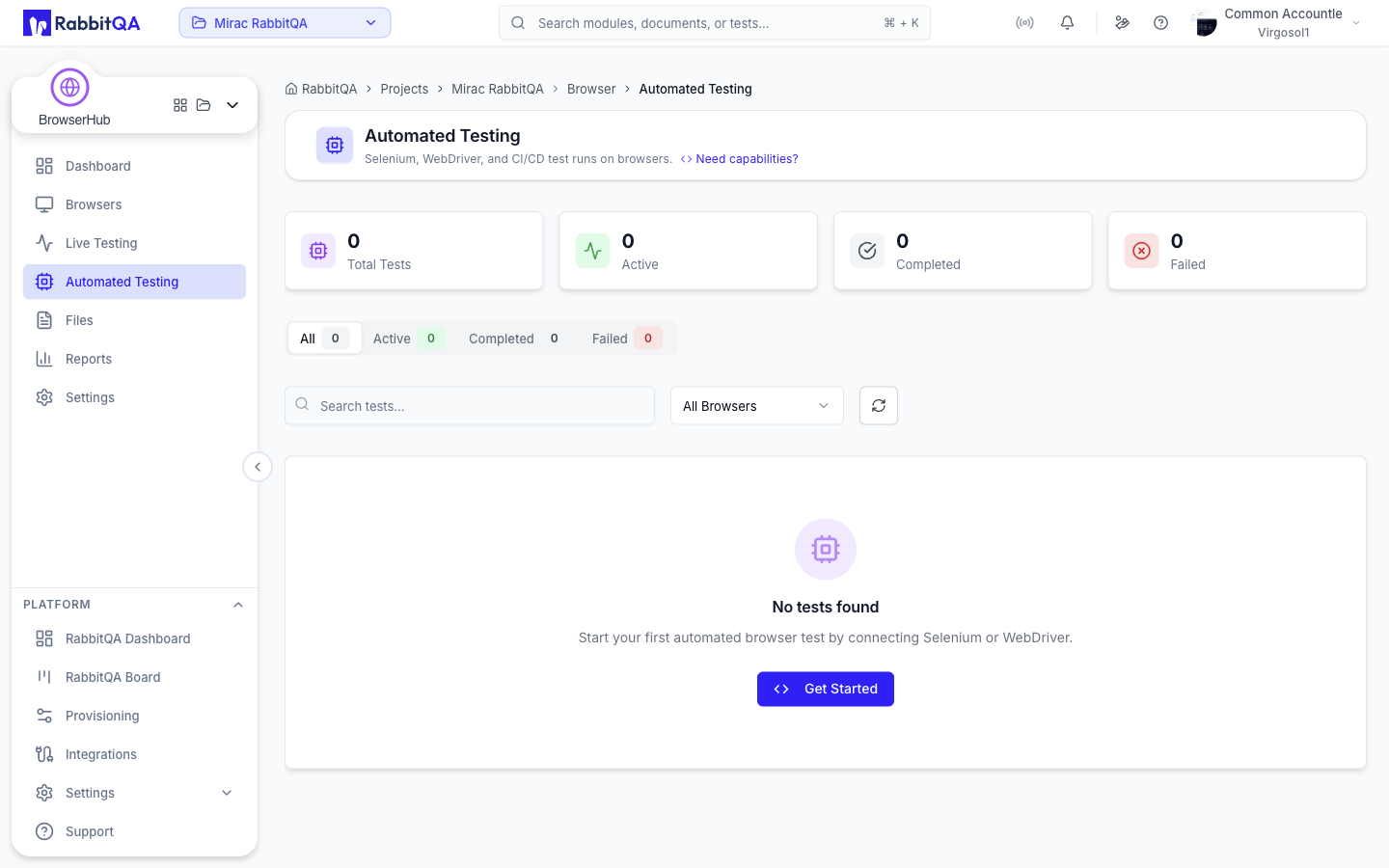
Automated Testing at /browser/automated-testing lists the Selenium, WebDriver, and CI/CD test runs that used a BrowserHub browser.
Sessions appear here on their own: they are created by your test client connecting to the hub, not by anything on this page. To connect a suite for the first time, use the Selenium Config Generator. The page header links to it directly under Need capabilities?.
The Session List
Statistics
Four cards summarize automation runs: Total Tests, Active, Completed, and Failed.
Tabs
| Tab | Shows |
|---|---|
| All | Every automation session |
| Active | Sessions with status ACTIVE |
| Completed | Sessions with status TERMINATED |
| Failed | Sessions with status FAILED |
Each tab carries a count badge, and the status filter is applied by the server.
Filters
- Search matches the browser name, the browser identifier, the session ID, and the session name in the loaded page.
- Browser narrows the list to a single browser instance seen in those sessions.
- Clear filters resets the tab, search, and browser filter together.
- The refresh button reloads the current page on demand.
Cards
Each card names the run and the browser it used, with its status and timing. Active sessions sort to the top.
Where a run carries no name, the list derives one from the browser instance it used, falling back to a short form of the session ID.
The list is paged at twenty sessions per page and refreshes every five seconds, pausing while the browser tab is hidden or unfocused.
Ending a run
End Test on a card asks for confirmation, then stops the run and everything still executing in it.
The Session Detail
Selecting a card opens /browser/automated-testing/<session id>.
This is the same workspace as a live session, opened in automation context, so navigation stays under /browser/automated-testing.
The panels, artifact tabs, and network capture are described in Live Testing.
A finished automation session has one tab a live session does not: Test Results.
Set df:liveView to true in your capabilities to stream the browser while your automation drives it, so you can watch the run from the session detail page.
What the Run Produces
The artifacts an automation session leaves behind depend on the capabilities it requested.
| Capability | Effect |
|---|---|
df:recordLogs | Captures browser console logs. On by default |
df:recordVideo | Records video of the session. Off by default |
df:liveView | Streams the session live while it runs. Off by default |
The full capability list is in Settings.
