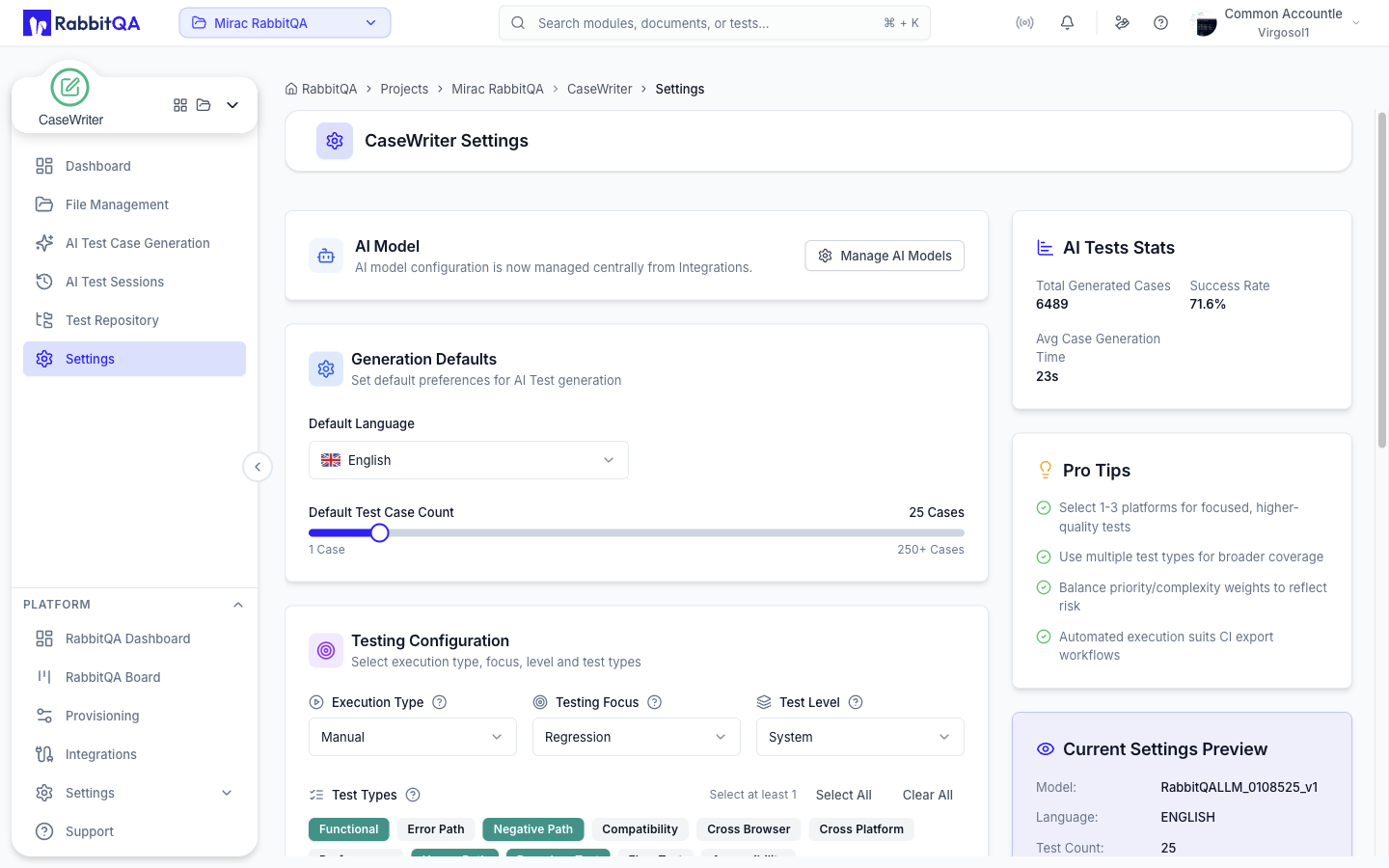
AI Test Generator
Generate test cases automatically using AI or create them manually.
AI Test Generation
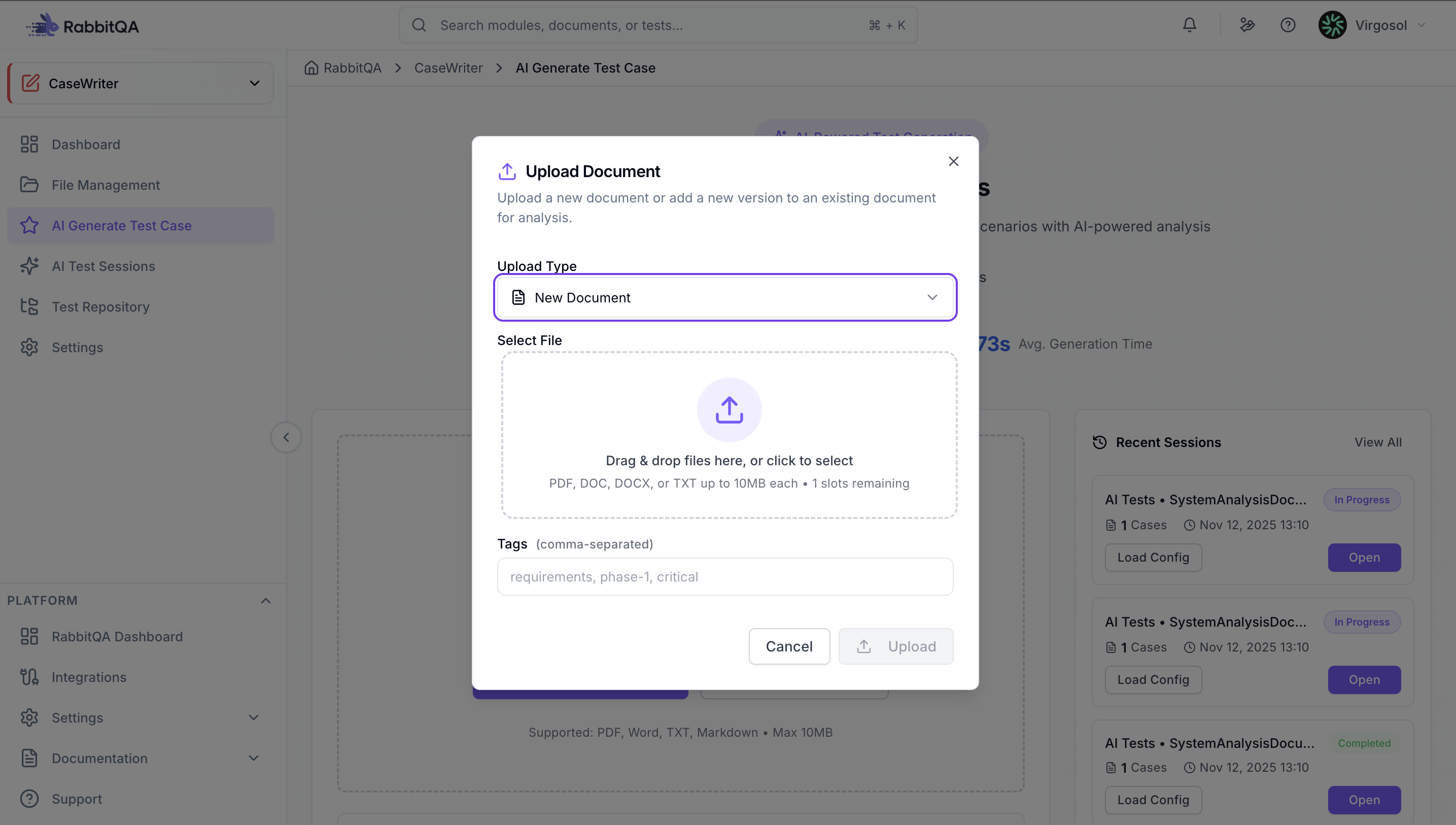
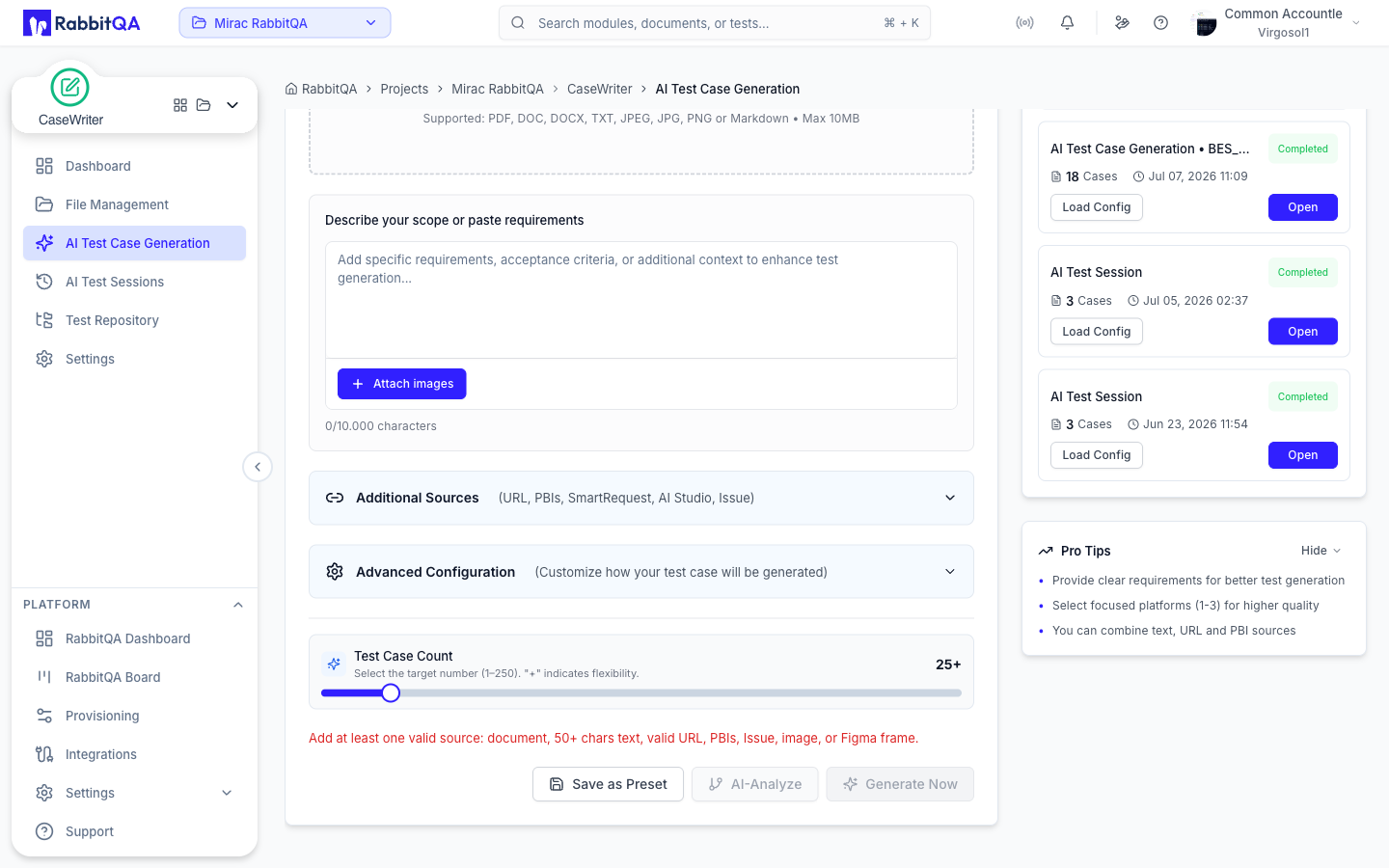
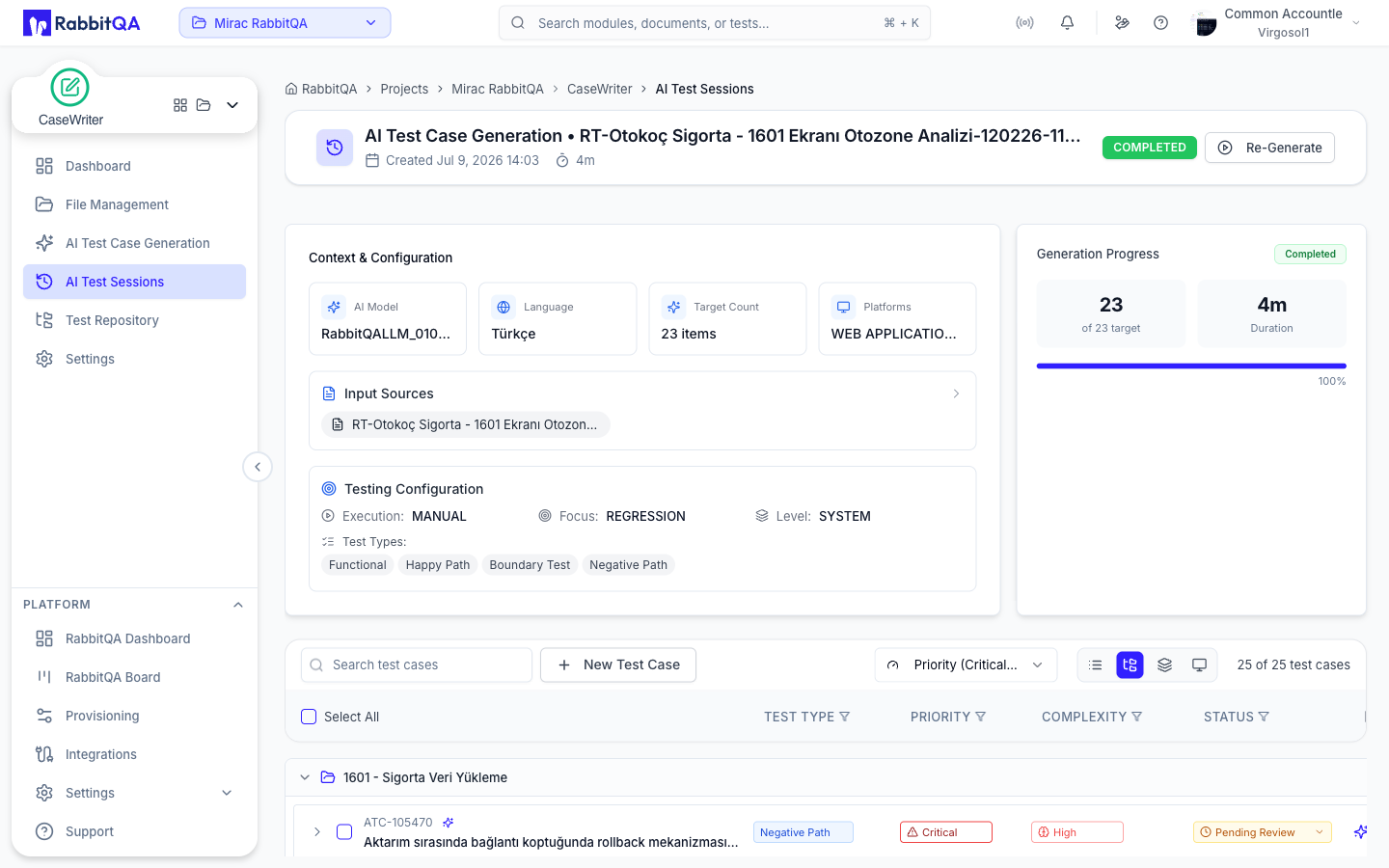
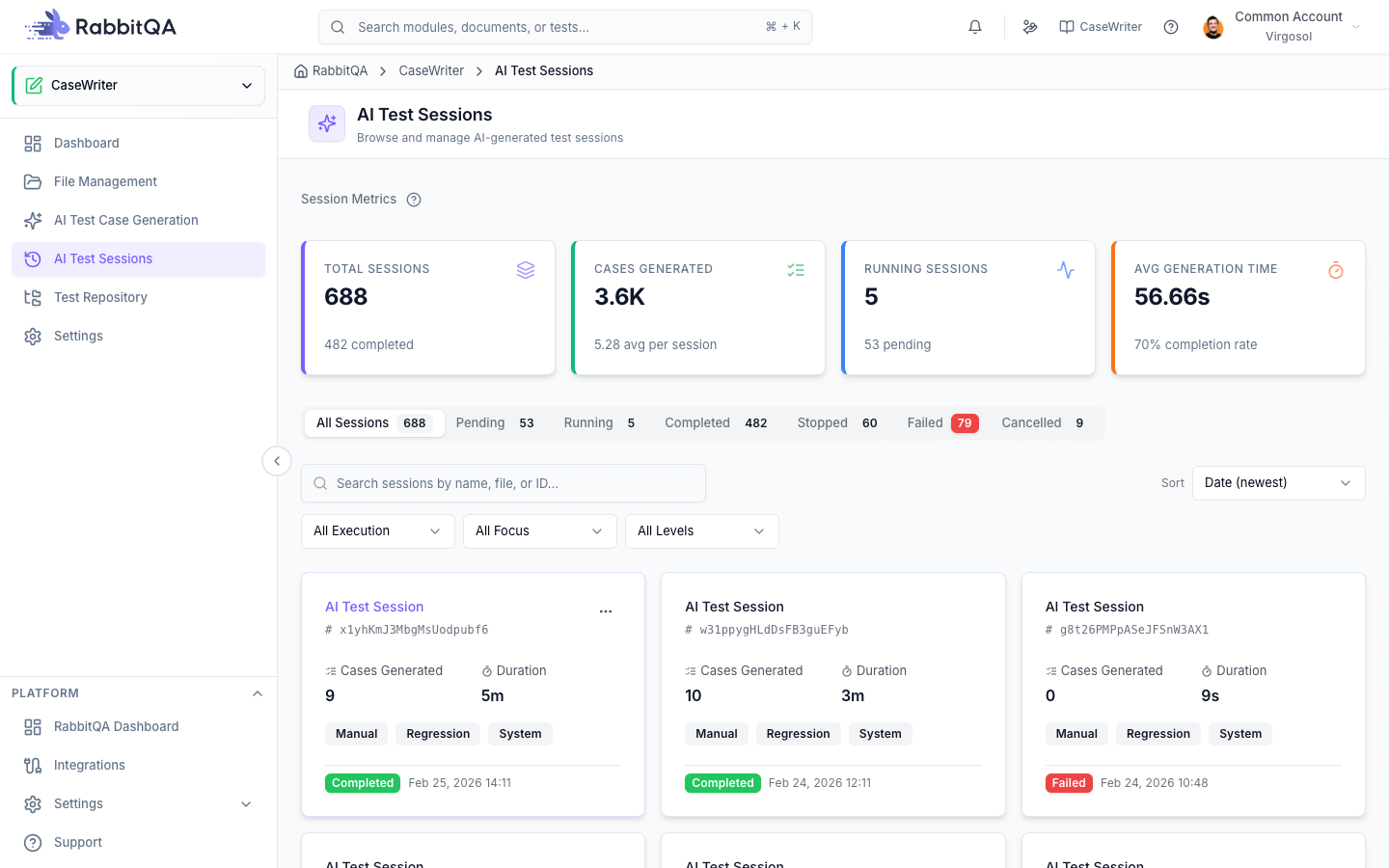
Access from the CaseWriter module and click the "AI Test Generator" button. Enter your requirements by uploading documents or pasting text, select target platforms, and click "Generate Test Scenarios". The AI will create test cases with preconditions, test steps, and expected results.
Manual Creation
For custom test cases, click "Write Test Case" or "New Test Case" from the Test Repository. Enter the test case title, description, priority, and complexity. Add preconditions and test steps with expected results.
Test Sets
Organize your test cases into test sets by clicking "New Test Set". Group related tests together and organize them hierarchically by feature, sprint, or priority.