Settings
Manage templates, custom metrics, AI models, and platform preferences.
What is Settings?
The Settings page is the central configuration hub for the Analyzer module. It allows you to manage templates, create custom metrics, configure AI model preferences, set platform selections, and customize user preferences.
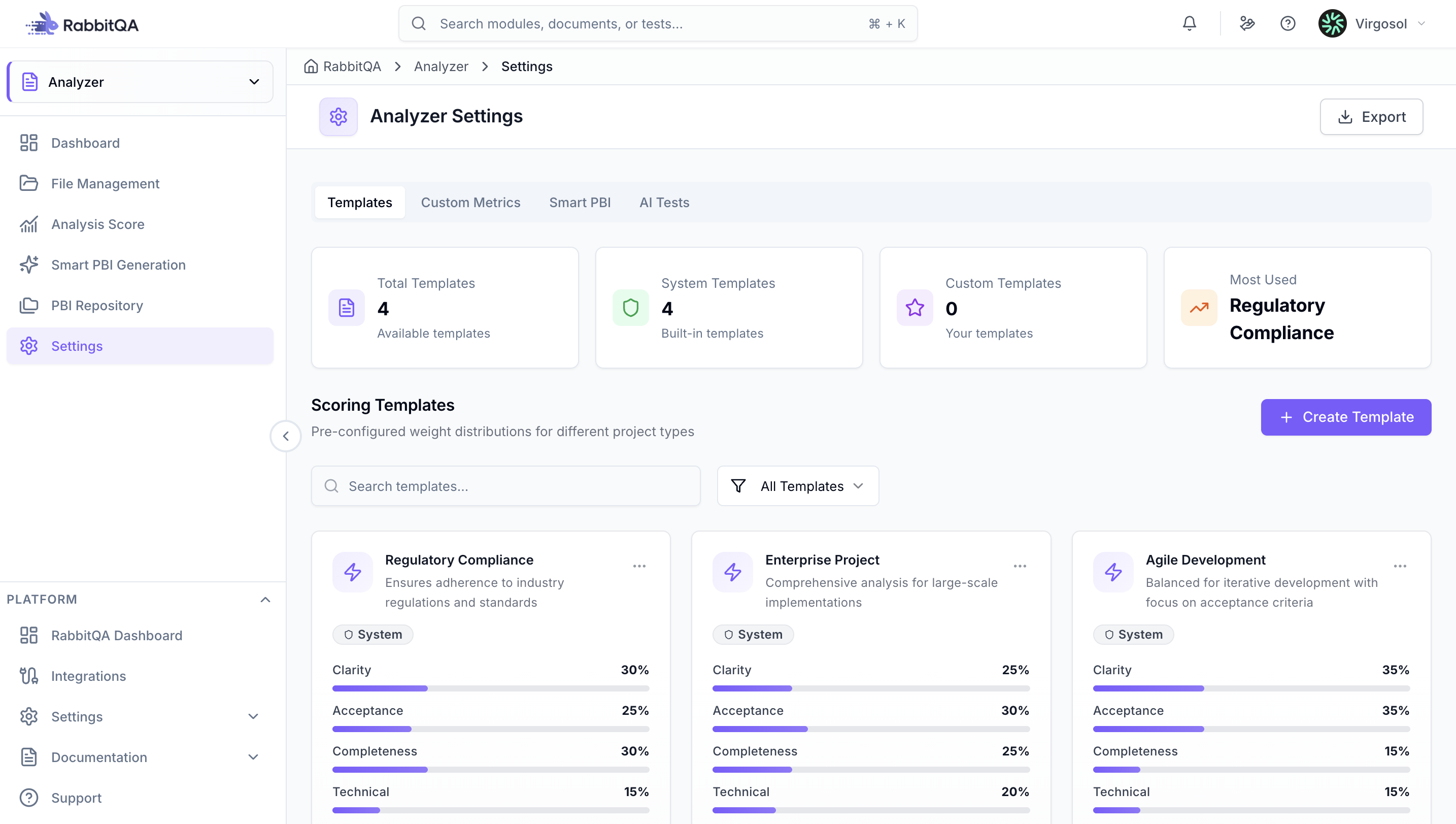
Templates
Manage analysis templates used for document scoring. Create custom templates with specific metric weights (Clarity, Scope Definition, Acceptance Criteria, Technical Consistency) that must sum to 100%.
View system templates, duplicate them, or create new ones. Templates can be searched, filtered, and sorted by usage or date.
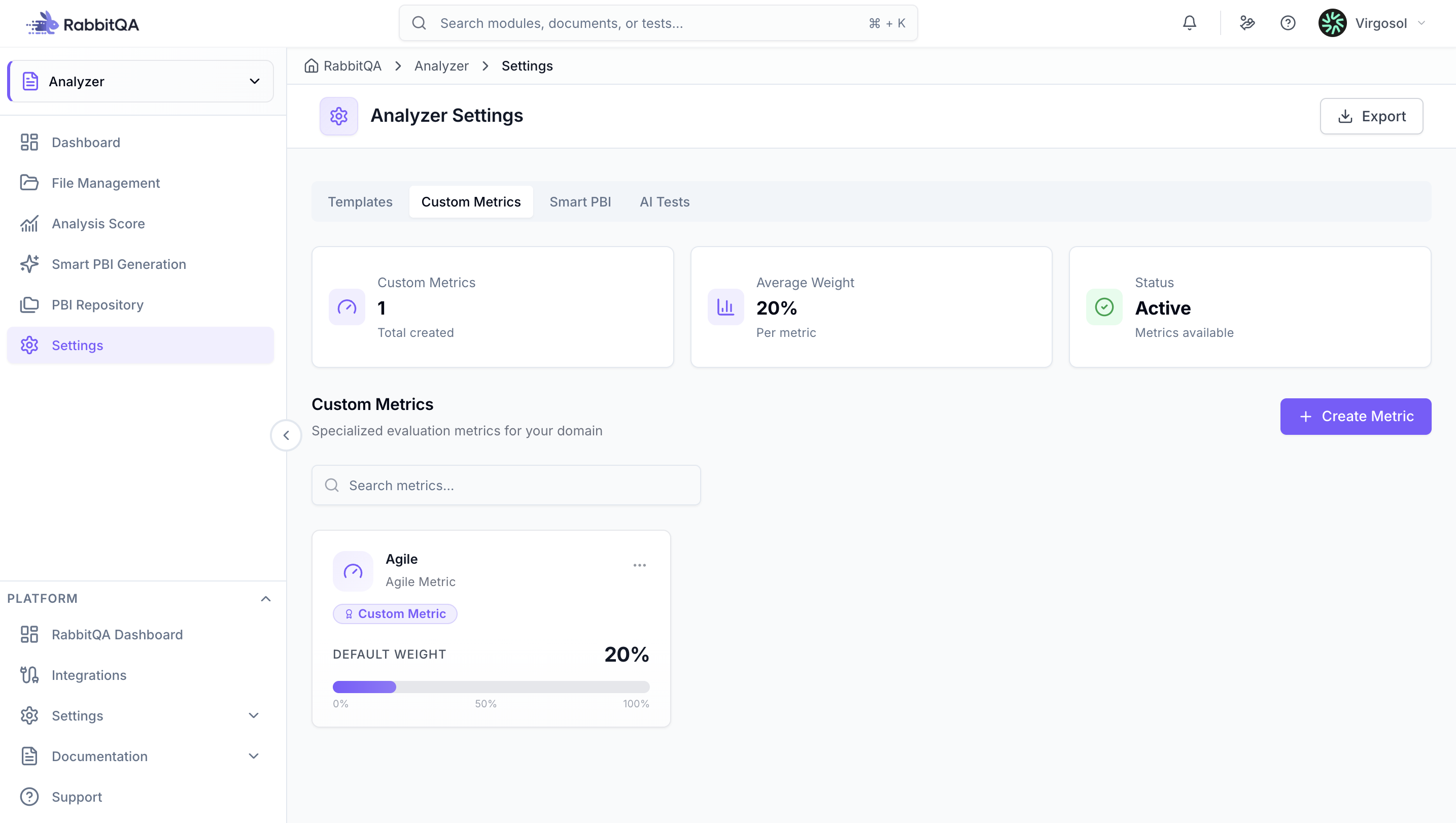
Custom Metrics
Create your own evaluation metrics beyond the standard ones. Define metric name, description, evaluation criteria, and default weight (1-50%).
Configure AI prompts for metric evaluation and set validation rules. Custom metrics can be added to templates and used in analysis scoring.
Smart PBI
Configure Smart PBI Generation settings and preferences. Define default generation parameters, output formats, hierarchical structure preferences (Epic, Feature, User Story), and acceptance criteria templates.
Set story point estimation preferences, priority calculation rules, and configure PBI field mappings for different export targets.
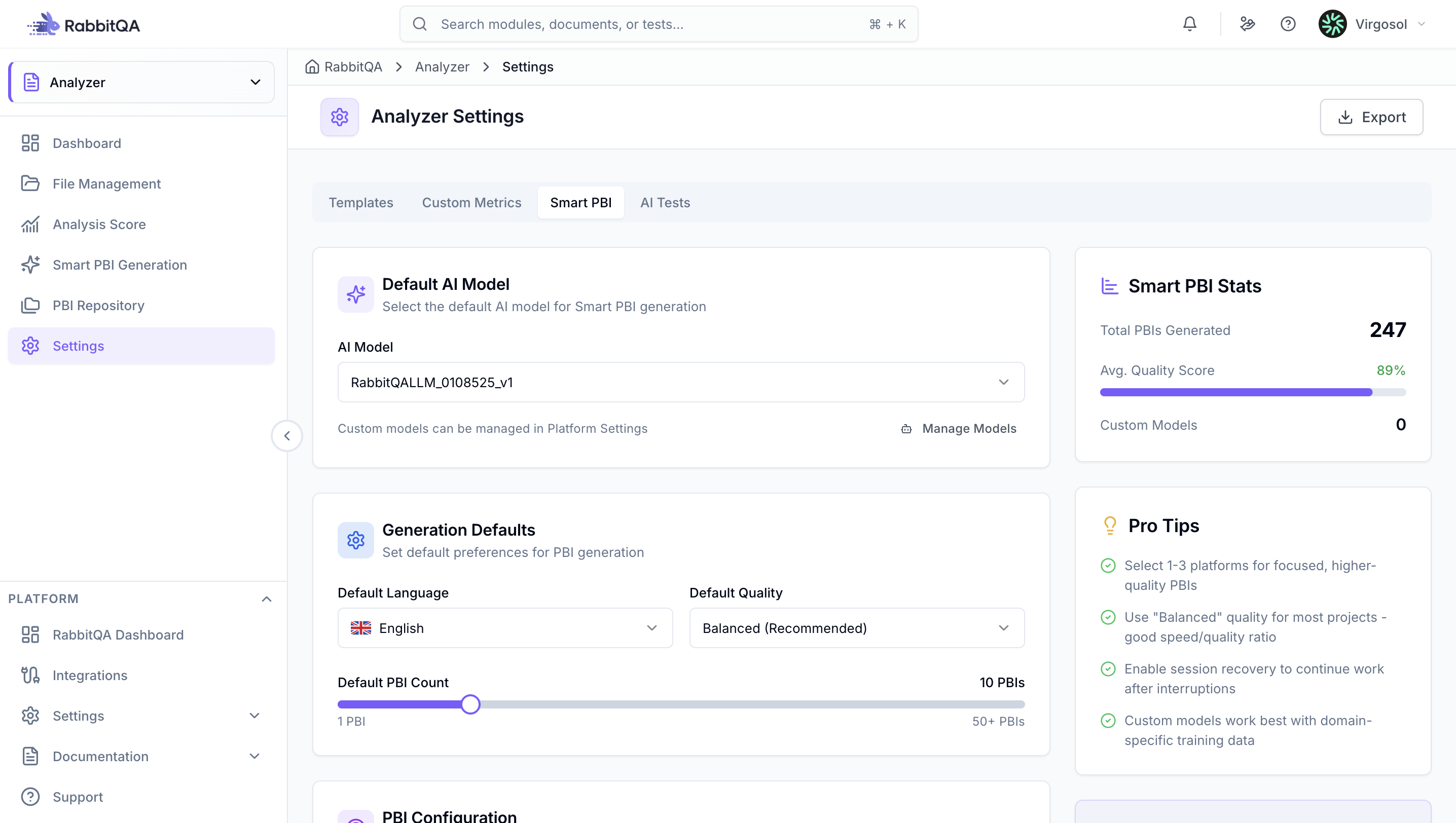
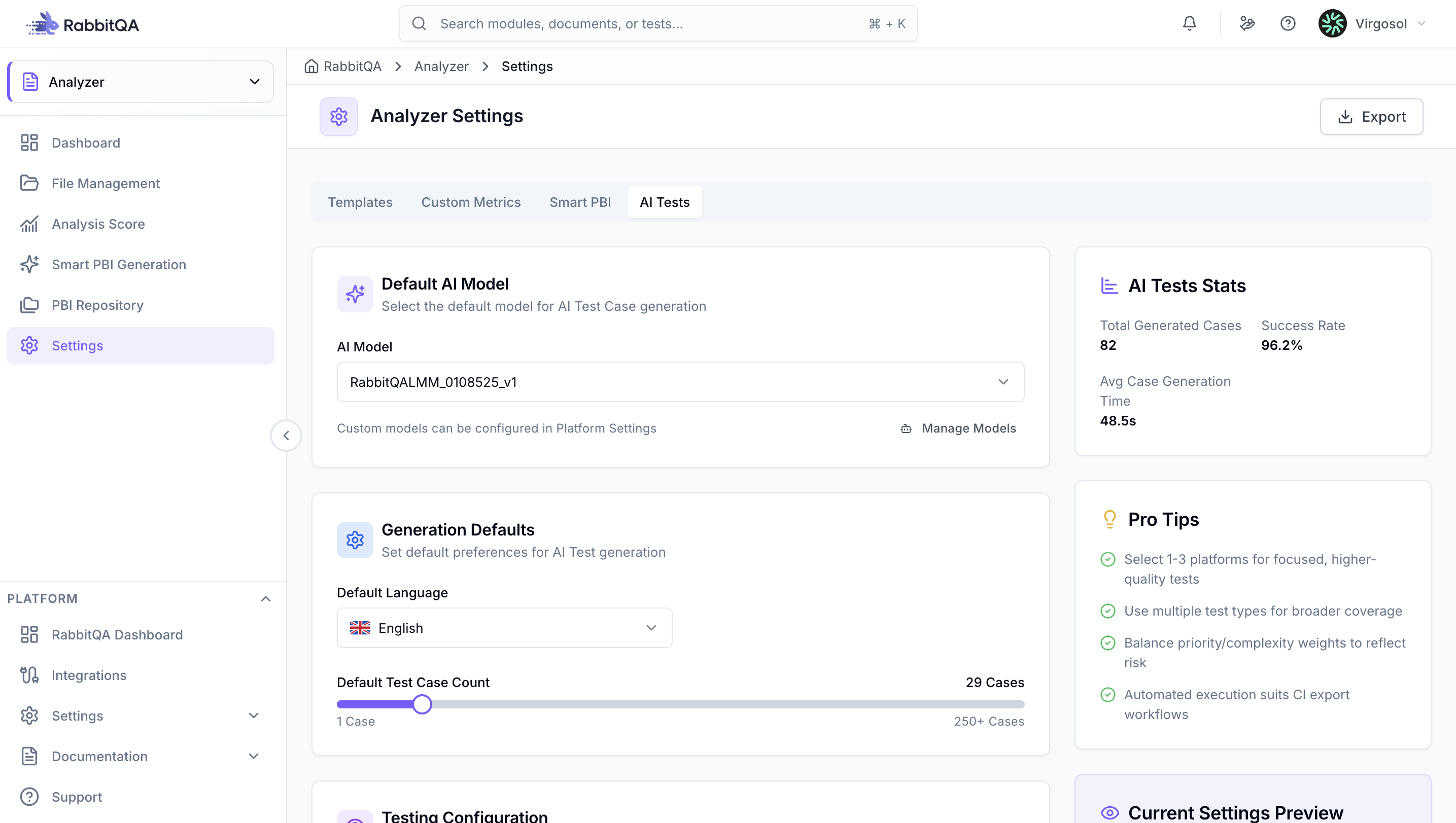
AI Models
Configure AI model preferences for analysis and PBI generation. Select default models, adjust quality settings (Fast, Balanced, Thorough), set language preferences, and configure model parameters like temperature and token limits.
Choose appropriate models based on your use case and cost considerations.
Platform Preferences
Manage platform configurations for PBI generation. Enable or disable platforms (Web, Mobile, Desktop, API/Backend, Embedded Systems), set default platform selections, and configure platform-specific templates and settings.
General Preferences
Display Settings
Configure theme (Light/Dark/Auto), language, date format, and time zone preferences.
Default Values
Set default template, quality level, auto-analyze on upload, default platforms for PBI generation, preferred export format, and other default behaviors.
Notifications
Configure email and in-app notification preferences, frequency, and digest settings.
