Test Repository
TestPilot's Test Repository entry opens the same repository screen that CaseWriter owns.
Both /testpilot/test-repository and /testpilot/repository mount CaseWriter's repository page, so the repository you browse here is the one your test cases already live in - there is no separate TestPilot copy.
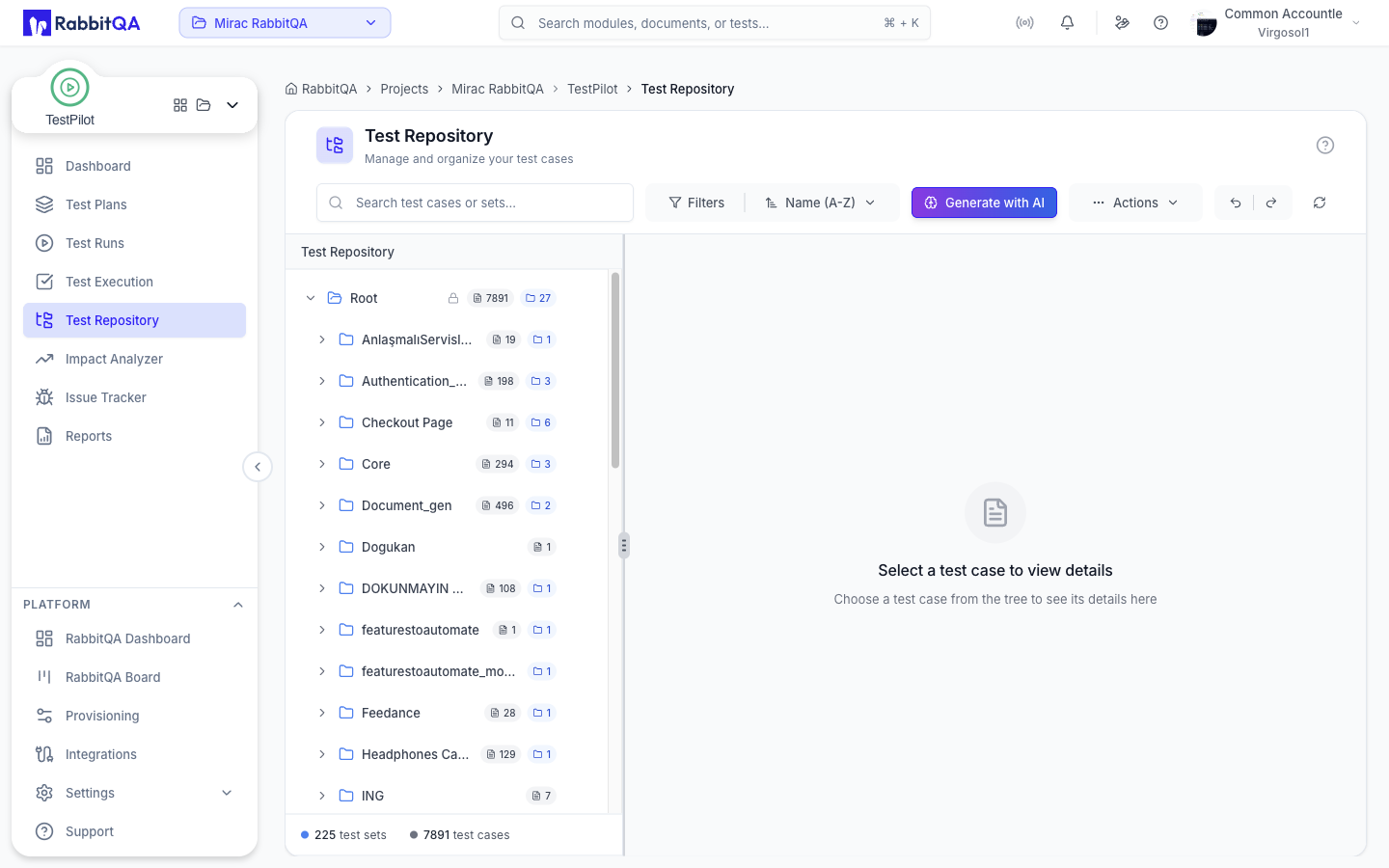
Where the full documentation lives
For everything the screen itself can do - the test set tree, creating and editing test cases, filtering and sorting, import and export, and AI generation - see CaseWriter > Test Repository.
Why it is in the TestPilot sidebar
The repository is the source of the test cases you put into plans and runs, so TestPilot links to it from its own navigation.
In a normal TestPilot cycle you will use it to:
- Confirm a test case exists and is up to date before adding it to a run
- Check which test set a case belongs to, since test sets group results in reports
- Open cases that Impact Analyzer created when a regression set was materialized
Picking cases without leaving TestPilot
You do not have to come here to build a run. Test cases are selected from the repository inside TestPilot's own flows:
| Where | What it does |
|---|---|
| Create or edit a test plan | Stages the plan's test cases in the plan form |
| Create or edit a test run | Stages the run's test cases in the run form |
| Manage Test Cases on a run | Adds or removes cases on an existing run |
The picker in the run form is filtered by the run's selected platforms. Test cases that carry no platform information are still listed, so nothing is hidden by the filter.
Next steps
- CaseWriter > Test Repository - the full repository documentation
- Test Runs - add repository cases to a run
- Test Executions - execute them
