Workspaces
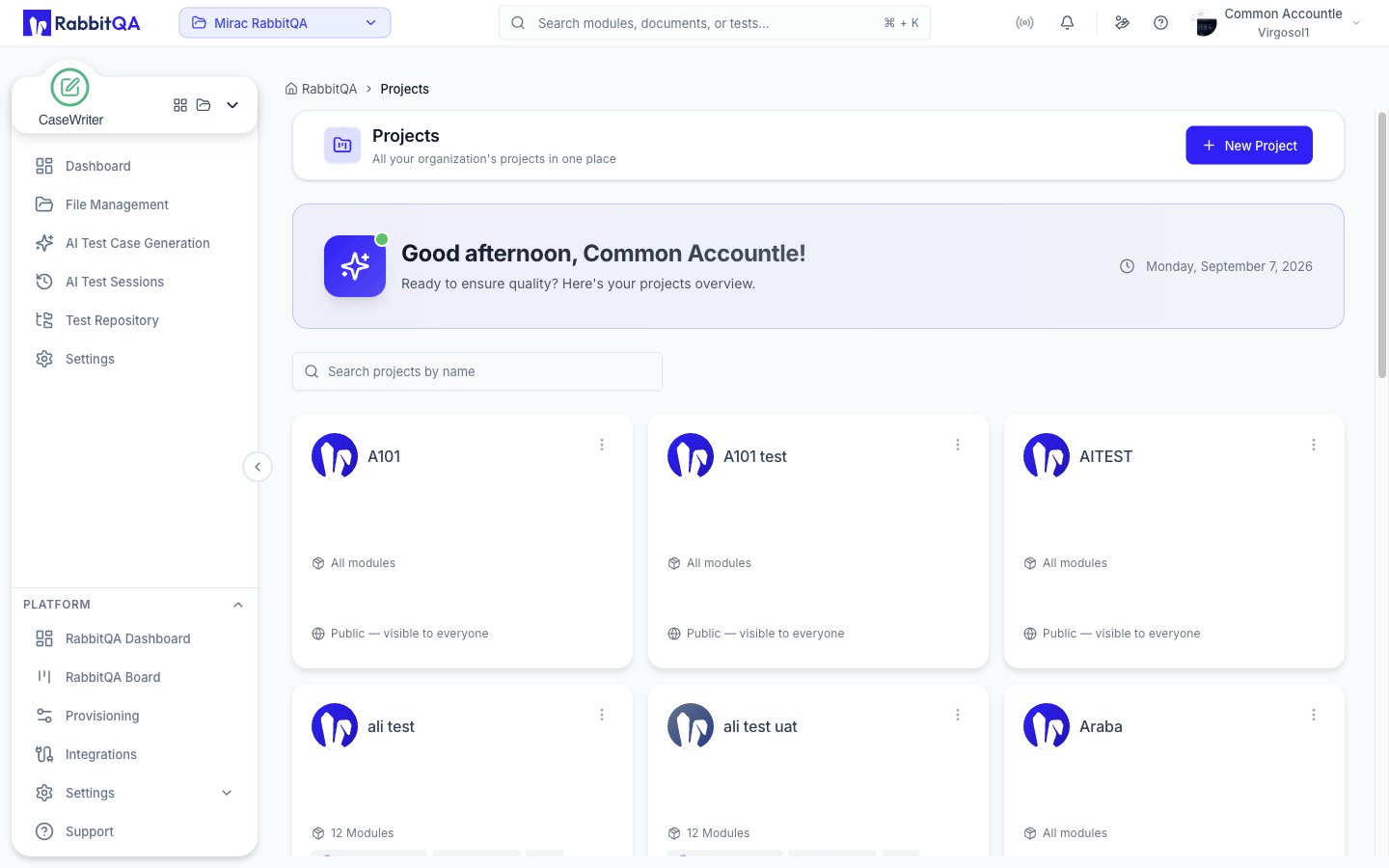
A workspace is the boundary around a team's work. Test cases, plans, runs, automation sources, datasets, generated sessions and files all belong to exactly one workspace, and nothing crosses between them.
Understanding workspaces resolves most "where did my data go?" questions, because the answer is usually that a different workspace is active.
The interface calls workspaces projects. A project is a workspace — the same id appears as the project in the URL path and as the workspace in its query string.
Switching workspace
The switcher sits in the application header, showing the active project's name, with a search box, a Recent projects section and a Projects Home Page link to the full list.
The active workspace also appears in the address bar as ?workspace=, which makes a link you paste into chat land your colleague in the right place.
Switching is immediate: lists reload against the new workspace, and the module switcher updates to whatever that workspace is entitled to.
The workspace is remembered per browser tab. Two tabs can sit in two different workspaces at the same time, which is useful for comparing, and confusing if you forget you did it.
What a workspace controls
| Aspect | Effect |
|---|---|
| Data | Every workspace-scoped resource is filtered on the server. You cannot see another workspace's test cases even by guessing an ID. |
| Modules | Each workspace has its own set of enabled modules. A module absent here may be present in another workspace. |
| Members | Access is granted to individual users or to whole teams. |
| Roles | A user can hold different roles in different workspaces. |
Access
Access is granted two ways:
- By team — from Settings › Team Management › Teams, opening a team's projects drawer and switching on each project the team may reach. This is the maintainable option, because it follows team membership as people join and leave.
- By user — from the project's own Members step, where named individuals are added.
A user with no workspace access can sign in but has nowhere to work, and will see an empty switcher.
Module entitlement
Modules are enabled per workspace. The gateway enforces this before a request reaches the owning service, so an unentitled module is genuinely unavailable rather than merely hidden.
If a colleague can open a module and you cannot, check entitlement before you check permissions — they are separate gates:
| Gate | Question it answers | Set by |
|---|---|---|
| Module entitlement | Does this workspace have the module at all? | Workspace administrator |
| Permission | Is this user allowed to do this action? | Role assignment |
Projects
The Projects Home Page lists every workspace you can reach, and each one has its own dashboard showing project members, enabled modules, files and recent activity.
Creating one runs a four-step New Project wizard:
| Step | What you set |
|---|---|
| Project Details | Name (required), description, prefix and colour |
| Modules | The modules this project activates |
| Members | The users assigned to it |
| Review | A final check before Create Project |
A project deletes only when it is empty — deleting one that still holds data is refused.
Related
- Team Management — users, roles and teams
- Settings — organization and role configuration
- Platform Architecture — how the four tenancy levels are enforced
